
The Canon PIXMA G670 is a six-colour MegaTank all-in-one (print, scan, copy) built mainly for photo printing at home or in a small studio. It is a good choice if you print many colour photos and want refillable ink bottles instead of cartridges, but it is a poor fit for an office that needs fast document printing, automatic two-sided printing or a document feeder.
Canon rates the G670 at about 3.9 images per minute for A4 documents and about 47 seconds for a borderless 4×6 photo, so speed is not its strength. What it offers instead is a six-ink system (with red and grey added to the usual four colours), borderless printing up to A4, a user-replaceable maintenance cartridge and very high rated ink yields.
How this review was put together: this article is based on Canon India’s official specification page and the Amazon.in listing data, both checked on 17 October 2026. It is not a hands-on test, and no print samples or speed measurements here are our own.
Quick verdict
- Best for: families, hobby photographers and small photo businesses that print lots of 4×6 and A4 colour photos
- Skip if: you mostly print text documents, need duplex printing, or want an automatic document feeder
- Key strengths: six-colour GI-73 ink system, borderless A4 and photo sizes, rated yields of about 3,700 black and 8,000 colour pages per bottle, replaceable maintenance cartridge
- Key limitations: slow 3.9 ipm document speed, no auto duplex, no ADF, 2.4 GHz-only Wi-Fi, no Ethernet
Canon PIXMA G670 key specifications
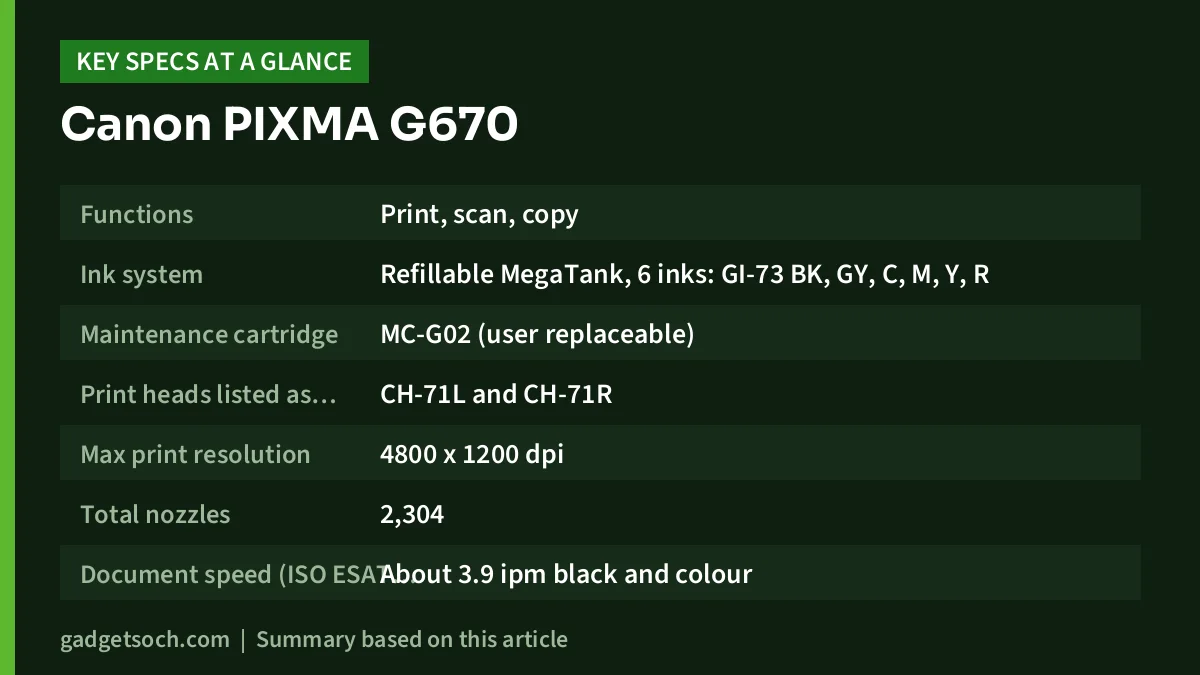
| Specification | Canon PIXMA G670 (official figure unless noted) |
|---|---|
| Functions | Print, scan, copy |
| Ink system | Refillable MegaTank, 6 inks: GI-73 BK, GY, C, M, Y, R |
| Maintenance cartridge | MC-G02 (user replaceable) |
| Print heads listed as consumables | CH-71L and CH-71R |
| Max print resolution | 4800 x 1200 dpi |
| Total nozzles | 2,304 |
| Document speed (ISO ESAT, A4) | About 3.9 ipm black and colour |
| First page out | About 20 seconds (black and colour) |
| 4×6 borderless photo | About 47 seconds |
| Rated yield (A4, ISO/IEC 24712) | About 3,700 pages black, about 8,000 pages per colour bottle |
| Rated yield (4×6 photo) | About 3,800 prints per bottle |
| Rear tray capacity | 100 sheets plain A4 (64 gsm), 30 sheets 4×6 photo paper |
| Paper weight | 64-105 gsm plain, up to about 275 gsm Canon photo paper |
| Scanner | Flatbed CIS, 600 x 1200 dpi optical, A4/Letter max |
| Display | 5.08 cm (2-inch) LCD |
| Wi-Fi | IEEE 802.11b/g/n, 2.4 GHz only, direct wireless connection |
| Wired | USB 2.0 (no Ethernet listed) |
| Duty cycle | Up to 8,000 pages per month |
| Dimensions and weight | About 445 x 340 x 167 mm, about 6.6 kg |
| Warranty | 1 year from date of purchase (per the Amazon.in listing) |
Check the current price of the Canon PIXMA G670 on Amazon.in
What the six-colour ink system means for your prints
Most home ink tank printers use four inks: black, cyan, magenta and yellow. The G670 adds red and grey GI-73 inks. In practical terms, an extra red ink is intended to help the printer reproduce warm tones, skin tones and saturated reds without having to mix them only from magenta and yellow, while a dedicated grey ink is meant to help with smooth gradients and neutral shadows, which matters for black-and-white photos and darker images. The Amazon.in listing describes it as a high-quality photo printer suited to homes, photo labs and photo studios. Canon also lists a maximum resolution of 4800 x 1200 dpi and 2,304 total nozzles.
Running costs and ink yield, explained
The biggest reason to buy an ink tank printer is the cost per page over time. Canon rates each black GI-73 bottle at about 3,700 A4 pages and each colour bottle at about 8,000 A4 pages under the ISO/IEC 24712 test method, and about 3,800 4×6 photos per bottle under ISO/IEC 29103 on Canon PP-201 paper. Canon notes these figures come from its own test method and continuous-printing simulation, that real yields vary with what you print, and that the figures are not based on the bottles bundled with the printer.
Keep two things in mind. First, photos use far more ink than text pages, so a household that prints full-page A4 photos will see much lower page counts than the document yield suggests. Second, the Amazon.in listing quotes a per-page print cost, but ink prices change, so we have not repeated those figures here. Work out your own cost from the current GI-73 bottle price and Canon’s yield figures.
The MC-G02 maintenance cartridge is another detail worth understanding. Ink tank printers use some ink for head cleaning, and that waste ink collects in an absorber. On printers without a replaceable cartridge, a full absorber usually needs a service visit. Canon lists the G670’s maintenance cartridge as user replaceable, so you can swap it at home. The listing title also describes the print heads as user replaceable; Canon’s page lists the CH-71L and CH-71R print heads as consumables. Canon also says its warranty covers the printer body, not consumables such as ink and paper.
Paper handling, borderless printing and banner prints
All paper goes through a single rear tray that holds up to 100 sheets of plain A4 or 30 sheets of 4×6 photo paper. Canon supports a wide list of sizes, including A4, A5, A6, B5, Letter, Legal, 4×6, 5×7, 7×10, 8×10, square 3.5×3.5 and 5×5 inch sizes, a 91 x 55 mm card size and common envelope sizes. Borderless printing is supported on A4, Letter, 4×6, 5×7, 7×10, 8×10, the two square sizes and the card size.
Canon also lists custom paper lengths of up to 1,200 mm and highlights banner printing up to 120 cm, which can be useful for small shop signs or event decorations. Borderless is not supported on some media such as T-shirt transfers and photo stickers.
Canon lists only the rear tray for paper input, and there is no automatic two-sided printing (the listing states “Duplex: No”), so printing a double-sided school project means flipping pages by hand.
Scanning and copying
The G670 has a flatbed CIS scanner with an optical resolution of 600 x 1200 dpi and a maximum original size of A4/Letter. That is enough for scanning documents, school certificates and old printed photos. There is no automatic document feeder in Canon’s specification, so multi-page documents must be scanned one page at a time.
For copying, Canon lists up to 99 copies per job, two quality settings and nine density levels, with a colour copy speed of about 2.9 ipm and a first copy time of about 25 seconds.
Connectivity, apps and compatibility
Canon lists Wi-Fi (IEEE 802.11b/g/n) on the 2.4 GHz band only, a direct wireless connection mode and USB 2.0. There is no Ethernet port in the specification. If your home router runs separate 2.4 GHz and 5 GHz networks, connect the printer to the 2.4 GHz one.
Mobile printing is supported through Canon PRINT, Easy-PhotoPrint Editor, PIXMA Cloud Link, Canon Print Service for Android, Mopria, AirPrint and Wireless PictBridge. Canon’s page lists Windows 10, 8.1 and 7 SP1, macOS 10.12.6 to 11, and Chrome OS. Windows 11 and newer macOS versions are not named on that page, so check Canon India’s support downloads for current drivers before you buy if you use a newer computer.
The Amazon.in listing also mentions “Voice-Activation” as a special feature, but Canon’s official page does not mention voice assistant support, so do not buy the printer for that reason.
Size, power and noise
At about 445 x 340 x 167 mm and 6.6 kg, the G670 needs a desk or shelf with space behind it for the rear tray and in front for the output tray; Canon gives about 564 mm depth with trays extended. Power use is listed as about 0.2 W when off, about 0.6 W in standby and about 16 W while copying, and Canon rates printing noise at 50.5 dB(A).
Who should buy it, and who should skip it
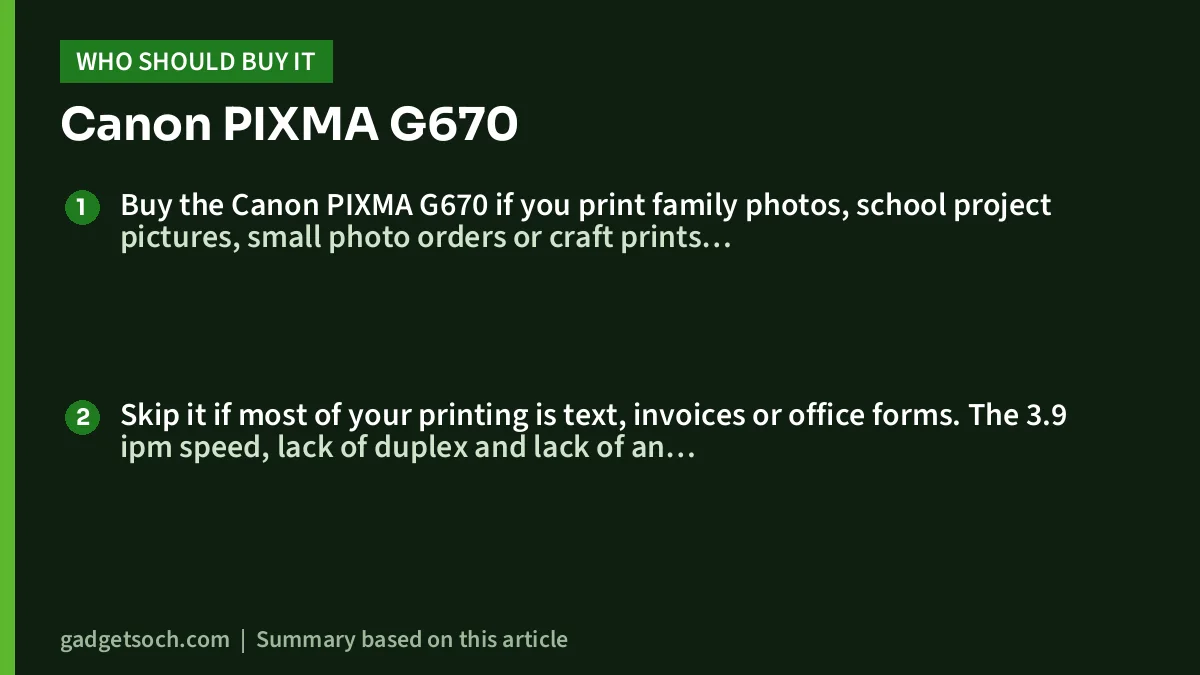
Buy the Canon PIXMA G670 if you print family photos, school project pictures, small photo orders or craft prints regularly, you want borderless A4 and 4×6 output, and you value six-colour output and high-yield ink more than speed.
Skip it if most of your printing is text, invoices or office forms. The 3.9 ipm speed, lack of duplex and lack of an ADF will slow you down. A mono laser or a document-focused ink tank all-in-one is a better fit. Also skip it if you do not need a scanner, because a print-only model can do the same photo job.
Alternatives worth comparing
- Canon PIXMA G570: the print-only sibling. Canon lists the same six GI-73 inks, MC-G02 maintenance cartridge, 3.9 ipm speed and 4800 x 1200 dpi resolution, but no scanner or copier.
- Epson EcoTank L8050: a six-ink photo printer (black, cyan, magenta, yellow, light cyan, light magenta) that Epson lists at up to 8.0 ipm on A4, with CD/DVD and PVC ID card printing. Epson’s page does not list scanning.
- A four-colour ink tank all-in-one: if photos are occasional and documents are frequent, see our guide to the best ink tank printers for home in India.
What to check before you order
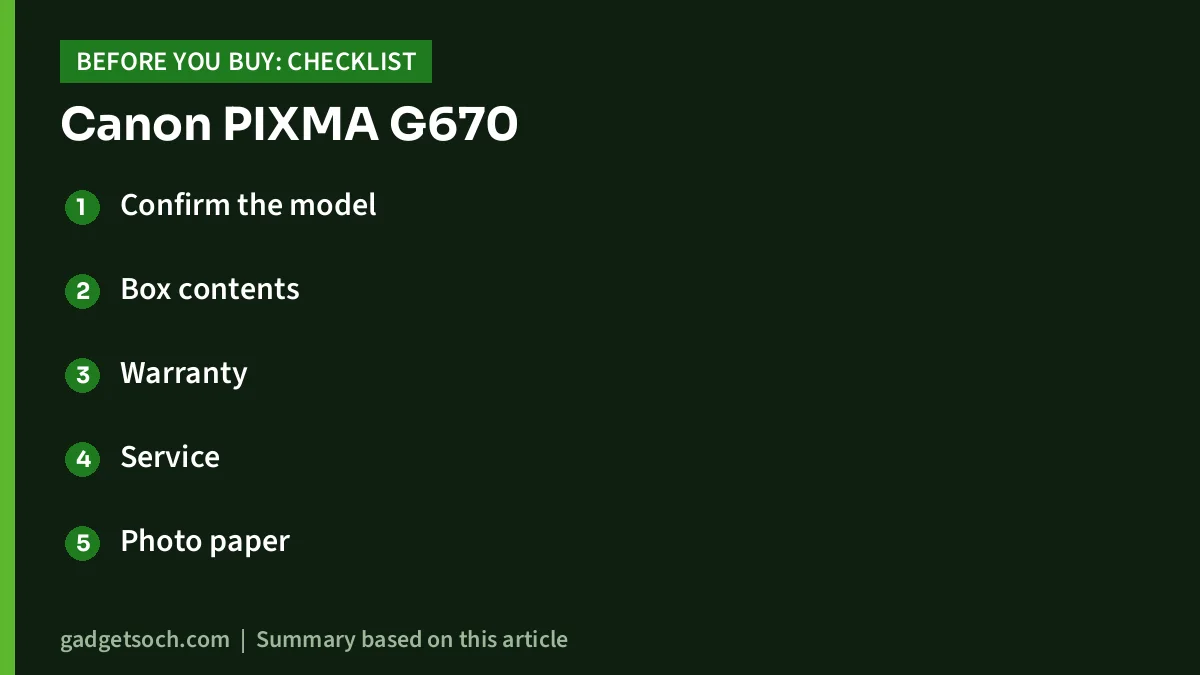
- Confirm the model: the linked listing is for the PIXMA G670 (listed colour: Black). Make sure the page still says G670 and not the print-only G570.
- Box contents: the listing says the box includes the printer, power cord, USB cable, manual and one set of six GI-73 ink bottles (cyan, magenta, yellow, red, grey, black). Check the seal on the bottles on delivery.
- Warranty: the listing states a 1-year warranty from the purchase date and warns that non-genuine ink can void it. Keep your invoice.
- Service: confirm a Canon service centre is reachable in your city, since print heads and maintenance cartridges may need replacing over years of use.
- Photo paper: use the correct paper type setting; Canon’s yields and borderless support depend on the media.
- Computer compatibility: check Canon’s support site for drivers for your Windows or macOS version.
See the Canon PIXMA G670 (Black) listing on Amazon.in and confirm the variant and seller before ordering.
Frequently asked questions
Does the Canon PIXMA G670 print on both sides automatically?
No. The Amazon.in listing states duplex is not supported, and Canon’s specification does not list automatic two-sided printing. You can print double-sided manually by reloading pages.
Can the Canon G670 print borderless A4 photos?
Yes. Canon lists borderless printing for A4, Letter, 4×6, 5×7, 7×10, 8×10, two square sizes and a 91 x 55 mm card size, with some media exceptions such as T-shirt transfers and photo stickers.
Which ink does the Canon PIXMA G670 use?
It uses GI-73 ink bottles in six colours: black (BK), grey (GY), cyan (C), magenta (M), yellow (Y) and red (R). The maintenance cartridge is MC-G02.
Does the G670 support 5 GHz Wi-Fi or Ethernet?
No. Canon lists Wi-Fi on 2.4 GHz only (802.11b/g/n) plus USB 2.0. No Ethernet port is listed.
Is the Canon G670 good for office documents?
It can print documents, but at about 3.9 ipm with no duplex and no document feeder, it is slow for regular office work. It makes more sense when photos are the main job.
Does it have an automatic document feeder?
No ADF is listed. Scanning and copying are done on the A4 flatbed one page at a time.
Final word
The Canon PIXMA G670 is a focused photo all-in-one: six inks, borderless photo sizes up to A4, high rated ink yields and a user-replaceable maintenance cartridge, with the trade-off of slow document speed and no duplex or ADF. If photos are what you print most, it deserves a place on your shortlist. Check the current price of the Canon PIXMA G670 on Amazon.in.
Related reading on GadgetSoch: Samsung 8GB DDR5-5600 SODIMM Review (M425R1GB4BB0-CWM): Will It Fit Your Laptop? and Geonix Trek T3 Review: A 219g Aluminium Laptop Stand With 7 Angles.
Sources
- Canon India: PIXMA G670 product and specifications page (checked 17 October 2026)
- Amazon.in listing data for ASIN B096XKWCYY, captured 17 October 2026
- Canon India: PIXMA G570 specifications (checked 17 October 2026)
- Epson India: EcoTank L8050 product page (checked 17 October 2026)




