The Samsung 8GB DDR5-5600 SODIMM (part number M425R1GB4BB0-CWM) is a single 8GB laptop memory module for notebooks and mini PCs that have a socketed DDR5 SODIMM slot. It is a sensible, plain upgrade if your laptop has an empty DDR5 slot and only 8GB installed, because adding it can take you to 16GB and enable dual-channel memory. It will not work in DDR4 laptops, and it cannot upgrade laptops whose memory is soldered to the motherboard.
The short verdict: this is a standard JEDEC-style module rated at 5600 MT/s with CL46 latency at 1.1V, single rank, non-ECC and unbuffered. It is built for compatibility, not overclocking. In 2026, 8GB on its own is a modest amount, so this stick makes the most sense as a partner for an existing 8GB module rather than as the only memory in a laptop.
Please note: this article is based on official Samsung information, the Amazon.in listing and published technical sources, checked on 17 October 2026. We have not tested this module hands-on, and we make no performance claims of our own.
Quick verdict
- Best for: DDR5 laptops with a free SODIMM slot and 8GB already installed, where a second 8GB stick gives 16GB in dual-channel mode
- Skip if: your laptop uses DDR4, has soldered-only LPDDR5 or LPDDR5X memory, or you want 16GB or more from a single slot
- Key strengths: made by Samsung, a major DRAM maker, standard 262-pin DDR5 SODIMM form factor, 1.1V operation, a 5600 rating that covers most current DDR5 laptops
- Key limitations: only 8GB, relaxed CL46 timings, no heat spreader or overclocking profile mentioned anywhere, and warranty terms in India depend on the seller, so confirm them before ordering

| Specification | Samsung M425R1GB4BB0-CWM |
|---|---|
| Capacity | 8GB (one module) |
| Memory type | DDR5 SDRAM |
| Form factor | SODIMM, 262-pin (laptop) |
| Rated speed | 5600 MT/s (PC5-44800, also written PC5-5600B) |
| CAS latency | CL46 (per the Amazon.in listing) |
| Voltage | 1.1V |
| Rank and organisation | 1Rx16 (single rank, x16 chips) |
| Error correction and buffering | Non-ECC, unbuffered (module-level) |
| Intended device | Laptops and notebooks |
| Pack size | 1 module |
Specifications were checked on 17 October 2026. The capacity, DDR5 type, 5600 rating, 1.1V voltage and SODIMM form factor match Samsung Semiconductor’s general description of its DDR5 SODIMMs. Samsung does not publish a public spec sheet for this exact part number and asks buyers to contact its regional sales team for part-level details, so CL46, rank and the non-ECC unbuffered status come from the Amazon.in listing and were cross-checked against two independent retailer listings.
Check the current price of the Samsung 8GB DDR5-5600 SODIMM on Amazon.in
What you actually get with this listing
The Amazon.in listing title describes the exact item: “Samsung 8GB DDR5 5600MHz PC5-44800 CL46 SODIMM 1Rx16 Single Rank 1.1V 262-Pin Laptop RAM Memory M425R1GB4BB0-CWM, 1 Module”. That means one 8GB stick, not a pair. If you want 16GB in dual channel and your laptop has two empty slots, you need two modules, or one module plus the stick already in your laptop.
The listing calls the speed “5600MHz”. Strictly speaking, DDR5 speeds are data rates in mega-transfers per second (MT/s), so “DDR5-5600” is the more accurate label. The PC5-44800 figure is the theoretical peak bandwidth of one module in megabytes per second, which follows from 5600 transfers multiplied by an 8-byte (64-bit) data path.
Compatibility comes first: check these three things
1. Your laptop must use DDR5 SODIMM slots
DDR4 and DDR5 modules are not interchangeable. Kingston explains in its DDR5 overview that the notch on a DDR5 module is placed so it cannot be installed into incompatible sockets. In practice, this Samsung stick physically will not seat in a DDR4 laptop slot.
2. Your laptop must have a slot at all
Many thin-and-light laptops use LPDDR5 or LPDDR5X memory soldered directly to the motherboard. Lenovo’s PSREF sheet for the IdeaPad Slim 3 15AMN8, for example, lists its memory as soldered with no slots. No SODIMM module can upgrade a laptop like that. Upgrade-friendly models usually say so clearly: Lenovo’s PSREF sheet for the LOQ 15IRX9 lists two DDR5 SODIMM slots that can run in dual-channel mode.
3. Your processor sets the real speed
The memory controller lives inside the processor, and each chip has a maximum supported memory speed. Intel’s specification page for the Core i5-12450H, a common budget laptop chip, lists DDR5 support up to 4800 MT/s. A 5600-rated module in a laptop built around that processor is expected to run at the speed the platform supports, not at 5600 MT/s.
Why 8GB, and why single-channel vs dual-channel matters
Intel’s specification page for the Core i5-12450H lists a maximum of two memory channels, and most mainstream laptop processors work the same way. When two modules are installed in two slots, the processor can use both channels at once, which increases the total memory bandwidth available. When only one stick is installed, the Samsung 8GB DDR5-5600 SODIMM runs in single-channel mode.
This is why an 8GB module is most useful as the second stick. A laptop that shipped with one 8GB DDR5 SODIMM and an empty slot goes to 16GB total and dual-channel operation with this upgrade. Laptops without a separate graphics card use part of system memory for their integrated graphics, so these machines generally have the most to gain from dual-channel memory.
If your laptop has only one slot, or both slots are already filled with 8GB sticks, this module does not help. In those cases a 16GB or 32GB module is the sensible choice.
DDR5 basics that apply to this module
- Lower voltage: DDR5 runs at 1.1V, down from DDR4’s 1.2V, according to the DDR5 SDRAM entry on Wikipedia. Kingston says DDR5 at 1.1V uses roughly 20% less power than equivalent DDR4 parts at 1.2V.
- On-die ECC: Samsung’s DDR5 page says on-die ECC helps correct single-bit errors. Kingston notes it works only inside the DRAM chip and does not correct errors on the path to the processor, so this is not the same as full ECC memory used in servers and workstations.
- On-module power management: Samsung and Kingston both describe an on-DIMM PMIC (power management IC) on DDR5 modules that handles power regulation on the stick itself.
- Two subchannels per module: Kingston explains that DDR5 splits each module into two independent 32-bit subchannels, which it says improves efficiency.
What CL46 means in practice
CL46 is the CAS latency, the number of memory clock cycles between a read request and data arriving. A higher number means slightly more cycles of delay, but DDR5-5600 also cycles faster than slower DDR5 grades. For everyday laptop work, total capacity and dual-channel operation matter far more than a few points of latency.
Who should buy it
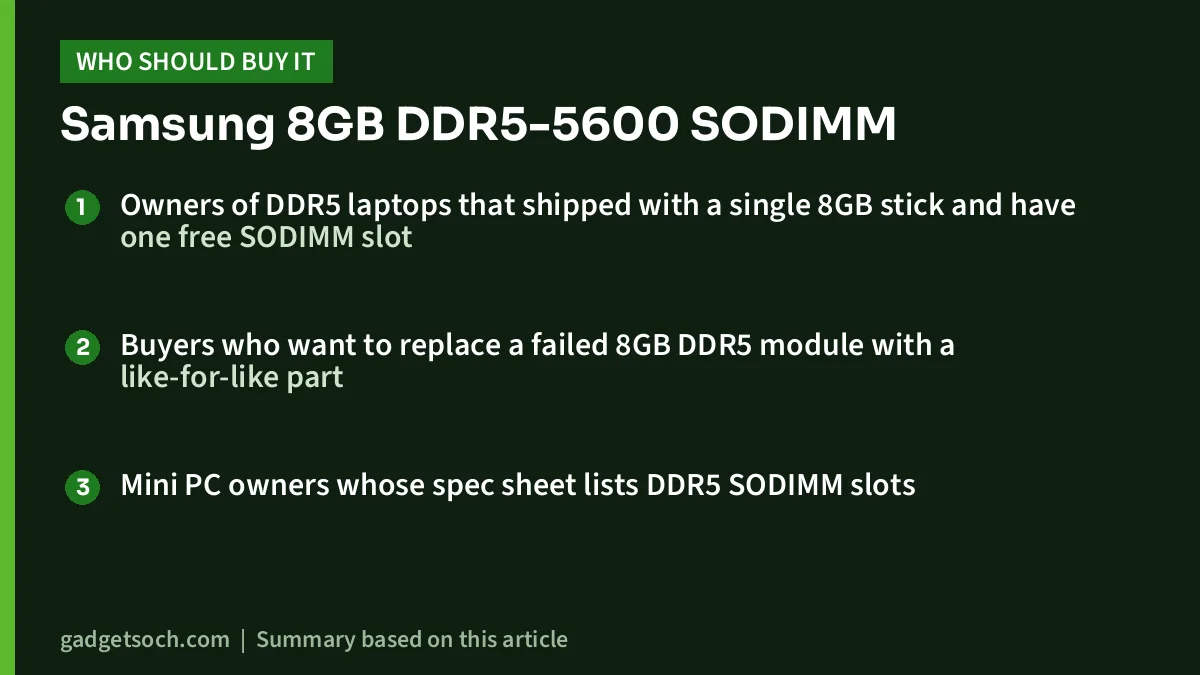
- Owners of DDR5 laptops that shipped with a single 8GB stick and have one free SODIMM slot
- Buyers who want to replace a failed 8GB DDR5 module with a like-for-like part
- Mini PC owners whose spec sheet lists DDR5 SODIMM slots
Who should skip it
- Laptops with DDR4 SODIMM slots (the module will not fit)
- Laptops with soldered LPDDR5 or LPDDR5X memory and no slot
- Single-slot laptops where you want a big capacity jump, where a 16GB or 32GB module makes more sense
- Workstation users who need full ECC memory
- Enthusiasts looking for XMP or EXPO overclocking profiles
Alternatives worth comparing
- Crucial 16GB DDR5-5600 SODIMM (CT16G56C46S5): per Micro Center’s listing, a 16GB, DDR5-5600 CL46, 1.1V, 262-pin, non-ECC unbuffered laptop module with a limited lifetime warranty. Better for single-slot laptops. Note that Micron announced its exit from the Crucial consumer business in December 2025, while promising continued warranty support.
- Kingston FURY Impact DDR5 SODIMM: according to Kingston, sold in 8GB, 16GB and 32GB single modules at speeds up to 6400 MT/s, with Plug N Play auto-overclocking, Intel XMP 3.0 certification and a lifetime warranty. Useful if your laptop supports higher speeds, but check the exact SKU’s speed and voltage.
- Two-module kits: if both of your slots are empty or you are replacing both sticks, a matched kit of two identical modules is the simplest route to dual-channel memory.
For a wider look at how to choose laptop memory and storage, see our laptop RAM and SSD upgrade guide and our Crucial 16GB DDR5-5600 SODIMM review.
Buying tips before you order
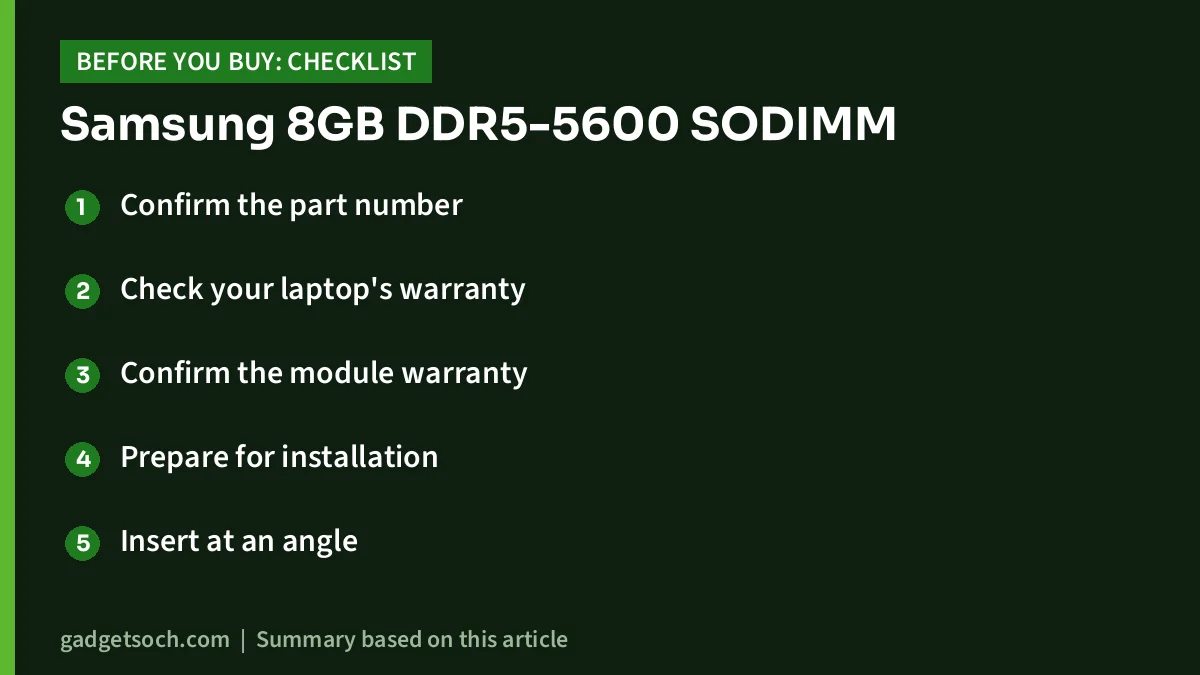
- Confirm the part number: the listing should show M425R1GB4BB0-CWM, 8GB, DDR5, 5600, SODIMM and “1 Module”. Check that the item you receive carries the same part number on its label.
- Check your laptop’s warranty: some brands allow user memory upgrades, while others prefer an authorised service centre. Read your laptop’s warranty terms before opening the bottom panel.
- Confirm the module warranty: the Amazon.in listing does not state warranty terms, and Samsung’s module page directs part-level enquiries to its regional sales representatives rather than a consumer support page. Ask the seller who handles warranty in India and keep the invoice.
- Prepare for installation: shut the laptop down fully (not sleep), unplug the charger, and if your model has an internal battery connector, follow the service manual. Touch a grounded metal object to discharge static before handling the module.
- Insert at an angle: SODIMMs go in at about 30 to 45 degrees, then press down until the side clips click.
- Verify afterwards: once Windows starts, check Task Manager to confirm the new total capacity and speed.
See the Samsung 8GB DDR5-5600 SODIMM (M425R1GB4BB0-CWM, 1 module) on Amazon.in
Frequently asked questions
Will the Samsung M425R1GB4BB0-CWM work in a DDR4 laptop?
No. DDR5 and DDR4 modules have differently placed notches, so a DDR5 SODIMM will not fit a DDR4 slot.
Will it run at 5600 MT/s in my laptop?
Only if your processor and laptop support DDR5-5600. If your platform supports a lower speed, such as the DDR5-4800 that Intel lists for the Core i5-12450H, the module is expected to run at that lower speed.
Can I mix it with a different brand’s 8GB DDR5 stick?
Usually yes, as long as both are DDR5 SODIMMs. The pair will generally run at the speed and timings both modules support. Matching capacity in each slot gives the cleanest dual-channel setup.
Is this ECC memory?
No. The listing describes it as non-ECC unbuffered. DDR5 chips include on-die ECC, but that only corrects errors inside the chip and is not a substitute for full ECC memory.
Is 8GB enough in 2026?
For a laptop that runs only light tasks, 8GB can manage. For most people, 16GB total is a more comfortable target for many browser tabs, office apps and video calls.
Conclusion
The Samsung M425R1GB4BB0-CWM is a straightforward 8GB DDR5-5600 laptop module. It does nothing fancy, and that is the point: in a DDR5 laptop with one free slot and 8GB already installed, it is a simple way to reach 16GB and dual-channel memory. Confirm DDR5 SODIMM support, a free slot and the warranty terms first, and remember that your processor sets the final speed.
Check the current price of the Samsung 8GB DDR5-5600 SODIMM on Amazon.in
Related reading on GadgetSoch: EMEET S600L Review: 4K Webcam With a Built-in Ring Light, Explained and Canon PIXMA G670 Review: A 6-Colour MegaTank Photo Printer, Specs and Trade-offs.
Sources
- Samsung Semiconductor: DRAM modules (DDR5 SODIMM overview), checked 17 October 2026
- Samsung Semiconductor: DDR5, checked 17 October 2026
- Amazon.in listing for ASIN B0D2LX9TGH (seller-provided details), captured 17 October 2026
- A-Tech: M425R1GB4BB0-CWM part specifications, checked 17 October 2026
- Teqex: Samsung M425R1GB4BB0-CWM listing, checked 17 October 2026
- Kingston: DDR5 overview, checked 17 October 2026
- Wikipedia: DDR5 SDRAM, checked 17 October 2026
- Intel: Core i5-12450H specifications, checked 17 October 2026
- Kingston FURY Impact DDR5, checked 17 October 2026
- Micro Center: Crucial CT16G56C46S5, checked 17 October 2026
- Lenovo PSREF: IdeaPad Slim 3 15AMN8, checked 17 October 2026
- Lenovo PSREF: LOQ 15IRX9, checked 17 October 2026
- Micron: exit from Crucial consumer business (3 December 2025), checked 17 October 2026