
The Crucial 16GB DDR5-5600 SODIMM (CT16G56C46S5) is a single 16GB laptop memory stick for notebooks and mini PCs that have a free or replaceable DDR5 SODIMM slot. It is a sensible, no-frills upgrade if your laptop uses socketed DDR5 memory, but it will not fit DDR4 laptops and it cannot be added to laptops whose RAM is soldered to the motherboard.
The short verdict: this is a plain, mainstream module rated at 5600 MT/s with CL46 timings at 1.1V, so it is aimed at compatibility rather than overclocking. In a laptop whose processor supports a lower DDR5 speed, such as DDR5-4800, you should expect it to run at that lower speed rather than at 5600 MT/s.
Please note that this article is based on published specifications (retailer and distributor listings plus official manufacturer documentation) and published technical sources, not on hands-on testing. The variant covered is the one in the Amazon.in listing titled “Crucial RAM 16GB DDR5 5600 MHz CL46 (16Gbit) Laptop Memory CT16G56C46S5” (checked on 17 October 2026).
Quick verdict
- Best for: owners of DDR5 laptops with an empty SODIMM slot who want to go from 8GB or 16GB to a larger total, or to enable dual-channel memory
- Skip if: your laptop uses DDR4, has soldered-only RAM (common in thin laptops with LPDDR5 or LPDDR5X), or you need ECC memory
- Key strengths: standard 262-pin DDR5 SODIMM form factor, 1.1V operation, a speed rating that covers most current DDR5 laptops, and a lifetime limited warranty as listed by retailers
- Key limitations: CL46 timings are relaxed, it is not marketed as an overclocking module, the actual speed depends on your laptop platform, and Micron has exited the Crucial consumer business (warranty support has been promised to continue)
Check the current price of the Crucial 16GB DDR5-5600 SODIMM on Amazon.in
Key specifications
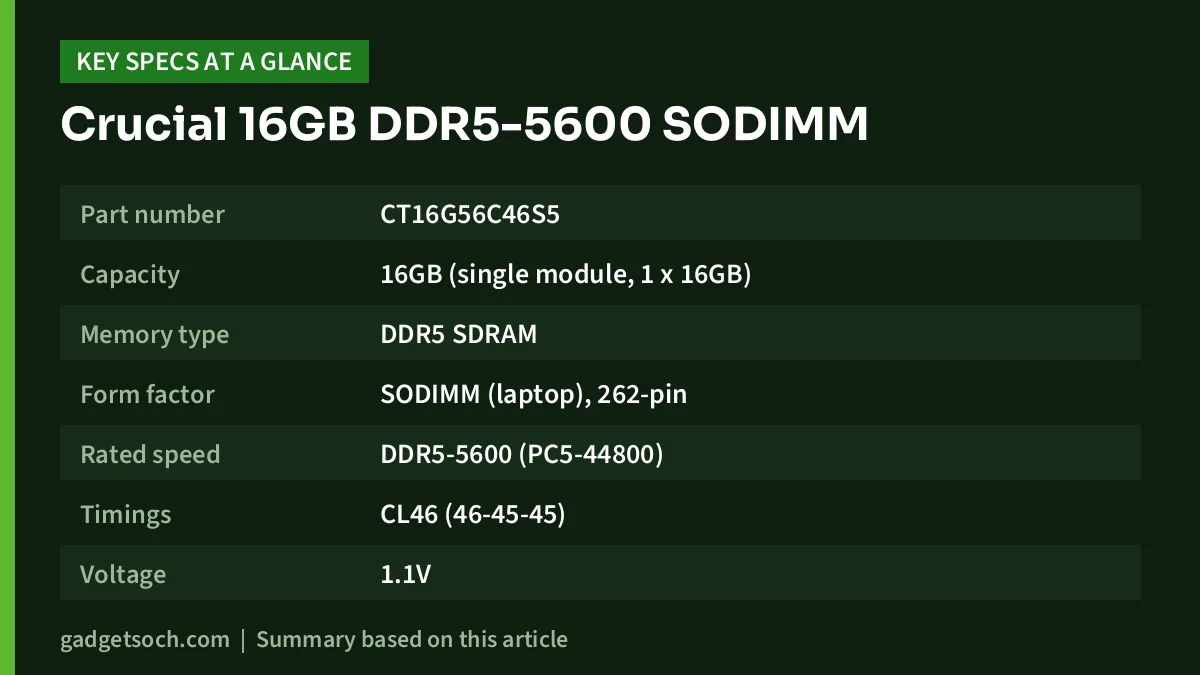
| Specification | Crucial CT16G56C46S5 |
|---|---|
| Part number | CT16G56C46S5 |
| Capacity | 16GB (single module, 1 x 16GB) |
| Memory type | DDR5 SDRAM |
| Form factor | SODIMM (laptop), 262-pin |
| Rated speed | DDR5-5600 (PC5-44800) |
| Timings | CL46 (46-45-45) |
| Voltage | 1.1V |
| ECC / buffering | Non-ECC, unbuffered |
| DRAM density | 16Gbit (as stated in the listing title) |
| Warranty | Limited lifetime (as listed by retailers, confirm with the seller) |
Specifications were cross-checked on 17 October 2026 against the Micro Center product listing and the ASBIS distributor catalogue, because Crucial’s own product page could not be loaded during our research. Rank and PMIC details are not shown in the table because we could not confirm them from a reliable source.
What DDR5-5600 and CL46 actually mean for your laptop
The “5600” figure is the module’s rated data rate in mega-transfers per second. It is the maximum speed the stick is rated to run at, not a speed every laptop will use. The memory controller lives inside your processor, and each processor has its own supported memory speed. For example, Intel’s specification page for the Core i5-12450H lists support for “up to DDR5 4800 MT/s”. A DDR5-5600 module in a laptop built around that chip would be expected to run at the speed the platform supports, not 5600 MT/s.
In short, a higher-rated module will not push your laptop beyond what its processor allows. Lenovo’s PSREF sheets illustrate the same principle from the other direction: on the IdeaPad Slim 3 15AMN8, Lenovo notes that the installed memory “is actually LPDDR5-6400 but runs as LPDDR5-5500 due to platform limitation”.
CL46 is the CAS latency, the number of clock cycles between a read request and data arriving. Higher numbers mean slightly more delay per access, but because the clock is also faster than older DDR5-4800 modules, the real-world latency difference is small. For everyday laptop work, capacity and dual-channel operation matter far more than a few points of CAS latency.
Compatibility comes first: DDR5 SODIMM only
The single most important check before ordering is whether your laptop takes DDR5 SODIMM modules. DDR4 and DDR5 are not interchangeable. Kingston, another memory maker, explains that the notch in the middle of a DDR5 module “acts like a key”, which stops DDR4 modules from going into DDR5 sockets. In practice, a DDR5 stick simply will not seat in a DDR4 laptop slot, so there is no “it might work” scenario.
The second check is whether your laptop has a slot at all. Many thin-and-light laptops use soldered LPDDR5 or LPDDR5X memory with no slots. The Lenovo IdeaPad Slim 3 15AMN8, for example, is listed on Lenovo PSREF as “Memory soldered to systemboard, no slots”. No SODIMM module can upgrade a laptop like that.
Laptops built for upgrades usually list their slots clearly. Lenovo’s PSREF sheet for the LOQ 15IRX9, which we cover in our Lenovo LOQ i7-13650HX RTX 3050 review, lists “Two DDR5 SODIMM slots, dual-channel capable”. The LOQ 15ARP9 in our Lenovo LOQ Ryzen 7 7435HS RTX 4050 review lists the same slot layout, with memory type DDR5-4800, so a 5600-rated module would be expected to run at DDR5-4800 there.
How to confirm compatibility
- Use the Crucial System Advisor tool on Crucial’s website: choose your laptop’s brand and exact model to see compatible upgrades
- Check your laptop’s user manual or the maker’s spec sheet (such as Lenovo PSREF, HP or Dell support pages) for “DDR5 SODIMM” and the number of slots
- Look up your processor on the Intel or AMD website to see its maximum supported DDR5 speed
- Check how much memory is already installed and whether a slot is free, using Task Manager on Windows (Performance tab, Memory) which shows slots used
Search for your laptop’s exact model number, not just the series name, as similar models can use different memory setups.
DDR5 features that come with the territory
Some useful features are part of the DDR5 standard itself, so they apply to this module like any other DDR5 SODIMM. According to the DDR5 SDRAM entry on Wikipedia, all DDR5 chips include on-die error correction, which fixes certain storage errors inside the chip. This is not the same as full ECC memory used in servers and workstations, and the CT16G56C46S5 is listed as non-ECC.
DDR5 modules also carry their own power management IC to regulate voltage on the module, and each DDR5 module is split into two independent 32-bit subchannels. Kingston describes the on-module PMIC as helping power distribution and signal integrity. The nominal operating voltage is 1.1V, slightly lower than DDR4’s 1.2V, which helps a little with laptop power use.
Single stick or a pair: capacity and dual-channel
The CT16G56C46S5 is sold as one 16GB module. How you use it depends on what is already inside your laptop:
- Laptop has one 8GB stick and one empty slot: adding this module gives 24GB total. Many platforms can run the matching portion in dual-channel mode, though mixed-size setups are less tidy than identical pairs
- Laptop has one 16GB stick and one empty slot: adding this gives 32GB in a matched-capacity pair, often the most balanced upgrade
- Laptop has two 8GB sticks: you would need to remove one or both. Buying two of these modules for 32GB is the cleaner route
- Laptop has only one slot: this module can replace an 8GB stick to reach 16GB, but you stay in single-channel mode
When modules with different ratings are mixed, systems usually run all memory at a speed and timing that every module supports. For the fewest surprises, match capacity and speed with what is already installed, or replace the existing stick with two identical modules.
Who should buy it and who should skip it
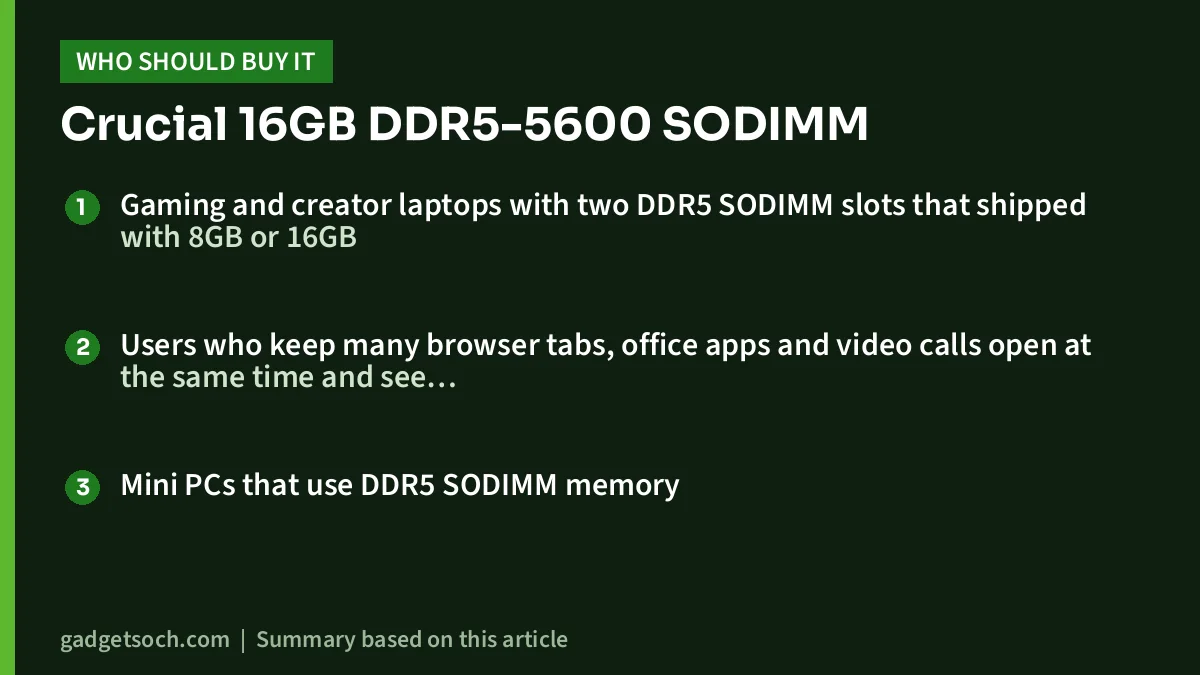
Good fit
- Gaming and creator laptops with two DDR5 SODIMM slots that shipped with 8GB or 16GB
- Users who keep many browser tabs, office apps and video calls open at the same time and see memory usage near its limit
- Mini PCs that use DDR5 SODIMM memory
Not a good fit
- Laptops with DDR4 SODIMM slots
- Thin laptops with soldered LPDDR5 or LPDDR5X memory
- People hoping for higher speeds than their processor supports
- Workstations that require ECC memory
Alternatives worth comparing
Crucial 32GB DDR5-5600 SODIMM (CT32G56C46S5): the higher-capacity sibling with the same rated speed, CL46 latency, 1.1V operation and 262-pin non-ECC SODIMM format, according to CDW’s listing. It suits single-slot laptops or users aiming for 48GB or 64GB in two slots, if the laptop supports that much.
Kingston FURY Impact DDR5 SODIMM: Kingston’s performance-oriented laptop memory family. Kingston’s product page lists Intel XMP 3.0 certification, Plug N Play modules that “automatically overclock to the highest listed speed”, and a lifetime warranty. Confirm the exact capacity and speed of the part number you choose, as the range covers several configurations.
Buying tips before you order
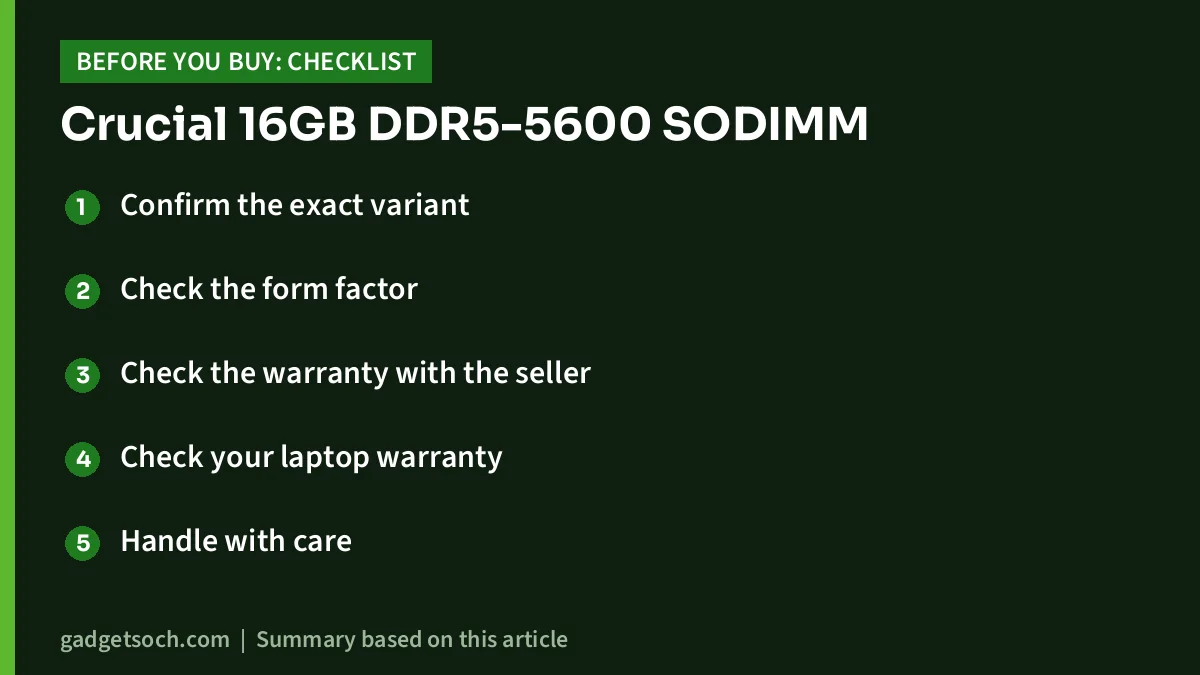
- Confirm the exact variant: the affiliate link opens the 16GB DDR5-5600 CL46 single module (CT16G56C46S5). Make sure the listing still shows that part number and is not a different capacity or a desktop UDIMM
- Check the form factor: SODIMM is the small laptop module. Desktop DDR5 DIMMs are longer and will not fit
- Check the warranty with the seller: retailers list a limited lifetime warranty. Micron announced on 3 December 2025 that it would exit the Crucial consumer business but continue warranty service and support for Crucial products. Ask the seller how warranty claims are handled in India before you buy
- Check your laptop warranty: some manufacturers allow memory upgrades, others prefer a service centre. Read the warranty terms or ask the brand
- Handle with care: switch off the laptop, unplug it, and touch a grounded metal object before opening it to reduce static risk
See the Crucial 16GB DDR5-5600 SODIMM (CT16G56C46S5) on Amazon.in
A note on Crucial’s exit from consumer products
In a press release dated 3 December 2025, Micron said it would stop shipping Crucial-branded consumer products through retailers and distributors after the end of its fiscal second quarter, February 2026. Micron stated it “will provide continued warranty service and support for Crucial products”. StorageReview reported the same timeline. For buyers in India in late 2026, stock comes from existing inventory, so buy from a reliable seller and check for a sealed retail pack.
Frequently asked questions
Will the Crucial CT16G56C46S5 work in my DDR4 laptop?
No. It is a DDR5 SODIMM. DDR4 and DDR5 modules are keyed differently and are not interchangeable, so it will not fit a DDR4 slot.
My laptop supports only DDR5-4800. Can I still use this 5600 module?
In a laptop with a DDR5 SODIMM slot, a 5600-rated module is generally expected to run at the lower speed the processor supports, such as 4800 MT/s. Check your laptop’s spec sheet or Crucial System Advisor to confirm the model is listed as compatible.
Can I add it to a laptop with soldered RAM?
Only if that laptop also has a free DDR5 SODIMM slot. Some laptops combine soldered memory with one slot, while many thin laptops have soldered memory only and cannot be upgraded at all.
Is this ECC memory?
No. Retail listings describe it as non-ECC, unbuffered memory. DDR5’s built-in on-die error correction is a different feature and does not make it ECC memory.
Should I buy one 16GB module or two?
If your laptop has two slots and one is empty, one module may be all you need. If both slots are full of smaller sticks, two identical modules give a cleaner dual-channel setup.
Does it need any software or BIOS settings?
It is a standard module rated at 1.1V and is designed to work without manual tuning. Laptops normally detect it automatically, though the first boot after installing memory can take longer than usual.
Conclusion
The Crucial 16GB DDR5-5600 SODIMM is a straightforward way to add memory to a DDR5 laptop with an open or replaceable slot. Its value lies in compatibility and capacity, not raw speed, and your laptop’s processor will decide the speed it actually runs at. Confirm DDR5 SODIMM support and slot availability first, then check the current price of the Crucial CT16G56C46S5 on Amazon.in.
Related reading on GadgetSoch: Crucial 8GB DDR4-3200 SODIMM Review (CT8G4SFRA32A): Is It the Right Laptop RAM Upgrade? and Logitech M221 Silent Review: A Quiet, Simple Wireless Mouse.
Sources
- Micro Center: Crucial CT16G56C46S5 listing (checked 17 October 2026)
- ASBIS catalogue: Crucial 16GB DDR5-5600 SODIMM CL46 (checked 17 October 2026)
- Micron press release: exit from Crucial consumer business (3 December 2025)
- StorageReview: Micron exits Crucial consumer business
- Wikipedia: DDR5 SDRAM
- Kingston: DDR5 overview
- Intel: Core i5-12450H specifications
- Lenovo PSREF: LOQ 15IRX9
- Lenovo PSREF: LOQ 15ARP9
- Lenovo PSREF: IdeaPad Slim 3 15AMN8
- CDW: Crucial 32GB DDR5-5600 SODIMM (CT32G56C46S5)
- Kingston: FURY Impact DDR5 memory




