
The OnePlus Pad Go 2 is a 12.1-inch Android tablet with a 2.8K 120Hz LCD, a MediaTek Dimensity 7300-Ultra chip, a 10,050mAh battery with 33W charging and four speakers, running OxygenOS 16. The version linked here is the Wi-Fi-only model with 8GB RAM and 128GB storage in Shadow Black. It suits students, families and anyone who mainly streams, reads, attends online classes and takes notes.
The short verdict: on paper, the Pad Go 2 gets the important things right for a media and study tablet, with a sharp, tall screen, a big battery and stylus support. The main compromises are an LCD rather than OLED panel, a stylus that is not in the box, no cellular data on this variant and some inconsistent details on the Amazon.in listing that are worth checking.
How this article was put together: it is based on the Amazon.in listing sold through the OnePlus store (captured on 17 October 2026) and GSMArena’s specification page. OnePlus’s own India product page could not be opened when we checked on 17 October 2026, and we could not open an independent review, so no real-world battery, speed or display test results are quoted. This is not a hands-on review.
Quick verdict
- Best for: streaming, e-books and PDFs, online classes, handwritten notes with the optional stylus, and family use on Wi-Fi
- Skip if: you need mobile data on the go, a pen in the box, an OLED screen or a tablet for demanding games
- Key strengths: 12.1-inch 2800 x 1980 display at 120Hz with Dolby Vision, 10,050mAh battery with 33W SUPERVOOC charging, four speakers, Wi-Fi 6 and Bluetooth 5.4 per the listing, 6.5W reverse charging
- Key limitations: LCD panel, stylus sold separately, 128GB storage on this variant, no published update period on the listing, and conflicting aspect-ratio and Wi-Fi details on the listing
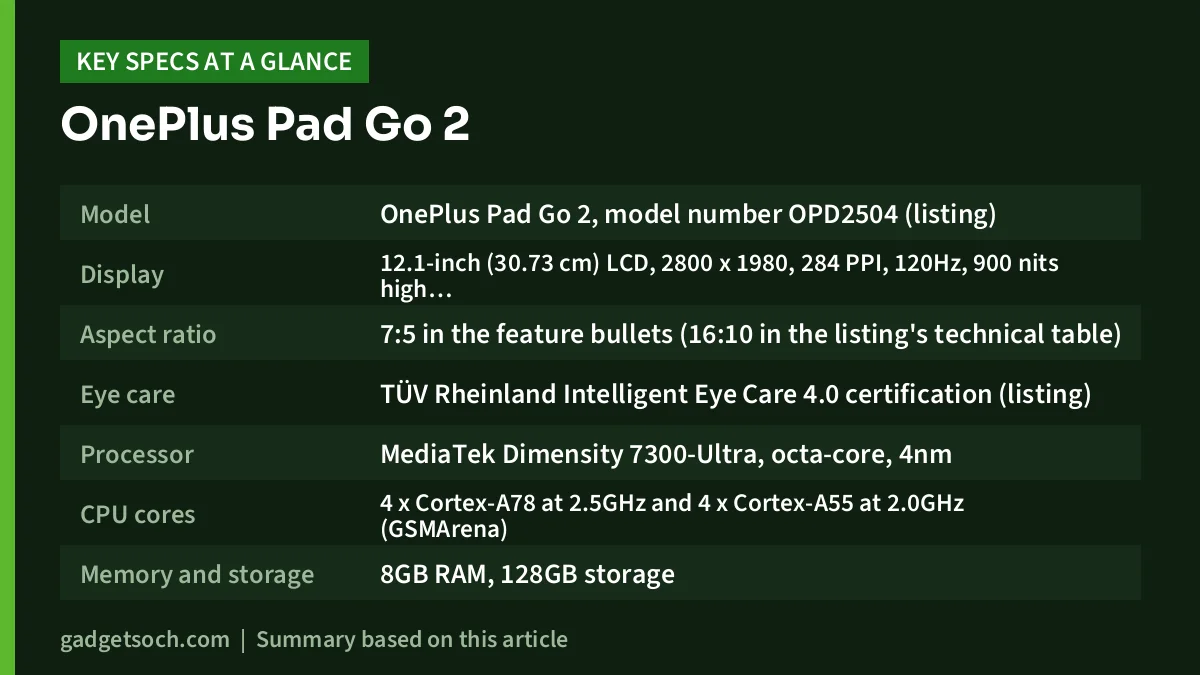
OnePlus Pad Go 2 specifications (8GB/128GB Wi-Fi)
| Specification | Details |
|---|---|
| Model | OnePlus Pad Go 2, model number OPD2504 (listing) |
| Display | 12.1-inch (30.73 cm) LCD, 2800 x 1980, 284 PPI, 120Hz, 900 nits high brightness mode, Dolby Vision |
| Aspect ratio | 7:5 in the feature bullets (16:10 in the listing’s technical table) |
| Eye care | TÜV Rheinland Intelligent Eye Care 4.0 certification (listing) |
| Processor | MediaTek Dimensity 7300-Ultra, octa-core, 4nm |
| CPU cores | 4 x Cortex-A78 at 2.5GHz and 4 x Cortex-A55 at 2.0GHz (GSMArena) |
| Memory and storage | 8GB RAM, 128GB storage |
| Software | OxygenOS 16 |
| Battery | 10,050mAh, up to 15 hours of video playback (OnePlus claim on the listing) |
| Charging | 33W SUPERVOOC, 6.5W reverse charging |
| Audio | Four speakers (listing title) |
| Wireless | Wi-Fi 6 (802.11ax) dual-band, Bluetooth 5.4 with BLE Audio (listing feature bullets) |
| Cellular | None on this variant (Wi-Fi only) |
| Stylus | Supports OnePlus Pad Go 2 Stylo (sold separately) |
| Weight | 601 g (listing) |
| Colour | Shadow Black |
| In the box | Tablet, charger, charging cable, user guide and safety and warranty booklet (listing) |
| Warranty | 1 year (listing) |
Check the current price of the OnePlus Pad Go 2 (8GB/128GB, Wi-Fi) on Amazon.in
The display: the main reason to consider it
The Pad Go 2’s 12.1-inch screen has a resolution of 2800 x 1980 pixels, which the listing puts at 284 pixels per inch. Higher pixel density makes small text in PDFs, textbooks and web pages look crisper, which matters if you read for long periods.
The listing describes the screen as 7:5 in its feature bullets but 16:10 in its technical table. The resolution itself, 2800 x 1980, works out to roughly 7:5, so the bullet is the figure that matches the numbers. A 7:5 screen is taller in landscape than a 16:10 one. That suits documents, split-screen apps and handwritten notes, but widescreen films will show thicker black bars at the top and bottom.
The 120Hz refresh rate makes scrolling and stylus strokes look smoother, and the listing quotes 900 nits in high brightness mode, which helps near a window. Dolby Vision support means compatible streaming content can be shown with HDR metadata, though an LCD cannot match the contrast of OLED in a dark room. The TÜV Rheinland Intelligent Eye Care 4.0 certification relates to eye-comfort features such as blue-light and flicker handling.
Performance and software
The tablet uses MediaTek’s Dimensity 7300-Ultra, built on a 4nm process. According to GSMArena’s specification page, it has four Cortex-A78 performance cores and four Cortex-A55 efficiency cores. That is a mid-range layout. It should handle streaming, browsing, video calls, note-taking apps and casual games comfortably, but it is not aimed at heavy 3D gaming or video editing.
This variant has 8GB of RAM, which is a sensible amount for keeping a browser, a video class and a notes app open together. Storage is 128GB. GSMArena lists a microSD slot, but the Amazon.in listing data we saw does not mention one, so confirm card support on the listing before you rely on it for extra space. If you plan to download many offline lectures, films or games, consider the higher-storage variant instead of this one.
The software is OxygenOS 16. The listing advertises OnePlus AI features, including AI Summary, AI Editor for photos, AI Translation, AI Speaker, AI Recorder and AI Writer. The listing also says the chip “delivers powerful and smooth performance that endures for 48 months”. That is a smoothness claim, not an update promise. The listing marks the software update end date as unknown, so check OnePlus’s current update policy for the Pad Go 2 if long-term updates matter to you.
Battery and charging
The 10,050mAh battery is notably larger than the 7,040mAh cell in the Lenovo Idea Tab, and OnePlus claims up to 15 hours of video playback on the listing. Real-world runtime depends on screen brightness, refresh rate and what you do, and we could not open an independent battery test, so treat 15 hours as the maker’s best-case figure.
Charging is rated at 33W SUPERVOOC, and the listing says a charger and cable are in the box. Using the supplied charger matters, because a generic phone charger may not deliver the full 33W. The tablet can also give 6.5W of reverse charging, which is handy for topping up earbuds or a phone in an emergency.
Audio, stylus and connectivity
Four speakers
The listing title mentions quad speakers, and the feature bullets describe an “omnibearing sound field”. Four speakers usually keep stereo separation when you rotate the tablet, which suits films and video calls in landscape. GSMArena lists no 3.5mm headphone jack, so plan on Bluetooth or USB-C earphones.
Stylus support
The Pad Go 2 supports the OnePlus Pad Go 2 Stylo, and the listing highlights the Notes app with handwriting recognition, calculation and editing tools. However, the stylus is not listed among the box contents, so budget for it separately and make sure you buy the stylus that the listing names, as older OnePlus pens may not be compatible.
Wi-Fi and Bluetooth
The feature bullets list dual-band Wi-Fi 6 (802.11ax) and Bluetooth 5.4 with BLE Audio. The technical table on the same listing gives the hardware interface as 802.11 ac/b/g/n, and GSMArena’s page, which was marked as preliminary when we checked, lists Wi-Fi 5 and Bluetooth 5.2. Wi-Fi 6 helps most on a Wi-Fi 6 router in a busy home network. If it matters to you, check the final specification on the box or OnePlus’s site after delivery.
This is the Wi-Fi-only model, so there is no SIM slot. You can share mobile data from your phone when travelling, but if you want the tablet online on its own, look at the cellular variant, which GSMArena lists separately. That variant is not the product behind this link.
Who should buy the OnePlus Pad Go 2
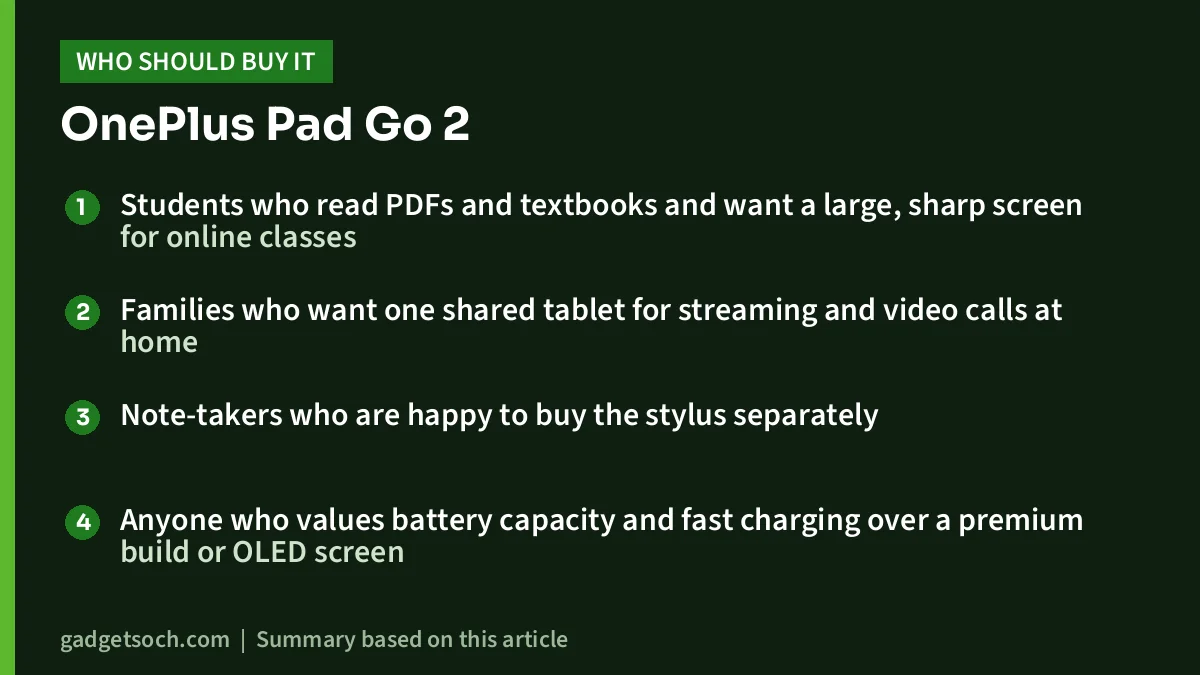
- Students who read PDFs and textbooks and want a large, sharp screen for online classes
- Families who want one shared tablet for streaming and video calls at home
- Note-takers who are happy to buy the stylus separately
- Anyone who values battery capacity and fast charging over a premium build or OLED screen
Who should skip it
- People who need mobile data without a phone hotspot, since this is the Wi-Fi model
- Buyers who want a pen in the box, as the Lenovo Idea Tab bundle offers
- Gamers who want the strongest performance for demanding titles
- Anyone who needs a wired headphone jack or very large on-board storage
If most of your work involves long typed documents, a laptop may suit you better than a tablet. Our guide to the best budget laptops in India for students and office work covers that route.
Alternatives worth comparing
- Lenovo Idea Tab with Pen (8GB/256GB): an 11-inch 2560 x 1600 90Hz display, MediaTek Dimensity 6300, 256GB storage with microSD up to 2TB, a 7040mAh battery, a 3.5mm jack and the Lenovo Tab Pen in the box, according to Lenovo’s PSREF sheet and its Amazon.in listing. It gives you more storage and a pen, but a smaller, lower-refresh screen and a less powerful chip
- Lenovo Chromebook Duet (11M889): a 10.95-inch 1920 x 1200 ChromeOS tablet with a MediaTek Kompanio 838 and a detachable keyboard, according to Lenovo’s PSREF. Better for typing in a browser-based school setup, but with a smaller screen
- OnePlus Pad Go 2 in another configuration: GSMArena lists a 256GB version and a cellular version. Consider them if storage or mobile data matter, and note they are separate listings
What to check before you order

- Variant: this link is for 8GB RAM, 128GB storage, Wi-Fi only, Shadow Black. Confirm all four details in the listing title before you pay
- Box contents: the listing names the tablet, charger, cable and documents. The stylus and any cover are extra
- Seller and warranty: the listing states a 1-year warranty. Buy from the OnePlus store or an authorised seller so that service in India is straightforward, and keep the invoice
- Storage plan: 128GB fills quickly with offline video. Confirm microSD support on the listing if you plan to expand
- Accessories: check that any stylus, case or keyboard you buy names the Pad Go 2 specifically, because cases and pens are usually made for one model
See the OnePlus Pad Go 2 8GB/128GB Wi-Fi in Shadow Black on Amazon.in
Frequently asked questions
Does the OnePlus Pad Go 2 support a SIM card?
Not this variant. The linked model is Wi-Fi only. GSMArena lists a separate cellular version, which has its own listing.
Is the stylus included with the OnePlus Pad Go 2?
No. The listing’s box contents are the tablet, a charger, a cable and documents. The OnePlus Pad Go 2 Stylo is supported but sold separately.
What is the screen resolution and refresh rate?
The display is 12.1 inches with 2800 x 1980 pixels, 284 PPI and a 120Hz refresh rate, according to the Amazon.in listing.
How long does the battery last?
OnePlus claims up to 15 hours of video playback from the 10,050mAh battery. Actual runtime depends on brightness and use, and we did not find an independent test we could open.
Is it good for students?
For reading, online classes and note-taking, its large high-resolution screen, 8GB RAM and big battery fit well. Add the stylus for handwritten notes, and consider a keyboard or laptop for long typing work.
Bottom line
The OnePlus Pad Go 2 (8GB/128GB, Wi-Fi) offers a large, sharp 120Hz screen, a mid-range Dimensity 7300-Ultra chip, four speakers and a 10,050mAh battery, which together make it a strong match for study and streaming at home. Confirm the variant, budget for the stylus, and check storage needs before ordering.
Check the current price of the OnePlus Pad Go 2 on Amazon.in
Related reading on GadgetSoch: Lenovo Idea Tab with Pen Review (8GB/256GB): 2.5K 90Hz Study Tablet, Strengths and Limits.
Sources
- Amazon.in listing for OnePlus Pad Go 2, 8GB RAM, 128GB, Wi-Fi, Shadow Black (ASIN B0G4QQNK1K), sold via the OnePlus store, captured 17 October 2026
- GSMArena: OnePlus Pad Go 2 specifications (page marked preliminary when checked on 17 October 2026)
- Lenovo PSREF specifications for the Lenovo Idea Tab and Chromebook Duet 11M889, as summarised in gadgetsoch research checked 17 October 2026
- OnePlus India’s official Pad Go 2 page could not be opened on 17 October 2026




