The Gigabyte GeForce RTX 3050 WINDFORCE OC 6G (model GV-N3050WF2OC-6GD) is an entry-level desktop graphics card with NVIDIA’s 6GB RTX 3050 GPU, 6GB of GDDR6 on a 96-bit interface, a dual-fan WINDFORCE cooler and four display outputs: two HDMI 2.1 and two DisplayPort 1.4a, according to its Amazon.in listing. It makes most sense for budget desktop builds and for people who want a compact NVIDIA RTX card with four monitor connections.
Our short verdict: it is a reasonable entry-level pick if you need four outputs and a card about 19 cm long, but it is the cut-down 6GB RTX 3050, not the 8GB model, and the listing leaves out the clock speed, power requirement and warranty term. You will need to confirm those details yourself.
This review is based on the Amazon.in listing data captured on 17 October 2026, NVIDIA’s official RTX 3050 page and published specifications. It is not based on hands-on testing. Gigabyte’s own specification page could not be opened on 17 October 2026 because the request was rate-limited, so card-specific details are labelled as the listing’s claims.
Quick verdict
- Best for: budget desktop gaming and everyday PCs that need a first dedicated GPU, plus multi-monitor setups that benefit from four outputs
- Skip if: you want the 8GB RTX 3050, plan to run new games at high texture settings, or need a confirmed warranty term before buying
- Key strengths: two HDMI 2.1 and two DisplayPort 1.4a outputs, a length of about 19 cm, NVIDIA RTX features such as DLSS and NVENC, and an India contact address on the listing
- Key limitations: 6GB on a 96-bit bus, fewer CUDA cores and a lower reference clock than the 8GB RTX 3050, a PCI-Express x8 interface per the listing, and no boost clock, PSU or warranty figures on the listing
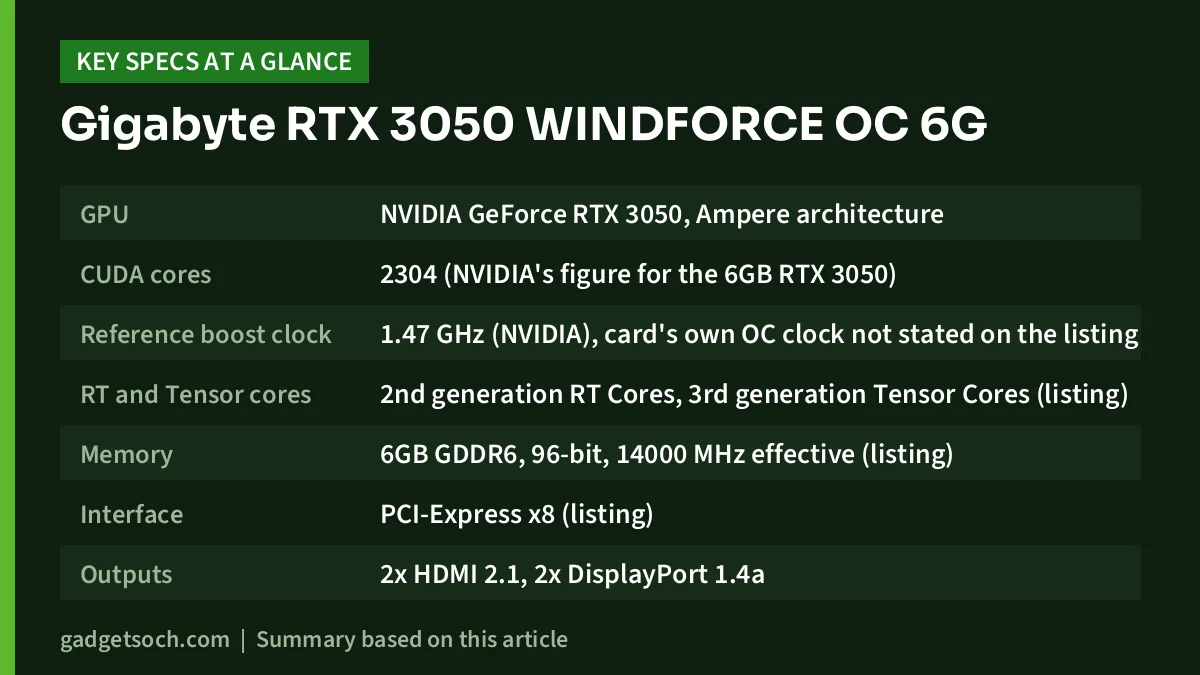
Key specifications
| Specification | Gigabyte RTX 3050 WINDFORCE OC 6G (GV-N3050WF2OC-6GD) |
|---|---|
| GPU | NVIDIA GeForce RTX 3050, Ampere architecture |
| CUDA cores | 2304 (NVIDIA’s figure for the 6GB RTX 3050) |
| Reference boost clock | 1.47 GHz (NVIDIA), card’s own OC clock not stated on the listing |
| RT and Tensor cores | 2nd generation RT Cores, 3rd generation Tensor Cores (listing) |
| Memory | 6GB GDDR6, 96-bit, 14000 MHz effective (listing) |
| Interface | PCI-Express x8 (listing) |
| Outputs | 2x HDMI 2.1, 2x DisplayPort 1.4a |
| Maximum resolution | 8K (7680 x 4320) at 60Hz or 4K (3840 x 2160) at 120Hz (listing) |
| Cooling | WINDFORCE cooling system, 2 fans |
| Length x width | 19.1 x 11.1 cm (listing) |
| Weight | 0.88 lb, about 400 g (listing) |
| Box contents | Graphics card and user manual |
| Recommended PSU, power connector, warranty | Not stated on the listing |
Check the current price of the Gigabyte RTX 3050 WINDFORCE OC 6G on Amazon.in
Which RTX 3050 is this, exactly?
NVIDIA sells two desktop RTX 3050 versions, and its India page lists them side by side. The 8GB version has 2560 CUDA cores and a 1.78 GHz boost clock. The 6GB version, which this Gigabyte card uses, has 2304 CUDA cores and a 1.47 GHz boost clock. That is about 10 percent fewer cores, a lower clock and 2GB less memory.
This matters when you read reviews and benchmark charts. Many results labelled simply “RTX 3050” are for the 8GB card, and NVIDIA’s own performance note on its page refers only to the 8GB model. Make sure any frame-rate figures you rely on come from a 6GB card. We have not quoted frame rates in this article because we could not verify benchmark data for this specific model.
The “OC” label without a clock figure
The name says WINDFORCE OC, which normally means Gigabyte has set the boost clock a little above NVIDIA’s reference figure. The Amazon.in listing, however, does not state the card’s boost clock, so we cannot tell you how large the overclock is. Expect it to be modest, as factory overclocks on entry cards usually are, and check Gigabyte’s specification page for the exact number if it matters to you.
Four display outputs: the standout feature
The MSI RTX 3050 Ventus 2X 6G OC, for comparison, lists three outputs. This Gigabyte model lists four: two HDMI 2.1 and two DisplayPort 1.4a. That is useful in a few real situations:
- A home office with two DisplayPort monitors plus a TV over HDMI
- A gaming monitor on DisplayPort and a second high-refresh monitor that also needs DisplayPort
- A streaming or editing desk where one screen shows the game and another shows chat or a timeline
- Future upgrades, where a new monitor may prefer DisplayPort and a new TV may prefer HDMI 2.1
The listing states support for 8K at 60Hz or 4K at 120Hz. Those are interface limits for desktop display output, not a promise that games will run at those resolutions on an entry-level GPU. For HDMI 2.1 high-bandwidth modes, use a certified Ultra High Speed HDMI cable, because older cables may not qualify.
PCI-Express x8: what it means for older motherboards
The listing describes the card’s interface as PCI-Express x8. The card still fits a standard full-length x16 slot, but an x8 interface uses half the data lanes of a full x16 connection. On an older PCIe 3.0 motherboard each lane carries less bandwidth than on PCIe 4.0, so an x8 card on such a board has less total link bandwidth to work with.
How much that affects games depends on the title and settings, and we could not verify test data for this card. If your motherboard is PCIe 3.0, look for independent tests of the RTX 3050 6GB on PCIe 3.0 before you buy. Also note the difference from the MSI RTX 3050 Ventus 2X 6G OC listing, which describes its interface as PCI-Express x16. Listings sometimes describe the physical slot and sometimes the electrical lanes, so confirm on the manufacturer pages if this matters to you.
Size, cooling and power
At 19.1 x 11.1 cm and about 400 g per the listing, this is a short dual-fan card that should suit many compact and mid-size cabinets. Still, measure your cabinet’s GPU clearance and allow space for front fans and cables. The listing names the WINDFORCE cooling system with two fans but gives no further cooler details, noise figures or temperatures, and we have not added any from other sources.
The listing also does not state the recommended power supply wattage, the power connector or the card’s power draw. Check Gigabyte’s specification page for these details, make sure your PSU meets them, and use a reputable branded unit rather than the unbranded supplies sometimes bundled with low-cost cabinets.
Gigabyte vs MSI RTX 3050 6GB: listing comparison
If you are choosing between this card and the MSI RTX 3050 Ventus 2X 6G OC, the GPU and memory configuration are the same. The differences on paper are mainly ports, size and how much information the listing gives you.
| Detail | Gigabyte WINDFORCE OC 6G (this card) | MSI Ventus 2X 6G OC |
|---|---|---|
| Display outputs | 2x HDMI 2.1, 2x DP 1.4a | 2x HDMI, 1x DP 1.4a |
| Boost clock on listing | Not stated | 1492 MHz |
| Interface on listing | PCI-Express x8 | PCI Express 4, PCI-Express x16 |
| Length | 19.1 cm | 18.9 cm |
| Minimum PSU on listing | Not stated | 300 W |
| Warranty on listing | Not stated | 3 years, manufacturer |
Pick the Gigabyte if four outputs matter more to you. Pick the MSI if you value a stated warranty and power figure on the listing. Either way, confirm details on the manufacturer’s page.
Who should buy it, and who should skip it
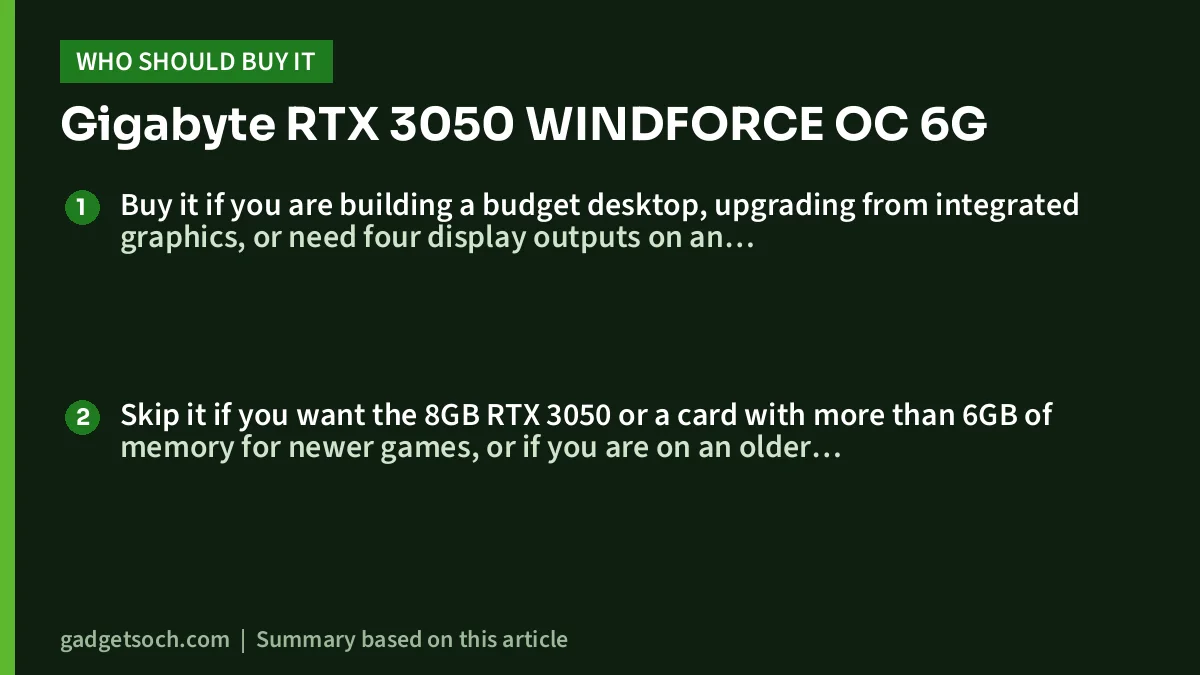
Buy it if you are building a budget desktop, upgrading from integrated graphics, or need four display outputs on an NVIDIA RTX card. It also makes sense with a processor that lacks integrated graphics, such as the one in our Intel Core i5-12400F review, where a graphics card is required just to get a picture.
Skip it if you want the 8GB RTX 3050 or a card with more than 6GB of memory for newer games, or if you are on an older PCIe 3.0 platform and do not want to research the x8 interface. If a laptop suits you better than a desktop upgrade, see our guide to the best RTX 3050 and RTX 4050 gaming laptops.
Alternatives worth comparing
- MSI GeForce RTX 3050 Ventus 2X 6G OC: same 6GB RTX 3050 with a 1492 MHz boost, 189 mm length, 300 W minimum system power and a 3-year warranty per its listing
- NVIDIA GeForce RTX 3050 8GB cards: 2560 CUDA cores, a 1.78 GHz boost and 8GB GDDR6 per NVIDIA
- ASUS Dual Radeon RX 7600 EVO OC Edition: AMD’s RX 7600 with 8GB GDDR6, up to 2715 MHz boost in OC mode and four outputs per its listing, in a larger 22.9 cm, 2.5-slot card
Buying tips
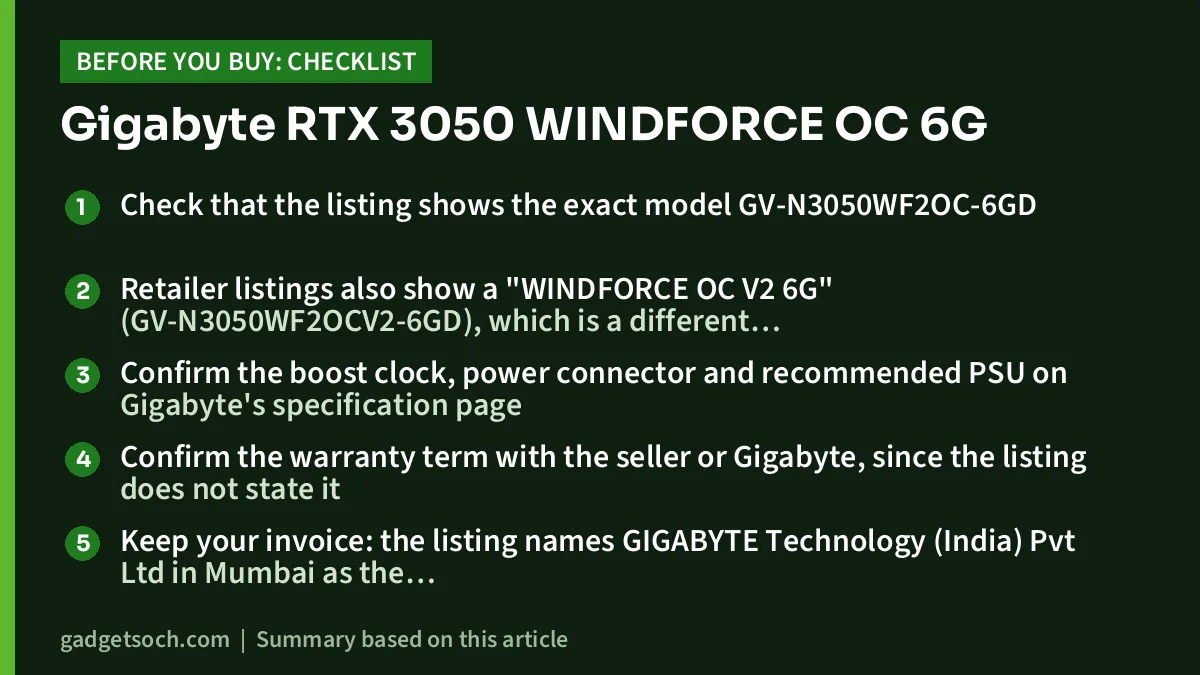
- Check that the listing shows the exact model GV-N3050WF2OC-6GD
- Retailer listings also show a “WINDFORCE OC V2 6G” (GV-N3050WF2OCV2-6GD), which is a different model code, so do not assume the two are identical
- Confirm the boost clock, power connector and recommended PSU on Gigabyte’s specification page
- Confirm the warranty term with the seller or Gigabyte, since the listing does not state it
- Keep your invoice: the listing names GIGABYTE Technology (India) Pvt Ltd in Mumbai as the manufacturer contact, which helps for service queries
- After installing, plug your monitor into the card, not the motherboard, and install the latest GeForce driver from NVIDIA’s website
See the Gigabyte RTX 3050 WINDFORCE OC 6G (GV-N3050WF2OC-6GD) on Amazon.in
Frequently asked questions
Is the Gigabyte RTX 3050 WINDFORCE OC 6G the 8GB RTX 3050?
No. It uses the 6GB RTX 3050, which per NVIDIA has 2304 CUDA cores and a 1.47 GHz reference boost, versus 2560 cores and 1.78 GHz for the 8GB version.
How many monitors can I connect?
The listing shows four outputs: two HDMI 2.1 and two DisplayPort 1.4a. Confirm the maximum number of simultaneous displays on Gigabyte’s specification page.
Will it work on a PCIe 3.0 motherboard?
Yes, PCIe is backward compatible. Because the listing describes an x8 interface, the link has less bandwidth on PCIe 3.0 than on PCIe 4.0, so check independent PCIe 3.0 tests if your board is older.
What power supply do I need?
The listing does not say. Check Gigabyte’s specification page for the recommended PSU wattage and power connector before you buy.
Does it support DLSS?
Yes. NVIDIA’s RTX 3050 page lists Tensor Cores for DLSS, and the listing mentions third-generation Tensor Cores. Support depends on each game.
Conclusion
The Gigabyte GeForce RTX 3050 WINDFORCE OC 6G offers four display outputs in a short 19 cm card. Its weaknesses are the cut-down 6GB GPU, the x8 interface for older boards, and a listing that omits clock, power and warranty details. If those checks work out, it is a practical entry-level RTX card for budget and multi-monitor desktops. Check the current price of the Gigabyte RTX 3050 WINDFORCE OC 6G on Amazon.in.
Related reading on GadgetSoch: GIGABYTE RTX 5050 WINDFORCE OC 8G Review: A 1080p Blackwell Card With an 8GB Catch and GIGABYTE RX 6500 XT EAGLE 4G Review (GV-R65XTEAGLE-4GD): Small, Easy to Power, With Clear Limits.
Sources
- Amazon.in listing for ASIN B0D4XZXLL7 (title, feature bullets and technical details), captured 17 October 2026
- NVIDIA GeForce RTX 3050 family page (India): CUDA cores, boost clocks and memory for the 6GB and 8GB versions, plus RT Cores, Tensor Cores and DLSS, checked 17 October 2026
- Amazon.in listing for the MSI RTX 3050 Ventus 2X 6G OC (ASIN B0CSPNYB42), used for the comparison table, captured 17 October 2026
- Gigabyte GV-N3050WF2OC-6GD specification page: could not be opened on 17 October 2026 (rate-limited), listed so you can verify clock, power and warranty details yourself