

The EVM EnEdge Wireless Keyboard (model WLKM) is a slim, rechargeable Bluetooth 5.0 keyboard that, according to the Amazon.in listing, can pair with three devices and switch between them with one click. It suits students and office users who want one compact keyboard for an iPad or Android tablet, a phone and a laptop. It is less suited to people who need a number pad, a backlight or a USB receiver for desktops without Bluetooth.
Key takeaways
- Who it suits: Students who type notes and assignments on an iPad or Android tablet.
- Who should skip it: Accountants, data-entry users and anyone who types numbers all day, since a number pad is not mentioned.
- Check before you buy: Confirm the model: the listing title should end with “(WLKM)” and name the EnEdge.
In short: it is a light (183 g), Type-C rechargeable travel keyboard from EVM with a 1-year warranty mentioned in the listing title. EVM’s official page confirms the core hardware but publishes no battery-life figure, and some details, including the three-device switching, come only from the Amazon.in listing.
How this article was prepared: it is based on EVM’s official product page, EVM’s warranty policy, the Amazon.in listing and official pages for the alternatives, all checked on 17 October 2026. We have not used this EnEdge Wireless Keyboard hands-on and found no independent published review of it, so there are no typing-feel or battery-life verdicts here.
EVM EnEdge at a glance

| Detail | What the sources say |
|---|---|
| Model | EnEdge Wireless Keyboard, SKU WLKM (EVM) |
| Connection | Bluetooth 5.0 (EVM). No USB receiver is mentioned. |
| Multi-device | 3 devices with one-click switching (Amazon.in listing only) |
| Battery | 150mAh rechargeable (EVM) |
| Charging | USB Type-C port, 30cm cable included (EVM) |
| Size | 247.4 x 150 x 6.4 mm, described by EVM as 9.7 inch |
| Weight | 183 g (EVM and listing) |
| Body | ABS plastic (EVM) |
| Colour on this listing | Black |
| Keys | Low-profile, quiet keys (listing). Listing table gives 78 buttons. |
| Compatibility | iPad, Android, Windows, Mac per listing. Listing table says Windows 10 minimum. |
| Warranty | 1 year (listing title). Confirm with EVM. |
| Battery life | Not published by EVM or the listing |
Check the current price of the EVM EnEdge keyboard (Black, WLKM) on Amazon.in
Quick verdict
- Best for: iPad and Android tablet users who want a light keyboard for notes, email and online classes, and people who move between a tablet, a phone and a laptop
- Skip if: you need a number pad, a backlit keyboard, a 2.4 GHz USB receiver for an older desktop, or published battery-life figures before you buy
- Key strengths: 183 g weight and a 6.4 mm thin body, USB-C charging instead of disposable cells, Bluetooth 5.0, three-device switching claimed in the listing, Indian toll-free support number
- Key limitations: small 150mAh battery with no official runtime, Bluetooth-only connection, sparse official specifications, and contradictory key-type entries in the listing
What the listing gets right, and what to double-check
The Amazon.in listing describes the EnEdge as an “ultra-slim” multi-device keyboard with “comfortable low-profile keys” for “responsive and silent typing”. EVM’s own page backs up the slimness: it lists a thickness of 6.4 mm and a weight of 183 g, which is light enough to carry in a tablet sleeve or a laptop bag pocket.
Two listing entries need care. First, the technical table lists the switch type as “Mechanical”, which does not match the low-profile, quiet keys described in the bullets. EVM’s page does not state a switch type, so do not buy this EnEdge Wireless Keyboard expecting mechanical switches. Second, the table lists both “78” buttons and a “Number of Keys” value of 5, which cannot both be right. The 78 figure is the more plausible count for a compact layout, but treat it as unconfirmed.
EVM’s page also mentions an “E” key without explaining what it does. Check the listing photos for the key layout, including whether there are labelled iOS, Android and Windows function keys.
Three devices, one keyboard: how switching works
Multi-device Bluetooth keyboards store the pairing information for several devices and let you hop between them. The listing says the EnEdge supports three devices with “one-click switching”, so in practice you could pair an iPad on channel 1, a phone on channel 2 and a laptop on channel 3, then press the matching key to move your typing from one to another without re-pairing.
Typical pairing steps for a keyboard like this:
- Charge the keyboard fully with the supplied Type-C cable before first use.
- Turn it on and select a device channel, then hold the pairing or connect key until the indicator blinks (check the manual for the exact key).
- On an iPad or iPhone, open Settings, then Bluetooth, and tap the keyboard name when it appears.
- On Android, open Settings, then Connected devices, then Pair new device.
- On Windows, open Settings, then Bluetooth and devices, then Add device. On a Mac, use System Settings, then Bluetooth.
- Repeat on the next channel for each additional device.
One thing to know: keyboards meant for several platforms often have separate key mappings for iOS, Android and Windows, so shortcuts such as copy, paste and the home key can behave differently depending on the EnEdge Wireless Keyboard. If the listing photos show a system-selection key combination, use it after pairing with each device.
Battery and charging
EVM lists a 150mAh rechargeable battery charged over USB Type-C, with a 30cm cable in the box. Neither EVM nor the listing publishes a battery-life or charge-time figure for the EnEdge. For context, EVM’s own EnAir WLK-009 keyboard lists a larger 180mAh battery with up to 30 days of use and about two hours of charging, but that is a different product and its figures should not be assumed for the EnEdge.
Bluetooth keyboards use little power, but the actual runtime depends on how many hours you type and whether the EnEdge Wireless Keyboard sleeps when idle. To get the most from a small battery:
- Switch the keyboard off when you pack it in a bag, so keys pressed by accident do not wake it.
- Top it up regularly rather than running it flat every time.
- Use a standard phone charger or a laptop USB port. Avoid leaving it on charge for days, since EVM’s warranty policy excludes damage from “excessive charging of lithium batteries”.
- Keep the short cable in the bag, or carry any USB-C cable as a backup.
Compatibility: iPad, Android, laptops and TVs
The listing names iPad, Android tablets and phones, laptops, Windows, Mac and iOS devices. Because the connection is plain Bluetooth, it should work with any device that supports Bluetooth keyboards. A few practical points:
- iPad: any recent iPad accepts Bluetooth keyboards. The EnEdge is a separate keyboard, not a case, so you will need a stand or folio to prop the tablet up.
- Android: phones and tablets accept Bluetooth keyboards. Some keyboard shortcuts depend on the manufacturer’s software.
- Windows and Mac laptops: pair through Bluetooth settings. The listing’s table gives Windows 10 as the minimum Windows version.
- Desktops without Bluetooth: there is no USB receiver mentioned, so a desktop PC without Bluetooth would need a separate Bluetooth adapter.
- Smart TVs and projectors: the listing mentions them, but support for Bluetooth keyboards varies by TV software. Check your TV’s manual before relying on it.
Who should buy it
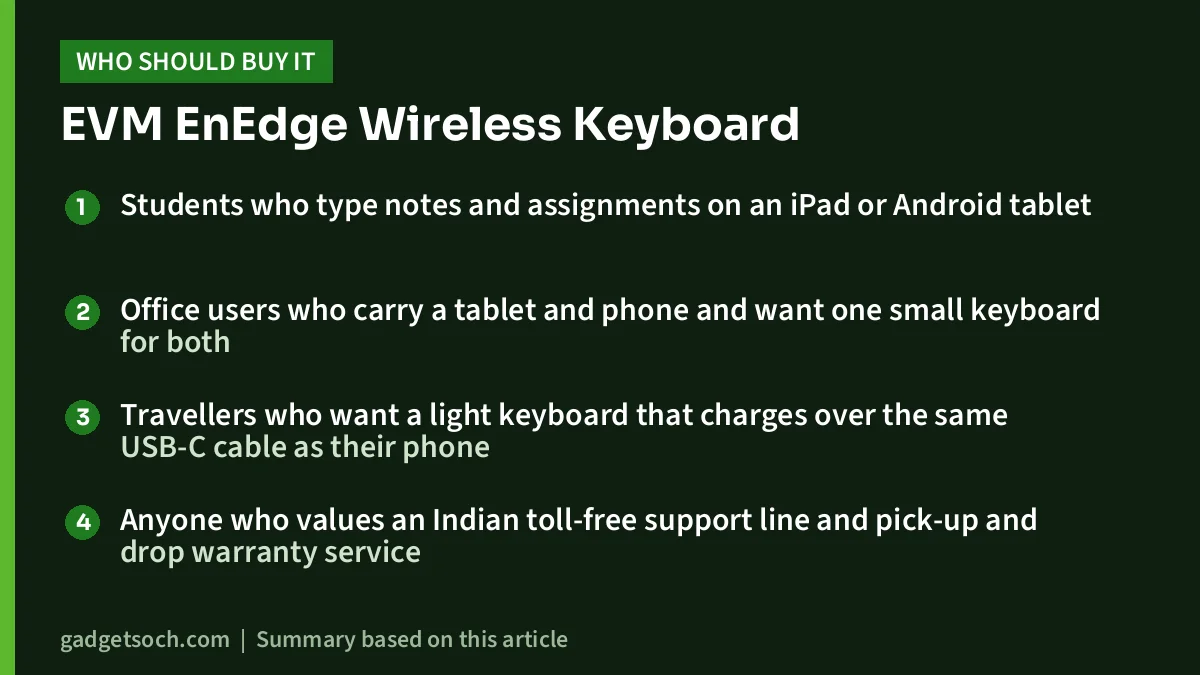
- Students who type notes and assignments on an iPad or Android tablet
- Office users who carry a tablet and phone and want one small keyboard for both
- Travellers who want a light keyboard that charges over the same USB-C cable as their phone
- Anyone who values an Indian toll-free support line and pick-up and drop warranty service
Who should skip it
- Accountants, data-entry users and anyone who types numbers all day, since a number pad is not mentioned
- People who type in dim rooms and need a backlight, which is not mentioned
- Desktop users without Bluetooth who want a plug-in USB receiver
- Buyers who want proven battery-life figures or independent reviews before purchase
Alternatives worth comparing
- Portronics Bubble: according to Portronics, a compact tenkeyless keyboard with 78 silent low-profile keys, Bluetooth 5.0 plus a 2.4 GHz USB receiver, up to three devices, 276 g weight and a 12-month warranty. Heavier, but better for desktops without Bluetooth.
- EVM EnAir WLK-009: EVM’s own rechargeable Bluetooth 5.0 keyboard, listed with 78 keys, a 180mAh battery, up to 30 days of battery life, about two hours of charging over Type-C and up to 10 m range. Choose it if published battery figures matter to you.
- Logitech K380 Multi-Device: Logitech says it connects up to three devices with easy switching and works with Windows, macOS, iPadOS, ChromeOS, Android, iOS and Apple TV, with automatic key mapping per platform. A long-established option from a global brand.
For more on building a home or study setup, see our Portronics Bubble keyboard review and our work-from-home desk setup guide.
Buying tips before you order
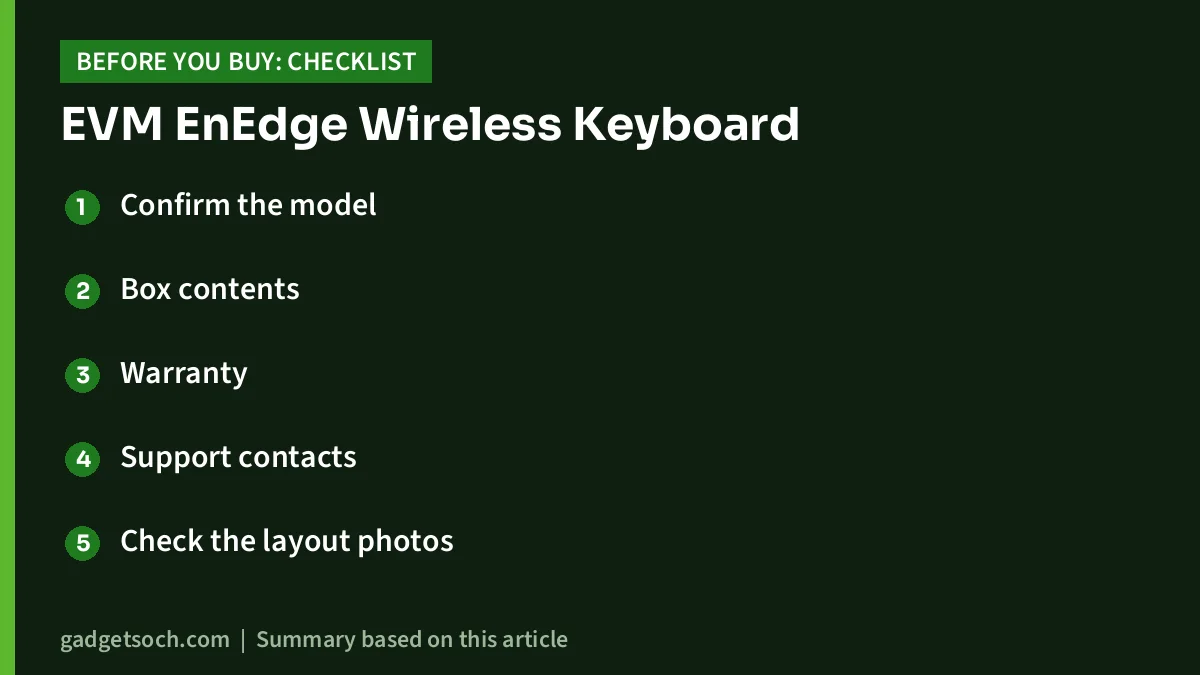
- Confirm the model: the listing title should end with “(WLKM)” and name the EnEdge. EVM also sells WLKM keyboards in keyboard-and-mouse combos (EnClick, EnKey, EnArc), so make sure you are buying the keyboard alone if that is what you want.
- Box contents: EVM lists a 30cm charging cable, and the listing shows “USB Cable” under box contents. No stand, case or USB receiver is mentioned.
- Warranty: the listing title says 1 year. EVM’s warranty policy asks for proof of purchase and offers service through the reseller or EVM’s pick-up and drop service. Keep your Amazon invoice, and register on EVM’s warranty activation page if available.
- Support contacts: EVM lists toll-free number 180 010 20432 and support@evmzone.com.
- Check the layout photos: look for special keys you will use often, such as a home key for tablets and the device-switch keys.
See the EVM EnEdge Wireless Keyboard (WLKM, Black) on Amazon.in
Frequently asked questions
Does the EVM EnEdge keyboard work with an iPad?
Yes, according to the Amazon.in listing, which names iPad first. It connects over Bluetooth 5.0, which iPads support. You will need a separate stand for the tablet.
Does it come with a USB receiver?
No receiver is mentioned by EVM or the listing. It connects over Bluetooth only.
How long does the battery last?
EVM does not publish a battery-life figure for the EnEdge. Its official page lists a 150mAh rechargeable battery charged over USB Type-C.
Is it a mechanical keyboard?
Unlikely. The listing’s table says “Mechanical”, but its bullets describe low-profile, quiet keys and the keyboard is only 6.4 mm thick according to EVM. Treat the “Mechanical” entry as a listing error unless EVM confirms otherwise.
What warranty does it have?
The Amazon.in listing title states a 1-year warranty. Claims need proof of purchase under EVM’s warranty policy.
Conclusion
The EVM EnEdge (WLKM) is a light, thin, USB-C rechargeable Bluetooth keyboard with three-device switching claimed in its listing, which makes it a practical companion for tablets and phones. Its official specifications are thin, it has no published battery-life figure, and the listing has some contradictory details, so check the photos and warranty terms before ordering. If you need a USB receiver or published battery data, compare the Portronics Bubble or EVM’s own EnAir first.
Check the current price of the EVM EnEdge keyboard on Amazon.in
Related reading on GadgetSoch: HP Laser 1008a Review (714Z8A): A USB-Only Mono Laser Printer for Home and Study and Canon PIXMA G1730 Review: Print-Only, USB-Only Ink Tank Printer for Home.
Sources
- EVM: EnEdge Wireless Keyboard WLKM, checked 17 October 2026
- EVM: Warranty policy, checked 17 October 2026
- EVM: EnAir Rechargeable Wireless Keyboard WLK-009, checked 17 October 2026
- Portronics: Bubble keyboard, checked 17 October 2026
- Logitech: K380 Multi-Device keyboard, checked 17 October 2026
- Amazon.in listing for ASIN B0DBZ99WXV (seller-provided details), captured 17 October 2026




