The Dell 24 Plus S2425HSM is a 23.8-inch Full HD IPS monitor with a refresh rate of up to 144Hz, 99% sRGB colour coverage, built-in 2 x 3W speakers and a stand that adjusts for height, tilt, swivel and pivot. The Amazon.in listing covered here is the Ash White version. It is a well-rounded choice for home users, students and hybrid workers who want one monitor for work, streaming and casual gaming, as long as two HDMI ports are enough for their devices.
The short verdict: the S2425HSM gets the everyday details right (colour, comfort, adjustability and sound in one box), but it has no DisplayPort, no USB-C and no USB ports, and its “1ms” headline figure comes from a mode that switches off FreeSync. Buyers who mainly play fast competitive games should look at a dedicated gaming monitor.
This article draws on Dell’s official user guide for the S2425HSM (Rev. A03) and the Amazon.in listing data, both checked on 17 October 2026. It is not a hands-on review and we have not tested the monitor.
Strengths and weaknesses at a glance
- Strength: 144Hz IPS panel with AMD FreeSync (48 to 144Hz), 300 nits and 1500:1 typical contrast
- Strength: 99% sRGB and 8-bit colour, per Dell
- Strength: stand with 110 mm height, tilt, 30-degree swivel each way and 90-degree pivot
- Strength: 2 x 3W speakers and TÜV Rheinland Eye Comfort 3.0 (4-star) certification
- Weakness: only two HDMI 1.4 inputs, no DisplayPort, no USB-C, no USB hub
- Weakness: 1ms is an MPRT figure, and MPRT mode cannot be used with FreeSync
- Weakness: ships set to 60Hz by default, so you must switch to 144Hz yourself
Dell S2425HSM specifications
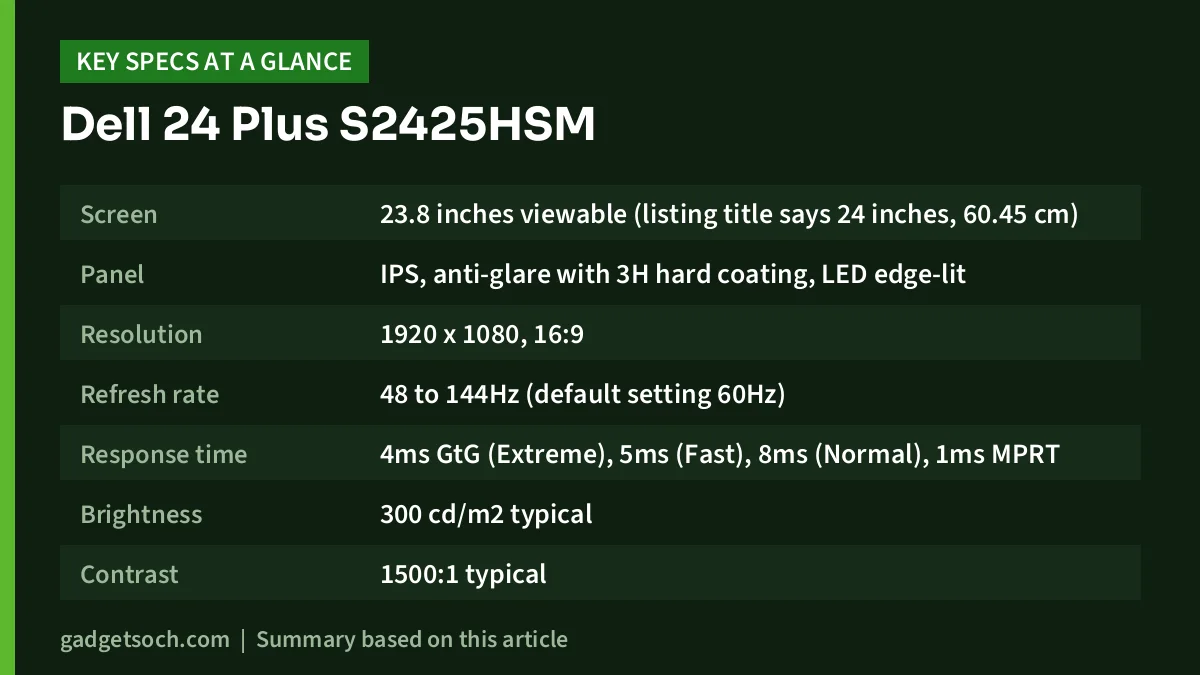
| Item | Dell S2425HSM (official user guide unless noted) |
|---|---|
| Screen | 23.8 inches viewable (listing title says 24 inches, 60.45 cm) |
| Panel | IPS, anti-glare with 3H hard coating, LED edge-lit |
| Resolution | 1920 x 1080, 16:9 |
| Refresh rate | 48 to 144Hz (default setting 60Hz) |
| Response time | 4ms GtG (Extreme), 5ms (Fast), 8ms (Normal), 1ms MPRT |
| Brightness | 300 cd/m2 typical |
| Contrast | 1500:1 typical |
| Colour | 99% sRGB, 8-bit (16.7 million colours) |
| Adaptive sync | AMD FreeSync, 48 to 144Hz |
| Inputs | 2 x HDMI 1.4 (up to 1920 x 1080 at 144Hz) |
| Speakers | 2 x 3W |
| Stand | Height 110 mm, tilt -5 to 21 degrees, swivel -30 to 30 degrees, pivot -90 to 90 degrees |
| VESA | 100 x 100 mm |
| Power | 14.3W typical, 39W max, 0.5W standby |
| Weight | 3.03 kg panel only, 5.01 kg with stand and cables |
| Eye comfort | TÜV Rheinland Eye Comfort 3.0, 4-star, ComfortView Plus on by default |
| Colour variant | Ash White (per listing) |
| Warranty | 3 years (per listing) |
Check the current price of the Dell S2425HSM (Ash White) on Amazon.in
About the variant and the name
Dell markets this model as the Dell 24 Plus Monitor, model S2425HSM, and its user guide covers it together with the 27-inch S2725HSM. The ASIN linked here (B0FQ5F2QSQ) is the Ash White version, according to the listing title and technical details. Dell also sells a similarly named S2425H, which is a different model, so look for the full “S2425HSM” on the listing and the box. If you prefer a different colour, confirm that it is the same model number, because a different colour will be a separate listing.
The 1ms claim, explained
The listing headline says “1ms”, and that is accurate but needs context. Dell’s guide lists two kinds of response time. Grey-to-grey (GtG) response, which measures how fast pixels change shade, is 4ms in Extreme mode, 5ms in Fast mode and 8ms in Normal mode. The 1ms figure is MPRT (moving picture response time), which comes from a separate mode aimed at reducing perceived motion blur.
Dell’s guide notes two trade-offs of MPRT mode: it may cause slight brightness flicker, and it does not work with FreeSync. So you choose between MPRT for sharper motion at a steady frame rate, or FreeSync for tear-free play when frame rates vary. For most people playing a mix of games, FreeSync with the Fast or Extreme overdrive setting is the more practical everyday choice.
144Hz over HDMI, and why the missing DisplayPort matters
The S2425HSM supports up to 144Hz, and Dell’s guide confirms that both HDMI 1.4 ports can carry 1920 x 1080 at 144Hz. That is enough for smoother scrolling at work and smoother motion in games. One important setup step: Dell lists the default as 1920 x 1080 at 60Hz. After connecting, open your computer’s display settings and select 144Hz, or you will not get the benefit.
There is no DisplayPort input. For most laptops, consoles and set-top boxes that is no problem, since they use HDMI. But many desktop graphics cards offer more DisplayPort outputs than HDMI, and some laptops only output video through USB-C. If your device uses USB-C, you will need a USB-C to HDMI cable or adapter, and the port must support video output. Dell lists AMD FreeSync for this monitor, and we did not find NVIDIA G-SYNC Compatible listed in the sources we checked, so NVIDIA users should not count on certified variable refresh.
Picture and colour
With an IPS panel, 99% sRGB coverage and 8-bit colour, the S2425HSM should show natural, consistent colour for web content, photos, streaming and office documents. sRGB is the standard colour space for most online and everyday content, so this is a solid spec for a home or study monitor. Dell quotes 300 nits typical brightness, which suits normal indoor rooms, and 1500:1 typical contrast, which is higher than the 1000:1 figure many IPS monitors quote. The anti-glare 3H coating helps reduce reflections.
Built-in speakers: useful, with sensible expectations
Many monitors at this size have no speakers at all, so the S2425HSM’s integrated 2 x 3W speakers are a genuine convenience. According to the listing, you can pick from five preset sound profiles or create your own. For video calls, YouTube and casual listening, built-in speakers save desk space and a cable. Small monitor speakers generally lack deep bass, so for movies, music or gaming, headphones or a separate speaker set will still sound fuller.
Ergonomics: one of the better stands in this size
Dell’s guide lists 110 mm of height adjustment, tilt from -5 to 21 degrees, swivel of 30 degrees in either direction and pivot of 90 degrees either way. That full range means you can set the top of the screen near eye level, angle it towards a second person, or rotate it into portrait for reading documents and code. A 100 x 100 mm VESA mount is also supported, and the box includes a VESA cover, according to Dell.
Comfort features include Dell ComfortView Plus, a hardware low-blue-light solution that Dell says is enabled by default, a flicker-free backlight, and TÜV Rheinland Eye Comfort 3.0 certification with a 4-star rating. The listing also mentions scheduling brightness and contrast to match the time of day.
Productivity software
The listing describes Dell’s Easy Arrange feature, which tiles apps across the screen using preset layouts and can customise up to five windows. Easy Arrange Memory can save and restore app layouts manually, on a schedule or at start-up. These tools run on your computer, so check that Dell’s display software supports your operating system before relying on them.
Who should buy the Dell S2425HSM, and who should not
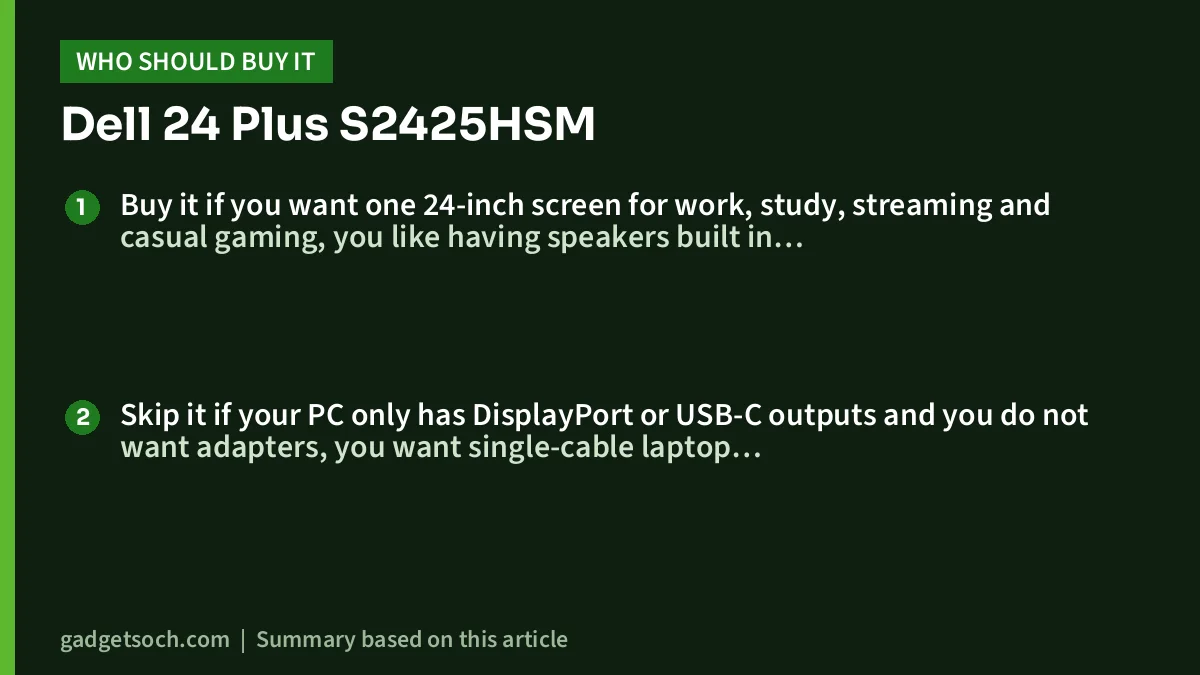
Buy it if you want one 24-inch screen for work, study, streaming and casual gaming, you like having speakers built in, you want a stand with height, swivel and pivot, and your devices connect over HDMI. It also suits two-device setups, such as a laptop and a console, thanks to two HDMI inputs.
Skip it if your PC only has DisplayPort or USB-C outputs and you do not want adapters, you want single-cable laptop charging, you play competitive shooters seriously and want higher refresh rates, or you need a USB hub on the monitor.
Alternatives worth comparing
- LG UltraGear 24GS65F: 180Hz IPS with 1ms GtG (in Faster mode), G-SYNC Compatible and FreeSync, HDMI 2.0 and DisplayPort 1.4, with a height, tilt and pivot stand, per LG India. No speakers.
- BenQ GW2486TC: a 100Hz work-focused monitor with USB-C (65W power delivery), DisplayPort, daisy chain, two USB-A ports, 2 x 2W speakers and a noise-cancelling microphone, per BenQ India.
- HP Series 3 Pro 324pf: a 100Hz IPS office monitor with VGA, HDMI 1.4 and DisplayPort 1.2 but a tilt-only stand and no speakers.
For another budget 24-inch option, see our Zebronics A24FHD review, and for help planning the rest of your desk, read our work from home desk setup guide.
Buying checklist for India
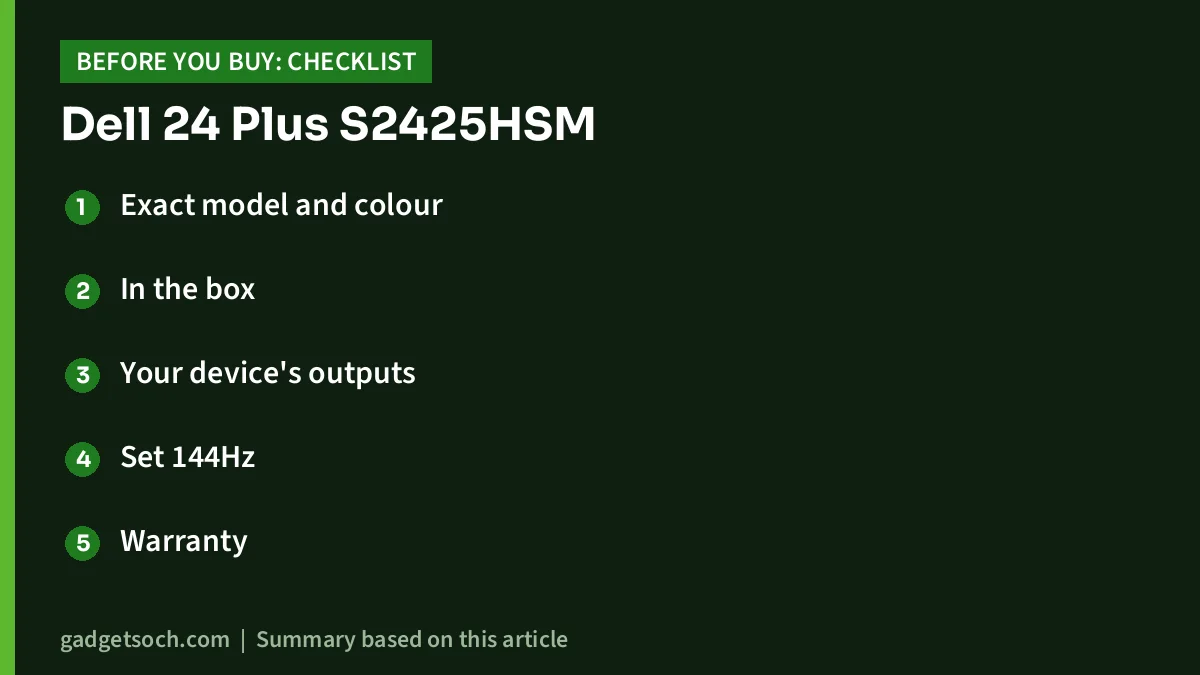
- Exact model and colour: the listing should read S2425HSM and Ash White.
- In the box: Dell lists the monitor, stand riser and base, VESA cover, power cable (varies by region), a 1.8 m HDMI 1.4 cable, a QR card and safety documents. There is no DisplayPort or USB-C cable, since the monitor has neither port.
- Your device’s outputs: confirm you have HDMI, or buy a suitable adapter.
- Set 144Hz: the default is 60Hz, so change it after setup.
- Warranty: the listing states a 3-year warranty. Keep your invoice for Dell service in India.
- Desk depth: Dell lists 191.82 mm depth and 537.64 mm width with the stand.
See the Dell 24 Plus S2425HSM (Ash White) on Amazon.in
Frequently asked questions
Does the Dell S2425HSM have DisplayPort?
No. Dell’s guide lists two HDMI 1.4 ports as the video inputs. Both support 1920 x 1080 at 144Hz.
Is the Dell S2425HSM really 1ms?
Only in MPRT terms. Grey-to-grey response is 4ms in Extreme mode, according to Dell, and the 1ms MPRT mode cannot be combined with FreeSync.
Are the built-in speakers any good?
They are 2 x 3W units with five sound presets, per Dell and the listing. They are handy for calls and videos, but we have not tested them, and headphones or external speakers will suit music and movies better.
Can I rotate the screen to portrait?
Yes. Dell lists pivot of 90 degrees in either direction, along with height, tilt and swivel adjustment.
Why does my monitor show only 60Hz?
Dell sets 60Hz as the default. Choose 144Hz in your computer’s display settings, and use a cable that supports it, such as the HDMI cable Dell includes.
Conclusion
The Dell S2425HSM is a strong all-rounder: 144Hz IPS, 99% sRGB, 2 x 3W speakers, a fully adjustable stand and eye-comfort certification in a clean Ash White finish. Its limits are its HDMI-only inputs and a “1ms” headline that needs context. If your devices use HDMI and you want comfort and versatility more than esports speed, it is easy to recommend on paper.
Check the Dell S2425HSM price and availability on Amazon.in
Related reading on GadgetSoch: LG UltraGear 34GS95QE Review: 240Hz Ultrawide OLED Explained and Acer EK220Q E3 Review: 21.5-inch 100Hz IPS Monitor, and What "1ms VRB" Really Means.
Sources
- Dell S 24/27 Monitor S2425HSM/S2725HSM User’s Guide, Rev. A03, checked 17 October 2026
- Dell Support: S2425HSM manuals and documents
- Amazon.in listing for ASIN B0FQ5F2QSQ (title, feature bullets and technical details captured 17 October 2026)
- Alternatives facts: LG India 24GS65F-B page, BenQ India GW2486TC specifications, B&H Photo HP 324pf specifications