
The Amazon Basics 360° Rotating Metal Laptop Stand (Black) is a foldable carbon-steel desk stand that raises your laptop, adjusts for height and angle, and rotates through 360 degrees, with a rated maximum load of 10 kg according to its Amazon.in listing. It suits people who work on a laptop at one desk for long hours and want the screen higher with the underside open to air. As a simple ergonomic riser it makes sense, but the listing leaves out the height range, angle range and supported screen sizes, so check those before you order.
This article is based on the product’s Amazon.in listing (Amazon Basics is Amazon’s own brand, so the listing is effectively its official product page) and on published reporting about comparable products, all checked on 17 October 2026. It is not based on hands-on testing, and we could not find an independent published review of this exact model, so you will not find first-hand stability or comfort claims here.
The link on this page points to the black, 360° rotating version (ASIN B0DM8HD3SF). If the listing shows other colours or styles, confirm your selection before checkout.
Quick verdict
- Best for: laptop users who sit at one desk for long hours and already use, or plan to buy, an external keyboard and mouse
- Also useful for: turning the screen towards a colleague or client during a discussion, thanks to the 360° rotation
- Key strengths: carbon steel body, 10 kg rated load, height and angle adjustment, foldable design, open design for airflow, 1-year warranty with an Indian support contact
- Key limitations: heavy for a portable stand at 1,380 g (listing figure), no stated height or angle range, no stated supported laptop size, no active cooling
- Skip if: you want a light stand to carry every day, you will keep typing on the laptop’s own keyboard, or your laptop runs hot enough to need fans
Key specifications from the Amazon.in listing
Every value below comes from the Amazon.in listing’s title, feature text and technical details as captured on 17 October 2026. Amazon Basics does not publish a separate spec sheet for this stand, so treat these figures as the listing’s claims.
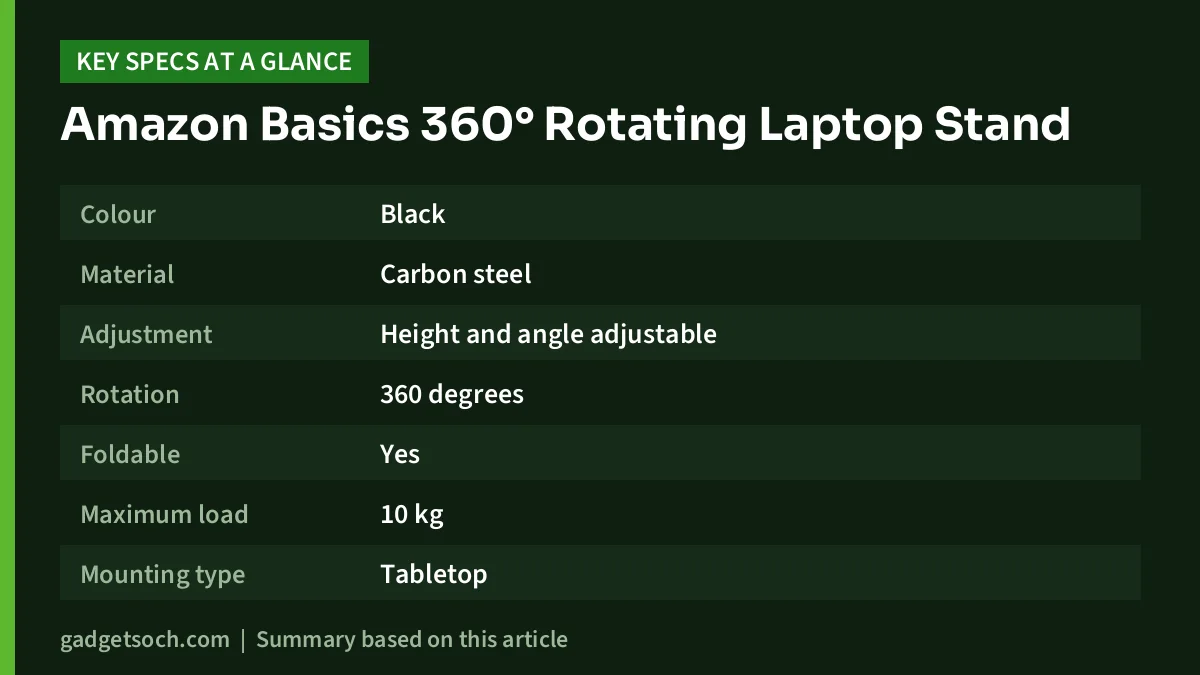
| Specification | Amazon Basics 360° Rotating Metal Laptop Stand |
|---|---|
| Colour | Black |
| Material | Carbon steel |
| Adjustment | Height and angle adjustable |
| Rotation | 360 degrees |
| Foldable | Yes |
| Maximum load | 10 kg |
| Mounting type | Tabletop |
| Fastening type (as listed) | Sticky pad |
| Item dimensions | 22.9 x 24.2 x 4.5 cm |
| Item weight | 1,380 g |
| Compatible devices | Laptops (title also names MacBook) |
| In the box | 1 laptop stand |
| Warranty | 1 year, support handled by Blubirch |
| Manufacturer (as listed) | Dongguan Archer Technology Limited |
Two notes on the table. First, the listing does not say whether 22.9 x 24.2 x 4.5 cm is the folded or the open size; the 4.5 cm height points to a folded measurement, but that is our reading rather than a stated fact. Second, the listing gives no height range, no angle range and no maximum laptop screen size. Look at the listing images and its questions-and-answers section for these details, especially if you own a 16-inch or 17-inch laptop.
Check the current price of the Amazon Basics 360° Rotating Metal Laptop Stand (Black) on Amazon.in
Why a laptop stand helps at all
A laptop forces a compromise. When the keyboard sits at a comfortable typing height, the screen sits well below eye level, so most people spend hours looking down. A stand fixes the screen half of that problem by lifting the display closer to eye level. The catch is that the built-in keyboard then ends up too high and at an awkward angle for long typing sessions.
That is why a stand works best as part of a small setup: the laptop on the stand acting as a monitor, plus a separate keyboard and mouse at normal desk height. Without them, you may simply move the strain from your neck to your wrists. Our work from home desk setup guide covers keyboard, mouse and monitor options that pair well with a stand.
Design and build: carbon steel at 1.38 kg
According to the Amazon.in listing, the stand is made of carbon steel and weighs 1,380 g. That weight cuts both ways. On a desk, a heavier stand is generally harder to tip and less likely to slide when you press on the screen or type on the raised laptop. In a backpack, 1.38 kg is close to the weight of a light laptop, which is a real cost if you plan to carry it to office or college every day.
The listing calls the design foldable, which is most useful for storing it in a drawer. The technical details also list the fastening type as “sticky pad”. The listing does not explain this further, so check the product photos to see where the grip pads sit and whether they cover both the laptop tray and the base.
The 10 kg maximum load is far above what any normal laptop weighs, so capacity is not a concern for a typical notebook. We have no test data on wobble at higher settings, so use an external keyboard when the stand is raised high.
Height, angle and the 360° rotation
The listing promises adjustable height and angle but gives no numbers. Here is how to judge what you need. For comfortable viewing, the top of the screen should sit roughly at or slightly below your eye level when you sit upright. On a standard desk, most people need the laptop raised noticeably to get there, and taller users need more lift.
The 360° rotation is what separates this model from basic fixed risers. The listing does not describe the mechanism in detail, so check the photos to see which part turns. Rotation is handy if you often show your screen to someone across the desk or move between two seating positions. If you set the screen once and never move it, rotation adds little and a simpler stand may do the same job.
Airflow and heat: what a passive stand can and cannot do
The listing says the stand improves airflow. That is true in a limited, passive sense. Lifting the laptop off the desk and leaving the underside open gives bottom intake vents room to breathe, compared with a laptop lying flat on a desk, a bed or a cushion.
What a stand cannot do is add cooling capacity, because it has no fans. If your laptop runs very hot during long gaming, rendering or compiling sessions, a cooling pad with fans may suit you better. Our Zebronics ZEB-NC3300 cooling pad review explains when such pads help and why the gains are usually modest.
Compatibility: will your laptop fit?
The listing says the stand works with laptops and names MacBook in its title, but it gives no supported screen-size range and no tray measurements beyond the overall item dimensions. Before ordering, run through these checks:
- Laptop depth: a 15.6-inch or 16-inch laptop is deeper from front to back than a 13-inch model, so make sure the tray supports the full base and the front lip holds it securely
- Vents: find where your laptop’s intake vents are; if they are underneath, the tray should leave them uncovered
- Ports and hinges: some laptops have rear ports or a hinge that lifts the back edge when opened, so make sure the stand does not block or press on them
- Weight: the 10 kg rating is generous, but heavy gaming laptops are still steadier at lower settings
Who should buy it
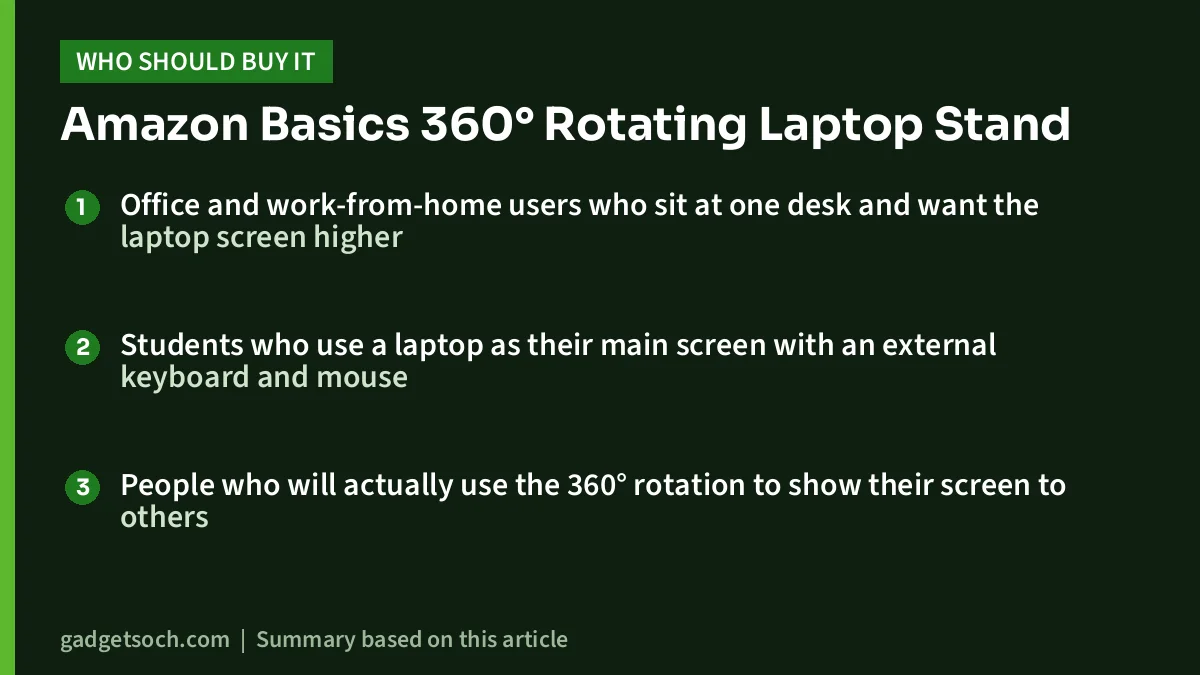
- Office and work-from-home users who sit at one desk and want the laptop screen higher
- Students who use a laptop as their main screen with an external keyboard and mouse
- People who will actually use the 360° rotation to show their screen to others
Who should skip it
- Commuters, since 1,380 g adds real weight to a bag
- Owners of hot-running gaming laptops who need active cooling
- Buyers who need confirmed height and angle figures before ordering
Alternatives worth comparing
Portronics My Buddy K6: According to FoneArena’s launch report, this stand also has a 360-degree rotating base, adjustable height and angle, silicone anti-slip cushions and a 10 kg load rating, and it supports laptops and tablets up to 15.6 inches with a 1-year warranty. It combines aluminium alloy and carbon steel. Unlike the Amazon Basics listing, it states a supported screen size.
Zebronics ZEB-NC3300 cooling pad: A different approach for laptops that run hot. Zebronics specifies two 120 mm fans, USB power, a retractable stand and support for laptops up to 15.6 inches. It lifts the laptop far less than a stand, so it is a cooling tool first and an ergonomic tool second.
Buying tips before you order
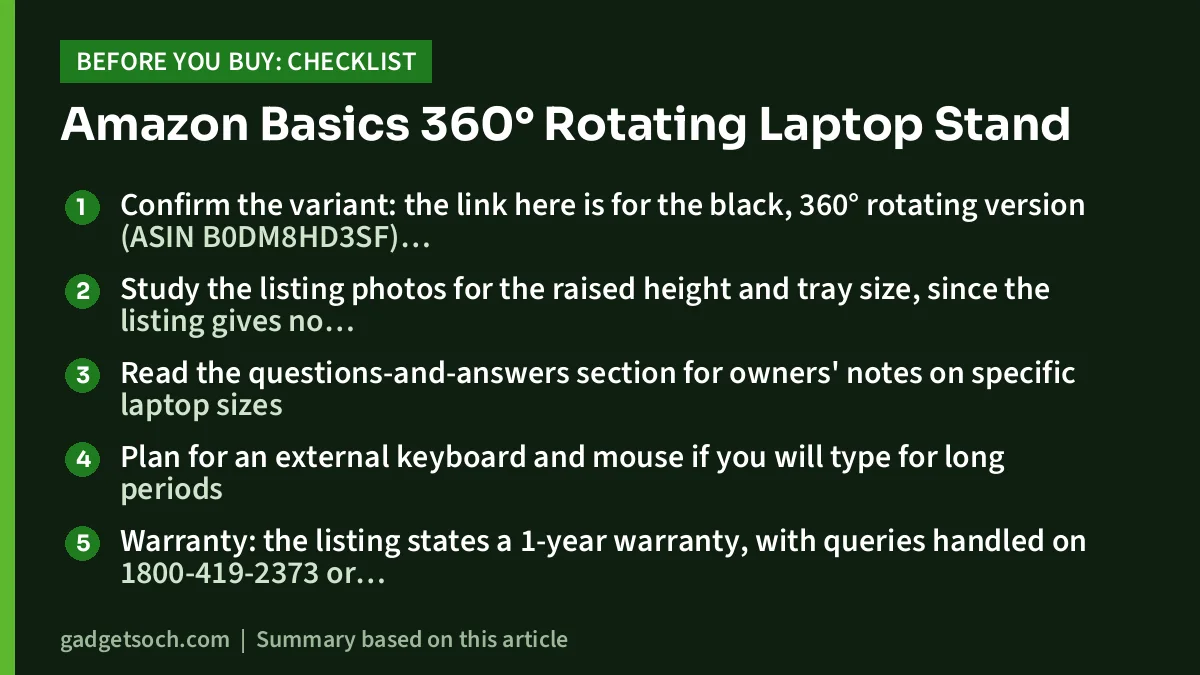
- Confirm the variant: the link here is for the black, 360° rotating version (ASIN B0DM8HD3SF); check the colour and style shown in your cart
- Study the listing photos for the raised height and tray size, since the listing gives no numbers
- Read the questions-and-answers section for owners’ notes on specific laptop sizes
- Plan for an external keyboard and mouse if you will type for long periods
- Warranty: the listing states a 1-year warranty, with queries handled on 1800-419-2373 or clicktech@blubirch.com (10am to 6pm, Monday to Saturday, except national holidays); keep your invoice
- Inspect the stand on delivery for bent arms, stiff or loose hinges and missing pads, and use the return window if anything is wrong
See the black 360° rotating Amazon Basics laptop stand on Amazon.in
Frequently asked questions
Can the Amazon Basics 360° laptop stand hold a gaming laptop?
The Amazon.in listing rates it for up to 10 kg, which is more than any normal gaming laptop weighs. Whether it fits depends on the laptop’s footprint, which the listing does not specify, and a passive stand does not add any cooling.
Does it work with a MacBook?
The listing title says it is compatible with laptops and MacBook. MacBooks are relatively light and thin, so weight is not a concern; check that the tray’s grip pads and front lip suit your model’s size.
What is the height adjustment range?
The listing does not state it. Check the product images and the questions-and-answers section, or ask the seller, if you need a specific height.
What warranty does it have in India?
The listing states a 1-year warranty, with support from Blubirch on 1800-419-2373 or clicktech@blubirch.com, 10am to 6pm Monday to Saturday except national holidays. Confirm the terms on the listing when you order.
Final word
The Amazon Basics 360° Rotating Metal Laptop Stand is a straightforward way to lift a laptop screen at a desk, with a sturdy-sounding steel build, a generous 10 kg rating, a foldable frame and the added flexibility of rotation. Its weaknesses are its weight for carrying and a listing that skips the numbers buyers most need, such as height range and supported screen size. Pair it with an external keyboard and mouse and it can make long laptop days noticeably more comfortable.
Check the current price of the Amazon Basics 360° rotating laptop stand (Black) on Amazon.in
Related reading on GadgetSoch: Portronics My Buddy Plus Review: Foldable Laptop Table With Cooling Fan, Explained and HP K270 Wireless Keyboard Review: Full-Size, Number Pad and What the Listing Leaves Out.
Sources
- Amazon.in listing for Amazon Basics 360° Rotating Metal Laptop Stand (Black), ASIN B0DM8HD3SF: title, feature text and technical details (material, rotation, foldability, 10 kg load, dimensions, weight, warranty and support contact), checked 17 October 2026
- FoneArena: Portronics My Buddy K6 launch report (rotating base, 15.6-inch support, 10 kg load, 1-year warranty), checked 17 October 2026
- Zebronics ZEB-NC3300 published specifications, as summarised in our ZEB-NC3300 review, checked 17 October 2026




