
The Anker 332 USB-C Hub (5-in-1), model A8355, adds an HDMI output, three 5 Gbps data ports and a USB-C charging input to a laptop through one USB-C plug. Anker rates the HDMI port at up to 4K at 30Hz and the pass-through charging at up to 85W from a 100W input. It is a good fit for a MacBook or thin Windows laptop user who wants one compact adapter for a monitor, drives and charging, as long as 4K at 30Hz and 85W are enough for you.
Key takeaways
- Who should skip it: Skip it if you need 4K at 60Hz for a large monitor, two external screens, a wired Ethernet connection, or an SD card slot for a camera.
- Check before you buy: Confirm the variant: this link is for the black Anker 332 USB-C Hub (5-in-1), model A8355011, with HDMI, one USB-C data port, two USB-A ports and a PD input.
This article covers the black Anker 332 5-in-1 listed on Amazon.in under ASIN B0BQLLB61B (model number A8355011 on the listing). The specifications come from Anker’s official product page and the Amazon.in listing, both checked on 17 October 2026. This is not a hands-on review: we have not measured speeds, heat or charging, and we do not quote test results.
Anker 332 at a glance
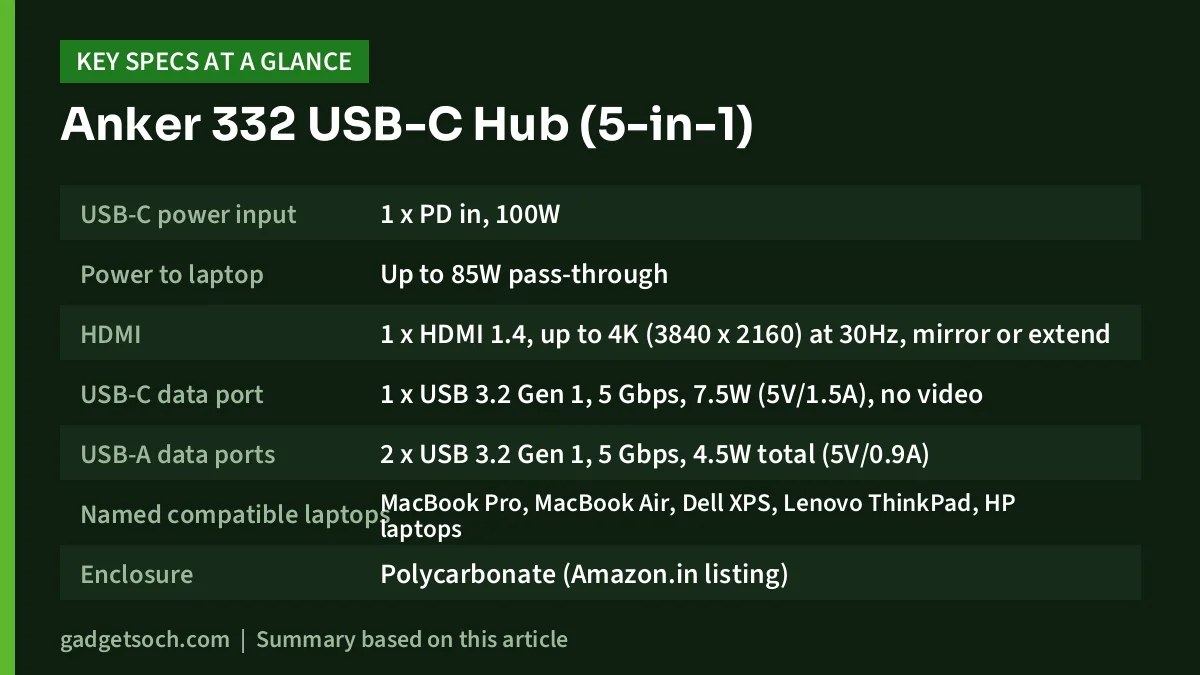
| Port or feature | Anker’s official rating |
|---|---|
| USB-C power input | 1 x PD in, 100W |
| Power to laptop | Up to 85W pass-through |
| HDMI | 1 x HDMI 1.4, up to 4K (3840 x 2160) at 30Hz, mirror or extend |
| USB-C data port | 1 x USB 3.2 Gen 1, 5 Gbps, 7.5W (5V/1.5A), no video |
| USB-A data ports | 2 x USB 3.2 Gen 1, 5 Gbps, 4.5W total (5V/0.9A) |
| Named compatible laptops | MacBook Pro, MacBook Air, Dell XPS, Lenovo ThinkPad, HP laptops |
| Enclosure | Polycarbonate (Amazon.in listing) |
| Size and weight | 12.2 x 4.1 x 1.2 cm, 0.09 lb (Amazon.in listing) |
| In the box | Hub and welcome guide (Amazon.in listing), charger not included |
| Colour | Black (Amazon.in listing) |
Check the current price of the Anker 332 USB-C Hub (5-in-1) on Amazon.in
Quick verdict
- Buy it for: a single-cable laptop setup with one external monitor, a couple of USB-A accessories, a fast drive and charging through the same port
- Skip it if: you want 4K at 60Hz, two external monitors, Ethernet or an SD card reader
- What it does well: every data port is rated at 5 Gbps, 100W input with up to 85W reaching the laptop, small travel-friendly body
- Where it falls short: HDMI 1.4 limits 4K to 30Hz, charger sold separately, warranty length differs between two parts of the listing
The ports, one by one
Many budget hubs mix one fast port with several USB 2.0 ports. Anker’s page lists all three data ports on the 332 as USB 3.2 Gen 1, which is the same 5 Gbps class often labelled USB 3.0. That means you can attach a portable drive to any of them without dropping to USB 2.0 speeds.
USB-A ports (x2): rated at 5 Gbps each, with a shared power budget of 4.5W (5V/0.9A) across both. That is plenty for a mouse receiver, keyboard or pen drive, but it is a modest budget for two power-hungry devices at once. Anker’s page specifically recommends connecting a Samsung T7 SSD to the USB-A ports for stable data transfer, which is a useful hint if you own that drive.
USB-C data port (x1): rated at 5 Gbps and 7.5W (5V/1.5A). It is for data and accessories only. The Amazon.in listing states plainly that the USB-C ports do not support video output, so you cannot run a USB-C monitor from this port.
USB-C PD input (x1): accepts up to 100W from a USB-C Power Delivery charger and passes up to 85W to the laptop. This port is for power only.
As with any hub, all of these share one USB-C connection back to the laptop. Copying between two drives on the hub at once will share that link, so expect the combined speed to be lower than the per-port rating suggests.
The HDMI port: what 4K at 30Hz means for you
The HDMI port is HDMI 1.4, which Anker rates at up to 4K (3840 x 2160) at 30Hz. You can mirror your laptop screen or extend the desktop onto the external display.
Why the refresh rate matters: at 30Hz the screen updates 30 times a second. Watching films and reading documents look fine at that rate, and many films are shot at lower frame rates anyway. Moving a mouse pointer, scrolling web pages and dragging windows, however, will feel noticeably less fluid than on a 60Hz display. Gaming at 30Hz is not a good experience.
Anker’s page does not list a refresh rate for lower resolutions such as 1080p or 1440p, so we cannot confirm what it runs at those resolutions. If you plan to use a Full HD monitor, check the product’s Q and A or Anker support before relying on a specific refresh rate.
One requirement that catches people out: the HDMI output only works if your laptop’s USB-C port can send video. On most laptops that means the port supports DisplayPort Alternate Mode, or is a Thunderbolt or USB4 port. Many laptops mark this with a small display or lightning icon. A USB-C port that handles only data will not give you a picture on the HDMI output, even though the USB ports on the hub will still work.
Charging through the hub
The 332 lets you plug your laptop charger into the hub, so one USB-C cable carries power, display and data to the laptop. Anker rates the input at 100W and the output to the laptop at up to 85W. The difference is the power the hub keeps for itself and the attached accessories.
- A charger is not included. The listing notes that pass-through charging requires a charger that you supply. Use a USB-C Power Delivery charger, ideally your laptop’s own.
- 85W is the ceiling. Laptops that ship with chargers above 85W may charge more slowly through the hub, or lose charge under heavy load.
- Low-power devices: Anker recommends connecting the wall charger when using the hub with the Surface Go, ASUS CM3 tablet, Galaxy S23 Ultra, Galaxy Tab S7+ and LG V60.
If you are unsure what wattage your laptop needs, our power bank and charger buying guide explains how to read charger wattage and Power Delivery labels.
Build and portability
The Amazon.in listing describes a polycarbonate enclosure with dimensions of 12.2 x 4.1 x 1.2 cm and a weight of 0.09 lb (roughly 41 g). Anker’s page does not list dimensions or weight, so treat these as the listing’s figures. Either way, it is a pocketable adapter rather than a desktop dock, which suits people who move between a desk and meetings or travel with a laptop.
Compatibility notes
Anker names the MacBook Pro, MacBook Air, Dell XPS, Lenovo ThinkPad and HP laptops as compatible, and the listing names Mac OS and Windows. For any laptop, the checks are the same: a USB-C port that supports data for the USB ports, video output support on that port for HDMI, and Power Delivery charging support on that port if you want pass-through charging. Your laptop’s manual or spec sheet will tell you which ports offer which features.
Warranty: check the listing
The warranty information on the Amazon.in listing is not consistent. The “What You Get” bullet mentions an 18-month warranty, while the technical details field reads “2 – 12month warranty”. Anker’s own product page mentions a hassle-free warranty without stating a length. Before ordering, check the seller details on the listing, keep your invoice, and confirm the warranty term with Anker support if it matters to you.
Who should buy it, and who should skip it
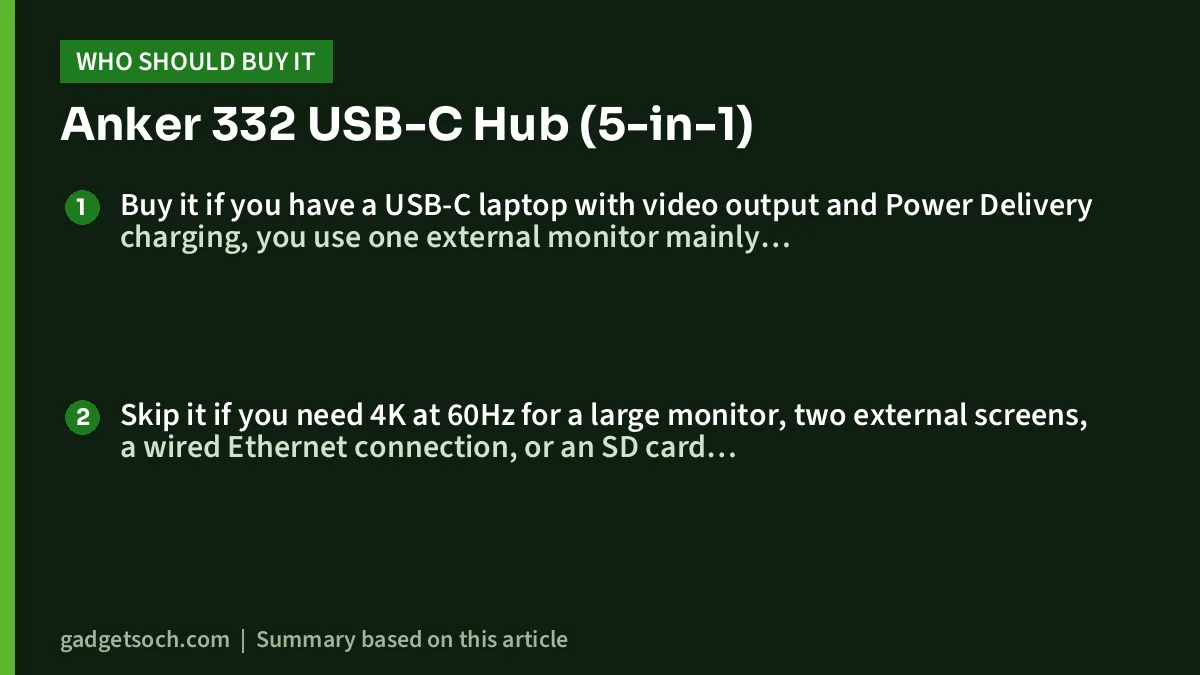
Buy it if you have a USB-C laptop with video output and Power Delivery charging, you use one external monitor mainly for documents, spreadsheets or video, and you want three fast USB ports plus charging through a single cable. Our work from home desk setup guide covers the keyboard, mouse and monitor side of that kind of setup.
Skip it if you need 4K at 60Hz for a large monitor, two external screens, a wired Ethernet connection, or an SD card slot for a camera. Also skip it if your laptop’s USB-C port does not support video, because the HDMI port is the main reason to pick this hub over simpler USB-only models.
Alternatives worth comparing
ZEBRONICS TA210U: a USB-only option. Zebronics’ official page lists four USB-A ports (one USB 3.0 and three USB 2.0, up to 5 Gbps), a metal body and an 11 g weight. There is no HDMI or charging input, so consider it only if you do not need a monitor.
Amazon Basics 4-in-1 USB C Hub: also USB-only, with one USB 3.0 port (5 Gbps) and three USB 2.0 ports (480 Mbps) according to its Amazon.in listing, in a plastic body. Like the Zebronics, it suits people who only need extra USB-A ports.
Both alternatives give up the Anker’s HDMI output, charging pass-through and the 5 Gbps rating on every port, so they only make sense if you need nothing more than extra USB-A sockets.
Before you order
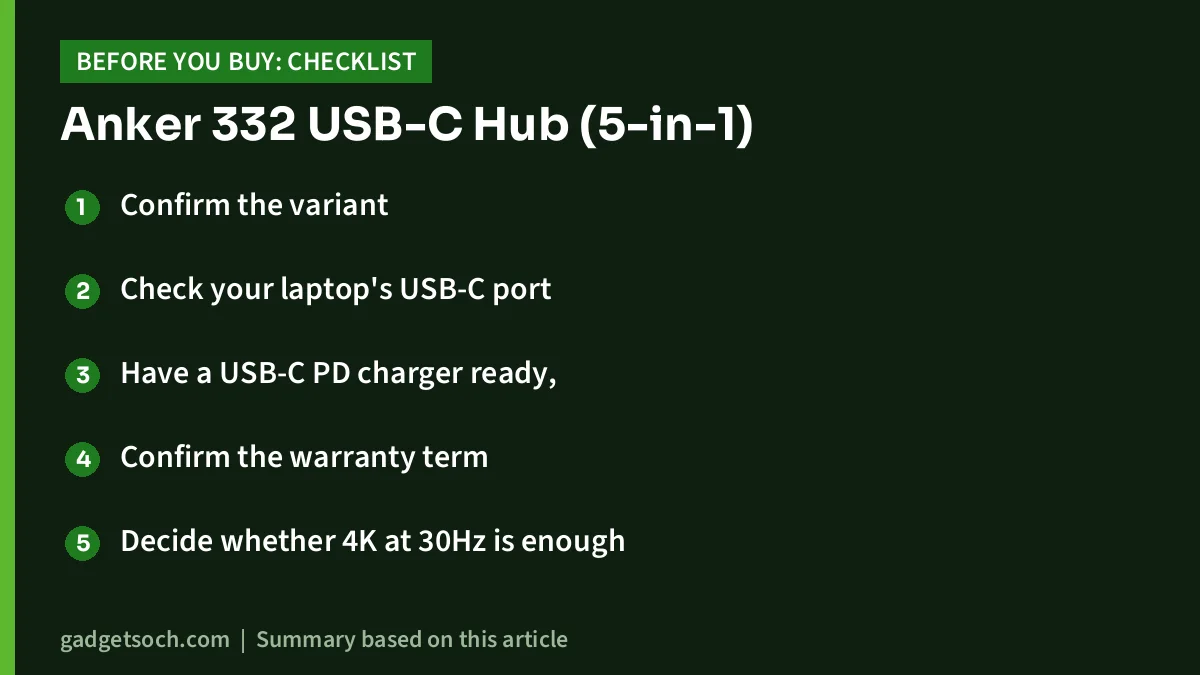
- Confirm the variant: this link is for the black Anker 332 USB-C Hub (5-in-1), model A8355011, with HDMI, one USB-C data port, two USB-A ports and a PD input. Check that the title says 332 and 5-in-1.
- Check your laptop’s USB-C port for video output and Power Delivery support.
- Have a USB-C PD charger ready, since none is included.
- Confirm the warranty term with the seller or Anker, given the listing’s conflicting figures.
- Decide whether 4K at 30Hz is enough for your monitor and the way you work.
If those boxes are ticked, see the Anker 332 USB-C Hub (5-in-1) on Amazon.in.
Frequently asked questions
Does the Anker 332 support 4K at 60Hz?
No. Anker rates its HDMI 1.4 port at up to 4K (3840 x 2160) at 30Hz.
Can I charge my MacBook through the Anker 332?
Yes, if you connect a USB-C Power Delivery charger to the hub’s PD input. Anker rates the input at 100W and the power passed to the laptop at up to 85W. A charger is not included.
Can I connect two monitors?
No. There is one HDMI port, and the listing says the USB-C ports do not support video output.
Are all the USB ports fast?
Yes. Anker lists the two USB-A ports and the USB-C data port as USB 3.2 Gen 1 at 5 Gbps each.
Why does the HDMI port not work on my laptop?
The most common reason is that the laptop’s USB-C port does not support video output. Try another USB-C or Thunderbolt port, and check your laptop’s specifications.
What is the warranty in India?
The Amazon.in listing gives conflicting figures, an 18-month warranty in one bullet and “2 – 12month” in the technical details. Confirm the term with the seller or Anker before you buy.
Conclusion
The Anker 332 USB-C Hub (5-in-1) is a compact all-rounder: HDMI for one display, three 5 Gbps data ports and up to 85W pass-through charging. Its HDMI 1.4 port limits 4K to 30Hz, and you need to bring your own charger, but for a laptop user who wants a tidy single-cable setup with an office monitor, it covers the essentials. Check the current price of the Anker 332 USB-C Hub (5-in-1) on Amazon.in.
Related reading on GadgetSoch: TP-Link UH6120C Review: 6-in-1 USB-C Hub With 4K 60Hz HDMI and Gigabit LAN and Portronics C-Konnect Review: 3-in-1 USB-C to HDMI Adapter With 100W PD, Explained.
Sources
- Anker: 332 USB-C Hub (5-in-1) official product page (checked 17 October 2026)
- Amazon.in listing for Anker 332 USB-C Hub (5-in-1), ASIN B0BQLLB61B (listing data captured 17 October 2026)
- Zebronics: ZEB-TA210U official product page (for the alternative, checked 17 October 2026)
- Amazon.in listing for Amazon Basics 4-in-1 USB C Hub, ASIN B0D93ZXGP6 (for the alternative, captured 17 October 2026)




