
The Portronics C-Konnect (model POR-1041) is a small 3-in-1 USB-C adapter that adds an HDMI port, one USB 3.0 Type-A port and a USB-C charging port to a laptop, MacBook or other USB-C device. It is a good fit if your main need is plugging a laptop into a TV, monitor or projector while keeping it charged, with one spare port for a pen drive or mouse. It is not a full docking station: HDMI is limited to 4K at 30Hz, and there is no card reader, Ethernet or second USB port.
This guide covers the white variant on Amazon.in (ASIN B083DY9RXW). It is based on the official Portronics product page and the Amazon.in listing, both checked on 17 October 2026, not on hands-on testing. We could not find an independent review of this model to quote, so nothing below is a measured result.
Quick verdict
- Best for: presenters, teachers and office users who connect a USB-C laptop to a projector or TV, and people who want a pocket-sized travel adapter
- Skip if: your laptop’s USB-C port does not output video, you want 4K at 60Hz, or you need more than one USB port
- Strengths: 100W USB-C PD charging port, 5 Gbps USB 3.0 port, plug-and-play, over-voltage, over-current and over-temperature protection listed by Portronics
- Limitations: 4K at 30Hz maximum, only three ports, plastic (ABS) housing, size and weight figures differ between the official page and the Amazon listing
Portronics C-Konnect specifications
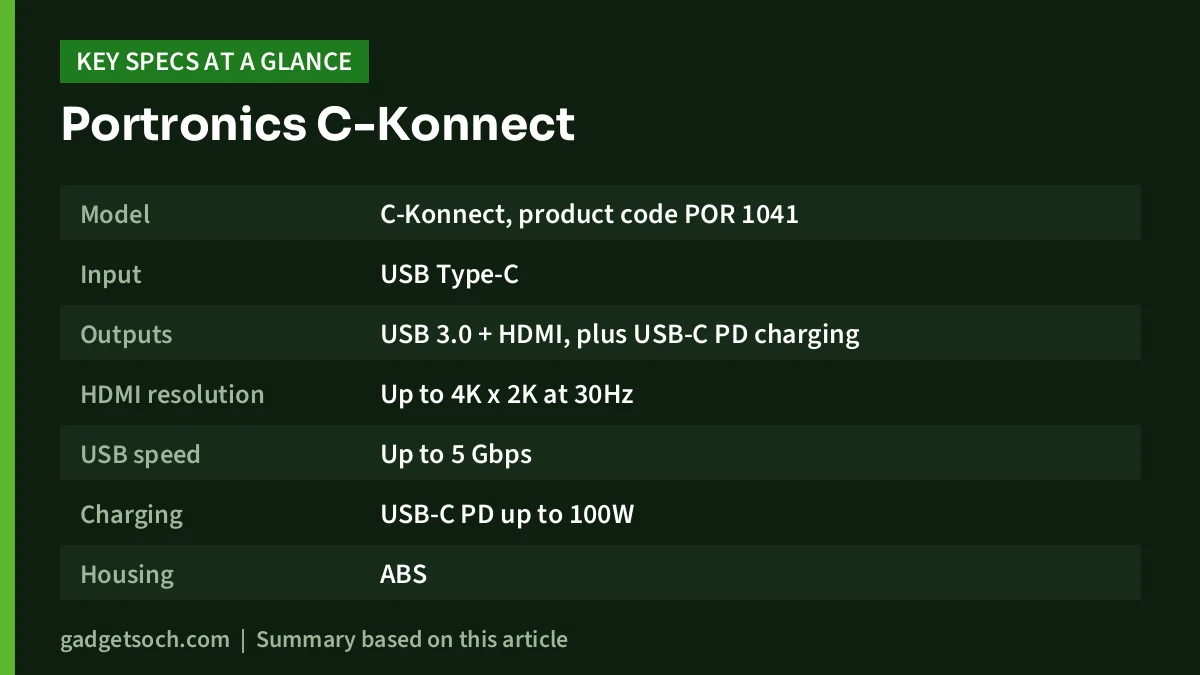
| Item | Official Portronics page | Amazon.in listing |
|---|---|---|
| Model | C-Konnect, product code POR 1041 | POR-1041 |
| Input | USB Type-C | USB Type-C to HDMI |
| Outputs | USB 3.0 + HDMI, plus USB-C PD charging | 3 ports |
| HDMI resolution | Up to 4K x 2K at 30Hz | 4K at 30Hz (title) |
| USB speed | Up to 5 Gbps | Up to 5 Gbps |
| Charging | USB-C PD up to 100W | 100W PD (title) |
| Housing | ABS | Matte finish |
| Size | 15.8 x 75.8 x 38 mm | 14 x 34 x 14 mm |
| Weight | 72.6 g | 50 g |
| Cable length | 150 mm | Not stated |
| Colour | White | White |
| Warranty | 12 months (1 year badge) | 1 year manufacturing warranty |
| Box contents | Not listed | 1 adapter |
The official page and the listing disagree on size and weight. We cannot tell which is right, so treat both as approximate. Every other key figure matches.
Check the current price of the Portronics C-Konnect (White) on Amazon.in
What each port does in practice
HDMI: 4K at 30Hz, 1080p for most people
Portronics rates the HDMI output at up to 4K x 2K at 30Hz and also lists 1080p support. For a projector in a classroom or meeting room, or a Full HD TV at home, that is all you need. For a 4K monitor you plan to work on all day, 30Hz will feel less fluid when you scroll or move windows, because the screen updates half as often as a typical 60Hz display. Films and slides are less affected.
Portronics notes that your Type-C device “should also be HDMI compatible”. In plain terms, the USB-C port on your laptop must support video output, usually listed as DisplayPort Alt Mode, Thunderbolt or USB4. Many low-cost laptops and a lot of phones have USB-C ports that only carry data and charging. On those, the HDMI port of any adapter, including this one, will show nothing.
USB 3.0 Type-A: one port, full speed
The single USB-A port is rated at up to 5 Gbps and works with USB 3.0 and USB 2.0 devices, according to the listing: flash drives, keyboards, mice, cameras and external drives. With only one port, you will need to choose between a mouse and a pen drive, or use a wireless keyboard-and-mouse combo that shares one receiver. If you plan to use a portable SSD here, our SanDisk Extreme Portable SSD review covers one popular option in detail. Note that a 5 Gbps port caps any faster drive at that interface speed.
USB-C PD: charge while you present
The USB-C port accepts a Power Delivery charger of up to 100W and keeps your laptop charging while the HDMI and USB ports are in use. Portronics calls this “charge while projecting”. The page does not say how much power the Portronics C-Konnect itself uses, so your laptop may receive somewhat less than your charger’s rating. A charger is not included, so bring your laptop’s own USB-C charger. If your laptop uses a round barrel-pin charger, this port cannot charge it.
Setting it up: a quick checklist
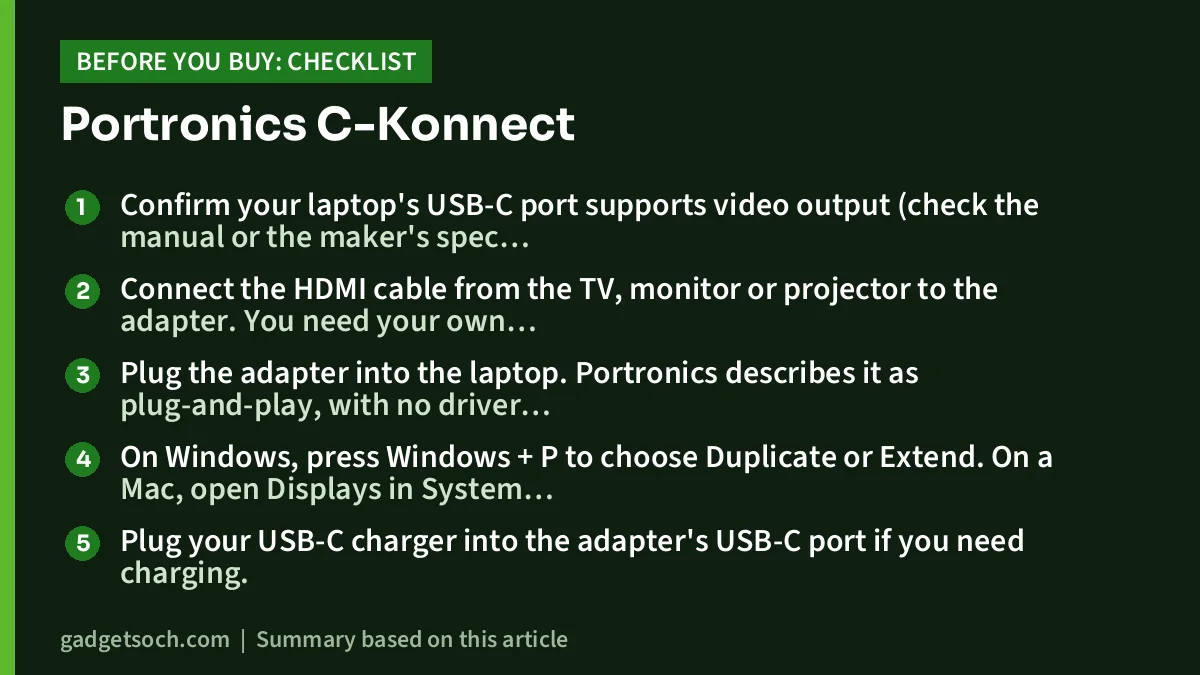
- Confirm your laptop’s USB-C port supports video output (check the manual or the maker’s spec page).
- Connect the HDMI cable from the TV, monitor or projector to the adapter. You need your own HDMI cable: the Amazon listing gives the box contents as one adapter only.
- Plug the adapter into the laptop. Portronics describes it as plug-and-play, with no driver needed.
- On Windows, press Windows + P to choose Duplicate or Extend. On a Mac, open Displays in System Settings.
- Plug your USB-C charger into the adapter’s USB-C port if you need charging.
- If USB devices behave oddly, Portronics suggests updating your laptop’s USB controller driver.
Build and portability
The housing is ABS plastic in white, with a 150 mm cable, according to Portronics. The official page lists the size as 15.8 x 75.8 x 38 mm and the weight as 72.6 g, while the Amazon.in listing says 14 x 34 x 14 mm and 50 g. Either way it is a small adapter that fits in a laptop bag’s front pocket. White plastic shows dirt more than dark metal, which matters only if you care about looks.
Portronics lists over-voltage, over-current and over-temperature protection. These are features to guard the Portronics C-Konnect and connected devices, but the page does not explain the limits or how they behave.
Care tips for a travel adapter
- Pull the adapter out by its body, not the cable. The joint between a short fixed cable and the housing is usually the first point to wear on any adapter.
- Avoid leaving it hanging from the laptop in a bag. Unplug it before you pack up.
- Keep it out of direct sun on a car dashboard or a hot window sill, since heat is hard on any small electronics.
- If the HDMI picture flickers, reseat both ends and try another HDMI cable before blaming the adapter.
Will it work with phones and tablets?
The Amazon.in listing claims compatibility with macOS, Windows and Android 7.0 and above, and Portronics’ FAQ mentions smartphones and tablets. Treat this carefully. The USB port and charging will work with many devices, but HDMI output from a phone only works if that phone supports video over USB-C. Many Android phones, especially budget ones, do not. Check your phone’s specifications for “DisplayPort output” or “video out over USB-C” before buying it for that purpose.
Who should buy the C-Konnect
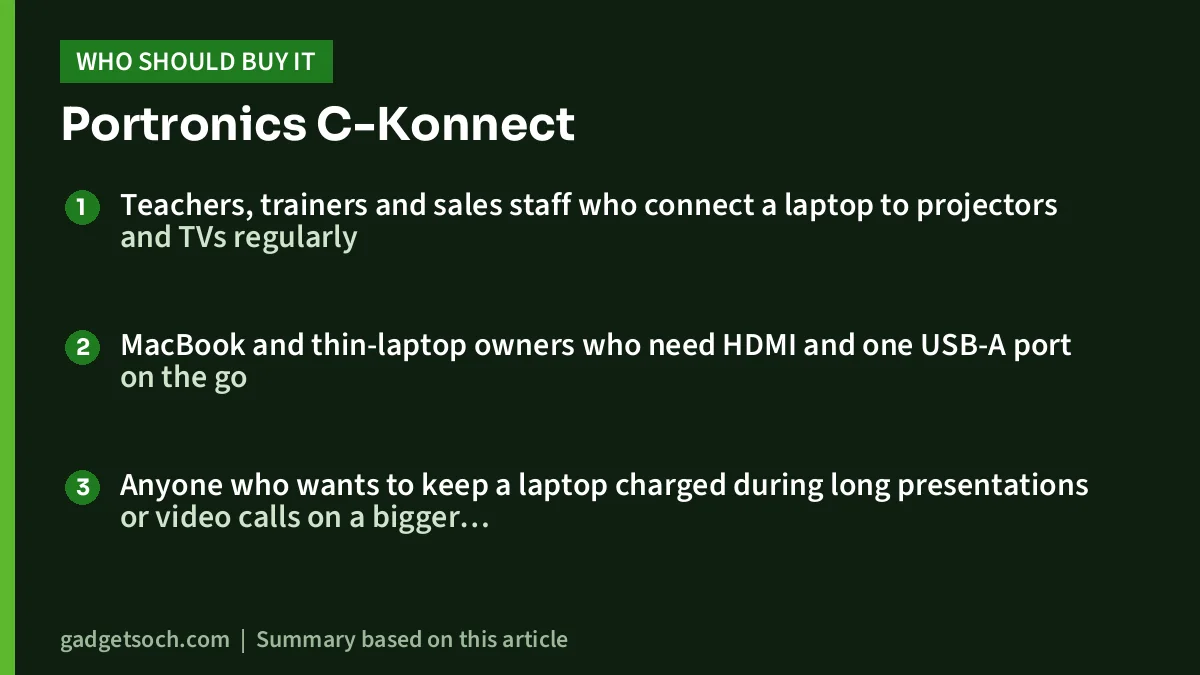
- Teachers, trainers and sales staff who connect a laptop to projectors and TVs regularly
- MacBook and thin-laptop owners who need HDMI and one USB-A port on the go
- Anyone who wants to keep a laptop charged during long presentations or video calls on a bigger screen
Who should look elsewhere
- Desk users who need several USB ports, a card reader or Ethernet
- Anyone working on a 4K monitor who wants 60Hz
- Laptops and phones whose USB-C port has no video output
- Buyers who want a metal housing
Alternatives to compare
Named for comparison only, with facts from each brand’s official page or the Amazon.in listing.
- Amkette USB-C 7-in-1 Multiport Dock: adds SD and microSD slots, two USB-A 2.0 ports and a USB-C data port, plus 100W PD and HDMI at 4K 30Hz. It still has only one 5 Gbps USB port. Aluminium shell, 33 g, per Amkette.
- Amkette Type C Mini Dock 3-in-1: the closest like-for-like option, with HDMI at 4K 30Hz, one USB 3.0 port and a USB-C PD charging port. Amkette’s page does not state the PD wattage.
- Amazon Basics Pro Series 6-in-1 USB Hub: the Amazon.in listing claims HDMI at 4K 60Hz, USB 3.0, a 3.5 mm audio jack, and buttons to turn the screen off and mute. The listing does not state a PD wattage.
Before you order
- Variant: the link goes to the white C-Konnect, ASIN B083DY9RXW, model POR-1041. Check the colour and model on the listing before you pay.
- Not to be confused: Portronics sells other hubs and adapters with similar names. Make sure the listing title says 3-in-1 with HDMI, USB 3.0 and 100W PD.
- HDMI cable and charger: plan to use your own. The listing gives the box contents as one adapter.
- Warranty and service: both the official page and the listing state 1 year. The official page says Portronics Digital Private Limited of Noida, Uttar Pradesh, is the importer. Keep your Amazon invoice for claims.
See the Portronics C-Konnect 3-in-1 (White) on Amazon.in
Frequently asked questions
Does the Portronics C-Konnect support 4K at 60Hz?
No. Portronics lists the maximum as 4K x 2K at 30Hz. It also supports 1080p.
Can I charge my laptop through it?
Yes, through the USB-C PD port, which Portronics rates at up to 100W. Use your laptop’s own USB-C charger. A charger is not in the box.
Why does my TV show no signal?
The most common reason is that the laptop’s USB-C port does not support video output. Also check that the TV is on the correct HDMI input, and try a different HDMI cable.
Does it need a driver?
No. Portronics describes it as plug-and-play. It suggests updating your laptop’s USB controller driver if USB performance is not smooth.
Can I connect two monitors?
No. It has a single HDMI port.
Bottom line
The Portronics C-Konnect is a simple, portable answer to a common problem: getting a USB-C laptop onto a big screen while charging it, with one fast USB port to spare. Its limits are clear, so match them to your needs: 30Hz at 4K, three ports, and a laptop that must support video over USB-C. Check the current price of the Portronics C-Konnect on Amazon.in.
Related reading on GadgetSoch: Amazon Basics USB-C Hub 9-in-1 Review: Gigabit Ethernet, 4K HDMI and the 30Hz Catch and TP-Link UH6120C Review: 6-in-1 USB-C Hub With 4K 60Hz HDMI and Gigabit LAN.
Sources
- Portronics C-Konnect, official product page (checked 17 October 2026)
- Amazon.in listing for ASIN B083DY9RXW: title, feature bullets and technical details (captured 17 October 2026)
- Amkette USB C 7-in-1 Multiport Dock, official page (checked 17 October 2026)
- Amkette Type C Mini Dock 3-in-1, official page (checked 17 October 2026)
- Amazon.in listing for the Amazon Basics Pro Series 6-in-1 USB Hub, ASIN B0DPCRJNXQ (captured 17 October 2026)




