
The Acer Aspire Lite AL15-53 with the Intel Core i3-1305U, 8GB RAM and 512GB SSD is a budget 15.6-inch laptop that makes sense for students, home users and small offices who mainly browse, type, attend video calls and stream. Its strongest points are a sturdy build with metal panels, a full set of ports including Ethernet, and a free memory slot for later upgrades. Its weak points are a modest five-core processor, a small 36Wh battery and a screen that published reviews describe as a TN panel with poor viewing angles.
This article covers the Amazon.in listing (ASIN B0DB1SDB87) for the Steel Gray AL15-53 with Core i3-1305U, 8GB RAM, 512GB SSD and Windows 11 Home. Acer sells the AL15-53 in several configurations, so details that vary by part number are flagged below.
How this was written: the specifications come from Acer’s official India online store, Intel processor data compiled by Notebookcheck, and published reviews, all checked on 17 October 2026. Gadget Soch has not tested this laptop hands-on, so any real-world result mentioned below is credited to the publication that measured it.
Quick verdict
- Best for: school and college work, Microsoft Office or Google Docs, web browsing, online classes, YouTube and OTT streaming, and basic billing or accounting software
- Skip it if: you need all-day battery life, plan to edit video or game, want a backlit keyboard, or care about screen quality for photos and films
- Key strengths: metal lid and base, 1.59kg weight, 512GB NVMe SSD, Ethernet and microSD slot, a spare RAM slot, and speakers that 91mobiles rated among the best it had tested in this price range
- Key limitations: one performance core in the CPU, only 8GB of DDR4 out of the box, 36Wh battery, 720p webcam, Bluetooth 5.0, and no keyboard backlight on the unit 91mobiles reviewed
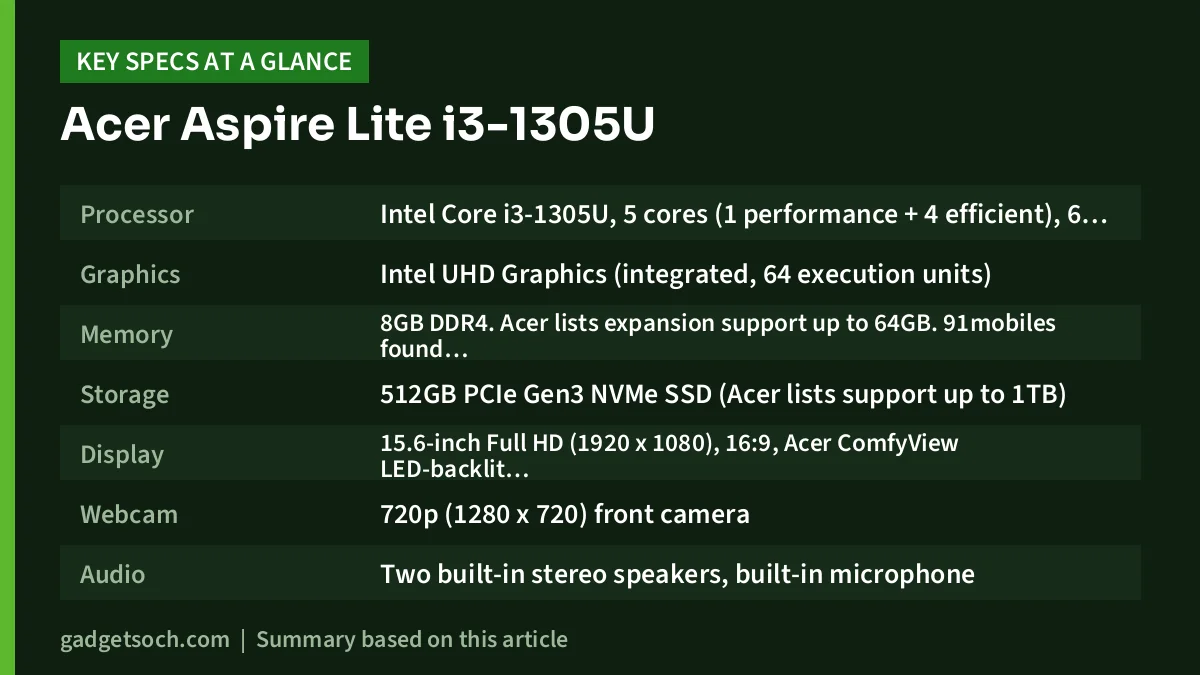
Acer Aspire Lite AL15-53 (Core i3) key specifications
| Specification | Acer Aspire Lite AL15-53 (i3-1305U, 8GB, 512GB) |
|---|---|
| Processor | Intel Core i3-1305U, 5 cores (1 performance + 4 efficient), 6 threads, up to 4.5GHz, 10MB L3 cache, 15W base power |
| Graphics | Intel UHD Graphics (integrated, 64 execution units) |
| Memory | 8GB DDR4. Acer lists expansion support up to 64GB. 91mobiles found one free slot on its unit |
| Storage | 512GB PCIe Gen3 NVMe SSD (Acer lists support up to 1TB) |
| Display | 15.6-inch Full HD (1920 x 1080), 16:9, Acer ComfyView LED-backlit LCD. Panel type differs between sources (see display section) |
| Webcam | 720p (1280 x 720) front camera |
| Audio | Two built-in stereo speakers, built-in microphone |
| Keyboard | Full-size layout with numeric keypad |
| Ports (Acer) | 1x USB 3.2 Gen 2 Type-A, 1x USB 3.2 Gen 1 Type-A, 1x USB 2.0 Type-A, 1x USB 3.2 Gen 2 Type-C, HDMI, DC-in |
| Extra ports (per 91mobiles review) | Ethernet, microSD slot, 3.5mm audio combo jack, Kensington lock slot |
| Wireless | Realtek 8822CE WLAN module, Bluetooth 5.0 (as listed by Acer) |
| Battery and charger | 36Wh 3-cell Li-ion, Acer claims up to 8 hours. 45W adapter |
| Size and weight | 360.4 x 239.3 x 19.7mm, 1.59kg |
| Software | Windows 11 Home 64-bit |
| Colour | Steel Gray |
| Standard warranty | 1 year (as listed on Acer’s India store) |
Check the current price of the Acer Aspire Lite i3-1305U (8GB, 512GB) on Amazon.in
Build and design: the real selling point
Most entry-level laptops are all plastic. According to the 91mobiles review of the AL15-53, the Aspire Lite’s top lid and bottom panel are metal, the hinge kept the lid steady while typing, and the lid folds back to 180 degrees. A stiffer lid protects the screen better in a daily backpack, which matters more on a student machine than raw speed. At 1.59kg and just under 2cm thick, it is normal for a 15.6-inch laptop: easy to carry around campus, but not an ultralight.
Display: check this before ordering
On paper the screen is a 15.6-inch Full HD (1920 x 1080) panel, which is the right resolution for this size. The important detail is the panel technology. Acer’s India store page for one Core i3 AL15-53 configuration (part number UN.34ESI.02J, a 256GB model) describes the screen as IPS. However, Acer’s own store pages for Core i5 AL15-53 models describe a TN panel, and the 91mobiles review of the Core i3, 8GB, 512GB AL15-53 (part number UN.34ESI.004) found a TN panel with poor viewing angles and rated the display 6.5 out of 10.
Why it matters: TN panels lose contrast and shift colour when viewed from an angle. That is fine for documents but less pleasant for films or photo work. Neither Acer nor the reviews we checked publish a brightness figure. If the screen matters to you, assume TN unless the listing clearly states IPS.
What the Core i3-1305U can and cannot do
The Intel Core i3-1305U is a 13th-generation (Raptor Lake) chip with a hybrid layout. Notebookcheck’s specification page lists one performance core with Hyper-Threading and four efficient cores, for 5 cores and 6 threads in total. The performance core boosts up to 4.5GHz and the processor has a 15W base power rating, the usual level for thin-and-light laptops.
One fast core handles everyday jobs such as browsing, video calls and Office files. It falls behind in sustained multi-threaded work like video exports. 91mobiles described the AL15-53’s performance as “a mixed bag” and noted that its CPU results landed close to a rival with a Core i3-1315U, which has two performance cores.
The integrated Intel UHD Graphics uses 64 execution units according to Notebookcheck. It handles video playback and an external monitor, but it is not a gaming GPU: in the 91mobiles test, GTA 5 averaged 33fps at the Normal preset in Full HD, against 69fps for the competing Infinix laptop with faster memory.
8GB RAM and the upgrade path
The listing ships with 8GB of DDR4. That runs Windows 11 with a browser and Office open, but leaves little headroom for many Chrome tabs. 91mobiles called 8GB disappointing but confirmed an extra memory slot and said RAM can go up to 32GB, while Acer’s store lists support up to 64GB. Adding a matching 8GB DDR4-3200 stick to reach 16GB is the practical next step.
Storage is a 512GB PCIe Gen3 NVMe SSD, not the fastest standard today but quick enough for booting and loading everyday apps. Acer lists support for drives up to 1TB.
Battery life and charging
Battery capacity is the Aspire Lite’s clearest weakness. Acer fits a 36Wh 3-cell battery and claims up to 8 hours of use. In the 91mobiles review, the laptop ran for 5 hours 14 minutes in the PCMark 10 video playback test, which the reviewer described as average. The reviewer also noted that the chassis seemed to have room for a larger battery that Acer chose not to use.
Charging uses a 45W adapter through the round DC-in port. Acer’s port list says Power Delivery on the Type-C port is optional, and 91mobiles reported that its unit could not charge over Type-C. Plan to carry the bundled charger rather than rely on a USB-C power bank.
Keyboard, speakers and ports
The keyboard is a full-size layout with a dedicated number pad, which suits anyone entering figures in Excel or Tally. 91mobiles found the key travel long and compared the feel to a membrane desktop keyboard. Its unit had no backlight, so typing in a dark room will be harder. The speakers were a pleasant surprise for the reviewer, who placed them among the best it had tested in this price range.
Port selection is generous for a budget laptop. Beyond the USB and HDMI ports in Acer’s list, 91mobiles found Ethernet, a microSD slot, a 3.5mm combo jack, a Kensington lock slot and a SIM tray that does not work. Wired Ethernet is useful in hostels and offices with patchy Wi-Fi. Acer lists a Realtek 8822CE wireless module with Bluetooth 5.0, and TechStoriesIndia’s launch report noted that the AL15-53 lacks Wi-Fi 6.
Who should buy it, and who should skip it
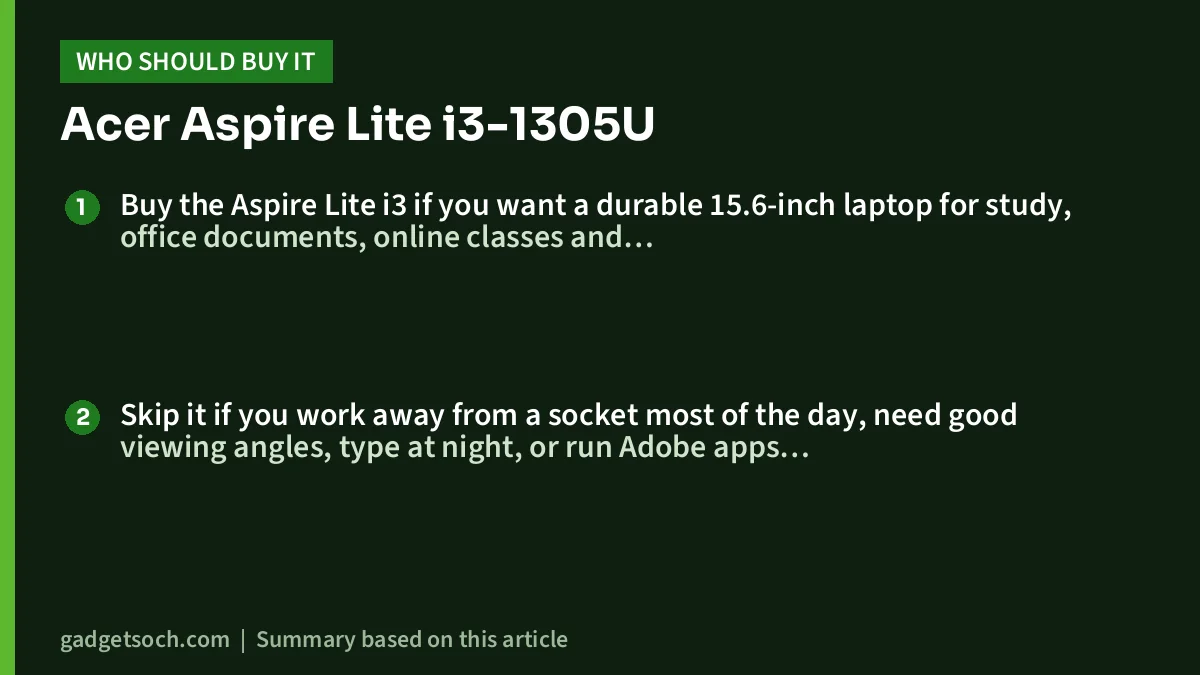
Buy the Aspire Lite i3 if you want a durable 15.6-inch laptop for study, office documents, online classes and streaming, value plenty of ports and wired Ethernet, and are comfortable adding RAM later. It also suits a first Windows laptop for a school student.
Skip it if you work away from a socket most of the day, need good viewing angles, type at night, or run Adobe apps, heavy coding tools or games.
Alternatives worth comparing
- Acer Aspire Lite AL15-53 with Core i5-1334U and 16GB: the same chassis with a 10-core, 12-thread processor (2 performance and 8 efficient cores, per Notebookcheck) and double the memory, a better fit if you multitask heavily
- Lenovo IdeaPad Slim 3 (Ryzen 5 7520U, 16GB): 16GB LPDDR5 that is soldered and cannot be upgraded, a 47Wh battery and USB-C with power delivery and display output. See our Lenovo IdeaPad Slim 3 Ryzen 5 7520U review
- Samsung Galaxy Book4 (Core i5-1335U, 16GB): a step up in class, with a 54Wh battery, an IPS Full HD screen and a 1.55kg body, but with soldered memory. Our Samsung Galaxy Book4 review covers it in detail
What to check before you order
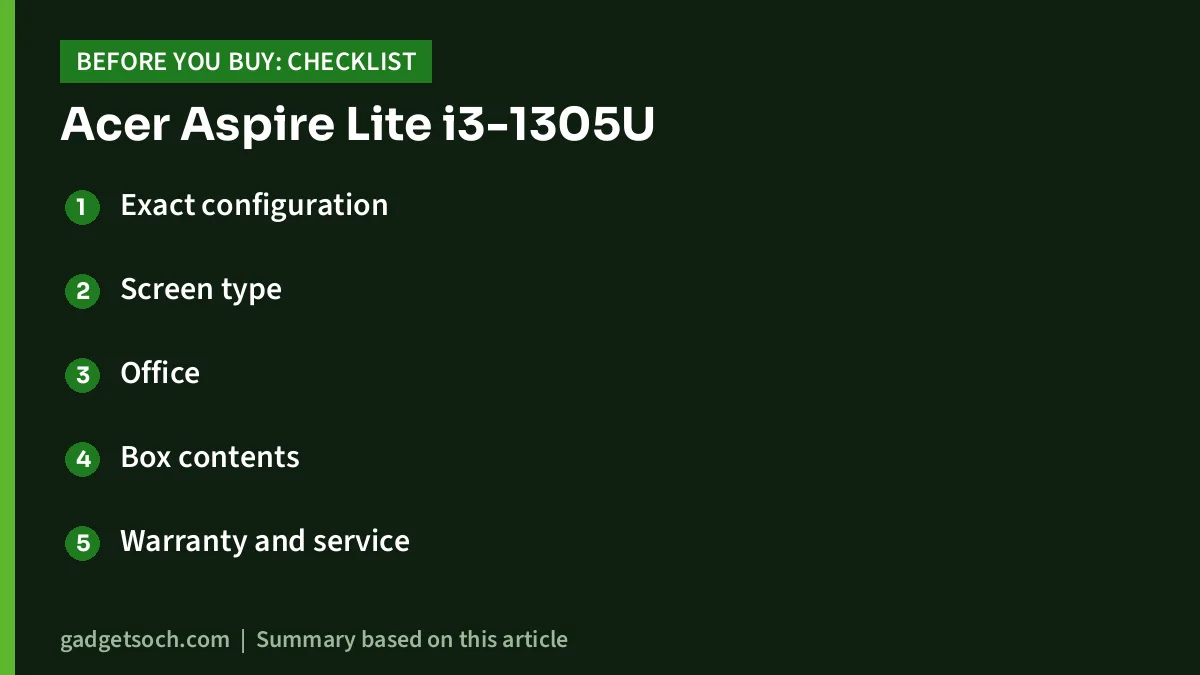
- Exact configuration: confirm the listing shows Core i3-1305U, 8GB RAM and 512GB SSD. Acer also sells AL15-53 models with 256GB storage, 16GB RAM or a Core i5, and the variant selector on Amazon can switch you to a different ASIN
- Screen type: look for the words IPS or TN in the listing details. If it is not stated, expect a TN panel
- Office: the title for this listing does not mention Microsoft Office, so do not assume it is included
- Box contents: 91mobiles lists the laptop, power adapter, user manual and warranty card. Confirm the 45W charger is included, since USB-C charging may not work
- Warranty and service: Acer’s India store lists a 1-year standard warranty. Register with Acer India and keep the invoice, and check the seller and return window before paying
See the Acer Aspire Lite AL15-53 (Core i3-1305U, 8GB RAM, 512GB SSD) on Amazon.in
Frequently asked questions
Is the Acer Aspire Lite i3-1305U good for students?
Yes, for assignments, research, online classes and streaming. Students whose courses use heavy design, video or engineering software should look at a faster processor and more RAM.
Can I upgrade the RAM in the Acer Aspire Lite AL15-53?
According to the 91mobiles review, the AL15-53 has a spare memory slot and can be expanded to 32GB. Acer’s store lists support up to 64GB. Adding a second 8GB DDR4-3200 stick to reach 16GB is the most practical upgrade.
Does the Acer Aspire Lite i3 have an IPS display?
It depends on the exact unit. One Acer India store listing for a Core i3 AL15-53 says IPS, but the 91mobiles review of the 8GB, 512GB Core i3 model found a TN panel with poor viewing angles. Check the panel type on the listing before buying.
How long does the Acer Aspire Lite battery last?
Acer claims up to 8 hours from the 36Wh battery. In the 91mobiles PCMark 10 video playback test, it lasted 5 hours 14 minutes. Expect less with heavy multitasking or high brightness.
Does the Acer Aspire Lite charge via USB-C?
Acer’s specification page says Power Delivery on the Type-C port is optional, and 91mobiles reported that its unit could not charge over Type-C. Use the bundled 45W DC adapter.
Final word
The Acer Aspire Lite AL15-53 with the Core i3-1305U is a well-built laptop for light work, with better ports and sturdier panels than many rivals. The trade-offs are a single performance core, 8GB of RAM to start, average battery life and a likely TN screen. If those fit your use, it is a sensible buy.
Check the current price and offers for the Acer Aspire Lite i3-1305U on Amazon.in
Related reading on GadgetSoch: Lenovo IdeaPad Slim 3 i5-12450H Review: Is the 16GB/512GB Model Right for You? and Dell 15 i5-1334U Review: Is the 16GB/1TB Former Inspiron Worth It?.
Sources
- Acer India Store: Aspire Lite AL15-53, Core i3-1305U (UN.34ESI.02J) specifications (checked 17 October 2026)
- Acer India Store: Aspire Lite AL15-53, Core i5-1334U (UN.34ESI.00K) specifications (panel type reference, checked 17 October 2026)
- Notebookcheck: Intel Core i3-1305U specifications (checked 17 October 2026)
- Notebookcheck: Acer Aspire Lite AL15-53 overview (checked 17 October 2026)
- 91mobiles: Acer Aspire Lite AL15-53 review (checked 17 October 2026)
- 91mobiles: Acer AL15-53 (UN.34ESI.00C) specifications and sales package (checked 17 October 2026)
- TechStoriesIndia: Acer Aspire Lite AL15-53 India launch report (checked 17 October 2026)




