

The UGREEN Revodok 5-in-1 USB-C Hub (model CM478, sold on UGREEN’s own store as the Revodok 105) is a small aluminium adapter that gives a USB-C laptop, tablet or phone one HDMI port, one 100W USB-C Power Delivery port, one 5Gbps USB-A port and two USB 2.0 USB-A ports. It is aimed at people who want a light travel hub for a monitor or projector, a pen drive and a keyboard or mouse, while still charging the laptop.
Short verdict: a sensible, no-frills hub for portability and everyday peripherals. It is not the right pick if you want a smooth 4K 60Hz monitor, wired Ethernet or card readers, because it has none of those.
This article is based on UGREEN’s official product page and the Amazon.in listing data, both checked on 17 October 2026. It is not based on hands-on testing, and no independent test results are cited.
Is it right for you? The quick verdict
- Pick it if: you need HDMI, a fast USB-A port and two ports for a keyboard and mouse, in a light hub that charges your laptop at the same time
- Skip it if: you need 4K at 60Hz, Ethernet, SD or microSD slots, or a spare USB-C data port
- Strengths: aluminium body, light weight, up to 95W pass-through to the laptop according to the listing, broad device compatibility
- Limitations: HDMI is 4K at 30Hz per the listing, only one fast USB-A port, fixed 20 cm cable, the PD port is for charging only
Key specifications
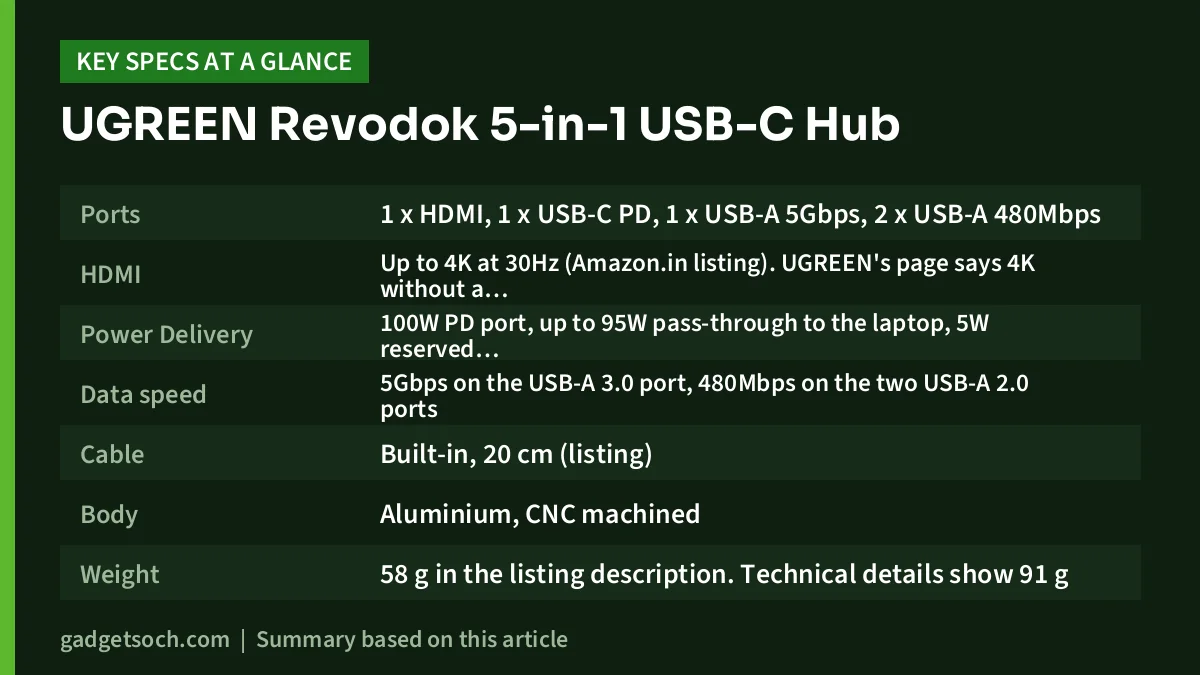
| Specification | UGREEN Revodok 5-in-1 (CM478) |
|---|---|
| Ports | 1 x HDMI, 1 x USB-C PD, 1 x USB-A 5Gbps, 2 x USB-A 480Mbps |
| HDMI | Up to 4K at 30Hz (Amazon.in listing). UGREEN’s page says 4K without a refresh rate |
| Power Delivery | 100W PD port, up to 95W pass-through to the laptop, 5W reserved (listing) |
| Data speed | 5Gbps on the USB-A 3.0 port, 480Mbps on the two USB-A 2.0 ports |
| Cable | Built-in, 20 cm (listing) |
| Body | Aluminium, CNC machined |
| Weight | 58 g in the listing description. Technical details show 91 g |
| Dimensions (listing) | 12.2 x 2.8 x 1.2 cm |
| OS | Windows, macOS, Linux (plug and play) |
| In the box | 1 x USB-C hub. No charger or extra cables |
| Model / part number | CM478 / UG-USBC-15495 |
| Colour (this listing) | Grey |
| Warranty (Amazon.in listing) | 1 year manufacturer |
Most port-level details above come from the Amazon.in listing, which is run by the UGREEN store. UGREEN’s own product page confirms the port mix (HDMI, USB-C PD, USB-A 3.0 and two USB-A 2.0), the 100W charging, 5Gbps data and aluminium build, but does not list a refresh rate, weight or cable length.
Check the current price of the UGREEN Revodok 5-in-1 USB-C hub on Amazon.in
The five ports, and what to plug into each
| Port | What the listing says | Best used for |
|---|---|---|
| HDMI | Up to 4K at 30Hz. Host USB-C port must support video output | TV, projector or monitor for presentations and films |
| USB-C PD | 100W input, up to 95W passed to the laptop. Not recommended for data or video | Your laptop’s USB-C charger only |
| USB-A 3.0 | Up to 5Gbps | Portable SSD, hard drive or fast pen drive |
| USB-A 2.0 (x2) | Up to 480Mbps | Keyboard, mouse, wireless receivers, simple webcams |
That layout is sensible for a typical work bag. The single fast port handles file transfers, while the two slower ports cover input devices that only need a fraction of USB 2.0 bandwidth. The listing also says the USB-A ports are mainly for data, and charging or video through them is not recommended, so do not count on them to fast-charge a phone.
If you plan to use an external SSD on the 5Gbps port, our SanDisk Extreme Portable SSD review explains what to expect from that kind of drive.
Display output: 4K, but at 30Hz
The Amazon.in listing rates the HDMI port at up to 4K at 30Hz. UGREEN’s product page only says “4K”. That distinction matters for desk use. At 30Hz a 4K picture is sharp, but the cursor, scrolling and window movement look jerky compared with a 60Hz screen. For a meeting-room projector, a TV showing a film, or a monitor used for mostly static documents, it is usually fine. For a 4K monitor you stare at all day, a 4K 60Hz hub is the better buy.
The listing adds an important note: the laptop’s USB-C port must support video output. In practice that means DisplayPort Alternate Mode, Thunderbolt or USB4. Many budget Windows laptops have a USB-C port for data and charging only, and in that case the HDMI port will not show a picture whatever hub you use.
Charging: 100W in, up to 95W to the laptop
UGREEN’s listing is unusually clear on pass-through charging. The USB-C PD port accepts up to 100W from your charger, the hub keeps 5W for its own ports, and up to 95W goes to the laptop. A charger and cable are not included.
For most thin-and-light laptops that use 45W or 65W chargers, the 5W reserve makes little practical difference. For a performance laptop that needs the full 100W under load, it may charge more slowly or slowly drain while working. The listing also advises against using the PD port for data or video. Treat it purely as the charger input.
If you need a USB-C PD charger to pair with the hub, our charger and power bank wattage guide explains how to match wattage to your laptop.
Build and portability
UGREEN describes the body as aluminium, and the listing mentions CNC machining. Aluminium helps spread heat, which is useful when HDMI, data and charging all run at once. The listing description gives the weight as 58 g, while its technical details show 91 g, which may include packaging. Either way, it is light enough to forget in a laptop bag.
The cable is built in and about 20 cm long according to the listing. A fixed cable means nothing to lose, but it also means a damaged cable usually ends the hub’s life, so avoid sharp bends when packing it.
Phones and iPads
The listing names a wide range of compatible devices, including MacBook Air and Pro models, iPad Air and Pro, Surface, Dell XPS, ThinkPad, Chromebooks and recent USB-C iPhones and Samsung Galaxy phones. It also states that the hub is not compatible with the MacBook Neo.
For iPad Pro users, the listing gives a specific tip: if the screen does not mirror, connect a USB 3.0 device to the hub’s USB 3.0 port first and then plug the hub into the iPad. This is the seller’s guidance, and it is worth trying before assuming the hub is faulty.
Who should buy it
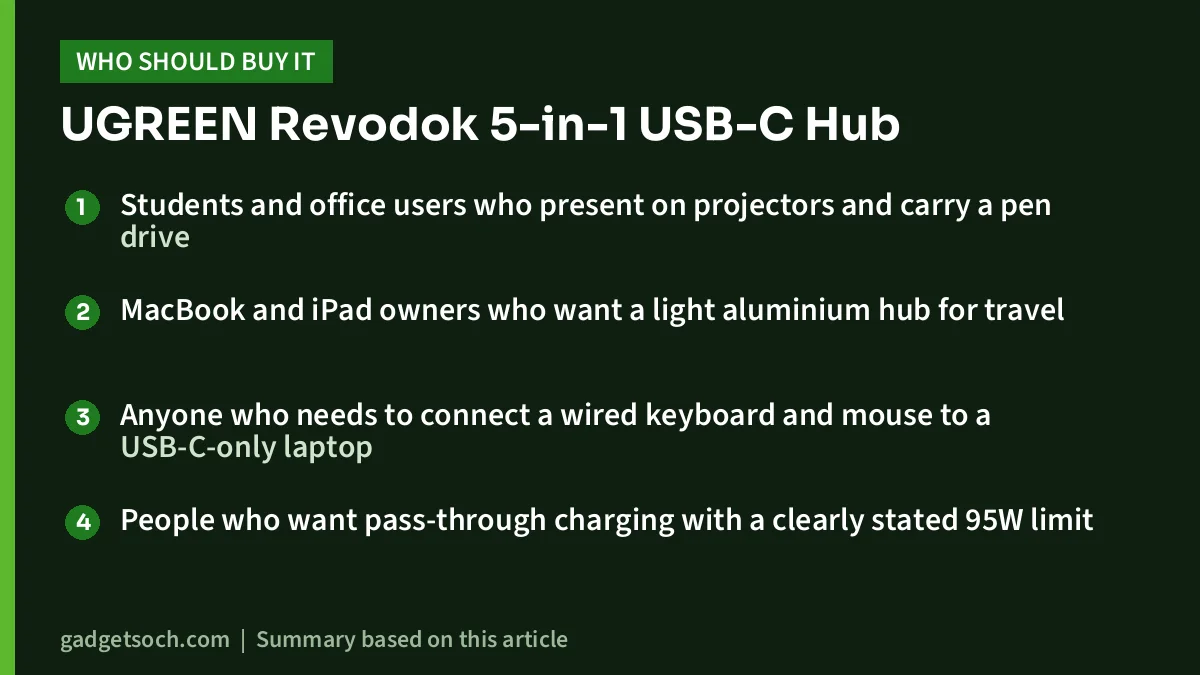
- Students and office users who present on projectors and carry a pen drive
- MacBook and iPad owners who want a light aluminium hub for travel
- Anyone who needs to connect a wired keyboard and mouse to a USB-C-only laptop
- People who want pass-through charging with a clearly stated 95W limit
Who should skip it
- Anyone who wants a 4K monitor at 60Hz
- People who need wired Ethernet or SD and microSD card readers
- Users who need more than one fast USB port or an extra USB-C data port
- Owners of laptops whose USB-C port lacks video output, if HDMI is the main reason to buy
Alternatives worth comparing
TP-Link UH6120C: TP-Link’s official specs list 4K at 60Hz HDMI, 1Gbps Ethernet, 100W PD, and one USB-C plus two USB-A data ports all rated at 5Gbps, with a 180 mm braided cable. It is the better choice for a 4K monitor or wired internet.
Zebronics CT101: a 10-in-1 metal hub with HDMI 1.4 at 4K 30Hz, RJ45, SD and microSD slots, two USB-C ports, one USB 3.0 and three USB 2.0 USB-A ports, and up to 100W PD, according to Zebronics. It is bigger, but adds Ethernet and card readers.
Checklist before you order

- Confirm the variant: the link here is for the grey UGREEN Revodok 5-in-1 USB-C hub with 4K HDMI, 100W PD and three USB-A data ports (ASIN B0BR3M8XHK, model CM478). UGREEN sells several Revodok hubs, so check the port list on the listing
- Check your laptop’s USB-C port: it must support video output for HDMI and USB-C PD input for charging
- Bring your own charger: none is included
- Check warranty terms: the Amazon.in listing shows one year. UGREEN’s US store mentions a two-year warranty, but that may not apply to Indian purchases, so go by the listing and your invoice
- Test every port within the return window
See the UGREEN Revodok 5-in-1 (CM478) on Amazon.in
Frequently asked questions
Does the UGREEN Revodok 5-in-1 support 4K at 60Hz?
No. The Amazon.in listing rates its HDMI port at up to 4K at 30Hz. UGREEN’s own page says 4K without a refresh rate.
How much power reaches my laptop?
According to the listing, up to 95W. The PD port accepts 100W, and 5W is reserved for the hub’s other ports.
Does it have Ethernet or an SD card slot?
No. It has HDMI, a USB-C PD port and three USB-A ports only.
Will it work with an iPhone or Android phone?
The listing names recent USB-C iPhones and Samsung Galaxy phones among compatible devices. HDMI output still depends on the phone supporting video over USB-C.
Can I connect a USB-C pen drive to the USB-C port?
The listing says the USB-C port is for charging and does not recommend it for data or video. Use a USB-C to USB-A adapter on the 5Gbps USB-A port, or pick a hub with a USB-C data port.
Bottom line
The UGREEN Revodok 5-in-1 is a light, aluminium-bodied, clearly documented hub for presentations, pen drives and peripherals with laptop charging on the side. Its limits, 4K at 30Hz, a single fast USB port and no Ethernet, are stated upfront, so buy it if those suit your work. Check the current price of the UGREEN Revodok 5-in-1 USB-C hub on Amazon.in.
Related reading on GadgetSoch: Acer USB-C Hub 7-in-1 (ODK360) Review: Three 5Gbps Ports, 4K 30Hz HDMI and PD Charging and Amazon Basics Pro Series 6-in-1 USB-C Hub Review: 4K 60Hz HDMI, Mute Button and the Missing Specs.
Sources
- UGREEN: Revodok 105 5-in-1 USB-C Hub product page (checked 17 October 2026)
- Amazon.in listing for UGREEN Revodok USB C Hub 5 in 1, ASIN B0BR3M8XHK (listing data captured 17 October 2026)
- TP-Link: UH6120C specifications (checked 17 October 2026)
- Zebronics: Zeb CT101 product page (checked 17 October 2026)




