The TP-Link Deco X50 (2-pack) is an AX3000 dual-band Wi-Fi 6 mesh system that TP-Link India rates for up to 4,500 sq. ft. with two units, with three Gigabit Ethernet ports on each unit and 160 MHz support on the 5 GHz band. It is a strong fit for 3BHK to 4BHK homes on fast fibre plans that want one seamless network, WPA3 security and wired ports in every room where a unit sits.
The short verdict: if your broadband plan is 300 Mbps or faster and your home has several Wi-Fi 6 phones and laptops, the Deco X50 makes much more sense than a budget Wi-Fi 5 mesh. If you are on a 100 Mbps plan in a small flat, it is more system than you need.
This article is based on TP-Link India’s official Deco X50 product page and the Amazon.in listing data, both checked on 17 October 2026. It is not a hands-on test, and we point out where the Amazon listing contradicts the official page.
Quick verdict
- Best for: larger flats and independent houses, 300 Mbps to 1 Gbps fibre plans, homes with many Wi-Fi 6 devices
- Skip if: you live in a 1BHK or 2BHK with a slow plan, or you need a tri-band system with a dedicated wireless backhaul radio
- Key strengths: 2,402 Mbps on 5 GHz with 160 MHz channels, three Gigabit ports per unit, WPA3, Ethernet backhaul option, HomeShield basic features, Router and Access Point modes
- Key limitations: dual-band, so the wireless mesh link shares radios with your devices, HomeShield Pro is paid, 160 MHz may be restricted in some regions, the Amazon listing’s coverage figures are confusing
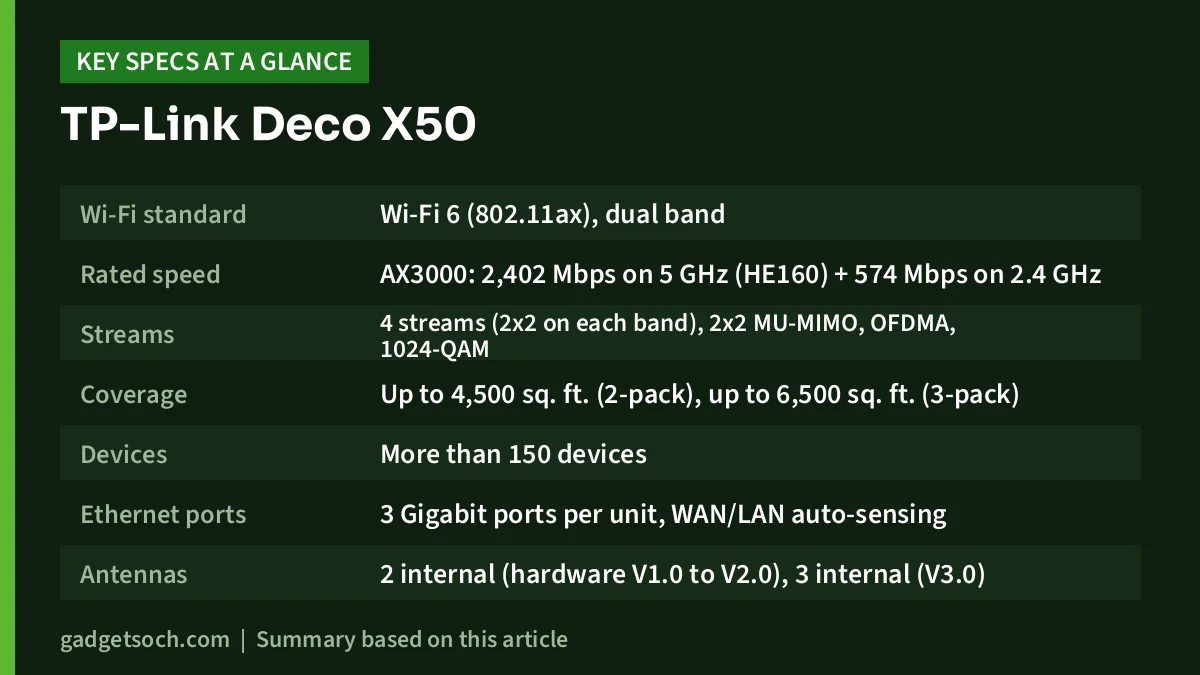
Deco X50 specifications (official)
| Specification | TP-Link Deco X50 |
|---|---|
| Wi-Fi standard | Wi-Fi 6 (802.11ax), dual band |
| Rated speed | AX3000: 2,402 Mbps on 5 GHz (HE160) + 574 Mbps on 2.4 GHz |
| Streams | 4 streams (2×2 on each band), 2×2 MU-MIMO, OFDMA, 1024-QAM |
| Coverage | Up to 4,500 sq. ft. (2-pack), up to 6,500 sq. ft. (3-pack) |
| Devices | More than 150 devices |
| Ethernet ports | 3 Gigabit ports per unit, WAN/LAN auto-sensing |
| Antennas | 2 internal (hardware V1.0 to V2.0), 3 internal (V3.0) |
| Security | WPA, WPA2, WPA3-Personal, SPI firewall, HomeShield |
| Modes | Router, Access Point |
| VPN | OpenVPN, PPTP, L2TP (server and client) |
| Guest network | 1 x 5 GHz, 1 x 2.4 GHz |
| Dimensions | 110 x 110 x 114 mm per unit |
| In the box (2-pack) | 2 Deco X50 units, 1 Ethernet cable, 2 power adapters, quick installation guide |
The link on this page is for the white Deco X50 2-pack. TP-Link also sells single units and 3-packs with different coverage, so check that the listing title says “2-Pack” before you order. Check the current price of the TP-Link Deco X50 (2-Pack) on Amazon.in.
A note on the Amazon.in listing’s coverage numbers
The Amazon.in title for this 2-pack says “Up to 420 sq. ft.”, while the technical details on the same listing say “Up to 420 m²”. TP-Link’s official India page lists 4,500 sq. ft. for the 2-pack, which is roughly 418 m². The “420 sq. ft.” in the title is therefore almost certainly a unit mix-up, not a real coverage figure.
The listing’s bullets add more confusion, quoting 230 m² for one unit and both “450 sq. ft.” and “600 sq. ft.” for two-pack kits. We have used TP-Link’s official figures in this article. As always, real coverage depends on your walls, floors and where you place the units.
Speed: why AX3000 and 160 MHz matter
The headline AX3000 rating comes from 2,402 Mbps on the 5 GHz band plus 574 Mbps on 2.4 GHz. Those are physical link rates, and TP-Link’s own footnote says actual throughput will be lower. Still, the 5 GHz figure is the important one, because that is the band most phones and laptops use near a Deco unit.
The 2,402 Mbps rate depends on 160 MHz-wide channels, which TP-Link labels HE160. Wider channels carry more data, much like a wider road carries more traffic. Two caveats apply. First, only client devices that also support 160 MHz will connect at that width; many budget phones and older laptops do not. Second, TP-Link’s page notes that 160 MHz may be unavailable in some regions because of regulatory rules, so do not assume it will always be active.
For a typical Indian 300 Mbps or 500 Mbps fibre plan, the extra headroom means the Wi-Fi link near each unit is unlikely to be what slows you down. On a 1 Gbps plan, you will usually need a wired connection to see speeds close to your plan.
Mesh behaviour: dual-band, backhaul and roaming
The Deco X50 is dual-band, not tri-band. When the satellite unit connects to the main unit wirelessly, that traffic shares the 5 GHz and 2.4 GHz radios with your devices. TP-Link offers optional Ethernet backhaul, meaning you can connect the two units with a LAN cable so the mesh link runs over the wire and both radios are free for clients. If your home has existing Ethernet cabling between rooms, this is the single best upgrade you can make.
TP-Link describes the system as AI-driven mesh that learns your home’s network over time. It also claims seamless roaming, with the official page saying switching between units takes less than 0.3 seconds. We have not measured this; treat it as the manufacturer’s claim. The page also says the X50 can form a mesh with every other Deco model, so you can add a unit later.
Three Gigabit ports per unit
This is one of the clearest advantages over cheaper mesh kits. Each Deco X50 unit has three Gigabit Ethernet ports that auto-sense WAN or LAN. On the main unit, one port goes to your ISP’s ONT and two remain for wired devices. On the satellite, you get three ports for a smart TV, a gaming console, a desktop or a cable back to the main unit.
TP-Link’s footnote says only one port can act as WAN at a time, and gigabit speeds need a suitable plan and equipment. Check that your ONT has a Gigabit LAN port, and use Cat5e or better cables for longer runs.
Security, HomeShield and parental controls
The official page lists WPA, WPA2 and WPA3-Personal, an SPI firewall, access control, DDoS prevention and a home network scanner. WPA3 matters because it makes offline password-guessing attacks much harder than WPA2, which is useful in apartment blocks with many nearby networks.
TP-Link HomeShield adds parental controls, QoS to prioritise bandwidth, IoT protection and an intrusion prevention system. Note the fine print: the Basic Plan is free, and fees apply for the Pro Plan. Some advanced HomeShield features may need Pro, so check the Deco app before you rely on a specific feature.
The page also lists an “IoT network & Device Isolation” option, which lets you put smart plugs, bulbs and cameras on a separate network. That is good practice, because cheap smart-home gadgets rarely get long-term security updates. For voice control, TP-Link says you can pair the Deco X50 with Alexa.
Who should buy the Deco X50
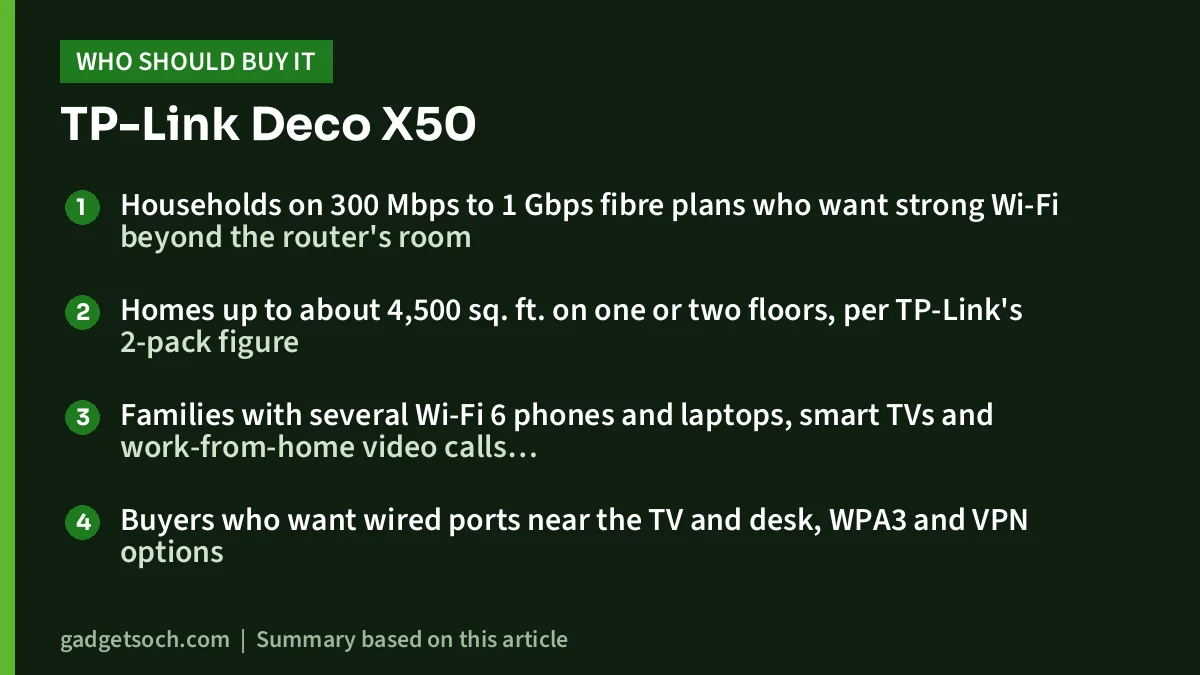
- Households on 300 Mbps to 1 Gbps fibre plans who want strong Wi-Fi beyond the router’s room
- Homes up to about 4,500 sq. ft. on one or two floors, per TP-Link’s 2-pack figure
- Families with several Wi-Fi 6 phones and laptops, smart TVs and work-from-home video calls running together
- Buyers who want wired ports near the TV and desk, WPA3 and VPN options
Who should skip it
- People in small flats on 100 Mbps plans, where a single good router or a cheaper mesh such as the Deco X10 is enough
- Users who need maximum wireless speed between units without cabling, who should look at tri-band systems
- Anyone who only needs to fix one weak room, where a plug-in extender is cheaper
Alternatives to consider
- TP-Link Deco X10: Wi-Fi 6 AX1500 with 1,201 Mbps on 5 GHz and 300 Mbps on 2.4 GHz, two Gigabit ports per unit, up to 120 devices, and up to 5,600 sq. ft. for a 3-pack. Better for moderate plans
- Tenda Nova MW5G: an older Wi-Fi 5 AC1200 mesh with two Gigabit ports per node and, according to its Amazon.in listing, up to 3,500 sq. ft. for three nodes. A budget option for slower connections
- TP-Link RE200: a single AC750 range extender with one 10/100 Mbps port, suited to fixing a single dead zone rather than a whole home
Before you order: a short checklist
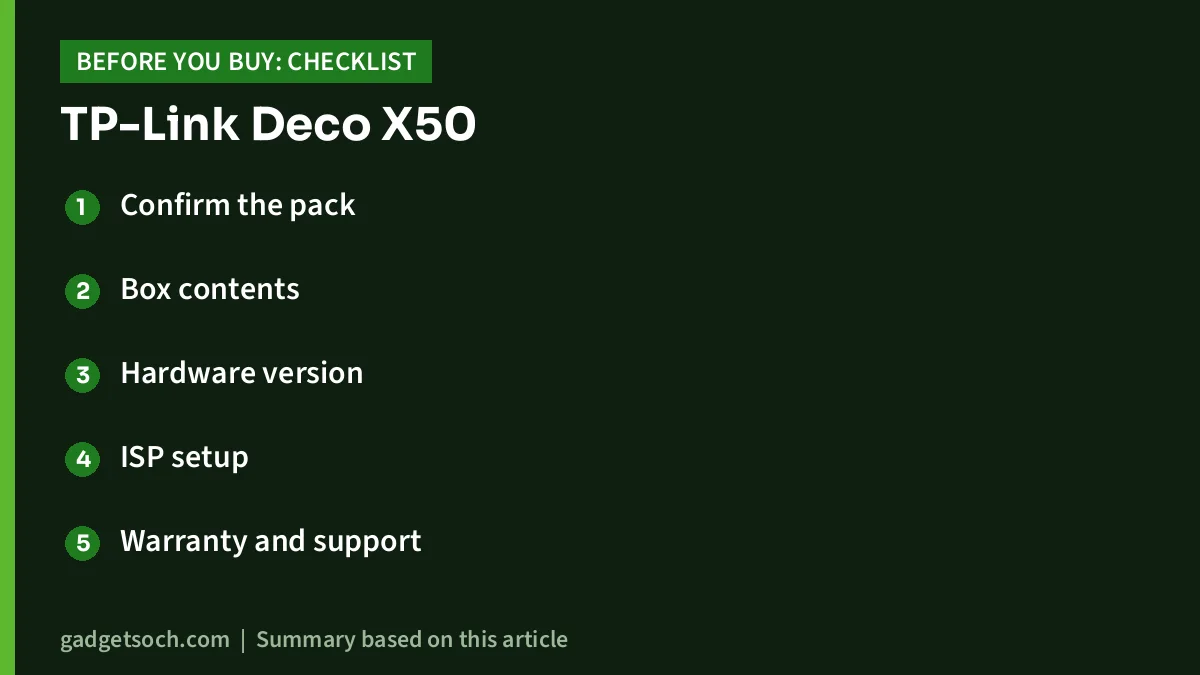
- Confirm the pack: the listing title should say Deco X50 (2-Pack), white
- Box contents: TP-Link lists two units, two power adapters, one Ethernet cable and a quick installation guide for the 2-pack, while the Amazon.in technical details say only “Power Cord”, so check what arrives and contact the seller if anything is missing
- Hardware version: TP-Link lists different internal antenna counts for V1.0 to V2.0 and V3.0, so the version label on your unit may differ
- ISP setup: have your PPPoE login ready, or plan to use Access Point mode if your ISP router must stay
- Warranty and support: neither the official product page nor the listing data we saw states warranty terms for this listing, so check the warranty section on Amazon.in and keep the invoice for TP-Link India service
- App: the Deco app needs Android 5.0 or later or iOS 9.0 or later, according to TP-Link
If the checklist suits your home, see the Deco X50 2-Pack on Amazon.in and confirm the seller and pack size before checkout.
Frequently asked questions
How many square feet does the Deco X50 2-pack cover?
TP-Link India rates the 2-pack for up to 4,500 sq. ft. and the 3-pack for up to 6,500 sq. ft. The Amazon.in title’s “420 sq. ft.” appears to be a mix-up with 420 m².
Does the Deco X50 work with Jio Fiber and Airtel Xstream Fiber?
TP-Link lists Router and Access Point modes. You can connect the main unit to your ISP’s ONT and enter your connection details, or keep the ISP router and run the Deco in Access Point mode.
Can I mix the Deco X50 with other Deco units?
Yes. TP-Link’s official page says the Deco X50 is compatible with every other Deco model for forming a mesh network.
Is HomeShield free on the Deco X50?
The Basic Plan is free. TP-Link says fees apply for the Pro Plan, so some advanced features may require a subscription.
Should I use Ethernet backhaul?
If you can run a cable between units, yes. Because the X50 is dual-band, a wired link frees both radios for your devices and usually gives more consistent speeds.
Bottom line
The TP-Link Deco X50 2-pack is a well-rounded Wi-Fi 6 mesh for larger Indian homes on fast fibre plans, with 160 MHz support, three Gigabit ports per unit and WPA3. Its main compromises are the dual-band design and HomeShield’s paid tier. Check the current price of the TP-Link Deco X50 on Amazon.in and compare it with the Deco X10 if your plan is slower.
Related reading on GadgetSoch: Tenda Nova MW5G Review (3-Pack): A Budget Wi-Fi 5 Mesh System, Specs and Limits and TP-Link Deco X15 3-Pack Review: AX1500 Wi-Fi 6 Mesh, Wired Backhaul and the Dual-Band Limit.
Sources
- TP-Link India: Deco X50 product page and specifications, checked 17 October 2026
- Amazon.in listing for TP-Link Deco X50 (2-Pack), ASIN B0D4ZLWZBW: title, bullets and technical details, captured 17 October 2026
- TP-Link India: Deco X10 product page (alternative), checked 17 October 2026
- TP-Link India: RE200 product page (alternative), checked 17 October 2026
- Best Buy Canada: Tenda Nova MW5G specifications (alternative), checked 17 October 2026