
The TP-Link Archer C50 is a basic AC1200 dual-band Wi-Fi 5 router, and it makes sense in one situation: a home broadband plan of 100 Mbps or less where you want a cheap, reliable upgrade over an old single-band router. Its biggest limitation is that the WAN and LAN ports are 10/100 Mbps, so it cannot pass more than about 100 Mbps from your fibre connection, no matter how fast the Wi-Fi link rate looks on paper.
This guide covers the exact Amazon.in listing for the “TP-Link Archer C50 AC1200 Dual Band Wireless Cable Router (Black)”. It is based on TP-Link’s official India specification page and the Amazon.in listing details, both checked on 17 October 2026. It is not based on hands-on testing, and we have not measured range or speed ourselves.
Short verdict: a sensible router for 30 to 100 Mbps plans, small flats and users who mainly browse, stream and attend video calls. If your ISP has sold you a 150, 200 or 300 Mbps plan, look at a router with Gigabit ports instead.
Quick verdict
- Best for: homes on broadband plans up to 100 Mbps that need a stable dual-band network on a small budget
- Skip if: your plan is faster than 100 Mbps, you copy large files between wired computers, or you want Wi-Fi 6
- Key strengths: 2.4 GHz and 5 GHz bands, four external antennas with beamforming, Router, Access Point and Range Extender modes, IPTV features, EasyMesh support and management through the Tether app
- Key limitations: 10/100 Mbps WAN and LAN ports, Wi-Fi 5 only, rated by TP-Link for medium capacity and three-bedroom homes
Archer C50 key specifications

| Specification | Archer C50 (official TP-Link India page unless noted) |
|---|---|
| Wi-Fi standard | Wi-Fi 5. 802.11ac/n/a on 5 GHz and 802.11n/b/g on 2.4 GHz |
| Wi-Fi class | AC1200 (up to 867 Mbps on 5 GHz plus 300 Mbps on 2.4 GHz, physical link rates) |
| Antennas | 4 external fixed antennas with beamforming |
| MU-MIMO | 2×2 MU-MIMO |
| WAN port | 1 x 10/100 Mbps |
| LAN ports | 4 x 10/100 Mbps |
| Operating modes | Router, Access Point, Range Extender |
| Mesh | EasyMesh (OneMesh also mentioned) |
| Guest networks | One on 5 GHz and one on 2.4 GHz |
| Encryption | WPA, WPA2, WPA3 and WPA/WPA2-Enterprise |
| WAN types | Dynamic IP, Static IP, PPPoE, PPTP, L2TP |
| IPTV | IGMP Proxy, IGMP Snooping, Bridge, Tag VLAN |
| Management | Tether app, web interface |
| Power | 9 V, 0.85 A |
| Dimensions | 229.9 x 144.2 x 36.9 mm |
| Box contents | Router, power adapter, RJ45 Ethernet cable, quick installation guide |
| Warranty | 3 years, according to the Amazon.in listing (not stated on the spec page) |
The listed Wi-Fi figures are maximum physical rates, not real throughput, which depends on walls, distance, interference and the connected device.
Check the current price of the TP-Link Archer C50 on Amazon.in
The 100 Mbps ceiling: the most important thing to understand
The Archer C50’s AC1200 badge suggests it can move over a gigabit of data, but that number adds together the theoretical link rates of both Wi-Fi bands. Your internet connection enters the router through the WAN port, and TP-Link’s spec page lists that port as 10/100 Mbps. In practice, this means internet traffic through the Archer C50 is capped at roughly 100 Mbps, even if your fibre plan is faster.
The same limit applies to the four LAN ports. A desktop PC, smart TV or set-top box wired to the router will also connect at 100 Mbps at most. That is fine for streaming and calls, but slow for large file transfers.
Many Indian ISPs sell 100 Mbps, 150 Mbps and 300 Mbps fibre plans. On the 100 Mbps tier, the C50 roughly matches your connection. On anything faster, you would be paying for speed the router cannot deliver.
Wi-Fi coverage and dual-band design
The C50 broadcasts on two bands. The 2.4 GHz band (up to 300 Mbps link rate) travels further and passes through walls better, so it suits rooms far from the router and simple smart devices such as plugs and bulbs, many of which only support 2.4 GHz. The 5 GHz band (up to 867 Mbps link rate) is faster and less crowded, but its range drops more quickly through concrete walls, which are common in Indian homes.
TP-Link rates the router for three-bedroom houses and lists four external antennas with beamforming. Treat the “three-bedroom” figure as a guide only. A flat with thick RCC walls or a multi-storey house may still have dead spots, and placing the router high and central matters more than any spec.
The spec page also lists 2×2 MU-MIMO, which lets the router serve more than one compatible device at the same time on the 5 GHz band. TP-Link rates its overall capacity as “medium”, so it is aimed at a typical family with phones, a TV and a couple of laptops rather than a house with dozens of busy devices.
Features that matter for Indian broadband users
PPPoE and ISP compatibility
Many Indian fibre and cable ISPs use PPPoE login, while others hand out a Dynamic IP. The Archer C50 supports Dynamic IP, Static IP, PPPoE, PPTP and L2TP, which covers the common connection types. Keep your ISP username, password and any VLAN details handy before setup.
IPTV support
TP-Link lists IGMP Proxy, IGMP Snooping, Bridge and Tag VLAN. These matter if your ISP bundles an IPTV set-top box that needs a dedicated port or a specific VLAN. Ask your ISP for the exact settings, as each provider configures IPTV differently.
Guest Wi-Fi and parental controls
You get one guest network on each band, which keeps visitors off your main network. Parental controls include URL filtering and time controls, and QoS can prioritise traffic by device, for example favouring a work laptop over a TV during office hours.
Modes and mesh
The router can work in Router, Access Point or Range Extender mode. Access Point mode is handy if your ISP supplied a modem-router and you only want better Wi-Fi from the C50. TP-Link also lists EasyMesh support, so it can form a mesh with compatible EasyMesh devices.
About the “VPN” in the listing title
The Amazon.in listing title mentions VPN. The official spec details we checked list PPTP and L2TP as WAN connection types but did not clearly confirm a built-in VPN server. If you need to host a VPN on the router, confirm this with TP-Link support or the user manual for your hardware version before buying.
Setup and management
Setup can be done in a web browser or through the TP-Link Tether app. The spec page also lists cloud features such as OTA firmware upgrades, TP-Link ID and remote management, plus an LED schedule control so the lights can turn off at night.
- Connect the ISP’s fibre ONT or cable modem to the C50’s WAN port with the supplied Ethernet cable
- Power on, then connect to the default Wi-Fi network printed on the router label
- Open the Tether app or the web interface and choose your connection type (PPPoE, Dynamic IP and so on)
- Set separate or matching names for the 2.4 GHz and 5 GHz networks and choose WPA2 or WPA3 security
- Change the default admin password and check for a firmware update
If your ISP has given you a combined modem-router, putting the C50 behind it in Access Point mode avoids double NAT, which can cause problems with online gaming and some remote-access apps.
Power, backup and practical details
TP-Link lists the power input as 9 V, 0.85 A. This matters if you plan to run the router on a mini DC UPS during power cuts. Many mini UPS units are built for 12 V routers, so pick one with a 9 V output and enough current for the C50 and, if needed, your ONT.
There is one listing detail to check carefully. The Amazon.in title says the colour is Black, while the listing’s technical details list the colour as White. Confirm the colour shown on the product images and with the seller if it matters to you. The listing also states 64 MB of RAM, which is the listing’s claim and not something we found on TP-Link’s spec page.
The Archer C50 has been sold in several hardware versions, and the Amazon.in listing does not state which one ships, so features such as EasyMesh may depend on the unit you receive. The version is printed on the router label.
Who should buy the Archer C50
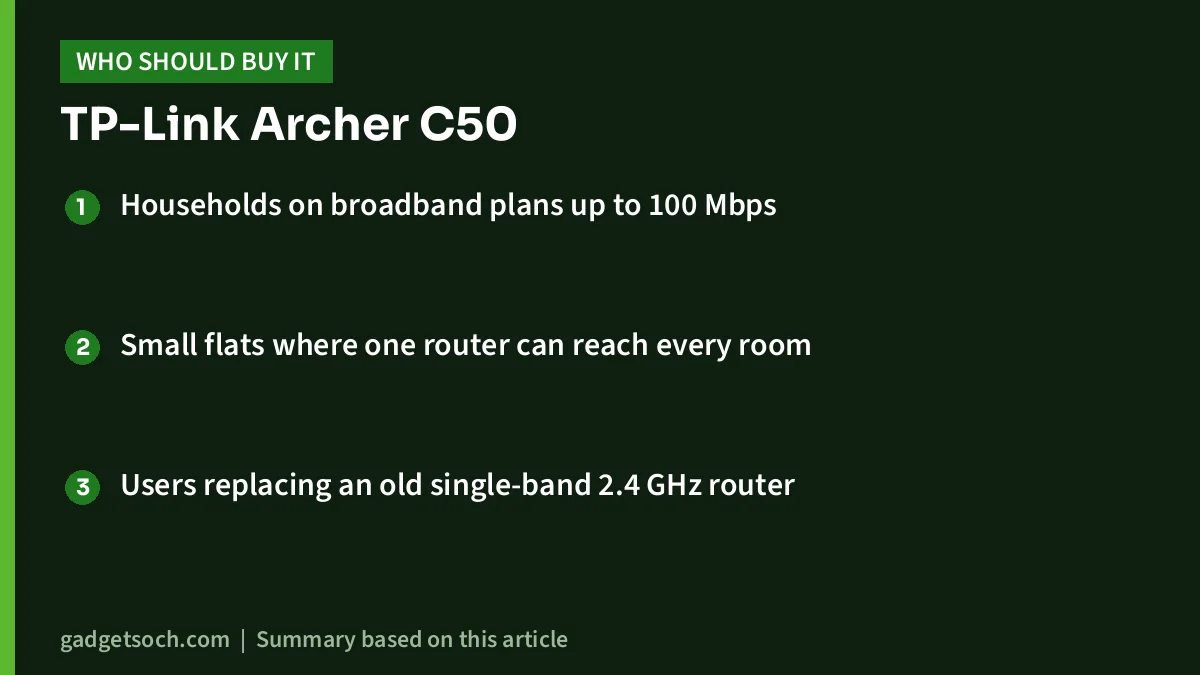
- Households on broadband plans up to 100 Mbps
- Small flats where one router can reach every room
- Users replacing an old single-band 2.4 GHz router
Who should skip it
- Anyone on a 150 Mbps or faster plan, because the 10/100 WAN port is the bottleneck
- Gamers or creators who use wired connections for large downloads or file transfers
- Homes with many devices that would benefit from Wi-Fi 6 efficiency
- Large or multi-floor homes, where a mesh system is a better fit
Alternatives worth comparing
TP-Link Archer C6: Also an AC1200 Wi-Fi 5 router with four external antennas and MU-MIMO, but TP-Link lists one Gigabit WAN and four Gigabit LAN ports. It is the more future-proof choice if your plan is above 100 Mbps.
TP-Link Archer AX23: An AX1800 Wi-Fi 6 router with up to 1201 Mbps on 5 GHz and 574 Mbps on 2.4 GHz, Gigabit WAN and LAN ports, and both OneMesh and EasyMesh support, according to TP-Link India.
TP-Link Deco X50: If one router cannot cover your home, this AX3000 Wi-Fi 6 mesh system is rated by TP-Link for up to 4,500 sq ft as a 2-pack and 6,500 sq ft as a 3-pack, with three Gigabit ports per unit.
What to check before you order

- Your current plan speed. If it is above 100 Mbps, choose a router with Gigabit ports
- The colour, since the listing title and technical details disagree (Black vs White)
- The box contents: the listing names the router, power supply unit, Ethernet cable and quick installation guide
- The hardware version on the label after delivery, if you need EasyMesh or a specific firmware feature
- Warranty: the listing states 3 years. Keep the invoice and confirm coverage with TP-Link India support
- Whether your ISP needs PPPoE credentials or VLAN settings, and get them before setup
Before you order, confirm that the listing still shows the same model and colour. See the Archer C50 AC1200 listing on Amazon.in
Frequently asked questions
Is the TP-Link Archer C50 good for a 200 Mbps plan?
No. TP-Link lists the WAN port as 10/100 Mbps, so internet traffic is limited to about 100 Mbps. For a 200 Mbps or faster plan, choose a router with a Gigabit WAN port, such as the Archer C6 or Archer AX23.
Does the Archer C50 support Wi-Fi 6?
No. It is a Wi-Fi 5 (802.11ac) router. Wi-Fi 6 phones and laptops will still connect, but at Wi-Fi 5 speeds.
Can I use the Archer C50 with Jio, Airtel or other fibre connections?
It supports Dynamic IP, Static IP, PPPoE, PPTP and L2TP, which covers most Indian ISP setups. If your ISP supplies a modem-router, you can run the C50 in Access Point mode. Check with your ISP for any VLAN or IPTV settings.
Can the Archer C50 work as a range extender?
Yes. TP-Link lists Router, Access Point and Range Extender modes. Remember that an extender repeats the signal wirelessly, which reduces speed compared with a wired access point.
What warranty does the Archer C50 have in India?
The Amazon.in listing states a 3-year warranty. TP-Link’s specification page does not state the term, so keep your invoice and confirm with TP-Link India support if you need to make a claim.
Final word
The TP-Link Archer C50 is a simple, well-featured Wi-Fi 5 router for slower broadband plans, with useful extras such as IPTV support, guest networks, parental controls and an Access Point mode. The 10/100 Mbps ports are the deal-breaker for faster plans, so match it to your connection before you buy. Check the current price of the TP-Link Archer C50 AC1200 on Amazon.in
Related reading on GadgetSoch: TP-Link Deco X15 3-Pack Review: AX1500 Wi-Fi 6 Mesh, Wired Backhaul and the Dual-Band Limit.
Sources
- TP-Link India: Archer C50 AC1200 product and specifications page (checked 17 October 2026)
- TP-Link India: Archer C6 specifications (checked 17 October 2026)
- TP-Link India: Archer AX23 specifications (checked 17 October 2026)
- TP-Link India: Deco X50 specifications (checked 17 October 2026)
- Amazon.in listing for ASIN B071RSD473 (title, feature bullets and technical details, captured 17 October 2026)




