The Portronics Power Plus (POR-1601) is a compact mini UPS that keeps a 12V Wi-Fi router, broadband modem or similar low-power device running when the electricity goes. Portronics’ official page lists a 2000mAh battery, a standard 12V DC input and up to 4 hours of backup. If your router runs on a 12V adapter and you want a simple, plug-in fix for short power cuts, it is worth considering. If your router uses 9V, look elsewhere.
The variant behind our link is the Blue model, which is also the only colour shown on Portronics’ own page.
About this review: it is built from Portronics’ official product page and the Amazon.in listing, both checked on 17 October 2026. We have not tested the Power Plus ourselves, and we did not find an independent lab test, so the backup figures below are the brand’s claims.
Quick verdict
- Best for: homes with a 12V router or ONT that drops the internet during short, frequent power cuts
- Skip if: your router uses a 9V or 5V adapter, or you need backup for a computer
- Strengths: 12V router backup with a claimed up to 4 hours, over-charging and voltage protection, LED indicator, quick setup, made in India per the listing, 1-year warranty
- Limitations: Portronics does not publish the output current limit or watt-hour rating, only 12V is documented, and some listing details (connector type, dimensions) look unreliable
Will it work with your router? A one-minute check
Before anything else, turn your router’s power adapter over and read the “Output” line. This decides whether the Power Plus is right for you.
- Output says 12V: you are in the right place. This is the voltage Portronics supports
- Output says 9V: Portronics does not document 9V support, so choose a dual-voltage mini UPS instead
- Output says 5V or the router is USB-powered: this is not the right product
- Router is powered by PoE from another box: a DC mini UPS on the router side will not help, so look at backing up the PoE injector instead
- Plug size: Portronics’ page mentions a dual DC pin in an image caption, but does not list the pin sizes, so check the listing photos or ask the seller if your router has an unusual socket
Portronics’ page also lists set-top boxes, CCTV cameras and cordless phones as devices it can back up. The same 12V rule applies to each of them.
Specifications
| Specification | Portronics Power Plus (POR-1601) | Source |
|---|---|---|
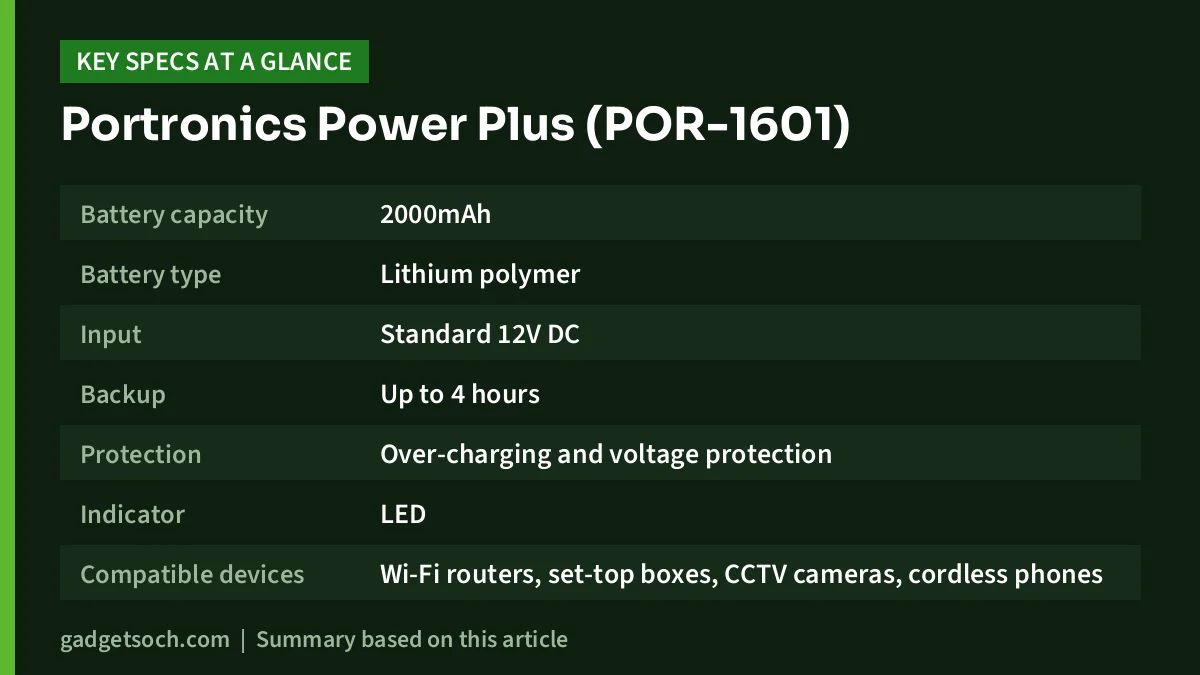
| Battery capacity | 2000mAh | Official page |
| Battery type | Lithium polymer | Amazon.in listing |
| Input | Standard 12V DC | Official page |
| Backup | Up to 4 hours | Official page |
| Protection | Over-charging and voltage protection | Official page |
| Indicator | LED | Official page |
| Compatible devices | Wi-Fi routers, set-top boxes, CCTV cameras, cordless phones | Official page |
| First use | Charge for 3 hours before first use | Official page and listing |
| Weight | 220 g | Amazon.in listing |
| Colour | Blue | Official page and listing |
| Warranty | 1 year | Official page and listing |
| Country of origin | India | Amazon.in listing |
Two listing fields need a caution. The “item dimensions” of 48 x 111 x 193 mm and the “connector type: USB Type A” do not match the official page, which describes a DC-pin device. Treat them as possible listing errors, and rely on the product photos.
Check the current price of the Portronics Power Plus (Blue) on Amazon.in
What 2000mAh and “up to 4 hours” really mean
A mAh figure tells you how much charge a battery holds, but not how much energy, because energy also depends on the battery voltage. Portronics does not publish a watt-hour rating for the Power Plus, so you cannot calculate an exact backup time for your router from the box alone.
What you can say is that backup time falls as power draw rises. A basic single-band router draws relatively little. A dual-band router with several antennas, a fibre ONT with a phone port, or a CCTV camera with night-vision lights draws more, and will empty the same battery sooner. “Up to 4 hours” should be read as the best case with a light load.
The mAh number also does not compare cleanly across brands. One mini UPS might list two cells and another a single pack, at different voltages. Unless both brands publish watt-hours, a bigger mAh figure is a hint, not proof, of longer backup.
Setup and daily use
Portronics says installation takes minutes: unpack, connect your devices, and you are ready. A mini UPS of this type typically sits between your router’s existing 12V adapter and the router itself. With mains power present, the adapter runs the router and tops up the Power Plus battery. When mains fails, the battery takes over without the router restarting, so your connection continues.
Follow Portronics’ advice to charge the unit for three hours before its first use. After that, a sensible routine is:
- Place it in an open spot where air can move around it, not inside a closed router cabinet
- Run one test by switching off the wall socket while you are at home, to confirm the router stays on
- Check the LED indicator after long outages to see that it is charging again
- Keep the original router adapter, since the Power Plus takes its input from a 12V DC supply
Remember that a home mini UPS only keeps your own equipment alive. If the operator’s network goes down in your area during an outage, the internet will still drop.
Protection and safety
The official page lists over-charging and voltage protection. Over-charge protection matters for a lithium battery that stays plugged in around the clock. Voltage protection helps guard against an incorrect or unstable input. Portronics does not list short-circuit, deep-discharge or overload protection on the product page, so we cannot confirm those.
Portronics Power Plus vs CRUST Smart Mini UPS
The CRUST Smart Mini UPS (CS24-5200) is the closest rival many buyers compare. Here is how the published claims line up. The CRUST details come from its Amazon.in listing, as we could not find an official CRUST product page.
| Feature | Portronics Power Plus | CRUST CS24-5200 |
|---|---|---|
| Supported voltage | 12V DC (official page) | 9V and 12V with automatic switching (listing) |
| Battery | 2000mAh lithium polymer (official page and listing) | 2 x 2600mAh lithium-ion (listing) |
| Claimed backup | Up to 4 hours | Up to 4 hours |
| Replaceable battery | Not mentioned | Yes, per the listing |
| Listed weight | 220 g | 216 g |
| Warranty | 1 year | 12 months carry-in, registration within 10 days |
The CRUST unit is the more flexible choice if you have a 9V router or may switch routers later. The Portronics is simpler, and its core specs are confirmed on an official product page rather than only on a seller listing.
Other alternatives
- Oakter Mini UPS for Wi-Fi Router: Reliance Digital’s listing says it is designed for 12V DC devices and includes an additional pin converter, with a 6-month manufacturer warranty. That listing quotes both 2 hours and up to 4 hours of backup, so confirm with Oakter
- APC Easy UPS BVX1200LI-IN: APC’s official page lists a 1200VA rating, AVR and India sockets. It makes sense only if you need to back up a desktop PC along with the router
Who should buy it

Buy the Power Plus if you have a 12V router, lose the internet during short cuts, and want a plug-in fix with a 1-year brand warranty. It is especially useful for work-from-home days and online classes, where a router reboot after every cut is disruptive.
Skip it if your router is 9V or USB-powered, if you regularly face outages much longer than a few hours, or if you need to protect a PC too. Long outages call for an inverter, and a PC calls for a proper desktop UPS.
Buying checklist
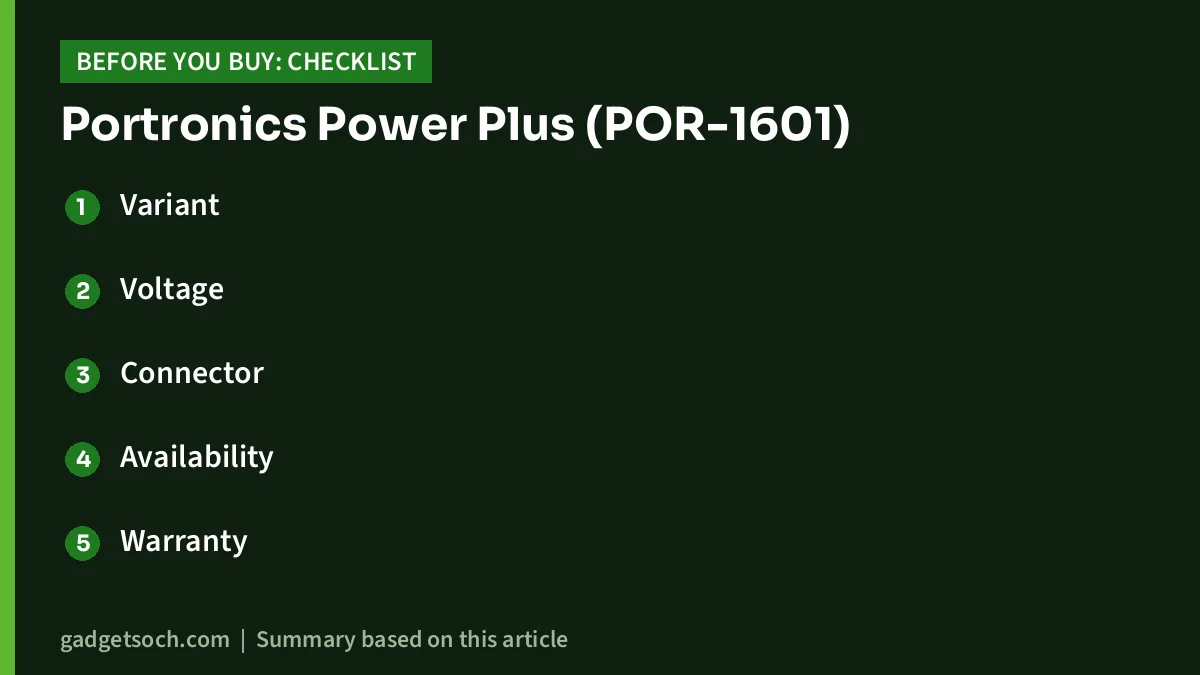
- Variant: our link is for the Blue POR-1601. Confirm the model number and colour on the listing before ordering
- Voltage: your router adapter must read 12V output
- Connector: check the listing photos for the DC pin and cable supplied, since the listing’s connector field is unclear
- Availability: Portronics’ own page showed the Blue variant as sold out or “coming soon” on 17 October 2026, while the Amazon.in listing was in stock, so buy where it is actually available
- Warranty: 1 year from Portronics. Keep your invoice for any claim
- First charge: charge for 3 hours before relying on it
See the Portronics Power Plus POR-1601 (Blue) on Amazon.in
FAQs
Does the Portronics Power Plus work with 9V routers?
Portronics only documents 12V DC support. If your router adapter outputs 9V, choose a mini UPS that lists 9V support.
How long is the backup?
Portronics claims up to 4 hours. Actual backup depends on your router’s power draw, and we found no independent test of this model.
How long should I charge it the first time?
Portronics recommends charging it for 3 hours before first use.
Can I use it with a set-top box or CCTV camera?
Portronics lists set-top boxes, CCTV cameras and cordless phones as supported devices, as long as they run on 12V DC.
What warranty does it have?
Portronics gives a 1-year warranty, according to both the official page and the listing.
Verdict
The Portronics Power Plus POR-1601 does one job: keeping a 12V router online through short power cuts. Its core specs are confirmed on Portronics’ official page, but output current and watt-hours are not published, so treat “up to 4 hours” as a best case. Check your adapter says 12V, and it is a straightforward fix for an annoying problem.
Check the current price of the Portronics Power Plus on Amazon.in
Related reading on GadgetSoch: UGREEN Revodok 5-in-1 USB-C Hub Review (CM478): 4K HDMI, 100W PD, Specs and Limits and Amazon Basics Pro Series 6-in-1 USB-C Hub Review: 4K 60Hz HDMI, Mute Button and the Missing Specs.
Sources
- Portronics Power Plus official product page, checked 17 October 2026
- Amazon.in listing for Portronics Power Plus POR-1601 (ASIN B0D3HZ911R), checked 17 October 2026
- Amazon.in listing for CRUST Smart Mini UPS CS24-5200, checked 17 October 2026
- Oakter Mini UPS listing on Reliance Digital, checked 17 October 2026
- APC Easy UPS BVX1200LI-IN official page, checked 17 October 2026