

The Zebronics Zeb-Live Pro (model ZEB-IWC 1) is a Full HD USB webcam that records at 1920 x 1080 and 30 frames per second, with a 2MP CMOS sensor, fixed focus, a built-in microphone and a sliding privacy shutter. In short, it is a sensible plug-in upgrade for anyone whose laptop camera looks soft or grainy on Teams, Zoom, Google Meet or online classes, as long as you do not need autofocus, 60fps or a wide field of view.
This guide is aimed at students, work-from-home professionals and small offices in India who want a simple desktop or laptop-top camera without spending on a premium brand. The specific listing it covers is the Zebronics FHD USB Webcam sold on Amazon.in as the “Live Pro”, ASIN B0FLXPZ77B.
Please note: this article is based on Zebronics’ official product page and the Amazon.in listing data, both checked on 17 October 2026. It is not a hands-on test, and we do not make claims about image quality that neither source supports.
Quick verdict
- Best for: video calls, online classes and interviews where a clear 1080p picture matters more than advanced features
- Skip if: you stream, record tutorials that need close-up product shots, or want autofocus and 60fps
- Key strengths: 1080p at 30fps, 2MP CMOS sensor, auto white balance and auto exposure, physical privacy shutter, built-in mic, 1.5 m cable
- Key limitations: fixed focus, USB 2.0 only, no field-of-view figure, microphone details and warranty length not stated on the product page
Zebronics Zeb-Live Pro key specifications

| Specification | Zebronics Zeb-Live Pro (ZEB-IWC 1) | Source |
|---|---|---|
| Video resolution | 1920 x 1080 at 30 FPS | Official page |
| Image sensor | 2.0MP CMOS | Official page |
| Lens | 2P2G lens | Official page |
| Focus | Fixed | Official page |
| Image controls | Auto white balance, auto exposure | Official page and listing |
| Privacy | Dedicated privacy shutter | Official page and listing |
| Microphone | Built-in (type not specified) | Official page |
| Interface | USB 2.0 | Official page |
| Cable length | 1.5 m | Official page |
| Indicator | LED indication | Official page |
| Dimensions (W x D x H) | 9 x 6.2 x 5 cm | Official page |
| Net weight | 110 g (listing says 95 g) | Official page and listing |
| Box contents | Webcam | Official page |
| Country of origin | India | Official page |
Check the current price of the Zebronics Zeb-Live Pro webcam on Amazon.in
Picture quality: what 1080p, 30fps and a 2MP sensor actually mean
Many budget and older laptops use a 720p webcam. A 1920 x 1080 camera like the Zeb-Live Pro captures more than twice the pixels of a 720p sensor. The extra detail shows most when an app displays you full screen or when you share a recording.
There is an important caveat. Video calling services decide how much resolution to actually send based on your internet connection, the number of participants and the app’s own settings. On a congested home broadband or mobile hotspot, Teams or Meet may scale a 1080p feed down. The Zebronics Zeb-Live Pro gives the app a better source image, but it cannot force the app to transmit it at full quality.
Zebronics lists the frame rate as 30 FPS. That is the norm for meeting cameras and looks smooth for a person talking. It is not as fluid as 60fps for fast hand movement or gaming streams, which is why this Zebronics Zeb-Live Pro is better suited to calls than to streaming.
The 2P2G description refers to the Zebronics Zeb-Live Pro construction. In the webcam industry this label is commonly used for a lens built from two plastic and two glass elements. Zebronics does not explain it further.
A note on conflicting listing data
The Amazon.in technical details table contains entries that do not match Zebronics’ own page and should be treated with caution. It lists the sensor as “CCD” (the title and the official page both say CMOS), a “1-inch” sensor size and a focal length range of 29 to 120 mm. Zebronics states none of those figures, and a zoom-like focal range is not plausible for a fixed-focus webcam, so we rely on the official specification. The listing also gives the weight as 95 g, while Zebronics states 110 g net weight.
Fixed focus: why it matters
The Zeb-Live Pro uses a fixed-focus lens, which means it is set to keep things sharp at a typical sitting distance and does not adjust itself. For someone sitting at a desk 50 to 80 cm from the screen, fixed focus is usually fine and has one advantage: the Zebronics Zeb-Live Pro never “hunts”, which can happen with cheaper autofocus systems when you move.
The downside appears when you hold something close to the lens. A teacher showing a page of a notebook, a seller showing a product label, or someone reading out a document number will find close objects appear soft. If that is part of your daily routine, an autofocus camera is the better choice.
Automatic white balance and exposure
Many Indian homes have mixed lighting: a warm yellow LED bulb overhead, a cool white tube light in the next room and daylight from a window. Auto white balance tries to correct colour casts so skin tones do not look orange or blue, and auto exposure brightens or darkens the image when light changes. According to the Amazon.in listing, both adjustments happen automatically, which suits users who simply want to plug in and join a call.
Automatic adjustment cannot create light that is not there. Neither Zebronics nor the listing mentions low-light enhancement, HDR or any special night mode, so expect the usual budget-webcam behaviour in dim rooms. The cheapest improvement you can make is lighting: face a window or place a desk lamp or small ring light behind your screen so your face is evenly lit.
Microphone, privacy shutter and LED
Zebronics lists a built-in microphone, but the product page does not say whether it is mono or stereo, how far it picks up voice or whether it has noise reduction. For quiet rooms and short calls, a webcam mic is usually adequate. If you take calls from a noisy home, a busy office floor or near a road, a headset or a separate USB or lavalier microphone will almost always sound clearer.
The dedicated privacy shutter is a genuinely useful feature. Sliding a physical cover over the lens is more reassuring than relying on software to switch the camera off, especially on a shared family computer. Zebronics also lists LED indication, which is generally used to show when the camera is active.
Connection, cable and compatibility
The official page lists a USB 2.0 interface and a 1.5 m cable. USB 2.0 has enough bandwidth for 1080p at 30fps in typical compressed webcam formats, so this is not a weakness for calls. The 1.5 m cable is long enough to reach a desktop tower under the desk or a laptop’s side port from a monitor-top position.
The specification table does not spell out the connector shape. Check the product photos on the listing before ordering. If your laptop has only USB-C ports, as many thin-and-light and Apple models do, plan for a USB-C to USB-A adapter or a hub.
The Amazon.in listing title names Teams and FaceTime and says the camera works with PC and laptop, and the technical details mention tablets too. Zebronics’ own page does not list operating systems or supported apps. Most standard USB webcams work without extra drivers on Windows and macOS, but because Zebronics does not confirm this for the Zeb-Live Pro, Mac and Chromebook users in particular should read recent buyer questions on the listing before ordering.
Who should buy it and who should skip it

Buy the Zeb-Live Pro if your laptop camera is poor or broken, you use a desktop PC without a camera, you attend online classes or job interviews, or you need a basic camera for a reception or office meeting PC. The 1080p sensor, privacy shutter and simple automatic image controls cover what most video callers need.
Skip it if you create YouTube or Instagram content, stream games, need to show small objects close to the camera, or want a wide view that fits several people around a meeting table. Those uses benefit from autofocus, higher frame rates and a wider field of view.
If you are building a full home office setup, our work-from-home desk setup guide covers keyboard, mouse, monitor and cooling choices alongside the camera.
Alternatives worth comparing
- Logitech C270 HD: according to Logitech, it records 720p at 30fps with a 55-degree diagonal field of view and a built-in mono mic with noise reduction. Lower resolution than the Zeb-Live Pro, but from a widely supported brand
- Logitech C920 Pro HD: Logitech lists 1080p at 30fps, autofocus, a 78-degree diagonal field of view and two microphones for stereo audio. Worth considering if autofocus and stereo audio matter
- Your laptop’s own camera plus better lighting: if your built-in camera already supports 1080p, a lamp or ring light may improve calls more than a new webcam
For creators who need more than a meeting camera, our YouTube starter kit guide looks at lights, mics, stands and cameras together.
What to check before you order
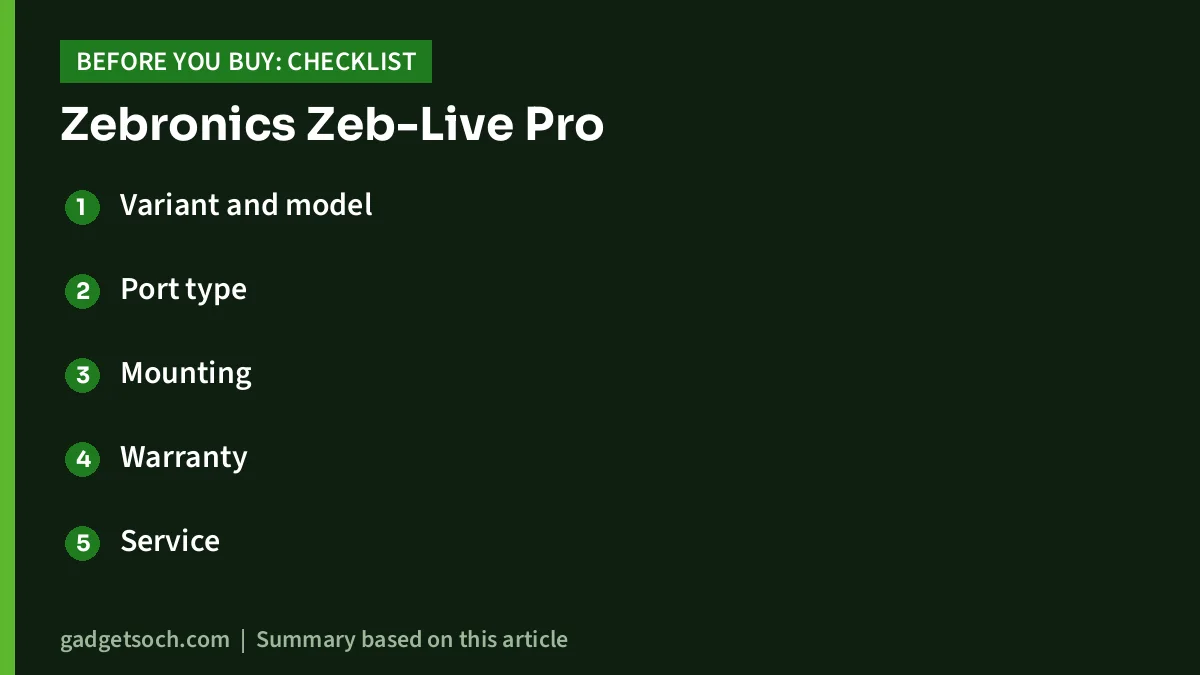
- Variant and model: confirm that the listing title says Live Pro and the model is ZEB-IWC 1 (the listing also shows ZEB-LIVE PRO)
- Port type: check whether the plug matches your laptop or desktop, and buy an adapter if you only have USB-C
- Mounting: look at the listing images to see how the clip fits on a thin laptop lid or a thick monitor bezel
- Warranty: Zebronics links to a warranty policy and warranty registration on its site but does not state the period on the product page, so check the listing or ask the seller, and keep your invoice
- Service: Zebronics lists 044-4000 0004 and enquiry@zebronics.com for customer complaints
- Expectations: remember that the app and your internet speed decide the final call quality, not only the camera
After it arrives, open your meeting app’s video settings and select the Zebronics camera and microphone manually, because many apps keep using the built-in laptop devices by default. Run a test call or recording with your usual room lighting before an important meeting.
See the Zebronics Live Pro FHD USB webcam on Amazon.in
Frequently asked questions
Does the Zebronics Zeb-Live Pro have autofocus?
No. Zebronics’ specification table lists the focus as fixed, and the Amazon.in listing agrees. The page’s meta description mentions autofocus, but the detailed specification table is the more reliable reference.
What resolution and frame rate does the Zeb-Live Pro support?
Zebronics lists 1920 x 1080 at 30 frames per second from a 2.0MP CMOS sensor.
Does it have a microphone?
Yes, Zebronics lists a built-in microphone. It does not publish mic type, pickup range or noise reduction details, so a headset is still the safer choice in noisy rooms.
Can I use it with a MacBook or a USB-C-only laptop?
The listing mentions FaceTime and laptops, but Zebronics does not list supported operating systems, and the interface is USB 2.0. You will likely need a USB-C adapter on USB-C-only laptops. Check recent buyer questions on the listing for Mac compatibility before ordering.
Does the Zeb-Live Pro have a privacy cover?
Yes. Both Zebronics and the Amazon.in listing describe a dedicated privacy shutter that covers the lens when not in use.
What is in the box?
Zebronics’ product page lists only the webcam (1 unit) under package contents. The cable is listed as 1.5 m in the specifications.
Final word
The Zebronics Zeb-Live Pro covers the basics that matter for everyday video calls: Full HD at 30fps, automatic colour and brightness correction, a built-in mic and a physical privacy shutter. Its limits are equally clear: fixed focus, no published field of view or microphone details, and some unreliable figures in the Amazon technical table. If your needs are calls and classes rather than content creation, it is a reasonable upgrade over a weak laptop camera.
Check the current price of the Zebronics Zeb-Live Pro on Amazon.in
Related reading on GadgetSoch: Ant Esports ALS05 Laptop Stand Review (Black): Six Levels, 4 mm Aluminium and the Missing Specs and Brother HL-L2440DW Review: Duplex Wi-Fi Mono Laser Printer for Home and Small Office.
Sources
- Zebronics Zeb-Live Pro official product page (specifications, package contents, support details, checked 17 October 2026)
- Amazon.in listing for ASIN B0FLXPZ77B (title, feature bullets and technical details, captured 17 October 2026)
- Logitech C270 HD Webcam official page (checked 17 October 2026)
- Logitech C920 Pro HD Webcam official page (checked 17 October 2026)




