
The Amazon Basics 4-in-1 USB C Hub is a basic bus-powered adapter that turns a single USB-C port into four USB-A ports: one USB 3.0 port rated up to 5 Gbps and three USB 2.0 ports rated up to 480 Mbps. It is a sensible buy if your laptop has only USB-C sockets and you need to connect a mouse, keyboard, pen drive and one external drive. It does not add HDMI, Ethernet, card readers or charging.
This guide covers the Grey version sold on Amazon.in under ASIN B0D93ZXGP6. Amazon Basics products do not have a separate manufacturer spec page, so the facts here come from the Amazon.in listing (seller-provided details captured on 17 October 2026) plus general USB standards. We have not used the Amazon Basics 4-in-1 USB C Hub ourselves, and no independent test data is quoted. Where the listing looks inconsistent, we say so.
Quick verdict
- Best for: students and office users who need extra USB-A ports for everyday peripherals on a USB-C laptop, MacBook or Chromebook
- Skip if: you need to connect a monitor, charge the laptop through the hub, or run more than one fast drive at once
- Strengths: clear port labelling in the listing (one USB 3.0, three USB 2.0), plug and play, light at 18 g per the listing, Chrome OS listed among supported systems
- Limitations: plastic enclosure, only one fast port, no power input mentioned, one of the listing’s dimension figures appears to be wrong
Specifications at a glance
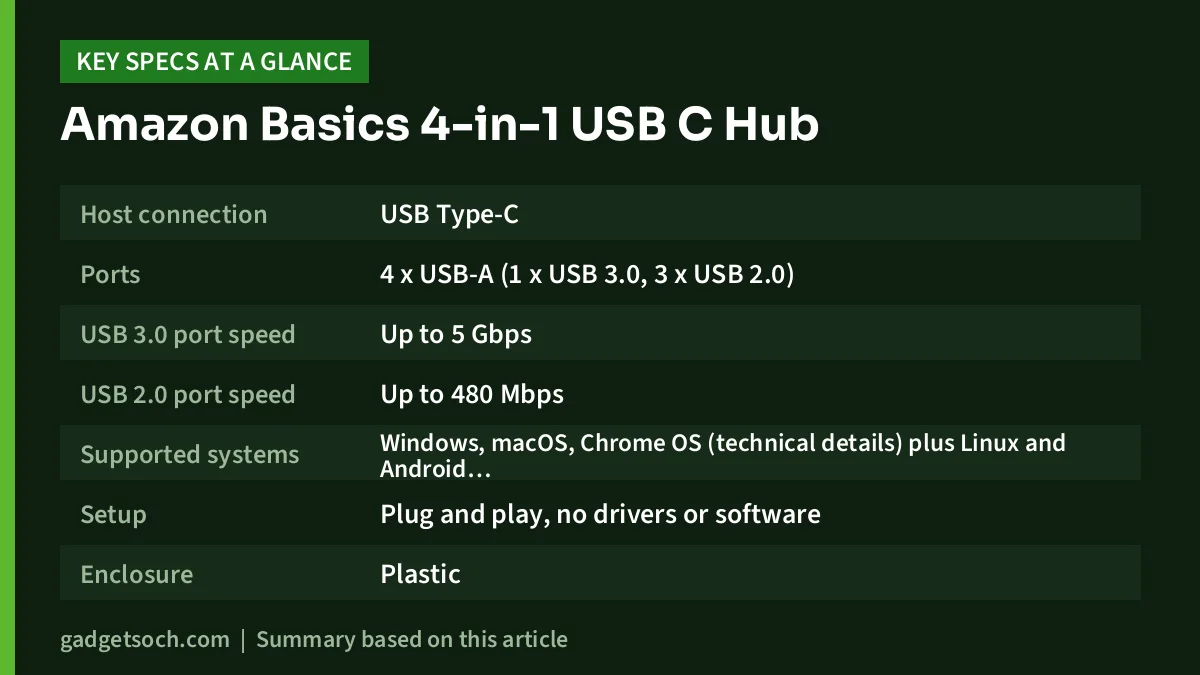
| Item | What the Amazon.in listing states |
|---|---|
| Host connection | USB Type-C |
| Ports | 4 x USB-A (1 x USB 3.0, 3 x USB 2.0) |
| USB 3.0 port speed | Up to 5 Gbps |
| USB 2.0 port speed | Up to 480 Mbps |
| Supported systems | Windows, macOS, Chrome OS (technical details) plus Linux and Android (feature bullets) |
| Setup | Plug and play, no drivers or software |
| Enclosure | Plastic |
| Colour | Grey |
| Weight | 18 g |
| Warranty | 1 year, via the support line and email named on the listing |
See the Grey Amazon Basics 4-in-1 USB C Hub on Amazon.in
Which device goes in which port
The single most useful thing to know about this Amazon Basics 4-in-1 USB C Hub is how to split your devices across its ports. The listing is unusually upfront here: the title itself says “1 x USB 3.0 & 3 x USB 2.0”, so there is no confusion about four fast ports. The practical rule is simple. Anything that moves large amounts of data goes on the USB 3.0 port. Everything else goes on the USB 2.0 ports.
| Device | Recommended port | Why |
|---|---|---|
| External hard disk or portable SSD | USB 3.0 | Large file copies benefit from the 5 Gbps rating |
| Fast pen drive used for video or backups | USB 3.0 | USB 2.0 would make big copies far slower |
| Wired or wireless mouse receiver | USB 2.0 | Very little data, so speed does not matter |
| Keyboard or keyboard-mouse combo receiver | USB 2.0 | Low bandwidth device |
| USB headset or speaker | USB 2.0 | Audio needs far less than 480 Mbps |
| Basic USB printer | USB 2.0 | Printing jobs are small |
| Office pen drive with documents | Either | Small files copy quickly on USB 2.0 |
If you only plug in one storage device at a time, this arrangement works neatly. If you regularly copy between two external drives, the second drive will be stuck on a USB 2.0 port, which is the main reason to consider a hub with more fast ports.
Remember that all four ports reach the Amazon Basics 4-in-1 USB C Hub through one USB-C cable. Even the USB 3.0 port shares the connection with the others, so heavy activity on several ports at once can slow things a little. For a typical desk with a mouse, keyboard and one drive, this rarely matters.
Power: what a bus-powered hub can and cannot do
The listing does not mention a power input or pass-through charging, so the Amazon Basics 4-in-1 USB C Hub is powered entirely by the laptop’s USB-C port. That has three practical effects:
- No laptop charging through the hub. If your laptop has one USB-C port that is also its charging port, you cannot charge and use the hub on that port at the same time.
- Power-hungry devices may struggle. Portable hard disks that spin up, USB DVD writers and some webcams draw more current. If a device disconnects or is not detected, connect it directly to the laptop to check whether power is the cause.
- Not a phone charger. Do not rely on the hub to charge phones or power banks. It is designed for data devices.
Build and portability
The Amazon.in listing describes a plastic enclosure in grey and a weight of 18 g, and the feature bullets call the design slim and portable. Plastic keeps the weight down and avoids scratching a laptop lid, but it is generally less resistant to knocks than a metal shell. If the Amazon Basics 4-in-1 USB C Hub will live in a backpack, a small pouch is worth considering.
One caution: the listing’s dimension field reads “96.8L x 17.1W x 7.2H Centimeters”. A hub that weighs 18 g cannot be nearly a metre long, so this appears to be a units error on the listing. We have left the dimensions out of our specs table. Look at the listing photos for a sense of size, and do not rely on that field.
The listing also does not state the Amazon Basics 4-in-1 USB C Hub length or whether the cable is fixed. If you need the hub to reach a laptop on a stand, check the photos and the product questions on the listing before ordering.
Compatibility with laptops, MacBooks and Chromebooks
According to the listing, the Amazon Basics 4-in-1 USB C Hub works with laptops, MacBooks, PCs, Chromebooks and tablets that have USB-C ports, and with Windows, macOS, Linux and Android. The technical details section names Chrome OS, Mac OS and Windows. In practice, what matters is your device’s USB-C port:
- Confirm the USB-C port carries USB data. A small number of laptops have USB-C ports meant only for charging or display.
- Thunderbolt and USB4 ports accept ordinary USB-C hubs like this one.
- On Android phones and tablets, USB hub support depends on the device. The listing names Android, but test pen drives and keyboards within the return window.
- iPads are not specifically named on the listing, so treat iPad use as unconfirmed.
For Chromebook users, the explicit Chrome OS mention is useful, because many Chromebooks ship with only USB-C ports and a hub like this restores access to USB-A mice and pen drives.
Who it suits, and who should look elsewhere
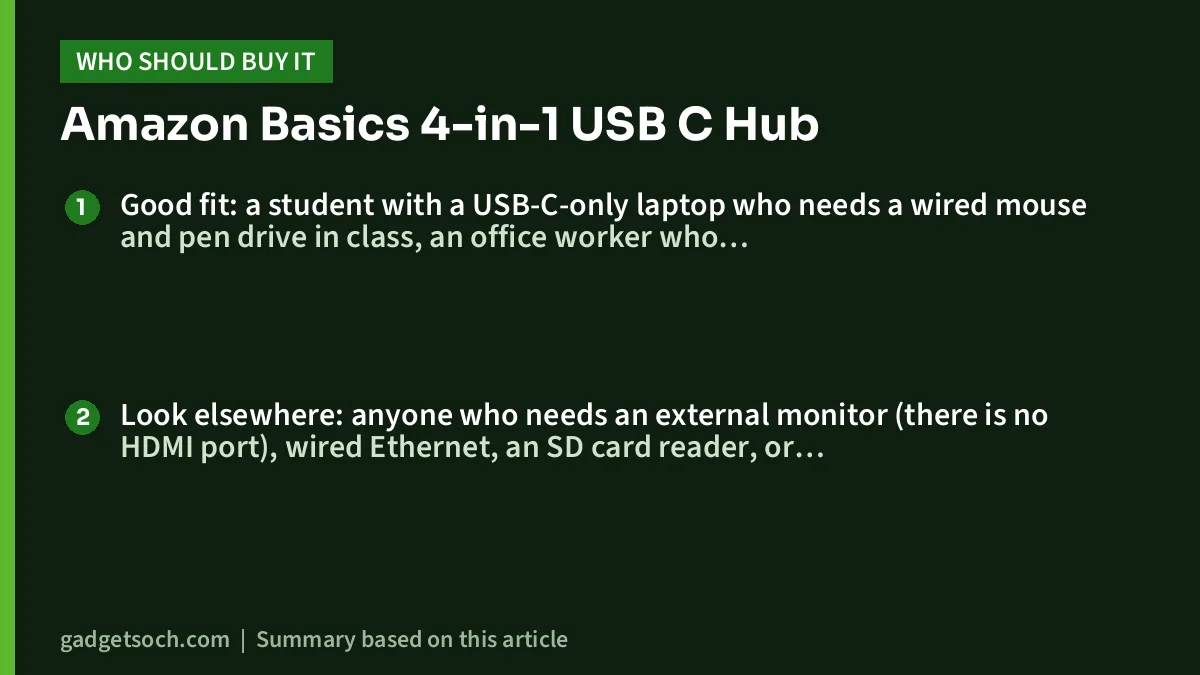
Good fit: a student with a USB-C-only laptop who needs a wired mouse and pen drive in class, an office worker who connects a keyboard-and-mouse set plus one backup drive, or a Chromebook user who wants USB-A ports back. If you are setting up a desk, our Logitech MK270r review covers a full-size wireless combo that would sit comfortably on one of the USB 2.0 ports.
Look elsewhere: anyone who needs an external monitor (there is no HDMI port), wired Ethernet, an SD card reader, or charging pass-through. Photographers and video editors who move large files between two drives will also find a single USB 3.0 port limiting.
Alternatives worth comparing
- ZEBRONICS TA210U: the same one-fast, three-slow layout (Zebronics’ official page lists 1 x USB 3.0 and 3 x USB 2.0, up to 5 Gbps) in a metal housing that weighs 11 g. Its Amazon.in listing states a 1-year carry-in warranty.
- Anker 332 USB-C Hub (5-in-1): Anker’s official page lists an HDMI 1.4 port up to 4K at 30Hz, two USB-A and one USB-C data port all at 5 Gbps, and a 100W power input that passes up to 85W to the laptop. Worth the step up if you need a monitor and charging through the hub.
What to check before you order
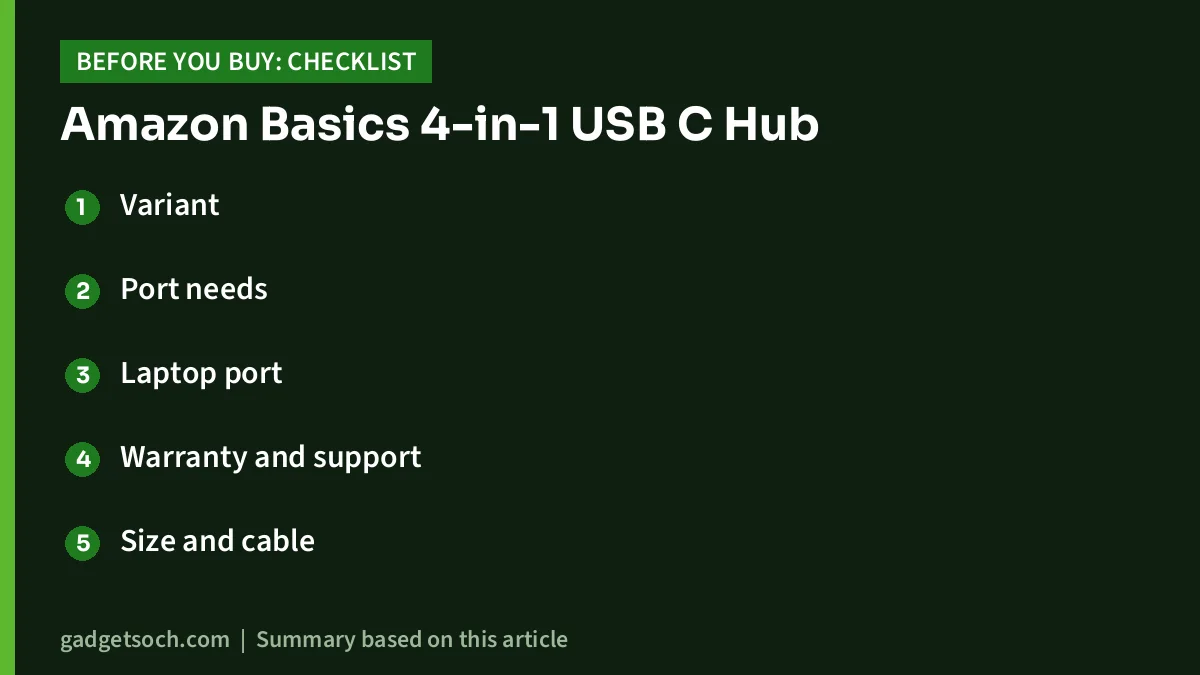
- Variant: this link is for the Grey Amazon Basics 4-in-1 USB C Hub (ASIN B0D93ZXGP6) with 1 x USB 3.0 and 3 x USB 2.0. Confirm that the title and colour on the listing match before buying.
- Port needs: count how many fast devices you use together. If it is more than one, this is the wrong hub.
- Laptop port: make sure the USB-C port you will use supports data.
- Warranty and support: the listing states a 1-year warranty with queries handled on 1800-419-2373 or clicktech@blubirch.com, 10am to 6pm, Monday to Saturday except national holidays. Keep your invoice.
- Size and cable: the listing’s dimension field appears incorrect, so judge size from photos.
Once you have confirmed it suits your setup, check the current price of the Amazon Basics 4-in-1 USB C Hub on Amazon.in.
Quick troubleshooting
If a device is not recognised, unplug the hub, wait a few seconds and reconnect it. Try the device directly on the laptop to rule out a faulty device or cable. If a drive is slow, check that it is on the USB 3.0 port and not one of the USB 2.0 ports. If a drive keeps disconnecting, it may need more power than the laptop can supply through an unpowered hub. Always eject drives before unplugging the hub, because pulling the hub disconnects every device on it at once.
Planning to pair this hub with a portable SSD? Our SanDisk Extreme Portable SSD review explains that drive in detail. Keep in mind that any drive rated faster than 5 Gbps will be capped by this hub’s USB 3.0 port.
Frequently asked questions
How many USB 3.0 ports does the Amazon Basics 4-in-1 USB C Hub have?
One. The Amazon.in listing specifies one USB 3.0 port (up to 5 Gbps) and three USB 2.0 ports (up to 480 Mbps).
Does it support HDMI or a second monitor?
No. It has only USB-A ports, so it cannot drive a monitor.
Will it work with a Chromebook?
The listing names Chromebooks and Chrome OS as compatible, provided the Chromebook has a USB-C port that supports data.
Can I charge my laptop through it?
The listing does not mention a power input or pass-through charging, so plan on charging the laptop through a separate port.
What warranty does it come with in India?
The listing states a 1-year warranty, with support available on 1800-419-2373 or by email at clicktech@blubirch.com during listed working hours.
Bottom line
The Amazon Basics 4-in-1 USB C Hub does one job: it gives a USB-C laptop four USB-A ports, one of them fast. Its listing is clear about the port split, it names Chrome OS support, and it is light enough to forget in a bag. Its plastic build, single fast port and lack of video or charging keep it firmly in the basic category. If that matches your needs, see the Grey Amazon Basics 4-in-1 USB C Hub on Amazon.in.
Related reading on GadgetSoch: Zebronics CT101 Review: 10-in-1 USB-C Hub With 100W PD, Specs and Limits and Portronics Mport One Review: 9-in-1 USB-C Hub With 4K 60Hz HDMI and 100W PD.
Sources
- Amazon.in listing for Amazon Basics 4-in-1 USB C Hub (Grey), ASIN B0D93ZXGP6 (listing data captured 17 October 2026)
- Zebronics: ZEB-TA210U official product page (for the alternative, checked 17 October 2026)
- Anker: 332 USB-C Hub (5-in-1) official page (for the alternative, checked 17 October 2026)




