
The CRUST Smart Mini UPS (model CS24-5200) is a small battery backup that keeps a Wi-Fi router or broadband modem running during a power cut. According to its Amazon.in listing, it gives up to 4 hours of backup, supports both 9V and 12V routers, and uses a replaceable lithium-ion battery pack. For most homes with a single 9V or 12V router and short, frequent power cuts, it is a sensible pick, provided your router is not on the brand’s incompatibility list.
This is the black CS24-5200 variant (ASIN B09F3ND2JH), meant for low-power DC devices such as routers, ONTs, modems, CCTV cameras, intercoms and set-top boxes. It is not a UPS for a computer or a TV.
How this article was written: it is based on the product’s Amazon.in listing and the manufacturer information published there, checked on 17 October 2026. We did not test the unit hands-on, and we could not find an official CRUST product page or an independent lab review, so every specification below is the seller’s claim and is labelled that way.
Quick verdict
- Best for: homes and small offices where a 9V or 12V Wi-Fi router, ONT or modem drops off every time the power goes
- Skip if: your router uses a 5V USB supply, a 48V PoE injector, or is one of the models CRUST lists as incompatible
- Key strengths (as listed): automatic 9V/12V output switching, two 2600mAh EV-grade Li-ion cells, user-replaceable battery, protections against overload, short circuit, over-charge and deep discharge
- Key limitations: the listing does not describe more than one output, real backup depends on your router’s power draw, warranty needs online registration within 10 days, and no independent test data is available
Key specifications
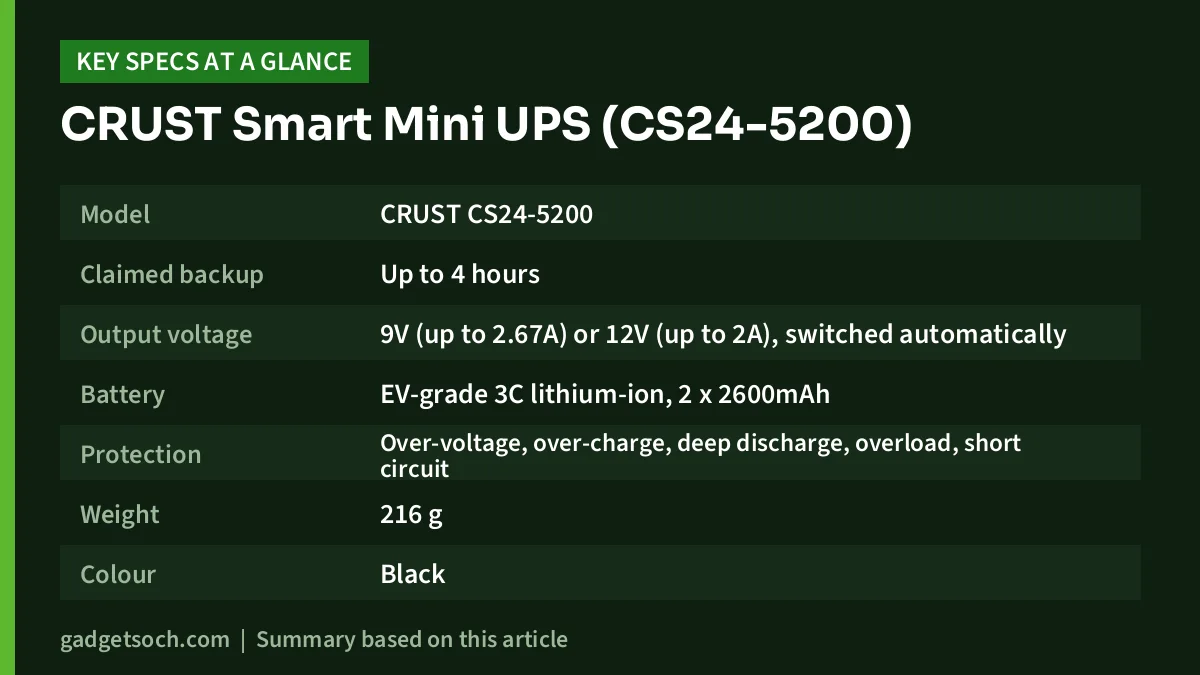
| Specification | Detail (per the Amazon.in listing) | What it means for you |
|---|---|---|
| Model | CRUST CS24-5200 | Use this number when you register the warranty or ask for support |
| Claimed backup | Up to 4 hours | Real time depends on how many watts your router draws |
| Output voltage | 9V (up to 2.67A) or 12V (up to 2A), switched automatically | Covers both 9V and 12V router adapters |
| Battery | EV-grade 3C lithium-ion, 2 x 2600mAh | Lithium cells keep the unit light, and the pack is replaceable |
| Protection | Over-voltage, over-charge, deep discharge, overload, short circuit | Guards both the battery and the router |
| Weight | 216 g | Light enough to stick on a wall or shelf near the router |
| Colour | Black | This is the variant behind our link |
| Warranty | 12 months carry-in on manufacturing defects | Registration on the CRUST website within 10 days is mandatory |
| Made in | India | Manufacturer listed as CRUST (Encasers), Bhandup, Mumbai |
The listing’s technical details also mention Wi-Fi, “access point mode” and touch control. These look like generic template fields, as the CS24-5200 is a power device, not a router.
Check the current price of the CRUST Smart Mini UPS (CS24-5200, black) on Amazon.in
How a mini UPS for a router actually works
Your router runs from an adapter that turns 230V mains into a low DC voltage, usually 9V or 12V. A mini UPS sits between that adapter and the router: with mains present, the adapter powers the router and charges the UPS battery, and when the power goes, the battery takes over at the same voltage, so the connection does not drop.
This is more efficient than a desktop UPS, which converts battery DC into 230V AC only for the router adapter to convert it back to DC, wasting energy at each step.
There is one important catch. Your broadband only stays up if the operator’s equipment outside your home also has power. Fibre (FTTH) connections often keep working during a cut that only affects your home or building, but if the line goes down at the operator’s end, no home UPS can help.
Smart dual voltage: the feature that matters most
The headline feature, per the listing, is automatic voltage selection. CRUST says a “smart MCU” reads the voltage of the power adapter you connect and sets the output to 9V or 12V to match. The listing states support for 9V routers drawing up to 2.67A and 12V routers drawing up to 2A.
This matters because Indian homes have a mix of 9V and 12V routers and ONTs. Automatic switching makes the choice simpler, but you should still read the label on your existing adapter before ordering.
How to check your router:
- Read the “Output” line on the router adapter, for example 12V and 1.5A
- Confirm the voltage is 9V or 12V and the current is within the listing limits (2.67A at 9V, 2A at 12V)
- Confirm the DC plug fits, or ask the seller which connectors are supplied
- Make sure your router model is not on the incompatibility list below
Compatibility warnings you should not skip
The listing carries an important notice: CRUST says the unit is not compatible with NetLink, Syrotech, Alphion 100C, 1524, BDT-121 and UT-STAR ONT4842W routers. Some of these are fibre ONTs that ISPs supply, so if your connection came with one of these boxes, look at another solution or contact CRUST before you buy.
The same notice says that if your router’s power adapter is rated below 1A, you should upgrade to an adapter rated at 1A or more for better performance. The reason is practical: the adapter has to run the router and charge the UPS battery at the same time. A weak adapter may not have enough headroom for both, which can mean slow charging or a router that restarts when the UPS kicks in. If you do change the adapter, keep the voltage and polarity identical to the original.
Battery and backup time explained
According to the listing, the unit uses two 2600mAh lithium-ion cells described as “EV grade” with a 3C rating, and CRUST claims up to three times longer cycle life. A 3C rating refers to how fast a cell can safely deliver current. For a low-power router it mainly suggests the cells are not being pushed close to their limits.
The “up to 4 hours” figure is a best case. A router that draws more power drains the battery faster, and a basic router uses far less than a mesh unit or a fibre ONT with Wi-Fi and phone ports. If you connect a CCTV camera with infrared night vision, expect shorter backup at night when the IR lights are on.
CRUST does not publish the pack’s watt-hour rating and we found no independent runtime test, so we cannot give a minutes figure for any specific router. Treat 4 hours as the ceiling, not the promise.
Replaceable battery: a real long-term advantage
Lithium cells wear out gradually, and many cheap mini UPS units are sealed, so a worn battery means replacing the whole device.
CRUST’s listing says the battery on this model can be replaced by the owner, and that the company also offers home pickup and drop for battery replacement across India. Confirm the current process with CRUST when you need it. For a device you plan to keep for years, this is a strong point in its favour.
Safety, heat and build
The listing claims protection against over-voltage, over-charge, deep discharge, overload and short circuit at both the battery management system (BMS) and microcontroller level. Deep-discharge protection matters because fully draining lithium cells damages them.
CRUST also highlights heat-dissipation vents, so keep them clear. Avoid closed cabinets, the top of a warm set-top box, or direct sunlight. At 216 g, the unit is light enough to sit on a shelf next to the router.
Who should buy it, and who should skip it
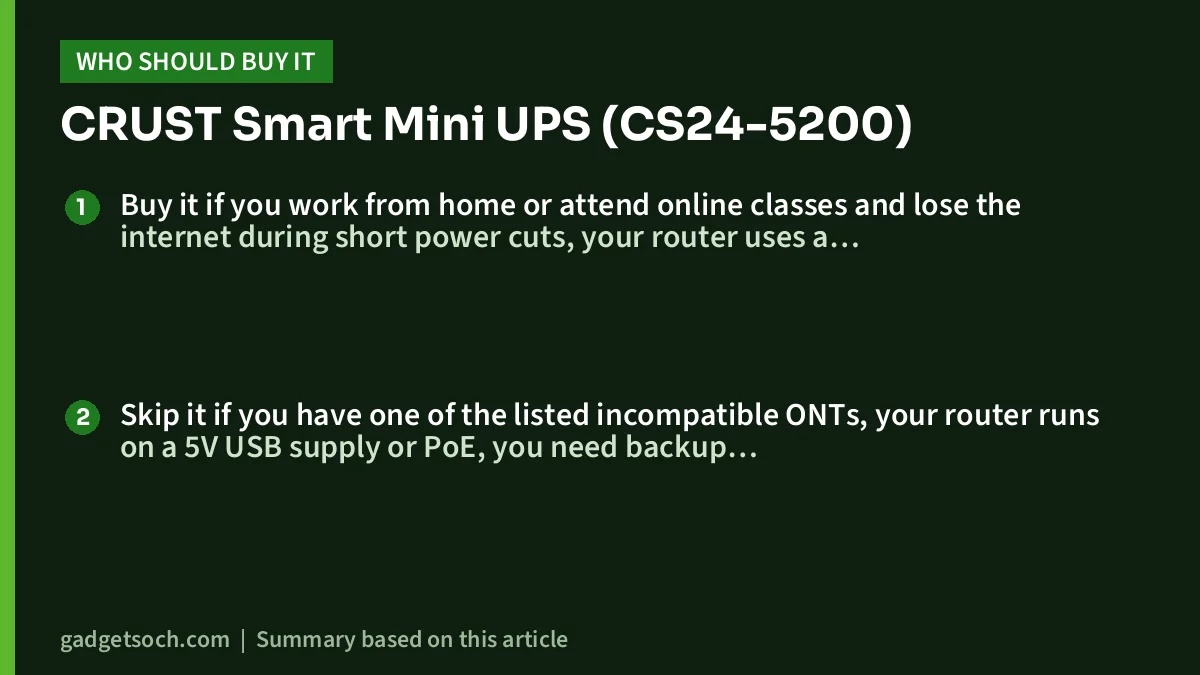
Buy it if you work from home or attend online classes and lose the internet during short power cuts, your router uses a 9V or 12V adapter within the stated current limits, and you want a battery you can replace later instead of a sealed unit.
Skip it if you have one of the listed incompatible ONTs, your router runs on a 5V USB supply or PoE, you need backup for a laptop or desktop PC as well, or you regularly face outages much longer than four hours. For long outages, a home inverter that powers a socket is the better answer.
Alternatives worth comparing
- Portronics Power Plus (POR-1601): Portronics’ official page lists a 2000mAh battery, a standard 12V DC input, up to 4 hours of backup, over-charging and voltage protection, and a 1-year warranty. It is a 12V option rather than a dual-voltage one
- Oakter Mini UPS for Wi-Fi Router: Reliance Digital’s listing describes it as designed for 12V DC devices with an additional pin converter, and gives a 6-month manufacturer warranty. The same listing quotes both 2 hours and up to 4 hours of backup, so confirm with the brand
- A desktop UPS such as the APC Easy UPS BVX1200LI-IN: APC’s official page lists it at 1200VA with AVR and India sockets. It suits a computer plus router setup, but it is much heavier and less efficient for a router alone
What to check before you order
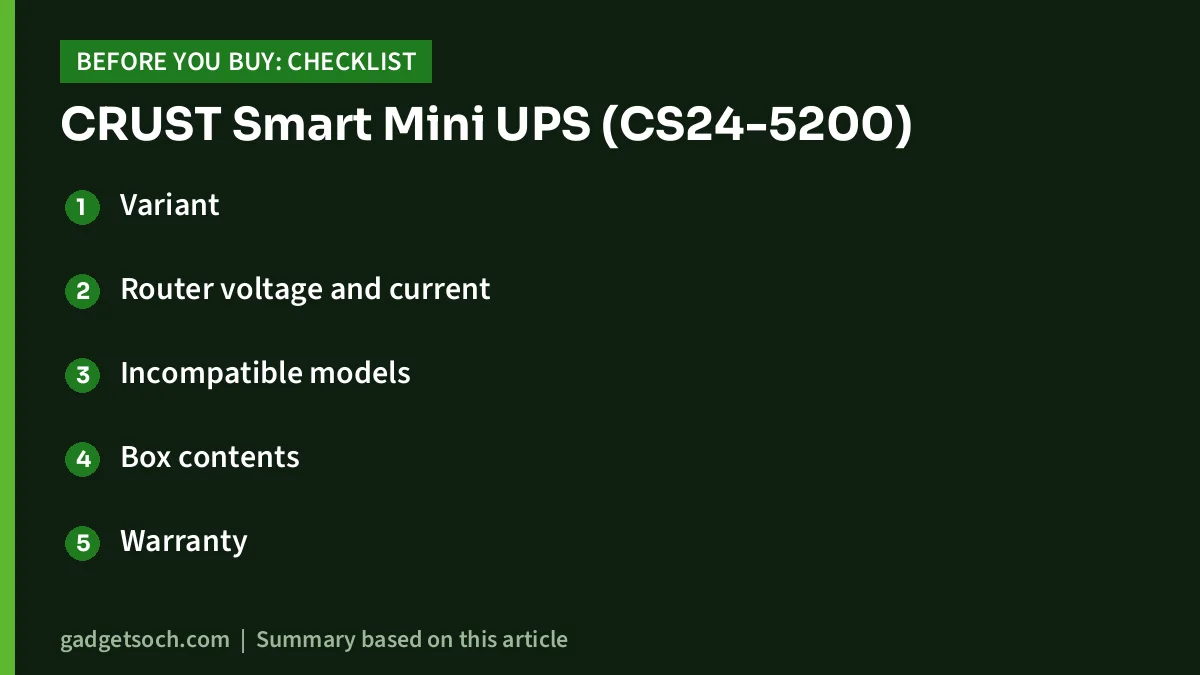
- Variant: our link points to the black CRUST CS24-5200. Confirm the model number on the listing page before you pay
- Router voltage and current: read your adapter label and compare with the 9V/2.67A and 12V/2A limits
- Incompatible models: make sure your ONT or router is not NetLink, Syrotech, Alphion 100C, 1524, BDT-121 or UT-STAR ONT4842W
- Box contents: the listing’s box-contents field is vague, so check the listing images or ask the seller which cables and DC pin connectors are included
- Warranty: 12 months carry-in on manufacturing defects, and you must register the product on the CRUST website within 10 days of purchase. Keep your invoice
- Adapter rating: if your router adapter is below 1A, plan to use a 1A or higher adapter with the same voltage and polarity
See the CRUST CS24-5200 Smart Mini UPS (black) on Amazon.in
Setting it up
Plug your router’s original adapter into the UPS input, connect the UPS output to the router, and charge the UPS fully. Then switch off the wall socket once on purpose to confirm the router stays on, rather than finding a problem in the middle of a meeting.
Frequently asked questions
Will the CRUST Smart Mini UPS work with my Jio, Airtel or BSNL fibre router?
It depends on the exact box, not the ISP. If the adapter is 9V or 12V within the stated current limits and the model is not on CRUST’s incompatibility list, it should be compatible according to the listing. Check the adapter label and model name first.
Does it really give 4 hours of backup?
Four hours is the listing’s maximum claim. Actual backup depends on your router’s power draw, and we found no independent test of this model, so expect less with high-power routers or several devices.
Can I replace the battery myself?
Yes, according to the listing. CRUST says owners can replace the battery themselves, or use its pickup and drop service across India.
What does the warranty cover?
The listing states a 12-month carry-in warranty on manufacturing defects, and product registration on the CRUST website within 10 days of purchase is mandatory to claim it.
Bottom line
The CRUST Smart Mini UPS CS24-5200 is a well-thought-out router backup on paper: automatic 9V/12V switching, multiple protections and, unusually, a replaceable battery. Its limitations are about fit rather than design, so check your adapter label and the incompatibility list, register the warranty on time, and treat the 4-hour figure as a ceiling.
Check the current price of the CRUST Smart Mini UPS on Amazon.in
Related reading on GadgetSoch: Zebronics CT101 Review: 10-in-1 USB-C Hub With 100W PD, Specs and Limits, Resonate RouterUPS Pro Review: 10400mAh Router UPS, Real Backup and Limits and Ambrane CyberVolt 2 Mini UPS Review: 6000mAh 12V Router Backup Explained.
Sources
- Amazon.in listing for CRUST Smart Mini UPS CS24-5200 (ASIN B09F3ND2JH), checked 17 October 2026
- Encasers (CRUST) mini UPS catalogue on IndiaMART, model and output voltages, checked 17 October 2026
- Portronics Power Plus official product page, checked 17 October 2026
- Oakter Mini UPS listing on Reliance Digital, checked 17 October 2026
- APC Easy UPS BVX1200LI-IN official page (Schneider Electric India), checked 17 October 2026




