The Acer Aspire 3 (A325-45) with an Intel Celeron N4500 is a basic 15.6-inch Windows 11 laptop for very light work: web browsing, online classes, email, YouTube and simple documents. It is not a good choice for heavy multitasking, photo or video editing, large coding projects or gaming, because the dual-core Celeron N4500 is an entry-level, low-power chip built for efficiency rather than speed. For simple needs on a tight budget it can do the job, but a Core i3 or Ryzen 3 machine is the safer long-term buy.
The configuration covered here is the one the Amazon.in link opens (checked on 17 October 2026): 8 GB LPDDR4X RAM, 256 GB SSD, Windows 11 Home, 15.6-inch HD display, Pure Silver, about 1.5 kg. Acer also sells the A325-45 with other storage sizes and colours, so confirm the exact variant on the listing before you pay.
This article is based on Acer India’s official specifications, Intel’s processor data and published spec listings, not on hands-on testing. All details were checked on 17 October 2026.
Quick verdict
- Best for: school students, senior citizens and home users who mainly browse, stream, join video classes and type documents
- Skip if: you keep many browser tabs open during video calls, edit photos or videos, use heavy software for coding or design, or want to play games
- Key strengths: full-size 15.6-inch screen, three USB-A ports plus USB-C and HDMI, SSD storage, 8 GB RAM rather than 4 GB, small 24 W charger
- Key limitations: only two CPU cores and two threads, 1366 x 768 TN display with narrow viewing angles, 8 GB is the listed maximum memory, 256 GB storage fills up quickly
Key specifications
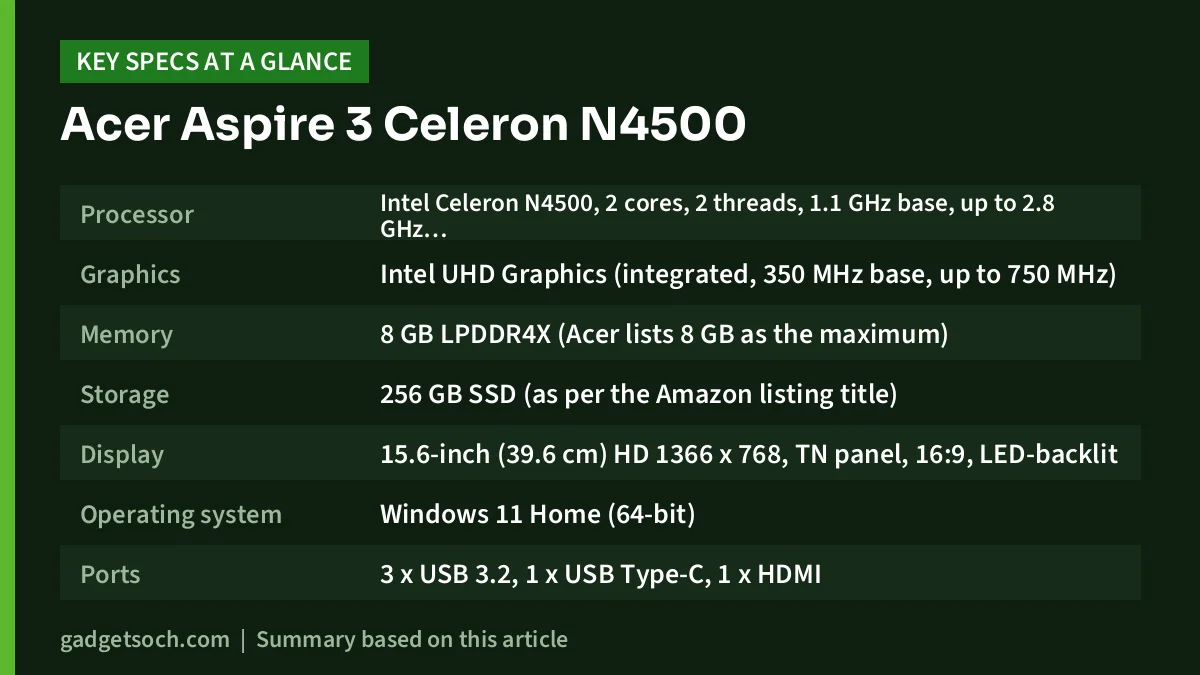
| Specification | Acer Aspire 3 A325-45 (this variant) |
|---|---|
| Processor | Intel Celeron N4500, 2 cores, 2 threads, 1.1 GHz base, up to 2.8 GHz burst, 4 MB cache, 6 W TDP |
| Graphics | Intel UHD Graphics (integrated, 350 MHz base, up to 750 MHz) |
| Memory | 8 GB LPDDR4X (Acer lists 8 GB as the maximum) |
| Storage | 256 GB SSD (as per the Amazon listing title) |
| Display | 15.6-inch (39.6 cm) HD 1366 x 768, TN panel, 16:9, LED-backlit |
| Operating system | Windows 11 Home (64-bit) |
| Ports | 3 x USB 3.2, 1 x USB Type-C, 1 x HDMI |
| Wireless | Wi-Fi 5 (802.11ac), Bluetooth 5.0 |
| Webcam | 720p HD with microphone |
| Audio | Two stereo speakers |
| Battery | 38 Wh, 2-cell Li-ion |
| Charger | 24 W adapter |
| Weight | About 1.5 kg |
| Dimensions | 357.4 x 228 x 17.7 mm |
| Colour | Pure Silver (as listed on Amazon) |
| Warranty | 1 year (as per Acer India’s listing) |
Note: Acer India’s official page used for verification covers the 512 GB version of the same A325-45. Storage for this variant comes from the Amazon listing, and processor details from Intel.
Check the current price of the Acer Aspire 3 Celeron N4500 (8GB/256GB) on Amazon.in
Celeron N4500 performance: what it can and cannot handle
Intel lists the Celeron N4500 as a 10 nm “Jasper Lake” processor launched in early 2021. It has 2 cores and 2 threads, a 1.1 GHz base clock, a burst clock of up to 2.8 GHz, 4 MB of cache and a 6 W TDP. That 6 W figure explains its character: it is built to use very little power, and it sits well below the 15 W Core i3 and Ryzen 3 chips in most mainstream budget laptops.
In daily use, two cores and two threads leave little room for doing several things at once. Windows 11 also runs background work such as updates and antivirus scans, which competes with whatever you are doing. A browser with a few tabs, YouTube, Google Docs or a Word file is the comfortable zone. Expect noticeable waiting when a video call runs alongside many tabs, when Windows Update is working in the background, or when you open large spreadsheets and heavy websites.
Graphics and games
The integrated Intel UHD Graphics runs at 350 MHz base and up to 750 MHz, according to Intel. That is enough for video playback, online classes and sending the picture to a TV or monitor through HDMI. Beyond browser and very light casual games, it is not meant for gaming.
Need more headroom?
If your budget can stretch, moving up to a Core i3 or Ryzen 3 laptop makes a much bigger difference to everyday smoothness than any other spec on this list. Our Acer Aspire Lite i3-1305U review covers a same-brand step up with a 13th-gen Core i3, and the HP 15 Ryzen 3 7320U review looks at an AMD-based option.
Memory and storage
The 8 GB of LPDDR4X memory is a sensible amount for light Windows 11 use. However, Acer’s specification sheet lists 8 GB as the maximum, and LPDDR memory is soldered to the motherboard by design. Treat the 8 GB as permanent: you cannot add RAM later if your needs grow.
The 256 GB SSD makes boot-up and app launches far quicker than an old hard disk would. The catch is capacity. Windows 11, its updates and recovery files take a sizeable share, so the free space you actually get will be clearly less than 256 GB. Plan on cloud storage or an external drive for photos and recordings. Acer lists the 512 GB sibling’s drive as PCIe Gen3 x4 NVMe, but the drive type for this 256 GB variant could not be confirmed.
Display: the biggest compromise
The 15.6-inch screen has an HD resolution of 1366 x 768 on a TN panel. At this size, HD works out to roughly 100 pixels per inch, so text and icons look less crisp than on a Full HD (1920 x 1080) screen, and less content fits on screen when you place two windows side by side. TN panels are also known for narrow viewing angles: colours and contrast shift when you look from the side or tilt the lid.
Acer’s page does not list brightness or refresh rate. Smartprix’s listing gives 60 Hz and no anti-glare finish, so reflections may show under bright lights. It is workable for classes and videos, but a Full HD IPS display is far more comfortable for long hours of reading or office work.
Design, keyboard and connectivity
The laptop weighs about 1.5 kg and measures 357.4 x 228 x 17.7 mm according to Acer. Acer lists a 95-key keyboard and a multi-gesture touchpad. The official page does not clearly state whether there is a separate numeric keypad, so check the product photos on the listing if you enter a lot of numbers.
Ports are a strong point at this level. Acer lists three USB 3.2 Type-A ports, one USB Type-C port and HDMI, which is enough for a mouse, a pen drive, a printer and an external monitor at the same time. Smartprix’s listing adds a headphone jack and notes there is no Ethernet port, so you will rely on Wi-Fi or a USB adapter for wired internet. Acer does not say whether the USB-C port supports charging or video output, so do not assume it does.
Wireless connectivity is Wi-Fi 5 and Bluetooth 5.0. The 720p HD webcam with built-in microphone covers online classes and video calls, and audio comes from two stereo speakers.
Battery and charging
The Aspire 3 A325-45 uses a 38 Wh, 2-cell battery and a 24 W charger, according to Acer India. Acer’s page does not state a claimed battery life, and no independent battery test of this exact model was found during research, so no hour figure is given here. The 6 W Celeron is frugal, but 38 Wh is a small battery for a 15.6-inch laptop, and real runtime will depend on brightness and how much time you spend on video calls. The small 24 W adapter is at least easy to carry.
Who should buy it and who should skip it

A reasonable pick if you
- need a laptop mainly for online classes, school assignments, email and browsing
- want a big screen and full keyboard for a child or an elderly family member
- use a single app at a time and do not mind some waiting
Better to skip if you
- are a college student who will run coding tools, design software or many apps at once
- work with large Excel files, accounting software or video meetings all day
- care about screen quality for reading, films or photo work
- want the laptop to stay comfortable for many years without upgrades
Alternatives worth comparing
- Acer Aspire 3 A311-45: Acer India’s store lists an 11.6-inch Aspire 3 with the same Celeron N4500, 8 GB RAM and 256 GB SSD at about 1 kg. Performance is in the same class, but it is smaller and lighter, with a smaller screen.
- Laptops with the AMD Ryzen 3 7320U (such as the Lenovo V15 and HP 15): AMD lists this chip with 4 cores, 8 threads, up to 4.1 GHz boost and Radeon 610M graphics. Twice the cores and four times the threads of the Celeron N4500 make it much better suited to multitasking.
- Laptops with the Intel Core i3-1305U (such as the Acer Aspire Lite): a 13th-gen Core i3 U-series processor from Intel’s mainstream laptop line, a clear step above the low-power Celeron N-series.
Buying tips: what to check before you order
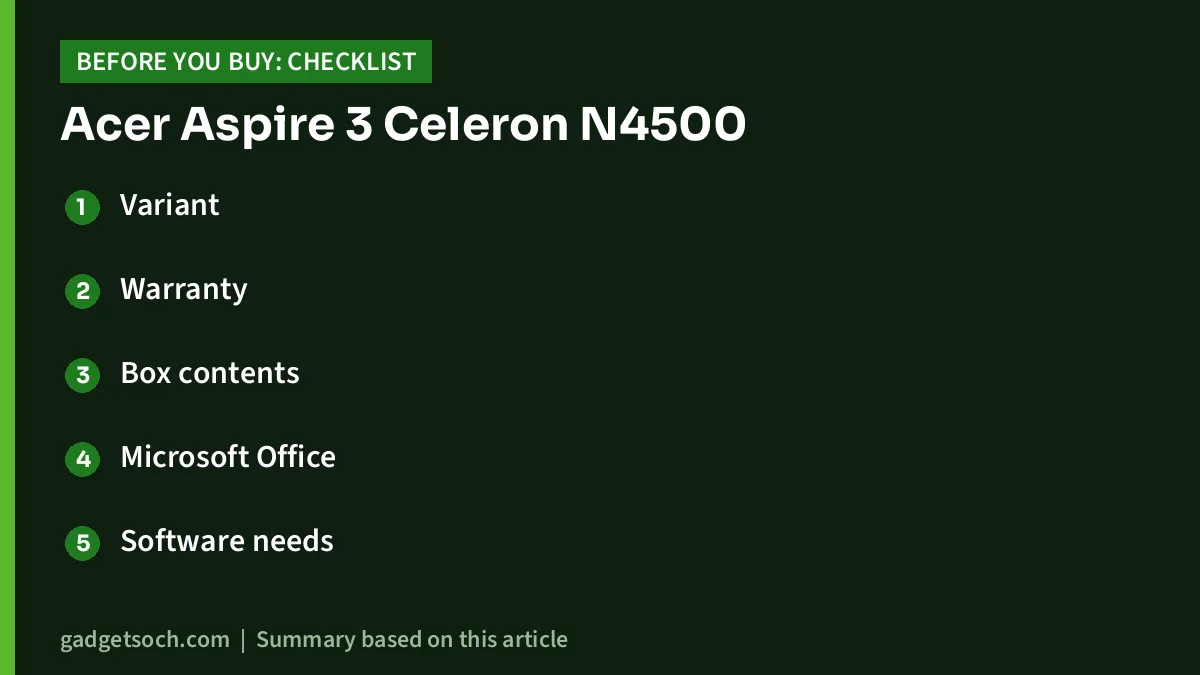
- Variant: confirm the listing shows A325-45, Celeron N4500, 8 GB RAM, 256 GB SSD and Pure Silver, because other A325-45 versions have different storage and colours
- Warranty: Acer India lists a 1-year warranty. Keep the GST invoice, register the laptop with Acer India and check that the seller is an authorised one
- Box contents: Acer lists the laptop, power cord, adapter and user manual. No mouse or bag is mentioned
- Microsoft Office: Acer’s page does not mention Office, so do not assume it is included
- Software needs: check that any required school, exam or accounting app supports a dual-core Celeron with 8 GB RAM
If the specifications match what you need, see the Acer Aspire 3 A325-45 (8GB/256GB, Pure Silver) on Amazon.in and verify the variant details on the listing.
Frequently asked questions
Is the Acer Aspire 3 Celeron N4500 good for students?
It suits school students whose work is mostly online classes, browsing, documents and presentations. For college courses that need coding tools, design software or heavy multitasking, the dual-core Celeron N4500 will feel slow, and a Core i3 or Ryzen 3 laptop is a better long-term choice.
Can I upgrade the RAM on the Acer Aspire 3 A325-45?
Plan on no. Acer lists 8 GB LPDDR4X as the maximum memory, and LPDDR memory is soldered to the motherboard, so the 8 GB this variant ships with is what you will have for the life of the laptop.
Can it run Microsoft Office, Zoom and Google Meet?
Yes, for normal use. Office files of ordinary size and Zoom or Meet calls are within its reach, but a call with many tabs and apps open at once is likely to slow it down.
Does the Acer Aspire 3 A325-45 have a Full HD screen?
No. This model has a 15.6-inch HD display with a resolution of 1366 x 768 on a TN panel, so text is less sharp and viewing angles are narrower than on a Full HD IPS screen.
Bottom line
The Acer Aspire 3 A325-45 with a Celeron N4500 is an honest basic laptop for basic jobs. The 8 GB RAM, SSD, big screen and USB ports make it workable for classes, browsing and documents, but the two-core processor, HD TN display and fixed memory are real limits. Buy it only if your use is genuinely light, and stretch to a Core i3 or Ryzen 3 laptop if you can. If it fits your needs, check the current price of the Acer Aspire 3 Celeron N4500 on Amazon.in.
Related reading on GadgetSoch: Lenovo IdeaPad Slim 3 i3-1305U Review (82X60013IN): A Light 14-inch Laptop for Everyday Work and Best Budget Laptops in India for Students and Office Work.
Sources
- Acer India Store: Aspire 3 A325-45 Celeron N4500 specifications (checked 17 October 2026)
- Intel: Celeron N4500 processor specifications (checked 17 October 2026)
- AMD: Ryzen 3 7320U specifications (checked 17 October 2026)
- Acer India Store: Aspire 3 A311-45 listing (checked 17 October 2026)
- Smartprix: Acer Aspire A325-45 spec listing (checked 17 October 2026)
- MySmartPrice: Acer Aspire 3 A325-45 (UN.344SI.008) spec listing (checked 17 October 2026)