
Is the Lenovo IdeaPad Slim 3 14 with the Intel Core i3-1305U (model 82X60013IN) worth buying? For students, home users and office staff who mainly browse, write documents, join video calls and stream video, it is a sensible, light 14-inch laptop. It is not meant for gaming, video editing or heavy multitasking, and its 8GB of memory is soldered, so it cannot be upgraded later.
The variant on Amazon.in (observed on 17 October 2026) combines the Core i3-1305U with 8GB RAM, a 512GB SSD, a 14-inch Full HD IPS screen rated at 300 nits, Windows 11, Office 2021 and an Arctic Grey finish, with a listed weight of 1.37kg. Lenovo’s name for this generation is the IdeaPad Slim 3 14IRU8.
How this review was put together: it is based on Lenovo’s official PSREF specification sheet, the Amazon.in listing and published third-party reviews, all checked on 17 October 2026. We have not tested this laptop hands-on, so you will not find first-hand performance claims here.
Quick verdict
- Best for: students, home users and office workers who want a light 14-inch Windows laptop for browsing, Office, online classes and video calls
- Skip if: you edit video, play modern games, keep many heavy apps open at once, or want to add RAM later
- Key strengths: 1.37kg starting weight, PCIe 4.0 NVMe SSD in a replaceable M.2 slot, USB-C port with charging and DisplayPort output, MIL-STD-810H durability testing, Office 2021 bundled according to the listing
- Key limitations: 8GB soldered single-channel memory, basic Intel UHD Graphics, a screen that covers only 45% of the NTSC colour range, HDMI 1.4 limited to 4K at 30Hz, no Ethernet port
Key specifications of the 82X60013IN
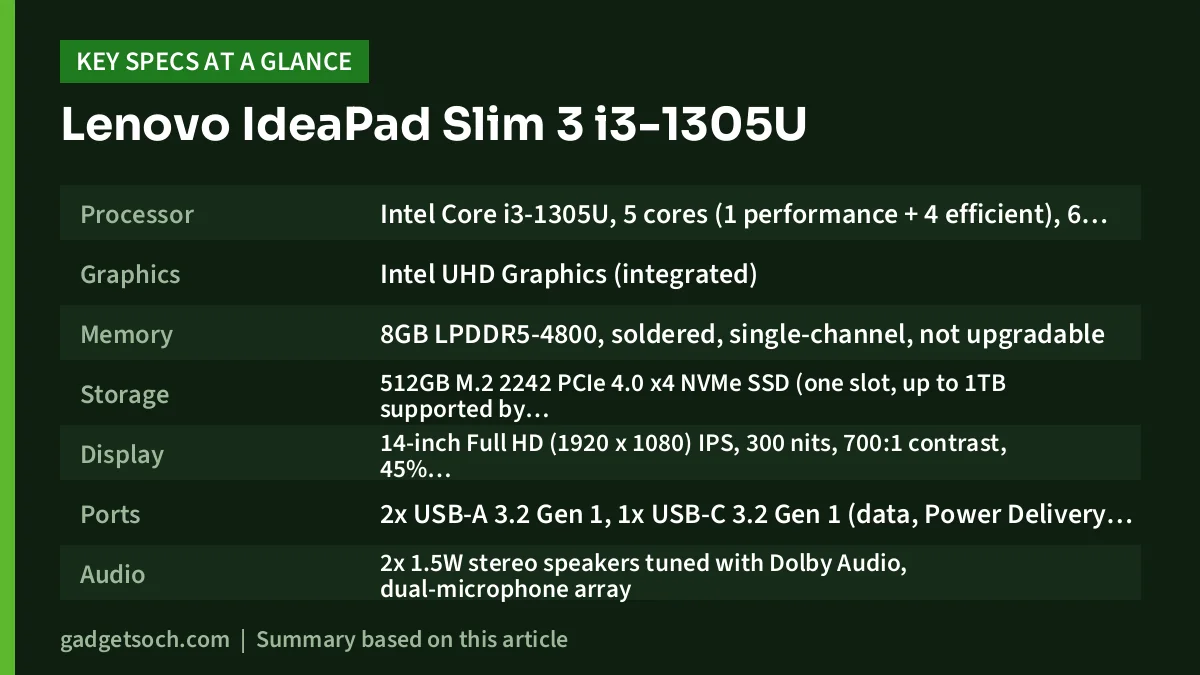
| Specification | Lenovo IdeaPad Slim 3 14 (82X60013IN) |
|---|---|
| Processor | Intel Core i3-1305U, 5 cores (1 performance + 4 efficient), 6 threads, up to 4.5GHz, 10MB cache |
| Graphics | Intel UHD Graphics (integrated) |
| Memory | 8GB LPDDR5-4800, soldered, single-channel, not upgradable |
| Storage | 512GB M.2 2242 PCIe 4.0 x4 NVMe SSD (one slot, up to 1TB supported by Lenovo) |
| Display | 14-inch Full HD (1920 x 1080) IPS, 300 nits, 700:1 contrast, 45% NTSC, anti-glare, non-touch |
| Ports | 2x USB-A 3.2 Gen 1, 1x USB-C 3.2 Gen 1 (data, Power Delivery, DisplayPort 1.2), 1x HDMI 1.4, SD card reader, 3.5mm headphone and mic combo jack, round-tip power input |
| Audio | 2x 1.5W stereo speakers tuned with Dolby Audio, dual-microphone array |
| Webcam | Fixed-focus camera with privacy shutter (Lenovo lists 720p and 1080p options in this series) |
| Battery and charging | 47Wh battery, 65W round-tip adapter, Rapid Charge Boost |
| Build | PC-ABS plastic top and bottom covers, passed MIL-STD-810H tests (21 test items) |
| Dimensions | 324.3 x 213.8 x 17.9 mm |
| Weight | From 1.37kg |
| Software (per Amazon listing) | Windows 11, Office 2021 |
| Colour | Arctic Grey |
Specs are from Lenovo PSREF (14IRU8), matched to the Amazon.in title. Check the current price of the Lenovo IdeaPad Slim 3 i3-1305U (8GB/512GB) on Amazon.in.
Design and build: light and practical, but plastic
At 324.3 x 213.8 x 17.9mm and a starting weight of 1.37kg, the IdeaPad Slim 3 14 is easy to carry in an ordinary college or office backpack. It is also smaller than the 15.6-inch laptops common in this budget segment.
Lenovo lists PC-ABS plastic for both the lid and the base, finished with in-mold decoration. That keeps weight and cost down, but it will not feel as premium as an aluminium shell. Reviews of the closely related 15-inch IdeaPad Slim 3 (15IRU8), summarised on Notebookcheck, reflect this: USA Today described its chassis as “a slab of somewhat cheap-feeling plastic”.
Lenovo says the 14IRU8 passed MIL-STD-810H testing across 21 test items. That is useful reassurance about durability, but it is not a rugged rating or a promise that the laptop will survive drops and spills.
Display: fine for study and office work, weak on colour
The 14-inch Full HD IPS panel is rated at 300 nits with an anti-glare finish and a 700:1 contrast ratio. That brightness is comfortable indoors, the matte surface helps under tube lights, and Full HD at 14 inches keeps text sharp for PDFs and spreadsheets.
The weak point is colour. Lenovo rates the panel at 45% NTSC, which means a limited colour range: photos and videos look muted compared with better laptop screens. That is fine for documents, web pages and YouTube, but not for photo editing or design work. Published reviews of the 15-inch sibling point the same way: PCMag called its display “lackluster”, and USA Today mentioned “drab and dull colors”. That model differs in size and processor, so treat those remarks as a general guide.
If you plan to connect a monitor, note the port limits. According to PSREF, the HDMI 1.4 port supports up to 4K at 30Hz, while the USB-C port supports up to 4K at 60Hz through DisplayPort 1.2. For a smooth 4K external display, use USB-C.
Performance: what the Core i3-1305U and 8GB RAM can handle
The Intel Core i3-1305U is a 13th-generation low-power chip with 5 cores and 6 threads: one performance core (up to 4.5GHz) and four efficient cores (up to 3.3GHz), with 10MB of cache. For browsing, Word, Excel, Google Docs, Zoom or Teams calls and streaming, this is enough.
Where it struggles is sustained, demanding work. With only one performance core, it is a step below the Core i3-1315U (two performance cores) and well below the Core i5-1335U (10 cores, 12 threads) that Lenovo also offers in the same 14IRU8 chassis.
Memory deserves the most attention. PSREF lists 8GB of LPDDR5-4800 soldered to the motherboard with no slots, running in single-channel mode. You cannot add RAM later, and 8GB fills quickly with many tabs, a video call and Office open together. Single-channel memory also limits bandwidth for the integrated Intel UHD Graphics, which is already a basic graphics unit. It is not designed for modern 3D games.
Storage is a bright spot. The 512GB SSD is a PCIe 4.0 x4 NVMe drive in a single M.2 2242 slot, and Lenovo supports up to 1TB. A fast SSD helps boot times and app launches, and the drive can be replaced later (see the FAQ below).
Battery life and charging
The IdeaPad Slim 3 14 has a 47Wh battery. Lenovo’s own approximate maximum figures are 8.1 hours in the MobileMark 2018 test at 200 nits and 12 hours of local 1080p video playback at 150 nits. These are lab figures, so expect less with higher brightness, Wi-Fi and video calls. USA Today said the 15-inch sibling’s battery life “could also be better”.
Lenovo’s Rapid Charge Boost is rated to deliver about two hours of use from a 15-minute charge. The box charger is a 65W round-tip adapter. PSREF also lists USB Power Delivery support on the USB-C port, so a compatible 45W to 65W USB-C charger can be an option if you already own one.
Keyboard, webcam, audio and connectivity
Lenovo lists a six-row keyboard with multimedia function keys and a buttonless Precision Touchpad measuring 62 x 104mm. Keyboard backlighting is optional in this series, and third-party listings disagree on whether the 82X60013IN has it, so check the Amazon listing photos and technical details if a backlit keyboard matters to you.
The webcam has a physical privacy shutter, and Lenovo offers either 720p or 1080p cameras in the 14IRU8 range. Third-party listings mention 1080p for this model, so confirm on the listing. Audio comes from two 1.5W Dolby Audio-tuned speakers and dual microphones. TechRadar’s review of the 15-inch sibling mentioned “mediocre sound quality”, so a pair of earphones is a good idea for long calls or music.
Ports include two USB-A 3.2 Gen 1, one USB-C, HDMI 1.4, an SD card reader and a 3.5mm jack, but no Ethernet, so wired internet needs a USB adapter. On wireless, PSREF lists two options for the series, Wi-Fi 5 with Bluetooth 5.1 or Wi-Fi 6 with Bluetooth 5.2, so confirm which one the listing shows. Firmware TPM 2.0 and a self-healing BIOS are included. A fingerprint reader in the power button is available on some 14IRU8 configurations, but we could not confirm it for this exact model.
Who should buy it, and who should skip it
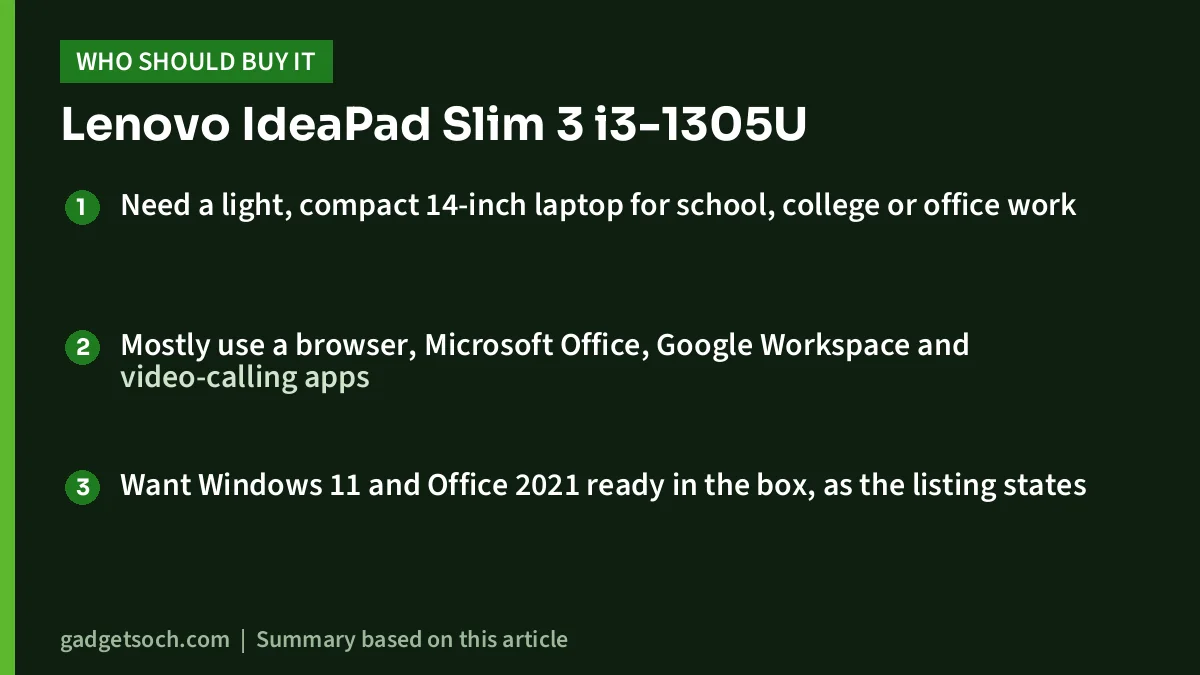
Buy the IdeaPad Slim 3 i3-1305U if you:
- Need a light, compact 14-inch laptop for school, college or office work
- Mostly use a browser, Microsoft Office, Google Workspace and video-calling apps
- Want Windows 11 and Office 2021 ready in the box, as the listing states
Skip it if you:
- Keep dozens of browser tabs and heavy apps open at once, since 8GB cannot be upgraded
- Edit photos or need accurate colours, given the 45% NTSC screen
- Want to play modern games or edit video
- Need an Ethernet port or a strong speaker system built in
Alternatives worth comparing
- Lenovo IdeaPad Slim 3 14IRU8 with Core i5-1335U and 16GB: the same chassis according to PSREF, but with a 10-core, 12-thread processor, Intel Iris Xe Graphics and dual-channel memory. A better choice if you multitask heavily.
- Acer Aspire Lite with Core i3-1305U: uses the same processor, so everyday CPU performance is in a similar class. Compare screen size, weight and memory details. Read our Acer Aspire Lite i3-1305U review.
- Lenovo IdeaPad Slim 3 with Core i5-12450H: a higher-power H-series Intel chip in a 16GB/512GB configuration, aimed at heavier workloads. See our IdeaPad Slim 3 i5-12450H review.
Before you order: what to check
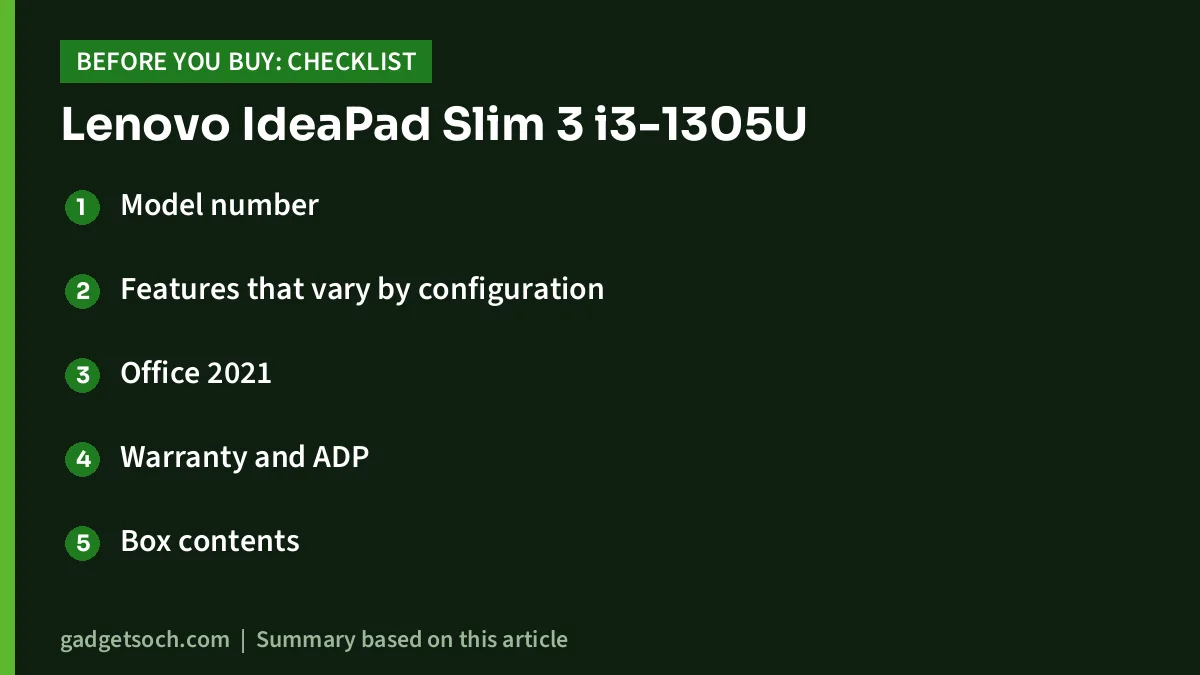
- Model number: make sure the listing shows 82X60013IN with 8GB RAM, 512GB SSD and Arctic Grey. Amazon pages can switch variants, so confirm before paying.
- Features that vary by configuration: keyboard backlight, fingerprint reader, webcam resolution and Wi-Fi version differ across the 14IRU8 range.
- Office 2021: the Amazon title mentions Office 2021. Smartprix lists it as Home and Student 2021.
- Warranty and ADP: third-party listings show a one-year warranty, and the Amazon title mentions one year of Accidental Damage Protection (ADP). Read the terms and registration steps on the listing or with Lenovo India.
- Box contents: expect the laptop and Lenovo’s 65W round-tip charger.
See the IdeaPad Slim 3 82X60013IN (8GB/512GB, Arctic Grey) on Amazon.in.
Frequently asked questions
Can I upgrade the RAM on the Lenovo IdeaPad Slim 3 i3-1305U?
No. Lenovo PSREF lists the 8GB LPDDR5-4800 memory as soldered with no memory slots, so it cannot be upgraded. If you think you will need 16GB, buy a 16GB configuration from the start.
Can I upgrade the SSD?
Yes. The 512GB drive sits in a single M.2 2242 PCIe 4.0 x4 NVMe slot, and Lenovo supports up to 1TB. Buy a 2242-size drive, not the more common 2280, and check warranty implications before opening the laptop.
Is the IdeaPad Slim 3 i3-1305U good for students and coding?
For online classes, assignments, Office, web browsing and light programming such as Python scripts or basic web development, yes. Android emulators or large IDE projects will strain the 8GB of memory.
Does the 82X60013IN have a backlit keyboard?
Backlighting is optional across the IdeaPad Slim 3 14IRU8 range, and third-party spec listings disagree for this model. Check the Amazon listing’s technical details before buying if it matters to you.
Final word
The Lenovo IdeaPad Slim 3 14 i3-1305U (82X60013IN) is a light, well-connected everyday laptop with a fast PCIe 4.0 SSD, an anti-glare Full HD screen and Office 2021 included according to the listing. Its real limits are the non-upgradable 8GB of RAM, basic graphics and a screen with limited colour range. For browsing, documents and video calls it fits. Heavy multitaskers should step up to a 16GB or Core i5 model. Check the current price of the Lenovo IdeaPad Slim 3 i3-1305U on Amazon.in.
Related reading on GadgetSoch: Acer Aspire 3 Celeron N4500 Review (A325-45): Only for Very Light Use and Best Budget Laptops in India for Students and Office Work.
Sources
- Lenovo PSREF: IdeaPad Slim 3 14IRU8 specifications (checked 17 October 2026)
- Smartprix: Lenovo IdeaPad Slim 3 82X60013IN specifications (checked 17 October 2026)
- MySmartPrice: Lenovo IdeaPad Slim 3i 14IRU8 82X60013IN specifications (checked 17 October 2026)
- Notebookcheck: Lenovo IdeaPad Slim 3 15IRU8 review summary (PCMag, USA Today, TechRadar) (checked 17 October 2026)
- Amazon.in product listing for ASIN B0CR8Z1VBD, title observed 17 October 2026




