The Logitech G502 Lightspeed is the wireless, rechargeable version of Logitech’s long-running G502 design: a feature-heavy gaming mouse with 11 programmable buttons, a HERO 25K sensor, a scroll wheel that switches between free-spin and notched modes, six removable weights and LIGHTSYNC RGB lighting. It is a good buy for PC players who want lots of buttons and tunable weight without a cable, especially in MMO, strategy and productivity-heavy setups. It is not the right pick if you want a very light esports mouse or the longest possible battery life.
The Amazon.in link here is for the Black G502 Lightspeed, model 910-005569, according to the listing’s technical details. Logitech’s newer G502 X Lightspeed is a different mouse with a different listing, so do not confuse the two.
How we put this together: this article is based on Logitech G’s official G502 Lightspeed product page, Logitech’s own product specification sheet for this mouse, and the Amazon.in listing data captured on 17 October 2026, all checked that day. It is not a hands-on review, and we could not open the text of an independent test, so battery and performance figures are Logitech’s claims.
The short verdict
- Buy it if: you play on a PC or Mac, like having many programmable buttons and a free-spinning wheel, and want wireless with no compromise in report rate
- Skip it if: you want a light mouse for fast flick aiming, need more than about two days of use per charge with lighting on, or need a shape confirmed for left-handed use
- Strengths: HERO 25K sensor (100 to 25,600 DPI per the listing), LIGHTSPEED 2.4GHz wireless with 1000Hz report rate, 11 programmable buttons, onboard memory, up to 16g of extra weights, POWERPLAY compatible
- Limitations: 114g before adding weights, battery rated at up to 48 hours with default lighting, needs G HUB software for most customisation, POWERPLAY charging mat not included
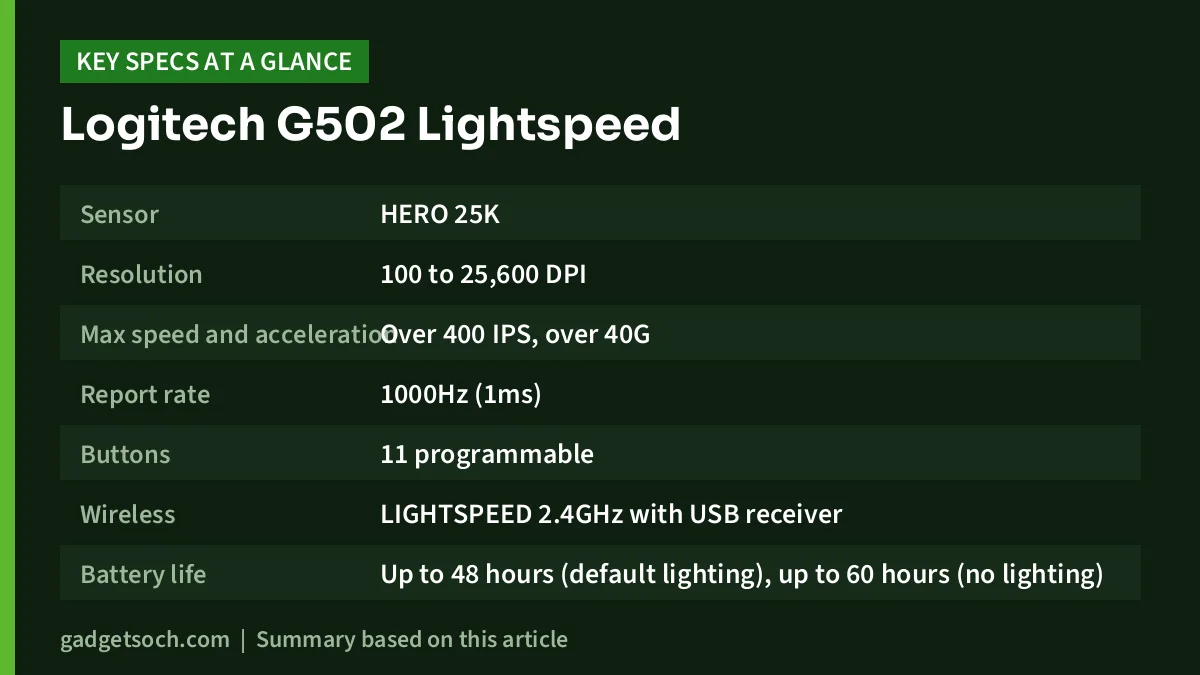
Logitech G502 Lightspeed key specifications
| Specification | Detail | Source |
|---|---|---|
| Sensor | HERO 25K | Logitech page and Amazon.in listing |
| Resolution | 100 to 25,600 DPI | Amazon.in listing (launch sheet: 100 to 16,000 with HERO 16K) |
| Max speed and acceleration | Over 400 IPS, over 40G | Logitech spec sheet |
| Report rate | 1000Hz (1ms) | Logitech spec sheet |
| Buttons | 11 programmable | Spec sheet and listing |
| Wireless | LIGHTSPEED 2.4GHz with USB receiver | Logitech page |
| Battery life | Up to 48 hours (default lighting), up to 60 hours (no lighting) | Logitech spec sheet |
| Battery | Rechargeable lithium polymer, included | Amazon.in listing |
| Charging | USB cable, or POWERPLAY mat (sold separately) | Spec sheet and Logitech page |
| Weight | 114g | Spec sheet and listing |
| Extra weights | 2 x 4g and 4 x 2g (up to 16g) | Spec sheet and listing |
| Size | 132 x 75 x 40 mm | Spec sheet |
| Lighting | LIGHTSYNC RGB, 2 zones | Amazon.in listing |
| Onboard memory | Yes | Spec sheet and listing |
| Model on this listing | 910-005569, Black | Amazon.in listing |
Check the current price of the Logitech G502 Lightspeed (Black, 910-005569) on Amazon.in
16K at launch, 25K now: the sensor explained
When the G502 Lightspeed launched, Logitech’s specification sheet listed the HERO 16K sensor with a range of 100 to 16,000 DPI. The current Logitech product page and the Amazon.in listing describe it as HERO 25K. The listing explains how: the upgrade comes through a free firmware update in Logitech G HUB, raising the range to 100 to 25,600 DPI, with 1:1 tracking, over 400 IPS and no smoothing, filtering or acceleration.
In practical terms, almost nobody games at 25,600 DPI. What matters more is that the sensor tracks accurately at the 400 to 3,200 DPI range most players actually use, and that it stays consistent during fast swipes. The “no acceleration” point is important for aiming, because the cursor moves exactly in proportion to your hand. If you buy this mouse, install G HUB once and check for a firmware update so you are on the 25K version.
LIGHTSPEED wireless and the 1000Hz report rate
LIGHTSPEED is Logitech’s 2.4GHz wireless system using a small USB receiver. Logitech’s specification sheet lists a 1000Hz report rate (1ms), the same figure typically found on wired gaming mice. The box also includes a receiver extension adapter, which lets you bring the receiver closer to the mouse if your PC sits on the floor or its USB ports are crowded.
The mouse has no Bluetooth, so it needs the receiver or a cable. That suits a gaming PC, but laptop users who dislike dongles, or who have only USB-C ports, should factor in an adapter.
Battery life and POWERPLAY
Logitech’s specification sheet rates the battery at up to 48 hours with default lighting and up to 60 hours with lighting turned off. For someone gaming three or four hours a day, that points to charging a few times a week. You can keep playing while it charges using the 1.8-metre charging/data cable in the box.
“POWERPLAY compatible” means it can charge wirelessly on Logitech’s POWERPLAY charging mouse pad, which keeps it topped up during play and at rest. The POWERPLAY mat is a separate purchase; it is not part of the box contents listed by Logitech or Amazon.in.
Ignore two odd fields on the Amazon.in listing: “Battery Average Life: 1 Years” and “Range: 250 kilometers”. Neither matches anything Logitech publishes, and they appear to be data-entry errors.
Weight, shape and the tuning system
At 114g without extras, the G502 Lightspeed is a heavier gaming mouse by today’s standards. Logitech’s page explains that an internal endoskeleton with 1.2mm shell walls keeps weight down compared with a conventional build, yet it remains far heavier than ultralight esports models. You can add up to 16g more using the included 2g and 4g weights, and move them to change the balance front to back or side to side.
Weight is personal. Heavier mice can feel more controlled for slow, precise movements and in games where you hold the mouse steady, while lighter mice make rapid flicks easier and tire the wrist less in fast shooters. If you already know you prefer a featherweight mouse, this is not the one.
The listing’s hand orientation field says “Ambidextrous”, but none of the Logitech material we read confirms that. Left-handed buyers should check the product photos for button placement before ordering.
Buttons, scroll wheel and onboard memory
The 11 programmable buttons can be assigned keybinds and macros in G HUB, per game or app. That is the G502’s main appeal: abilities in MMOs, build orders in strategy games, or shortcuts in editing software can sit under your fingers. The primary buttons use a metal-spring tensioning system, which Logitech says keeps clicks consistent and crisp.
The hyper-fast scroll wheel can spin freely for quick scrolling through long documents, then lock back into notched steps for weapon switching or precise scrolling. Onboard memory lets you save settings to the mouse, so a configured profile can travel to another PC without reinstalling software.
Who should buy it, and who should skip it
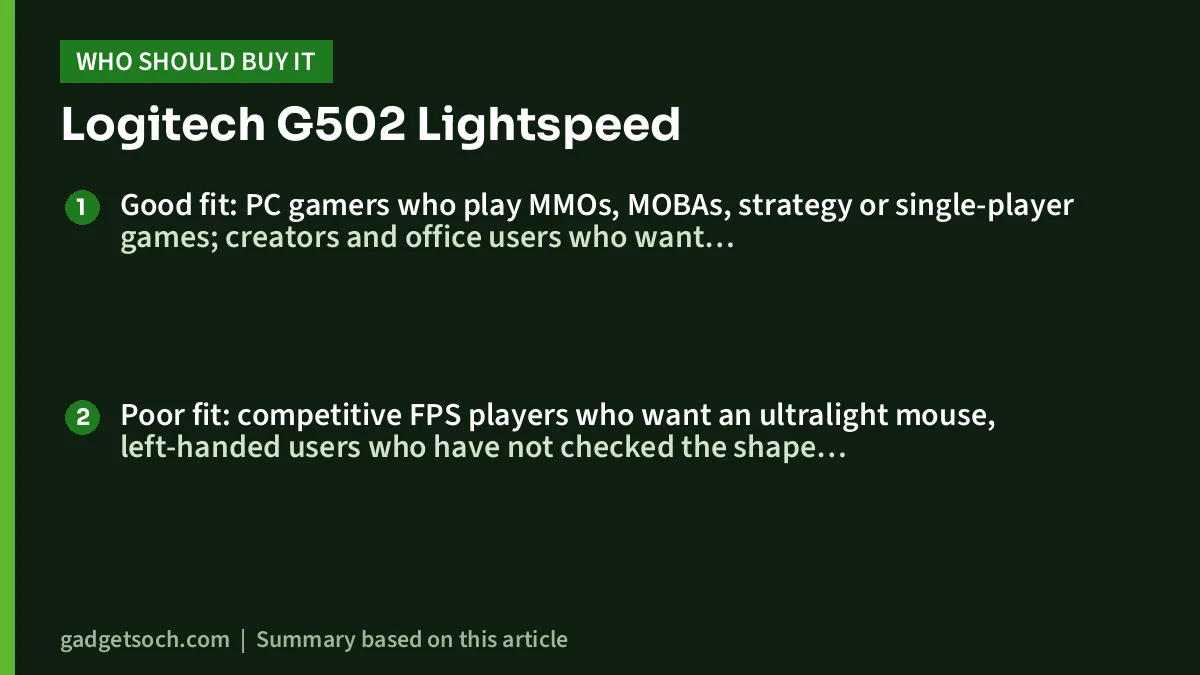
Good fit: PC gamers who play MMOs, MOBAs, strategy or single-player games; creators and office users who want programmable shortcuts and a free-spinning wheel; anyone who likes a heavier, planted mouse but wants to drop the cable.
Poor fit: competitive FPS players who want an ultralight mouse, left-handed users who have not checked the shape, people who want Bluetooth for a tablet or second laptop, and anyone who does not want to recharge a few times a week.
Alternatives worth comparing
Logitech G502 HERO: Logitech’s India page describes the wired version with the HERO 25K sensor, 11 programmable buttons, adjustable weights, LIGHTSYNC RGB and onboard memory. It suits you if you want the G502 layout and never want to charge a mouse.
Logitech G502 X Lightspeed: the newer wireless model. Logitech’s page lists LIGHTFORCE hybrid optical-mechanical switches, 13 programmable controls and a removable, reversible DPI-shift button. It is the one to look at if you want the latest switch technology in the G502 shape.
Razer Viper V4 Pro: a very different, esports-focused option. According to its Amazon.in listing, it weighs 49g, uses a Focus Pro 50K optical sensor, supports 8,000Hz polling and is rated for up to 180 hours of battery at 1,000Hz. For another ultralight option, see our Logitech G PRO X Superlight 2 review.
What to check before you order
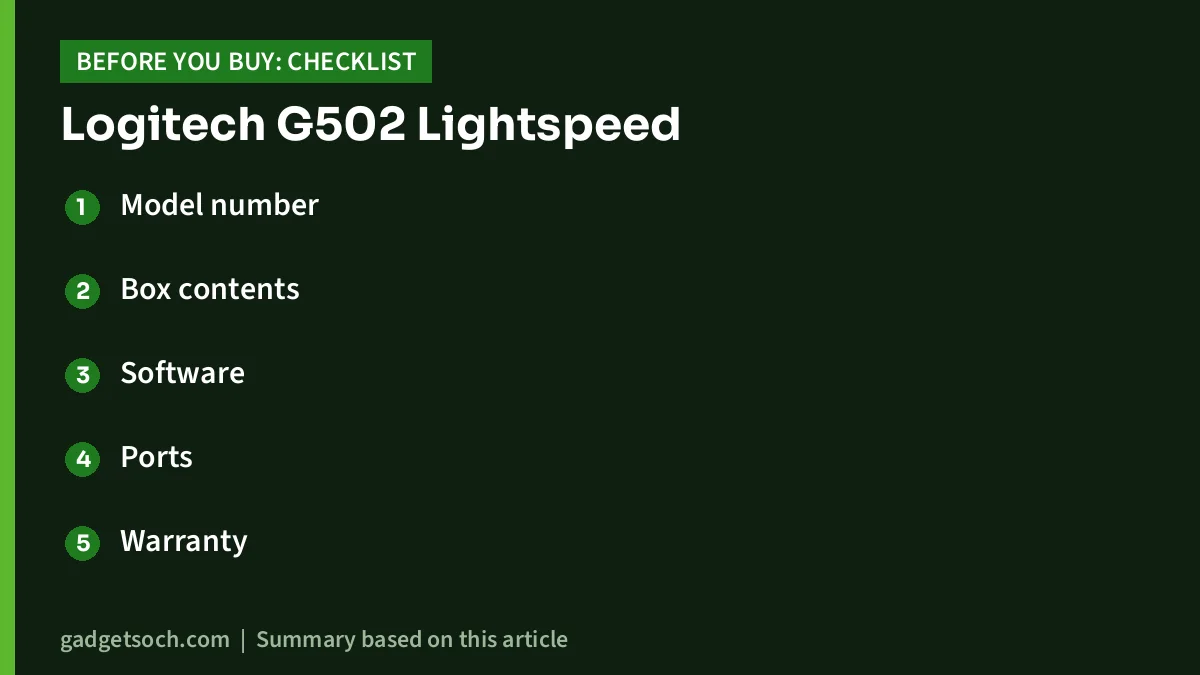
- Model number: confirm the listing shows the G502 Lightspeed (910-005569) in Black, not the G502 HERO (wired) or G502 X Lightspeed
- Box contents: the listing names the mouse, LIGHTSPEED receiver, receiver extension adapter, charging/data cable, accessory box with 4 x 2g and 2 x 4g weights, and documentation
- Software: download Logitech G HUB for macros, lighting and the sensor update; Logitech lists Windows and macOS support
- Ports: the receiver is USB, so USB-C-only laptops need an adapter
- Warranty: the Amazon.in listing data does not state a warranty term; Logitech’s specification sheet lists a 2-year guarantee, but confirm the India terms and keep your invoice
- Charging pad: budget separately if you want POWERPLAY wireless charging
See the Logitech G502 Lightspeed (Black) on Amazon.in
Frequently asked questions
Is the Logitech G502 Lightspeed sensor 16K or 25K?
It launched with HERO 16K. Logitech’s current page and the Amazon.in listing describe HERO 25K, with the listing stating that the upgrade arrives as a free update through Logitech G HUB, raising the maximum to 25,600 DPI.
How long does the G502 Lightspeed battery last?
Logitech rates it at up to 48 hours with default lighting and up to 60 hours with the lighting off. Actual life depends on usage and settings.
Does the G502 Lightspeed have Bluetooth?
No. It connects through Logitech’s LIGHTSPEED 2.4GHz USB receiver or the charging/data cable.
Does it come with a POWERPLAY charging pad?
No. It is POWERPLAY compatible, but the charging mat is sold separately and is not in the listed box contents.
How heavy is the G502 Lightspeed?
114g, according to Logitech’s specification sheet and the listing, with up to 16g of optional weights included.
Final thoughts
The Logitech G502 Lightspeed keeps everything that made the G502 popular, including lots of buttons, a dual-mode wheel and tunable weight, and adds 1000Hz LIGHTSPEED wireless with a HERO 25K sensor. Its weight and roughly two-day battery with lighting on are the main trade-offs. If those suit you, it is a well-rounded wireless pick.
Check the current price of the Logitech G502 Lightspeed on Amazon.in
Related reading on GadgetSoch: Portronics Vader Pro Review: 1600 DPI Wireless Mouse With a Thumb Rest, Explained and Ant Esports Dock5 RGB Review: PS5 Stand, Cooler and Dual Charger, With Caveats.
Sources
- Logitech G India: G502 Lightspeed product page (checked 17 October 2026)
- Logitech G502 Lightspeed product specification and packaging sheet (2019 Logitech PDF, hosted by a distributor) (checked 17 October 2026)
- Logitech G India: G502 HERO product page (checked 17 October 2026)
- Logitech G India: G502 X Lightspeed product page (checked 17 October 2026)
- Amazon.in listing for ASIN B07S4JRHNJ, title, feature bullets and technical details (captured 17 October 2026)
- Amazon.in listing for the Razer Viper V4 Pro (B0GMLBSSTD), used for the alternatives (captured 17 October 2026)