
The Logitech C920 HD Pro Webcam (Black) is a Full HD webcam that records and streams at 1080p or 720p, both at 30 frames per second, through a five-element glass lens with autofocus, a fixed 78-degree diagonal field of view and two microphones, according to Logitech. It remains a sensible upgrade over most built-in laptop cameras for video calls, online classes and simple recording. It is not the pick if you want 60fps, 4K, a wider view or face-login support.
This article is based on Logitech’s official product pages, the Amazon.in listing and retailer specification sheets, all checked on 17 October 2026. It is not based on hands-on testing, and we have not quoted image-quality test results because we could not open an independent review to verify them.
The link on this page points to the black C920 HD Pro listing (ASIN B006JH8T3S). Logitech also sells close relatives such as the C920s and C922, which are separate products with their own listings.
The short verdict
- Best for: work-from-home calls, online classes, interviews and basic YouTube or course recording from a desk
- Key strengths: 1080p at 30fps, autofocus, five-element glass lens, 78° view that frames one person plus some background, dual microphones, RightLight 2 automatic light correction, Logi Tune software for zoom and framing
- Key limitations: 30fps maximum at both resolutions, no 4K, no 60fps, fixed field of view, no mention of a privacy shutter on the India listing, no infrared sensor for Windows Hello in the official specs
- Skip if: you stream fast games and want 60fps, you need to fit a group in frame, or you want a built-in privacy shutter guaranteed
Logitech C920 key specifications
The first group of rows comes from Logitech’s official C920 pages. Rows marked “listing” come from the Amazon.in listing, and rows marked “retailer” come from a retailer specification sheet for the C920 Pro HD. Logitech’s own spec tab did not load for us.

| Specification | Logitech C920 HD Pro Webcam |
|---|---|
| Video resolution | 1080p at 30fps or 720p at 30fps (Logitech) |
| Field of view | 78° diagonal, fixed (Logitech) |
| Focus | Autofocus (Logitech) |
| Lens | Five-element glass lens (Logitech) |
| Microphones | Two, one on each side, stereo (Logitech) |
| Light correction | RightLight 2 automatic HD light correction (Logitech) |
| Software | Logi Tune (Logitech); Logitech Capture (listing) |
| Aspect ratio | 16:9 (listing) |
| Colour | Black (listing) |
| Dimensions | 4.3 x 9.4 x 7.1 cm, D x W x H (listing) |
| Weight | 113 g (listing); 162 g (retailer); confirm on the listing |
| Connection and cable | USB, 1.5 m (retailer) |
| Mounting | Clip, tripod mounting supported (retailer) |
| OS support | Windows, macOS, ChromeOS, Android (retailer) |
A warning about the Amazon.in technical details: the listing’s technical section also shows items that do not match a wired webcam, including HDMI and Bluetooth connectivity, Wi-Fi 802.11a, a lithium polymer battery, a 3-inch screen, a zoom lens and a 15 MP still resolution. None of these appear in Logitech’s description of the C920, and we have left them out. Treat that part of the listing with caution and rely on the title, feature bullets and Logitech’s pages.
Check the current price of the Logitech C920 HD Pro Webcam (Black) on Amazon.in
Video: what 1080p at 30fps means for calls
Full HD at 30 frames per second is the standard most video-calling services work with, so the C920’s resolution is well matched to Zoom, Google Meet, Microsoft Teams and similar apps. Keep in mind that the app, your internet upload speed and the meeting settings often decide what the other person actually sees. A 1080p webcam on a slow connection may still be sent at lower quality.
The 30fps limit matters more for streaming and recording. Smooth motion in game streams or fast hand demos benefits from 60fps, which the C920 does not offer at any resolution according to Logitech. For talking-head videos, lectures and tutorials, 30fps is generally enough.
Logitech highlights the five-element glass lens and autofocus as the reasons the image stays sharp. Autofocus helps when you lean in, hold up a document or product to the camera, or move around a little; fixed-focus webcams are less forgiving. Because we could not verify an independent image-quality test, we are not making claims about how sharp or noisy the picture looks in specific conditions.
Low light and RightLight 2
Logitech says RightLight 2 adjusts automatically to the lighting around you to produce brighter, better-contrasted images, and the listing says this helps in dim lighting. Automatic correction can lift a dark image, but no webcam with a small sensor can fully replace decent light.
- Face a window or a lamp rather than sitting with a bright window behind you, which turns you into a silhouette
- Use a soft light source in front of you, slightly above eye level; a basic ring light or desk lamp works
- Avoid mixing very warm and very cool lights on your face if you can
- Clean the lens with a soft cloth; fingerprints cause haze that no software can fix
If you are building a small creator setup, our YouTube starter kit guide for India covers lights, microphones and stands that pair with a webcam.
Microphones: good enough, or buy a headset?
Logitech fits two microphones, one on each side of the lens, for stereo audio, and the listing says they capture sound from a broader range of angles. That is convenient for calls, because you do not need anything else plugged in.
The trade-off is distance. A webcam sits on top of your monitor, so its microphones are further from your mouth than a headset or lapel microphone and pick up more of the room, including fans, traffic and echo. For daily meetings in a quiet room, the built-in mics are usually acceptable. For recordings, podcasts or noisy homes, a separate microphone is the better investment.
Field of view and framing
The 78° diagonal view is fixed, which means the lens itself does not widen or narrow. It typically frames one person at a desk with some of the room behind. Logitech says Logi Tune can adjust zoom and field of view, and because the lens view is fixed, that zoom is digital cropping, which reduces the effective detail. If you regularly need to fit two or three people in frame, a wider webcam is a better fit.
Setup and compatibility
According to Logitech, the C920 works with Logi Tune for settings such as zoom and field of view, and the Amazon.in listing mentions the Logitech Capture app for recording and customising video. A retailer specification sheet for the C920 Pro lists a USB connection with a 1.5 m cable, a clip that also supports tripod mounting, and support for Windows, macOS, ChromeOS and Android. Confirm these on the listing or the box before buying if any of them is essential.
- Plug the webcam into a USB port directly on the computer rather than a crowded unpowered hub
- Select the C920 as both camera and microphone in your meeting app’s settings
- Place it at or slightly above eye level; a laptop stand or monitor helps here
- If your PC has no free USB-A port, check whether you need an adapter, since the retailer sheet lists only USB without naming the connector type
- Install Logi Tune to adjust framing, then close it if you do not need it running
Who should buy it

- Office workers and students moving up from a grainy built-in laptop camera
- Desktop PC users whose monitor has no camera at all
- Teachers, trainers and interviewers who want autofocus for showing documents and objects
- New creators recording talking-head videos who do not need 60fps
Who should skip it
- Game streamers who want 60fps motion, which the C922 offers at 720p
- Small teams that need a wider field of view for group calls
- Anyone who wants a privacy shutter guaranteed, since the India listing does not mention one
- Windows users who want face login, since the official specs do not mention an infrared sensor
Alternatives worth comparing
Logitech C920s Pro: On Logitech’s UK site, the C920s has the same headline video specs as the C920 (1080p at 30fps or 720p at 30fps, a fixed 78° view, five-element glass lens, autofocus, dual microphones and RightLight 2) and adds a privacy shutter you flip closed when you want to be off camera.
Logitech C922 Pro Stream: According to Logitech, the C922 records Full HD at 30fps or HD 720p at 60fps, with a 78° diagonal view, a glass lens with autofocus and two omnidirectional microphones. The 60fps mode makes it the better fit for streaming movement.
What to check before you order
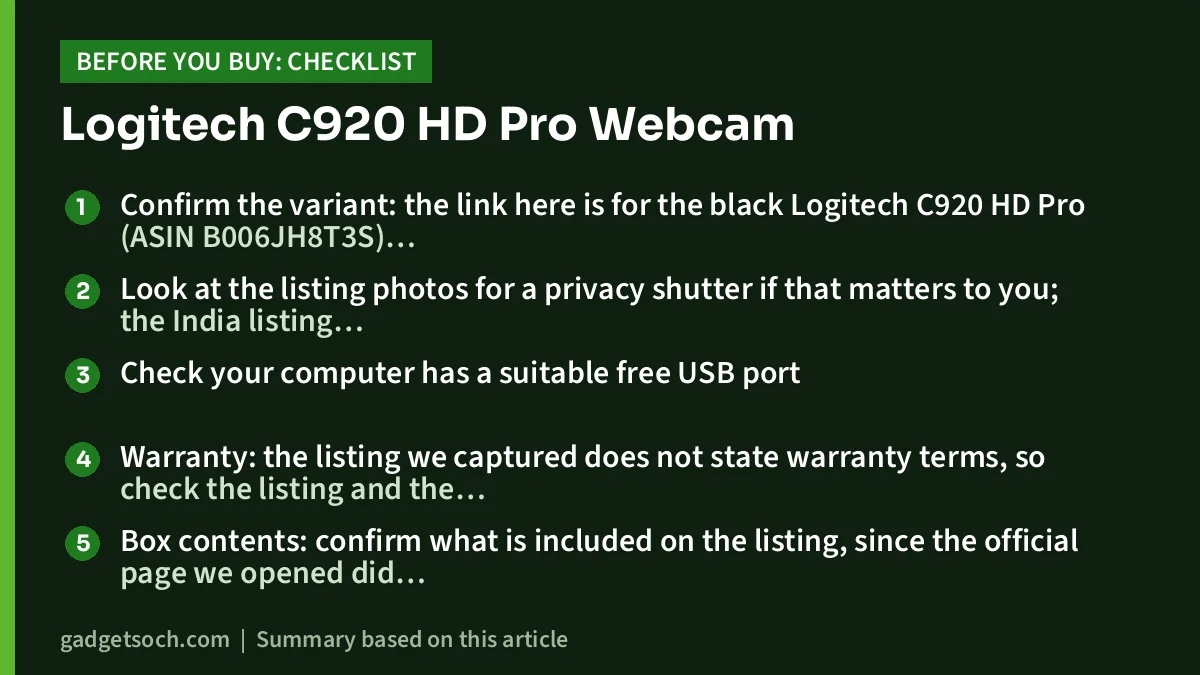
- Confirm the variant: the link here is for the black Logitech C920 HD Pro (ASIN B006JH8T3S); check the model name in the listing title, as C920s and C922 are different products
- Look at the listing photos for a privacy shutter if that matters to you; the India listing does not mention one
- Check your computer has a suitable free USB port
- Warranty: the listing we captured does not state warranty terms, so check the listing and the box, buy from a seller that provides a GST invoice, and keep it for Logitech service in India
- Box contents: confirm what is included on the listing, since the official page we opened did not show the in-the-box section
- Ignore the listing’s odd technical entries (HDMI, Bluetooth, battery, screen); the C920 is a wired webcam
See the Logitech C920 HD Pro Webcam (Black) on Amazon.in
Frequently asked questions
Does the Logitech C920 record in 1080p at 60fps?
No. Logitech lists 1080p at 30fps or 720p at 30fps. For 60fps at 720p, Logitech’s C922 Pro Stream is the closer match.
Does the C920 have a built-in microphone?
Yes, two. Logitech places one on each side of the camera for stereo audio. A headset or separate microphone will still sound clearer in a noisy room.
Does the C920 have a privacy shutter?
The Amazon.in listing for this model does not mention one. Logitech’s C920s is the version marketed with a privacy shutter.
Will it work with a Mac or Chromebook?
A retailer specification sheet for the C920 Pro lists macOS and ChromeOS support along with Windows and Android. Logitech’s official spec tab did not load for us, so confirm on the listing or box.
Is the C920 good in low light?
Logitech says RightLight 2 adjusts to your lighting to produce brighter images. We have not tested it, and better lighting in front of you will help more than any automatic correction.
Can I use it for Windows Hello face login?
Nothing in Logitech’s official specs for the C920 mentions an infrared sensor, which Windows Hello face recognition requires.
Final word
The Logitech C920 HD Pro Webcam offers the basics that matter for calls and simple recording: 1080p at 30fps, autofocus, a glass lens, a 78° view and dual microphones, with software for framing. Its limits are equally clear: no 60fps, no 4K, a fixed view and no privacy shutter mentioned on the India listing. If those do not matter to you, it is a straightforward upgrade over a built-in laptop camera.
Check the current price of the Logitech C920 HD Pro Webcam on Amazon.in
Related reading on GadgetSoch: Logitech M235 Review: Compact Wireless Mouse With a 12-Month Battery Rating and Logitech C270 HD Webcam Review: Is a 720p Webcam Still Enough for Video Calls?.
Sources
- Logitech: C920 HD Pro Webcam product page (1080p/30fps or 720p/30fps, 78° view, autofocus, five-element glass lens, dual mics, RightLight 2, Logi Tune), checked 17 October 2026
- Logitech UK: C920s HD Pro Webcam page (C920s specs and privacy shutter), checked 17 October 2026
- Logitech UK: C922 Pro Stream Webcam page (1080p/30fps, 720p/60fps, 78° view, two omnidirectional mics), checked 17 October 2026
- LambdaTek: Logitech C920 Pro HD Webcam specification sheet (USB, 1.5 m cable, clip with tripod mounting, OS support, 162 g), checked 17 October 2026
- Amazon.in listing for Logitech C920 HD Pro Webcam (Black), ASIN B006JH8T3S: title, feature bullets, Capture app, dimensions, weight, aspect ratio, checked 17 October 2026




