

The Portronics Bubble 4.0 is a full-size wireless keyboard with a number pad that can pair with up to four devices at once: three over Bluetooth 5.3 and one through a 2.4 GHz USB receiver. Portronics adds a built-in groove that holds a phone or tablet, a USB Type-C rechargeable battery, a rotary volume knob and a dedicated Microsoft Copilot key. It suits people who move between a laptop, a desktop, a tablet and a phone through the day and still want a numpad for spreadsheets or billing work.
The main weakness is missing information. Portronics does not publish a battery capacity, battery life figure, key count or weight for the Bubble 4.0, so you are buying on features rather than on known endurance.
How this article was put together: it is based on Portronics’ official Bubble 4.0 product page and the Amazon.in listing for the black model, both checked on 17 October 2026. We have not typed on this keyboard ourselves, so there are no typing-feel impressions or battery tests here, and anything that comes only from the Amazon listing is labelled as such.
Quick verdict
- Best for: office and home users who switch between several devices, accountants and students who need a numpad, and tablet users who want a keyboard with a built-in device holder
- Skip if: you want backlit keys, mechanical switches, a published battery-life figure, or a compact keyboard to carry in a bag
- Key strengths: four device slots (3 Bluetooth 5.3 + 1 receiver), full-size layout with numpad, Type-C charging, volume knob with press-to-mute, Copilot key, built-in phone and tablet holder, 12-month warranty
- Key limitations: battery capacity and life not stated, membrane keys (per the listing), large footprint, and no backlight is mentioned
Portronics Bubble 4.0 specifications

| Feature | Official Portronics page | Amazon.in listing (black model) |
|---|---|---|
| Model codes | POR 2454, POR 2455, POR 2456, POR 2457 | POR-2454 |
| Colours | Black, Blue, Green, Purple | Black |
| Wireless | 3 x Bluetooth 5.3 + 1 x 2.4 GHz receiver | Bluetooth + 2.4 GHz USB receiver |
| Devices at once | Up to 4 | Not separately stated |
| Layout | Full size with built-in numpad | Integrated numpad and multimedia keys |
| Key type | Not stated | Membrane |
| Special keys | Microsoft Copilot key, volume knob | Volume control knob, multimedia hotkeys |
| Power | Built-in rechargeable battery, Type-C charging | In-built rechargeable battery |
| Battery life | Not stated | Not stated |
| Device holder | Integrated tablet and smartphone holder | Mentioned in feature bullets |
| Dimensions | Not stated | 39 x 17 x 4.2 cm |
| Weight | Not stated | 1004 g (item weight field) |
| Warranty | 12 months | 1 year |
Details checked on 17 October 2026. The official page does not say which model code belongs to which colour; the Amazon listing pairs POR-2454 with Black. Portronics’ page also calls the product “Bubble Dock 4.0” in one line, which appears to be the same keyboard.
Check the current price of the Portronics Bubble 4.0 (Black) on Amazon.in
Four devices, one keyboard: how the switching helps
Most budget wireless keyboards either use a USB receiver (good for desktops) or Bluetooth (good for tablets and phones). The Bubble 4.0 does both. Portronics says it can hold three Bluetooth 5.3 connections plus one 2.4 GHz receiver connection, for four devices in total.
In practice, a typical setup would put the receiver in a desktop PC or office laptop and pair a personal laptop, a tablet and a phone over Bluetooth. The receiver route is useful because it works as soon as Windows boots and does not depend on the computer’s Bluetooth radio, which some older desktops lack. Bluetooth 5.3 is a recent version of the standard; it does not guarantee longer battery life by itself, but it is broadly compatible with current phones, tablets and laptops.
The official page does not describe how you switch between devices (for example, which keys select each channel), so check the quick-start guide in the box once it arrives.
The built-in holder for phones and tablets
Portronics describes an integrated holder that lets a tablet or smartphone stand above the keys. This is the feature that sets the Bubble 4.0 apart from a plain office keyboard: with an iPad or Android tablet propped in the slot, you get something close to a small laptop setup without buying a separate stand or keyboard case.
The page does not give the slot width or the largest tablet it supports. Most standard tablets in a slim case should be fine, but thick rugged cases may not fit, so check the listing images for scale before you order. As with any keyboard holder, the tablet’s own weight and angle affect how steady it feels while typing.
Copilot key, volume knob and media keys
The Bubble 4.0 includes a dedicated Microsoft Copilot key. On Windows 11 PCs, Microsoft maps the Copilot key to its AI assistant, so pressing it should open Copilot. Portronics does not say what the key does on macOS, Android or iPadOS, so treat it as a Windows-only shortcut unless the manual says otherwise.
The rotary volume knob is a practical touch. Portronics says you turn it to change volume and press it to mute instantly, which is quicker on a video call than hunting for a function-key combination. The listing also mentions multimedia hotkeys for playback control.
Typing and layout
This is a full-size layout with a numeric keypad. If you enter invoice amounts, GST numbers, Tally entries or marks in a spreadsheet, a numpad is the single most useful feature on a keyboard, and it is something the smaller original Bubble lacks. The trade-off is size: the Amazon listing gives dimensions of 39 x 17 x 4.2 cm, so it needs more desk space than a compact keyboard.
The Amazon listing describes the keys as membrane. Membrane keyboards are typically quieter and lighter-feeling than mechanical ones, but they do not offer the distinct tactile feedback some typists prefer. Portronics does not publish key travel, key count or noise figures for the Bubble 4.0, so we cannot say how it compares in feel to other keyboards.
Battery and charging: what we know and what we do not
Portronics confirms a built-in rechargeable battery that charges over USB Type-C, so you do not need to buy AA or AAA cells. Type-C is also convenient because the same charger and cable you use for a phone will usually work.
What is missing is any battery capacity, charging time or battery-life claim. Without those, you cannot plan for how often it needs charging. If long runtime between charges matters to you, check the listing’s questions section or the box documentation, and look for an auto-sleep mode in the manual.
Bubble 4.0 vs the original Portronics Bubble
Portronics also sells the original Bubble, which we covered in our Portronics Bubble keyboard review. The two share a name but suit different people.
| Feature | Bubble 4.0 | Original Bubble |
|---|---|---|
| Layout | Full size with numpad | Compact tenkeyless, 78 keys |
| Bluetooth | 5.3 | 5.0 |
| Devices | Up to 4 (3 Bluetooth + receiver) | Up to 3 |
| Rechargeable | Yes, Type-C | Battery type not stated |
| Device holder | Yes | No |
| Weight (official) | Not stated | 276 g |
| Warranty | 12 months | 12 months |
Choose the original Bubble if you want something small and light for a bag. Choose the Bubble 4.0 for a fixed desk where a numpad, a holder and Type-C charging matter more than size.
Who should buy it, and who should not

- Buy it if you use two to four devices from one desk and want a single keyboard for all of them
- Buy it if you do number-heavy work and want a numpad without giving up Bluetooth
- Buy it if you type on a tablet and want a holder built into the keyboard
- Skip it if you need a backlit keyboard for night work, as no backlight is mentioned
- Skip it if you want mechanical switches or a published battery rating
- Skip it if you carry your keyboard every day and prefer a compact, light model
Alternatives worth comparing
- Portronics Bubble (original): compact tenkeyless keyboard with 78 noiseless keys, Bluetooth 5.0 plus a 2.4 GHz receiver, up to three devices and a 276 g weight, per Portronics
- Logitech MK270r: a full-size keyboard and mouse combo on a single 2.4 GHz USB receiver that runs on AA and AAA batteries; it has no Bluetooth or multi-device switching, as explained in our Logitech MK270r review
Buying checklist
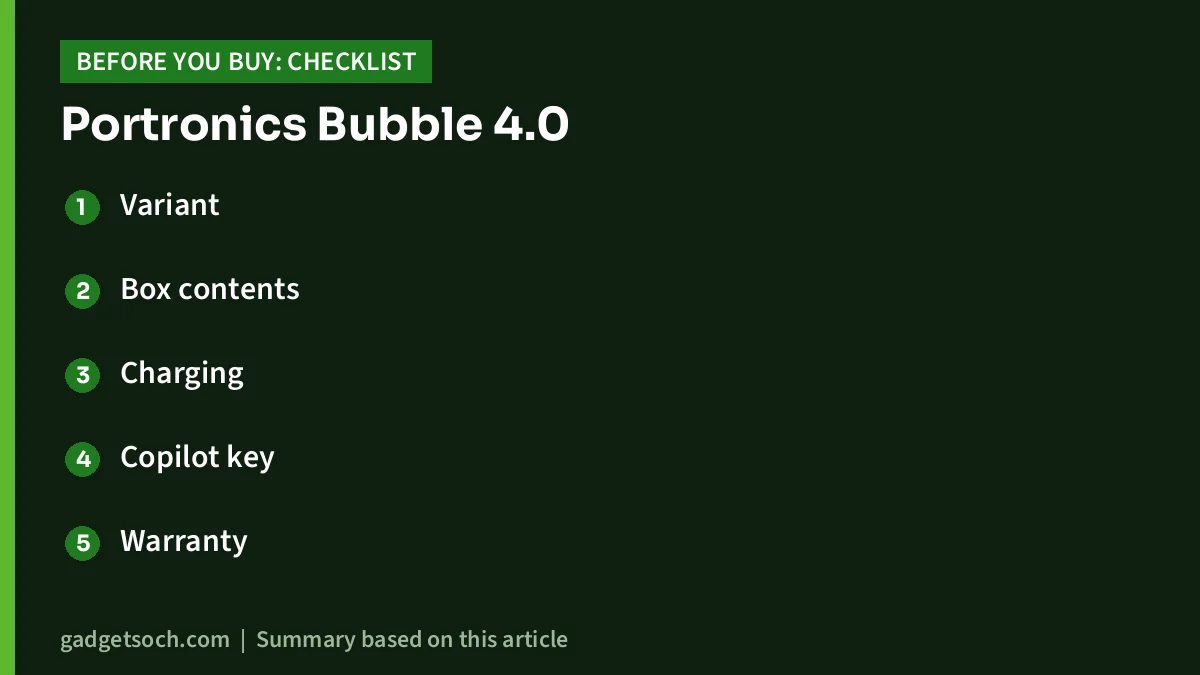
- Variant: the affiliate link opens the Black Bubble 4.0 listing (model POR-2454). Blue, Green and Purple are separate model codes, so check the colour before paying
- Box contents: the listing’s box contents field mentions only the keyboard, while its title mentions a 2.4 GHz USB receiver; the receiver is needed for the fourth device slot, so confirm it is included when you unbox
- Charging: keep a USB Type-C cable handy in case one is not supplied
- Copilot key: expect it to be useful mainly on Windows 11
- Warranty: Portronics lists a 12-month warranty; keep your Amazon invoice for service claims
- Desk space: at the listed 39 x 17 cm, measure your keyboard tray before you order
See the Portronics Bubble 4.0 wireless keyboard (Black) on Amazon.in and confirm the colour and box contents on the listing.
Frequently asked questions
How many devices can the Portronics Bubble 4.0 connect to?
Up to four, according to Portronics: three over Bluetooth 5.3 and one through the 2.4 GHz USB receiver.
Does the Portronics Bubble 4.0 have a number pad?
Yes. Portronics describes it as a full-size layout with a built-in numeric keypad.
Is the Bubble 4.0 rechargeable?
Yes. It has a built-in rechargeable battery with USB Type-C charging. Portronics does not state the battery capacity or how long a charge lasts.
Does it work with iPad and Android phones?
Portronics says it is compatible with laptops, desktops, tablets and smartphones, and it uses Bluetooth for those. The official page does not list specific operating systems, and the Copilot key is a Windows feature.
Is the Bubble 4.0 backlit?
Neither the official page nor the Amazon listing mentions a backlight, so assume it does not have one.
Final word
The Portronics Bubble 4.0 brings together features that rarely appear in one budget keyboard: four device slots, a full numpad, Type-C charging, a volume knob and a phone or tablet holder. Its biggest gap is that Portronics publishes no battery-life figure. If that is acceptable, it is a practical choice for a multi-device desk.
Check the current price of the Portronics Bubble 4.0 on Amazon.in
Related reading on GadgetSoch: Frontech 2251 Webcam Review: A Basic 480p USB Camera and Who It Suits and Brother DCP-L2640DW Review: 34 ppm Duplex Laser All-in-One With ADF, Explained.
Sources
- Portronics Bubble 4.0 official product page, checked 17 October 2026
- Portronics Bubble (original) official product page, checked 17 October 2026
- Amazon.in listing for the Portronics Bubble 4.0 Wireless Keyboard (Black), ASIN B0GWLHJ5SR, listing data captured 17 October 2026




