The NITHO TWINEX (model MLT-TWNX-K) is a basic wireless gamepad for Windows PCs and Android devices that connects through a 2.4GHz USB receiver and runs on two AAA batteries. According to its Amazon.in listing, the receiver comes with Type-C and Micro-B adapters for phones, and the wireless range is up to 8 metres. It suits casual players who want a simple plug-and-play controller, not those looking for Hall Effect sticks, Bluetooth or a rechargeable battery.
In short: the TWINEX is a no-frills option whose main appeal is simplicity. The listing gives few technical details, so a lot of what serious players care about, such as stick sensor type, vibration and battery life, is simply not stated.
This article is based on the Amazon.in listing for ASIN B0GWCTKMYL, captured on 17 October 2026, which is seller-provided information. It is not based on hands-on testing. We tried to open NITHO’s official website on 17 October 2026 but the request was refused because of rate limiting, and we found no independent review to cite, so specs below are labelled as the listing’s claims.
TWINEX at a glance
- Good for: casual PC and Android gaming, a spare controller for a second player, and anyone who prefers swapping AAA batteries to charging
- Not ideal for: competitive players, iPhone or console users, and anyone who wants Bluetooth, gyro, back buttons or drift-resistant magnetic sticks
- Main strengths per the listing: 2.4GHz receiver with Type-C and Micro-B adapters, up to 8 m range, plug-and-play setup, 185 g weight
- Main gaps: no stated battery life, vibration, polling rate, stick sensor type or warranty terms, and batteries are not included
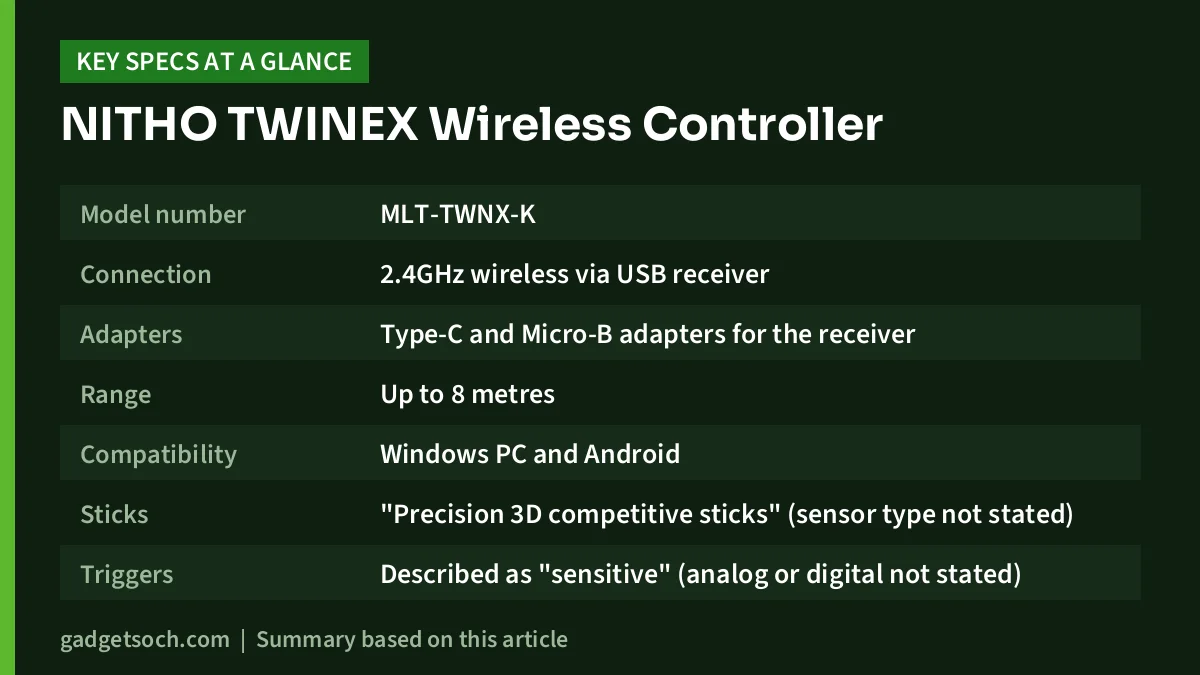
NITHO TWINEX specifications (from the Amazon.in listing)
| Item | What the listing says |
|---|---|
| Model number | MLT-TWNX-K |
| Connection | 2.4GHz wireless via USB receiver |
| Adapters | Type-C and Micro-B adapters for the receiver |
| Range | Up to 8 metres |
| Compatibility | Windows PC and Android |
| Sticks | “Precision 3D competitive sticks” (sensor type not stated) |
| Triggers | Described as “sensitive” (analog or digital not stated) |
| Power | 2 x AAA batteries, not included |
| Weight | 185 g |
| Listed dimensions | 16 x 7 x 10.5 cm |
| Setup | Plug and play |
| Country of origin | China |
| Manufacturer | MTM Industrial Ltd. |
If those basics are what you are after, check the current price of the NITHO TWINEX Wireless Controller on Amazon.in.
How the TWINEX connects
The TWINEX uses a 2.4GHz USB receiver rather than Bluetooth. That has a clear advantage: a dedicated receiver usually pairs once and reconnects automatically, without the Bluetooth menus and occasional re-pairing that can frustrate less technical users. The listing describes the setup as plug and play, meaning you insert the NITHO TWINEX and start playing on compatible devices.
The adapters are the clever part of the package. The listing says the box includes a Type-C and a Micro-B adapter, so the same USB-A style receiver can plug into a modern USB-C phone or an older Micro-USB phone or tablet. For Android use, your phone must support USB OTG (On-The-Go), which lets a phone act as a host for USB accessories. Most recent Android phones support it, but some budget models switch it off by default, so look for an OTG toggle in settings if the NITHO TWINEX is not detected.
The quoted range of up to 8 metres is plenty for playing on a laptop connected to a TV across the room. Real range will be shorter if the NITHO TWINEX is plugged into a rear port behind a metal PC case or surrounded by other wireless devices, so a front USB port or a short USB extension cable usually helps.
Power: two AAA batteries instead of a built-in battery
Unlike most new controllers that charge over USB-C, the TWINEX runs on two AAA batteries, and they are not included. This has real pros and cons.
- Pro: you never wait for a charge. Swap in fresh cells and keep playing
- Pro: no built-in lithium battery to wear out over the years, which is often what ends the life of rechargeable controllers
- Con: ongoing cost and waste if you use disposable alkaline cells
- Con: you must buy batteries before the controller is usable out of the box
- Con: the listing gives no battery-life estimate, so you cannot plan how often you will swap cells
A sensible middle ground is a set of rechargeable NiMH AAA cells and a charger. Keep one pair in the NITHO TWINEX and one charged pair ready. Remove the batteries if you will not use the controller for weeks, as leaking cells can damage the contacts.
Sticks, triggers and design: reading the marketing words
The listing calls the sticks “Precision 3D Competitive Sticks” and the triggers “Sensitive Triggers”. These phrases describe the intent but not the hardware. “3D sticks” is a common term for analog thumbsticks that move in all directions and can be clicked in. The listing does not say whether the sticks use traditional potentiometers or magnetic Hall Effect sensors. Since Hall Effect is usually advertised prominently when present, and it is not mentioned here, do not assume the TWINEX has drift-resistant sticks.
The listing also highlights an ergonomic, lightweight design. At 185 g according to the technical details, it is light for a full-size gamepad, which can reduce fatigue during long sessions, especially for younger players.
What the listing does not tell you
Before buying, be aware of what is missing. These gaps do not make the TWINEX a bad product, but they mean you cannot judge it against richer controllers.
- Vibration or rumble support
- Polling rate or latency figures
- Whether it appears to Windows as an Xbox-style XInput device or an older DInput device, which affects game support
- Button layout details, such as turbo, extra back buttons or a mode switch
- Colour, as the listing title does not name one
- Warranty period and service process
- Exact box contents beyond the receiver and the two adapters
The XInput point is worth explaining. Most modern PC games and Steam expect XInput controllers. Older or generic DInput pads can still work, but some games will not recognise them without a mapping tool or Steam Input. If you play mostly through Steam, Steam Input can usually translate a DInput pad, so this matters more for games launched outside Steam.
Quick setup guide
Windows PC: insert two AAA batteries, plug the 2.4GHz receiver into a USB port and switch on the NITHO TWINEX. To confirm it is detected, search the Start menu for “Set up USB game controllers” (or run joy.cpl) and check that the controller appears and that the buttons and sticks respond. If you use Steam, open Steam’s controller settings to see whether it is recognised and to remap buttons.
Android: attach the Type-C or Micro-B adapter to the NITHO TWINEX to match your phone’s port, plug it in and turn on the controller. Then open a game that supports controllers. Many popular Android games do not support gamepads at all, so check your game’s settings before blaming the controller.
Who should buy it, and who should skip it
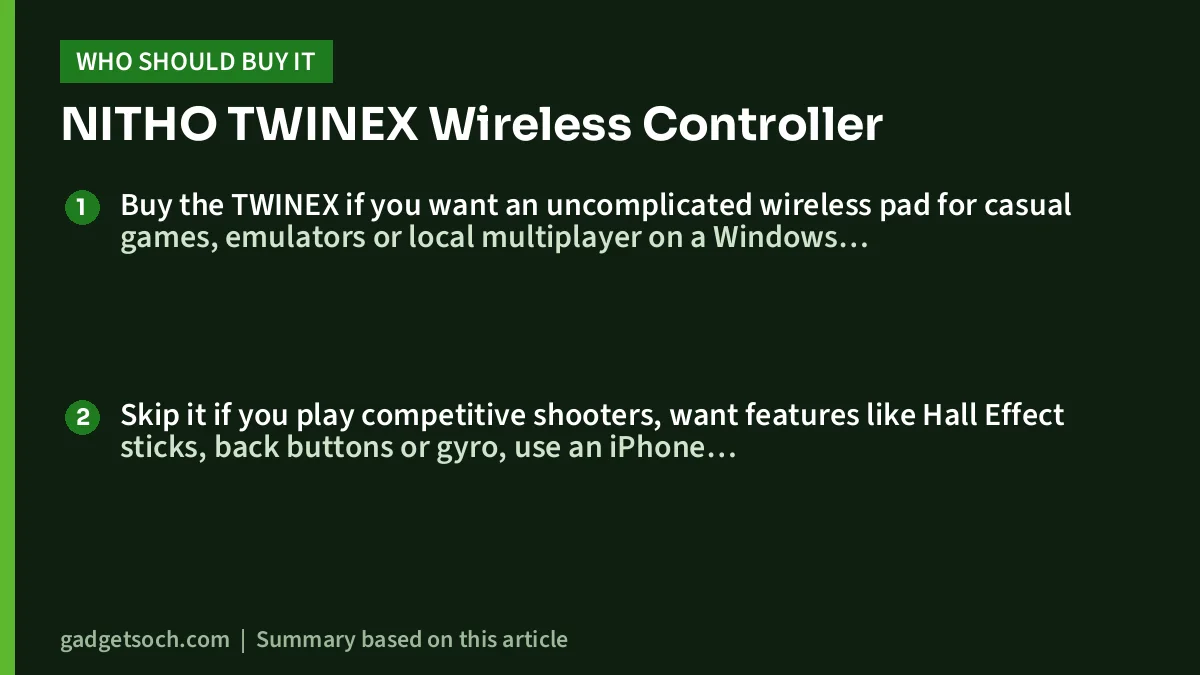
Buy the TWINEX if you want an uncomplicated wireless pad for casual games, emulators or local multiplayer on a Windows laptop or Android phone, and you are happy using AAA batteries. It also makes sense as a second controller for a family member or friend.
Skip it if you play competitive shooters, want features like Hall Effect sticks, back buttons or gyro, use an iPhone, Mac or console, or simply want a rechargeable controller you can top up with a USB-C cable.
Alternatives worth comparing
Kreo Surge XB: a step up in features. Kreo’s official page lists tri-mode connection (2.4GHz, Bluetooth 5.3 and USB-C), up to 1000Hz polling on the dongle and cable, Hall Effect triggers, two rear macro buttons and an 800mAh rechargeable battery. Choose it if you want drift-resistant controls and USB-C charging.
Cosmic Byte Lumora: according to its Amazon.in listing, a tri-mode controller with Hall Effect sticks and triggers, a 6-axis gyro, a 3.5mm audio jack, Windows customisation software and a 1300mAh battery. It suits players who want the most features in one pad.
Cosmic Byte Nexus Wireless Controller for PC: listed on Cosmic Byte’s official website as a wireless controller for PC. It is worth comparing if you want another simple wireless pad from a brand with an Indian support address.
If you are building a PC gaming setup around a laptop, our guide to the best RTX 3050 and RTX 4050 gaming laptops covers the hardware side.
Before you order: checklist
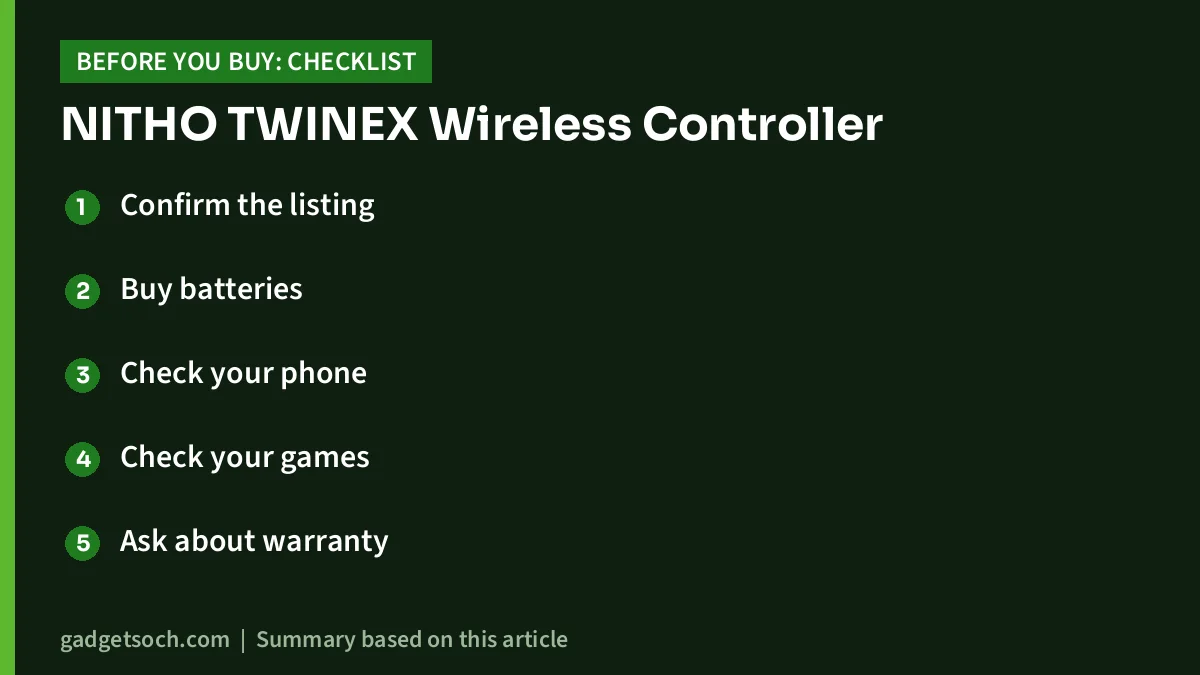
- Confirm the listing: the link goes to the NITHO TWINEX Wireless Controller for Windows PC and Android, ASIN B0GWCTKMYL, model MLT-TWNX-K. Check the title, images and colour on the listing before buying
- Buy batteries: two AAA cells are needed and are not included, according to the listing
- Check your phone: make sure it supports USB OTG and note whether it uses a Type-C or Micro-USB port
- Check your games: confirm that the PC or Android games you play support controllers
- Ask about warranty: the listing we captured does not state warranty terms, so check the listing or contact the seller. The listing gives an email contact for MTM Industrial Ltd.
- Keep the receiver safe: the controller relies on its small USB receiver, and the listing does not mention storage for it on the controller
When you have checked those points, see the NITHO TWINEX controller on Amazon.in.
Frequently asked questions
Does the NITHO TWINEX have Bluetooth?
The listing only describes a 2.4GHz USB receiver. Bluetooth is not mentioned.
Is the NITHO TWINEX rechargeable?
No. According to the listing it is powered by 2 x AAA batteries, which are not included. Rechargeable NiMH AAA cells are an option.
Does it work with Android phones?
Yes, Android is listed, and Type-C and Micro-B adapters are included for the receiver. Your phone needs USB OTG support, and the game must support controllers.
Does the TWINEX work with PS4, PS5, Xbox or iPhone?
These are not listed. The listing names Windows PC and Android only.
What is the wireless range?
The listing claims a stable range of up to 8 metres.
Verdict
The NITHO TWINEX is a simple, light, battery-powered wireless controller for Windows and Android, with useful phone adapters and an 8-metre claimed range. It leaves out many details, and it lacks the rechargeable battery and magnetic sticks that rivals advertise. For casual play and as a spare pad it is worth a look: check the current price of the NITHO TWINEX on Amazon.in and confirm the variant and colour shown on the listing.
Related reading on GadgetSoch: EvoFox Play 2 Review: HallSense PS4 Controller With Touchpad, Gyro and Speaker and Ant Esports GP110 Review: A Simple Wired Gamepad for PC, PS3 and Android.
Sources
- Amazon.in listing for ASIN B0GWCTKMYL: title, feature bullets and technical details (captured 17 October 2026)
- Kreo: Surge XB official product page (for alternative facts, checked 17 October 2026)
- Cosmic Byte: official gaming controllers page (for alternative facts, checked 17 October 2026)
- Amazon.in listing for ASIN B0GN86M96C, Cosmic Byte Lumora (for alternative facts, captured 17 October 2026)