

Is the Lenovo Yoga Slim 7 14 with the Intel Core Ultra 7 155H (model 83CV00DHIN) worth considering? For most professionals, students and frequent travellers who want a light 14-inch laptop with a high-end screen, yes: it pairs a 16-core Intel Core Ultra 7 155H with a 14-inch WUXGA OLED panel rated for 100% DCI-P3, a 65Wh battery, two Thunderbolt 4 ports and an aluminium body that starts at 1.39kg. Its main compromises are memory that cannot be upgraded, a standard 60Hz refresh rate and no SD card reader.
This article covers the exact Amazon.in listing titled “Lenovo Yoga Slim 7 Intel Core Ultra 7 155H AI PC 14″(35.5cm) WUXGA-OLED 400Nits Laptop (16GB/512GB SSD/60Hz/100% DCI-P3/Win11/MSO 24/1Yr ADP Free/Luna Grey/1.39Kg), 83CV00DHIN” (ASIN B0G494ZTRB). Lenovo’s internal name for this generation is the Yoga Slim 7 14IMH9, which is also sold in other configurations.
How this article was put together: the specifications come from Lenovo’s PSREF (Product Specifications Reference) sheets and Intel’s official processor page, cross-checked against Indian specification listings, all checked on 17 October 2026. Gadget Soch has not used this laptop hands-on, and nothing here is a test result of our own.
Quick verdict
- Best for: office work, coding, video calls, casual photo editing, streaming and travel
- Skip it if: you play modern games, need a high-refresh screen, want to add RAM later, or rely on an SD card slot for a camera workflow
- Key strengths: 16-core CPU, 100% DCI-P3 OLED with DisplayHDR True Black 500, two Thunderbolt 4 ports plus HDMI 2.1, 65Wh battery, 1080p IR webcam, aluminium build
- Key limitations: soldered 16GB memory, one SSD slot, 60Hz refresh rate, no card reader or fingerprint reader, reflective glossy panel
Lenovo Yoga Slim 7 83CV00DHIN specifications
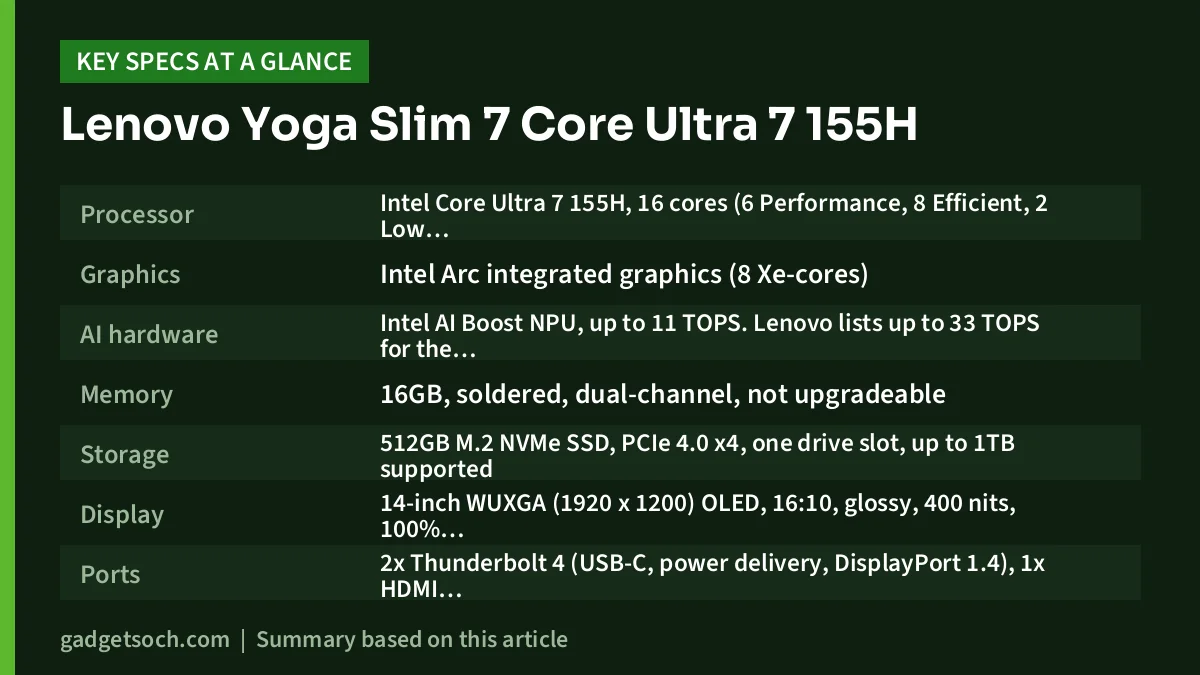
| Specification | Yoga Slim 7 14IMH9 (83CV00DHIN, as listed) |
|---|---|
| Processor | Intel Core Ultra 7 155H, 16 cores (6 Performance, 8 Efficient, 2 Low Power Efficient), 22 threads, up to 4.8GHz, 24MB cache |
| Graphics | Intel Arc integrated graphics (8 Xe-cores) |
| AI hardware | Intel AI Boost NPU, up to 11 TOPS. Lenovo lists up to 33 TOPS for the whole platform with this CPU |
| Memory | 16GB, soldered, dual-channel, not upgradeable |
| Storage | 512GB M.2 NVMe SSD, PCIe 4.0 x4, one drive slot, up to 1TB supported |
| Display | 14-inch WUXGA (1920 x 1200) OLED, 16:10, glossy, 400 nits, 100% DCI-P3, 60Hz, Dolby Vision, DisplayHDR True Black 500 |
| Ports | 2x Thunderbolt 4 (USB-C, power delivery, DisplayPort 1.4), 1x HDMI 2.1 (up to 4K at 60Hz), 1x USB-A 5Gbps, 3.5mm combo jack |
| Wireless | Wi-Fi 6E, Bluetooth 5.3 |
| Webcam | 1080p FHD with IR for Windows Hello, electronic shutter, ToF sensor |
| Audio | 4x 2W speakers with Dolby Atmos, quad-microphone array |
| Battery and charger | 65Wh, 65W USB-C adapter, Rapid Charge Boost |
| Build | Aluminium top and bottom, MIL-STD-810H tested (21 test items) |
| Size and weight | 312 x 221 x 14.9mm, from 1.39kg (non-touch) |
| Colour and software | Luna Grey, Windows 11 Home, listing title mentions MS Office 2024 |
Check the current price of the Lenovo Yoga Slim 7 Core Ultra 7 155H (83CV00DHIN) on Amazon.in
Core Ultra 7 155H: what Meteor Lake brings to a thin laptop
Intel launched the Core Ultra 7 155H in the fourth quarter of 2023 as part of its first Core Ultra generation, codenamed Meteor Lake and built on the Intel 4 process. Intel lists 16 cores of three types: six Performance cores for heavy tasks, eight Efficient cores for background work and two Low Power Efficient cores for light loads. Together they run 22 threads, with a maximum turbo of 4.8GHz and a 28W processor base power.
In practice, that core count gives ample headroom for large spreadsheets, many browser tabs, software development, video calls with background effects and light photo editing. As an H-series chip with a 28W base power, it is meant for heavier sustained work than the 15W U-series processors in budget ultrabooks. How well it holds performance over long sessions depends on Lenovo’s cooling and power tuning, which the official sheets do not detail.
Arc graphics and the NPU
The integrated Intel Arc graphics uses eight Xe-cores on this chip, according to Intel. It handles video playback, external displays and light creative apps, but it does not replace a dedicated NVIDIA RTX GPU.
The NPU (Intel AI Boost) is rated at up to 11 TOPS. Lenovo’s PSREF lists the 14IMH9 as an “AI PC” with up to 33 TOPS combined across CPU, GPU and NPU for this processor. That NPU can take on background tasks such as webcam effects and noise suppression while using less power than the CPU.
The OLED screen is the reason to buy it
Lenovo’s spec sheet lists a 14-inch WUXGA (1920 x 1200) OLED panel with a 16:10 aspect ratio, 400 nits brightness, 100% DCI-P3 colour coverage, a glossy finish, Dolby Vision support and VESA DisplayHDR True Black 500 certification.
Why this matters: OLED pixels switch off fully to show black, so dark scenes, night photos and dark-mode apps look much deeper than on a typical IPS panel. Wide DCI-P3 coverage suits HDR video and photo work, though PSREF notes the panel is not factory colour-calibrated.
The trade-offs: the panel runs at 60Hz, so scrolling looks less fluid than on 90Hz or 120Hz OLED laptops, and the glossy surface reflects bright lights. As with any OLED, avoid leaving bright static elements on screen at full brightness for very long periods.
The 1.39kg weight in the listing title matches Lenovo’s figure for the non-touch version of the 14IMH9. PSREF lists the touch version separately, with a glass multi-touch panel and a 1.43kg starting weight, so do not expect touch input on this listing unless the product details say otherwise.
Memory and storage: fixed at purchase
The 16GB of memory is soldered with no free slots and runs in dual-channel mode, according to PSREF. Lenovo lists both LPDDR5-6400 and LPDDR5X-7467 for the platform, and the listing title does not state which this unit uses. 16GB is comfortable for office work, browsing and coding, but people who run virtual machines or large photo catalogues may prefer a 32GB configuration.
Storage is a single PCIe 4.0 x4 NVMe SSD in the only M.2 slot, with 1TB as the maximum supported size. If 512GB feels tight, plan for an external SSD or cloud storage.
Battery life, charging and ports
Lenovo’s PSREF quotes up to 10.3 hours in MobileMark 25 at 250 nits and up to 20.8 hours of local 1080p video at 150 nits from the 65Wh battery. These are lab figures, so expect less with higher brightness, HDR video or long calls. Rapid Charge Boost is rated to add about two hours of use from a 15-minute charge, but only when the laptop is shut down or hibernating.
Charging uses a 65W USB-C adapter, so many USB-C PD chargers can top it up on the move. The ports are practical for a thin laptop:
- Two Thunderbolt 4 (USB-C) ports with 40Gbps data, power delivery and DisplayPort 1.4 output
- One HDMI 2.1 port, rated for up to 4K at 60Hz
- One USB-A port at 5Gbps that stays powered when the laptop is off
- One 3.5mm headphone and microphone combo jack
There is no SD card reader or Ethernet port, so photographers and wired-network users will need a USB-C adapter.
Build, keyboard, webcam and audio
The chassis is anodised, sandblasted aluminium on both top and bottom in Luna Grey, 14.9mm thick, and passed 21 MIL-STD-810H test items according to Lenovo.
The backlit keyboard has 1.5mm key travel and the glass touchpad measures 75 x 120mm. The 1080p webcam has an IR sensor for Windows Hello face login, an electronic shutter and a ToF presence sensor. There is no fingerprint reader. Audio comes from four 2W speakers tuned with Dolby Atmos and a quad-microphone array.
Who should buy it, and who should look elsewhere

Buy the Yoga Slim 7 83CV00DHIN if you are a professional, developer or student who juggles many apps, takes frequent calls and carries the laptop daily. The OLED suits heavy video watchers and casual photo editors, and Thunderbolt 4 makes a monitor-and-dock desk setup easy.
Look elsewhere if you play modern games or work in 3D, CAD or GPU-heavy video editing, since integrated graphics will limit you. For that, a gaming laptop like the one in our Lenovo LOQ Ryzen 7 RTX 4050 review is the better class of machine. Also skip this model if you want 32GB of memory, a high-refresh display or a built-in card reader.
Alternatives worth comparing
Yoga Slim 7 14IMH9 with Core Ultra 5 125H: the same chassis and OLED panel family with a smaller chip. PSREF lists the Core Ultra 5 125H with 14 cores, 18 threads, an 18MB cache and up to 4.5GHz. It suits mostly office and browsing work.
Yoga Slim 7 14IMH9 with Core Ultra 9 185H or touch: PSREF lists a Core Ultra 9 185H version (up to 5.1GHz) and a touch OLED version from 1.43kg, for buyers who want more CPU headroom or touch input in the same design.
ASUS Vivobook S 14 OLED (S5406): ASUS India lists it with Intel Core Ultra (Series 2) processors, Intel Evo certification, a 120Hz OLED display with HDR, a 75Wh battery and a dedicated Copilot key. Consider it if a smoother screen and a newer chip generation matter more.
What to check before you order
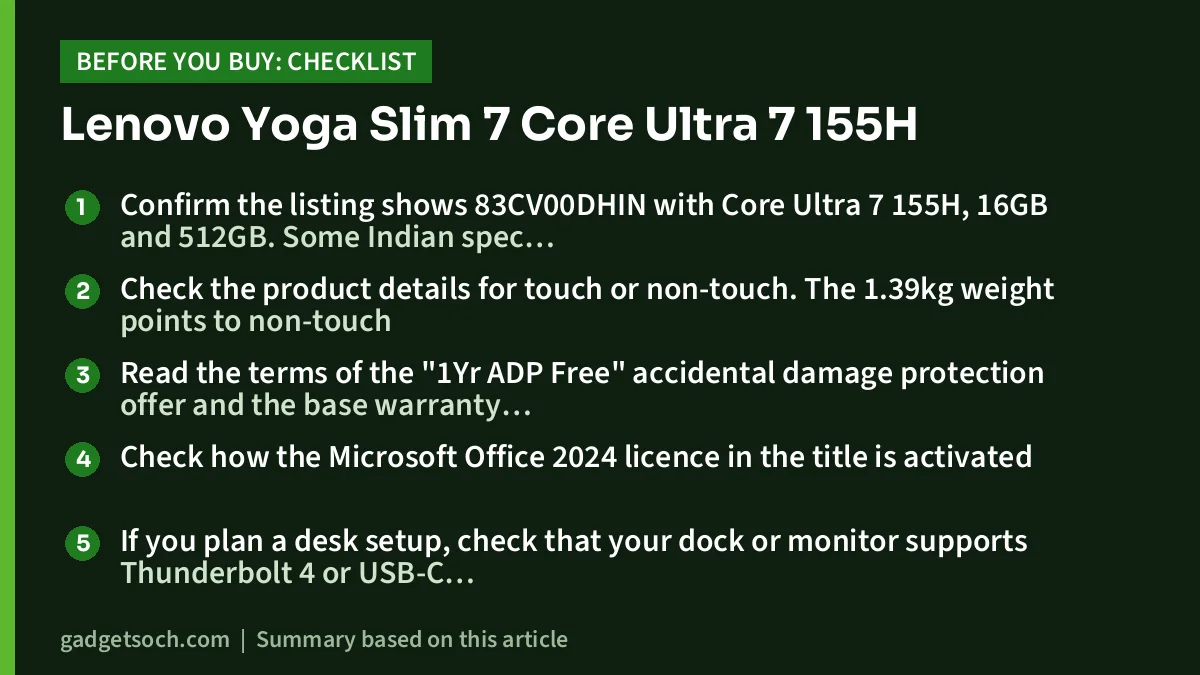
- Confirm the listing shows 83CV00DHIN with Core Ultra 7 155H, 16GB and 512GB. Some Indian spec sites list this model number with a 1TB SSD, while the Amazon.in title we checked says 512GB
- Check the product details for touch or non-touch. The 1.39kg weight points to non-touch
- Read the terms of the “1Yr ADP Free” accidental damage protection offer and the base warranty shown on the listing
- Check how the Microsoft Office 2024 licence in the title is activated
- If you plan a desk setup, check that your dock or monitor supports Thunderbolt 4 or USB-C DisplayPort
- After delivery, register the serial number on Lenovo India’s support site
When those details match what you need, see the Lenovo Yoga Slim 7 83CV00DHIN (16GB, 512GB, Luna Grey) on Amazon.in.
Frequently asked questions
Is the Lenovo Yoga Slim 7 with Core Ultra 7 155H good for programming?
Yes, for most development work. Intel lists 16 cores and 22 threads for the Core Ultra 7 155H, which helps with compiling. The fixed 16GB of memory is the main limit for running several containers or virtual machines.
Can I upgrade the RAM or add a second SSD?
No to both. Lenovo’s PSREF lists the memory as soldered with no slots, and the laptop has a single M.2 SSD slot. You can replace the SSD with a larger one, up to 1TB according to PSREF.
Can it charge with a USB-C phone charger or power bank?
It charges over USB-C with a 65W adapter. Lenovo lists USB power delivery on the Thunderbolt 4 ports, so a USB-C PD charger or power bank that supplies around 65W is the safe choice. Lower-wattage chargers may charge slowly or only when the laptop is idle.
Does the Yoga Slim 7 have a fingerprint reader?
No. Lenovo’s PSREF lists no fingerprint reader for the 14IMH9. Instead, the 1080p webcam has an IR sensor for Windows Hello face recognition, plus an electronic shutter for privacy.
Final word
The Lenovo Yoga Slim 7 83CV00DHIN combines a capable 16-core Intel processor, a rich OLED screen, a large 65Wh battery and Thunderbolt 4 in a 1.39kg aluminium body. Its fixed 16GB memory, 60Hz panel and missing card reader are the trade-offs to accept. If the screen and portability are your priorities, check the current price of the Yoga Slim 7 Core Ultra 7 155H on Amazon.in.
Related reading on GadgetSoch: Lenovo IdeaPad 1 Ryzen 5 5500U Review: Six Cores on a Budget, but Check the Screen and HP 15 i5-1335U Review (fd0022TU): Can You Upgrade the 8GB RAM?.
Sources
- Lenovo PSREF: Yoga Slim 7 14IMH9 platform specifications
- Lenovo PSREF: Yoga Slim 7 14IMH9 model sheet (Core Ultra 7 155H)
- Intel: Core Ultra 7 155H specifications
- TechStories India: Lenovo Yoga Slim 7 83CV00DHIN specifications
- 91mobiles: Lenovo Yoga Slim 7 83CV00DHIN specifications
- ASUS India: Vivobook range listing (Vivobook S 14 OLED S5406)




