
The HP 480 Comfort Bluetooth Mouse (model 8T6M3AA) is a full-size, right-handed Bluetooth 5.3 mouse that can pair with up to three devices and switch between them. It suits office workers and students who use a laptop, a desktop and maybe a tablet, and who want a contoured shape with a thumb rest rather than a small travel mouse. It is not for left-handers, gamers or anyone who needs a USB receiver for a PC without Bluetooth.
HP India lists up to 4000 dpi multi-surface tracking, seven buttons (six programmable through HP’s software), a tilt scroll wheel and a single AA battery. One detail needs care: HP’s own page rates battery life at up to 20 months, while the Amazon.in listing title claims 24 months. We go with HP’s figure and explain the difference below.
Note on method: this article is based on HP India’s official product page and the Amazon.in listing data, checked on 17 October 2026. It is not based on hands-on testing, so there are no claims here about how the HP 480 Comfort Bluetooth Mouse feels in the hand.
Quick verdict
- Best for: right-handed users who switch between two or three computers or tablets and want one comfortable mouse for all of them
- Skip if: you are left-handed, your desktop has no Bluetooth, you want a rechargeable mouse, or you mostly work on a glass desk
- Key strengths: Bluetooth 5.3 with three-device pairing, up to 4000 dpi, six programmable buttons, horizontal-scroll tilt wheel, one AA battery rated for up to 20 months, at least 65% post-consumer recycled plastic
- Key limitations: Bluetooth only (no USB receiver listed), right-hand shape only, button customisation needs HP Accessory Center software, AA battery rather than built-in rechargeable
HP 480 Comfort specifications
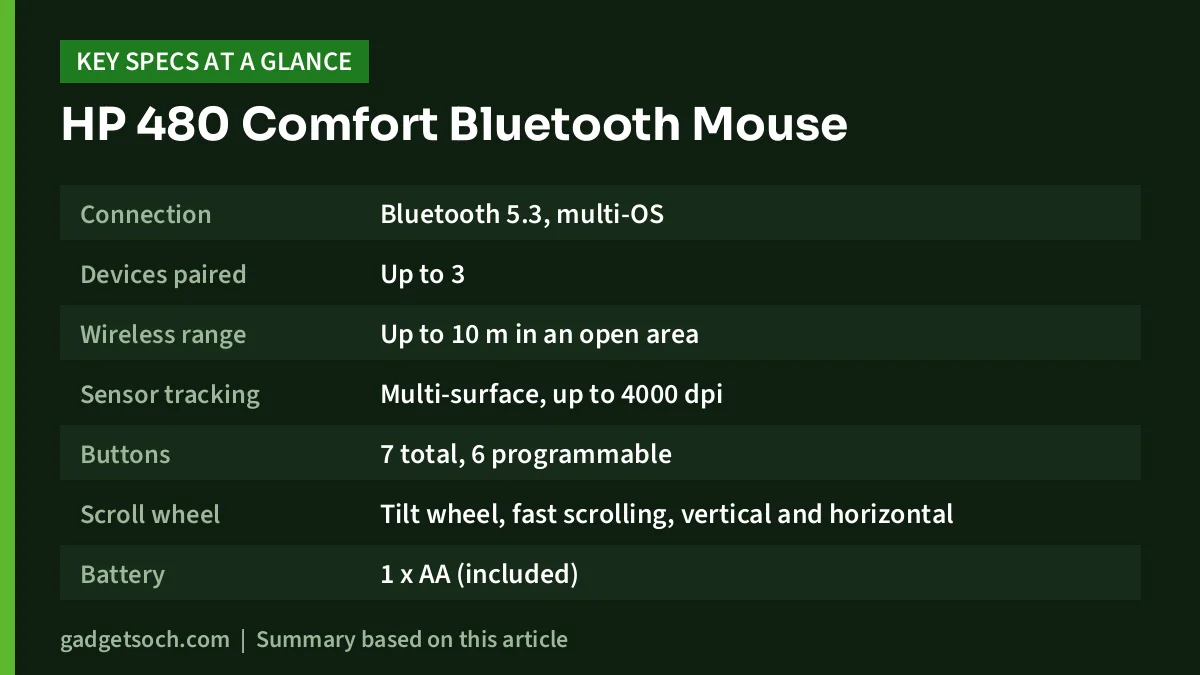
| Feature | HP 480 Comfort Bluetooth Mouse (8T6M3AA) | Source |
|---|---|---|
| Connection | Bluetooth 5.3, multi-OS | HP India |
| Devices paired | Up to 3 | HP India |
| Wireless range | Up to 10 m in an open area | HP India |
| Sensor tracking | Multi-surface, up to 4000 dpi | HP India |
| Buttons | 7 total, 6 programmable | HP India |
| Scroll wheel | Tilt wheel, fast scrolling, vertical and horizontal | HP India, Amazon.in listing |
| Battery | 1 x AA (included) | HP India |
| Rated battery life | Up to 20 months (listing title says 24 months) | HP India, Amazon.in listing |
| Operating systems | Windows 11, Windows 10, macOS, ChromeOS | HP India |
| Hand orientation | Right-handed, full size | HP India |
| Dimensions (W x D x H) | 120 x 69.1 x 42.2 mm | HP India |
| Weight | 88 g | HP India |
| Materials | At least 65% post-consumer recycled plastic | HP India |
| Security | AES 128-bit encryption | Amazon.in listing title |
| Colour | Black | HP India |
| Warranty | HP standard one-year limited warranty | HP India |
| In the box | Mouse, 1 x AA battery, quick start guide, warranty card | HP India |
Check the current price of the HP 480 Comfort Bluetooth Mouse on Amazon.in.
Design and comfort: what “Comfort” means here
HP pitches the 480 as an all-day productivity mouse. The Amazon.in listing describes a contoured shape, a thumb rest, soft side grips, quiet clicks and a thermoplastic polyurethane (TPU) top coating. HP’s spec sheet classes it as full size and right-handed, and gives dimensions of 120 x 69.1 x 42.2 mm with a weight of 88 g.
Those numbers matter if you are coming from a small notebook mouse. At 120 mm long and 42.2 mm tall, the 480 is designed for your palm to rest on the body, which is generally easier on the hand over a long working day than gripping a tiny mouse with your fingertips. The flip side is that it takes up more room in a laptop bag. For comparison, the compact Logitech M221 Silent we covered earlier measures 99 x 60 x 39 mm per retailer listings.
Because the shape is sculpted for the right hand, left-handed users should look elsewhere. HP does not list a left-handed version of this model.
Three-device Bluetooth: the main reason to buy it
The 480 uses Bluetooth 5.3 and HP says it can connect to up to three devices. That is the feature that sets it apart from cheap receiver-based mice. A typical use case is a work laptop, a personal desktop and a tablet on the same desk. The listing names tablets as compatible devices, but HP’s own OS list names only Windows, macOS and ChromeOS, so Android and iPad users should confirm support with HP first. Instead of re-pairing each time, you pair each device once and switch between them.
There are two practical points to check. First, HP lists only Bluetooth as the connection type and the box contents do not include a USB receiver. If your desktop PC has no Bluetooth, you will need a Bluetooth adapter. Second, the listing says the HP 480 Comfort Bluetooth Mouse is “engineered for Intel Evo” laptops, but that is not a requirement: HP’s compatibility list covers Windows 11, Windows 10, macOS and ChromeOS. HP’s quick start guide explains how to pair each device and switch between them.
The Amazon.in listing title also mentions AES 128-bit encryption. We did not find that claim in HP India’s spec list, so treat it as the listing’s claim.
Sensor and tracking
HP lists multi-surface tracking with a maximum of 4000 dpi. A higher dpi means the pointer moves farther for the same hand movement, which helps on high-resolution or multi-monitor setups where a low-dpi mouse needs long sweeps to cross the screen. Most people will not use the maximum; you can lower pointer speed in your operating system’s mouse settings.
HP’s footnote adds an important caveat: a glass surface may affect functionality. If your desk is glass, plan to use a mouse pad. Neither HP’s page nor the listing gives the polling rate or the available dpi steps, so do not expect gaming-grade fine control. This is an office mouse.
Buttons, scroll wheel and HP Accessory Center
HP counts seven buttons, six of which are programmable. The listing describes a 4D tilt wheel with vertical and horizontal scrolling, which is handy for wide spreadsheets, timelines in video editors and long horizontal web tables.
Programming those buttons requires HP Accessory Center (HPAC), which HP’s footnote says is a free download from the Microsoft Store. That means customisation is clearly supported on Windows. HP’s page does not describe an equivalent app for macOS or ChromeOS, so Mac and Chromebook users should expect to use the default button functions unless HP states otherwise on its support pages.
Battery life: 20 months or 24 months?
The 480 runs on a single AA battery, and one is included in the box. HP India rates battery life at up to 20 months, while the Amazon.in listing title says 24 months. When a manufacturer page and a seller listing differ, the manufacturer’s figure is the safer one to plan around. In either case, these are best-case ratings that depend on how many hours a day you use the HP 480 Comfort Bluetooth Mouse.
An AA battery has advantages: there is no charging cable to carry, and a spare costs little and is sold everywhere. If you prefer to avoid disposable batteries, a good-quality rechargeable AA cell is a sensible option, though HP does not specifically mention rechargeable cells on the page we checked.
Sustainability claims
HP says the HP 480 Comfort Bluetooth Mouse is made with at least 65% post-consumer recycled plastic, measured as a percentage of the total plastic weight and defined under the EPEAT IEEE 1680.1-2018 standard. The listing adds that the packaging is FSC-certified. These claims will not change how the mouse works, but they are specific and footnoted, which is better than vague “eco” marketing.
Who it suits and who should skip it
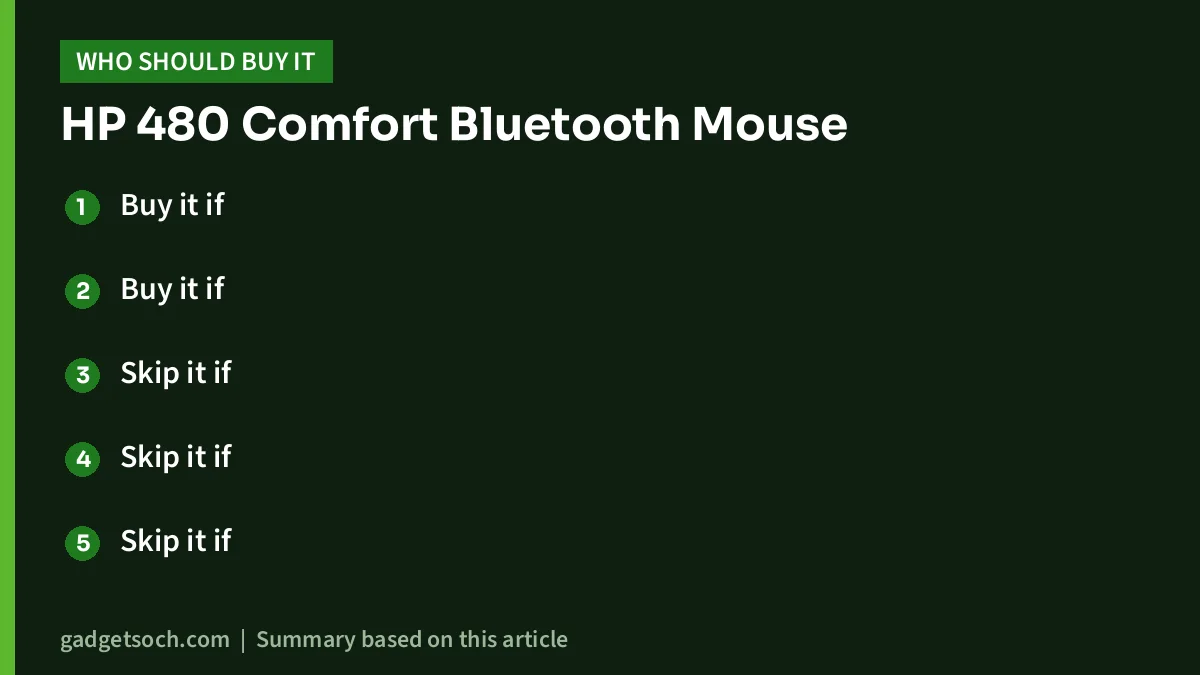
- Buy it if: you juggle a laptop, desktop and tablet and want one right-handed mouse that switches between them
- Buy it if: you spend long hours in spreadsheets or documents and want horizontal scrolling and extra programmable buttons on Windows
- Skip it if: you are left-handed, as HP lists it as a right-handed design
- Skip it if: your PC has no Bluetooth and you do not want to add an adapter
- Skip it if: you want a gaming mouse with a published polling rate or a rechargeable built-in battery
Alternatives worth comparing
- Logitech M221 Silent: a compact ambidextrous mouse that uses a 2.4 GHz USB receiver instead of Bluetooth, with a fixed 1000 dpi sensor, three buttons and Logitech-rated battery life of up to 18 months on one AA. A simpler, quieter choice if you only use one computer.
- Logitech MK270r: a full-size keyboard and mouse combo over a 2.4 GHz USB receiver, for anyone who needs a keyboard too and does not care about multi-device switching.
- Logitech G PRO X Superlight 2: a 60 g wireless gaming mouse with a LIGHTSPEED USB receiver and a USB-C rechargeable battery. Only worth considering if gaming matters more than multi-device office work.
If you are building a full home-office desk, our work from home desk setup guide covers keyboards, monitors and cooling pads alongside mice.
Before you order: a short checklist

- Variant: the linked listing is the black HP 480 Comfort Bluetooth Mouse, model number 8T6M3AA#ABA. Confirm the model name and colour on the page before ordering.
- Bluetooth on your PC: check that every computer you plan to use has Bluetooth. On Windows, look for Bluetooth under Settings, Bluetooth and devices.
- Operating system: HP lists Windows 11, Windows 10, macOS and ChromeOS. The listing’s tech details mention Linux, but HP’s own list does not, so Linux users should treat support as unconfirmed.
- Software: install HP Accessory Center from the Microsoft Store if you want to reassign buttons on Windows.
- Warranty: HP states a one-year limited warranty. Keep your Amazon.in invoice for any claim through HP support in India.
With those boxes ticked, see the HP 480 Comfort Bluetooth Mouse (black, 8T6M3AA) on Amazon.in.
Frequently asked questions
Does the HP 480 Comfort mouse come with a USB receiver?
No receiver is listed. HP lists Bluetooth as the only connection type, and the box contains the mouse, one AA battery, a quick start guide and a warranty card.
How long does the battery last?
HP India rates it at up to 20 months on one AA battery. The Amazon.in listing title claims 24 months. Actual life depends on daily usage.
Can I use the HP 480 with a Mac or Chromebook?
Yes, HP lists macOS and ChromeOS alongside Windows 10 and 11. Button programming relies on HP Accessory Center, which HP says is available from the Microsoft Store.
Is it good for left-handed users?
No. HP lists it as a right-handed, full-size mouse.
Does it work on glass?
HP notes that a glass surface may affect tracking, so use a mouse pad on glass desks.
Bottom line
The HP 480 Comfort Bluetooth Mouse is a sensible, well-specified office mouse for right-handed people who move between several devices. Bluetooth 5.3, three-device pairing, six programmable buttons and a horizontal-scroll wheel give it real advantages over basic receiver mice, while the Bluetooth-only design, right-hand shape and Windows-centric software are the trade-offs. Check the current price of the HP 480 Comfort Bluetooth Mouse on Amazon.in.
Related reading on GadgetSoch: Logitech K250 Review: Compact Bluetooth Keyboard With a Numpad, Explained and Portronics Twister Laptop Stand Review: Rotating Base, 10 kg Rating and the Fine Print.
Sources
- HP India: HP 480 Comfort Bluetooth Mouse (8T6M3AA) product page, specifications and footnotes, checked 17 October 2026
- Amazon.in listing for the HP 480 Comfort Bluetooth Mouse (ASIN B0D1R6B87G), seller-provided details captured 17 October 2026
- gadgetsoch reviews of the Logitech M221 Silent, Logitech MK270r and Logitech G PRO X Superlight 2 (alternative specifications)




