
The ASUS TUF Gaming A15 with the AMD Ryzen 7 7435HS and NVIDIA GeForce RTX 3050 (4GB, 60W TGP) is an entry-level 1080p gaming laptop: it is built for Full HD play on its 144Hz screen, but its 4GB graphics card, 48WHr battery and modest colour coverage keep it in budget territory. Is it good enough for gaming? Yes, for 1080p with sensible settings, though ray tracing and the most demanding new releases are its weak spot.
This guide covers the exact Amazon.in variant titled “ASUS TUF Gaming A15, AMD Ryzen 7 7435HS Gaming Laptop (NVIDIA RTX 3050-4GB/60W TGP/16GB RAM/512GB SSD/FHD/15.6″/144Hz/RGB KB/48WHr/Windows 11/Graphite Black/2.30 Kg)” (ASIN B0D5DFR78J), which references model FA506NCR-HN054W. ASUS sells the same chassis with other processors and graphics chips, so the details below apply to this configuration.
How this article was put together: it is based on the ASUS India specification and product pages, AMD’s processor specifications and Notebookcheck’s graphics and model specification listings, all checked on 17 October 2026. Gadget Soch has not tested this laptop hands-on, and there are no benchmark, temperature or battery numbers of our own here.
Quick verdict
- Best for: students and first-time PC gamers who play at 1080p and want a Ryzen 7 with eight cores for coding, light editing and multitasking
- Skip if: you want ray tracing, high settings in the newest AAA games, long battery life or a colour-accurate screen for photo work
- Key strengths: 8-core Ryzen 7 7435HS, 144Hz Full HD panel with Adaptive-Sync, two DDR5 SO-DIMM slots and two M.2 SSD slots, HDMI 2.1, Ethernet, MIL-STD-810H durability claim
- Key limitations: RTX 3050 with only 4GB of video memory at 60W (75W with Dynamic Boost), 62.5% sRGB colour coverage, 48WHr battery, 2.30kg weight, no integrated graphics to save power
ASUS TUF A15 FA506NCR specifications at a glance
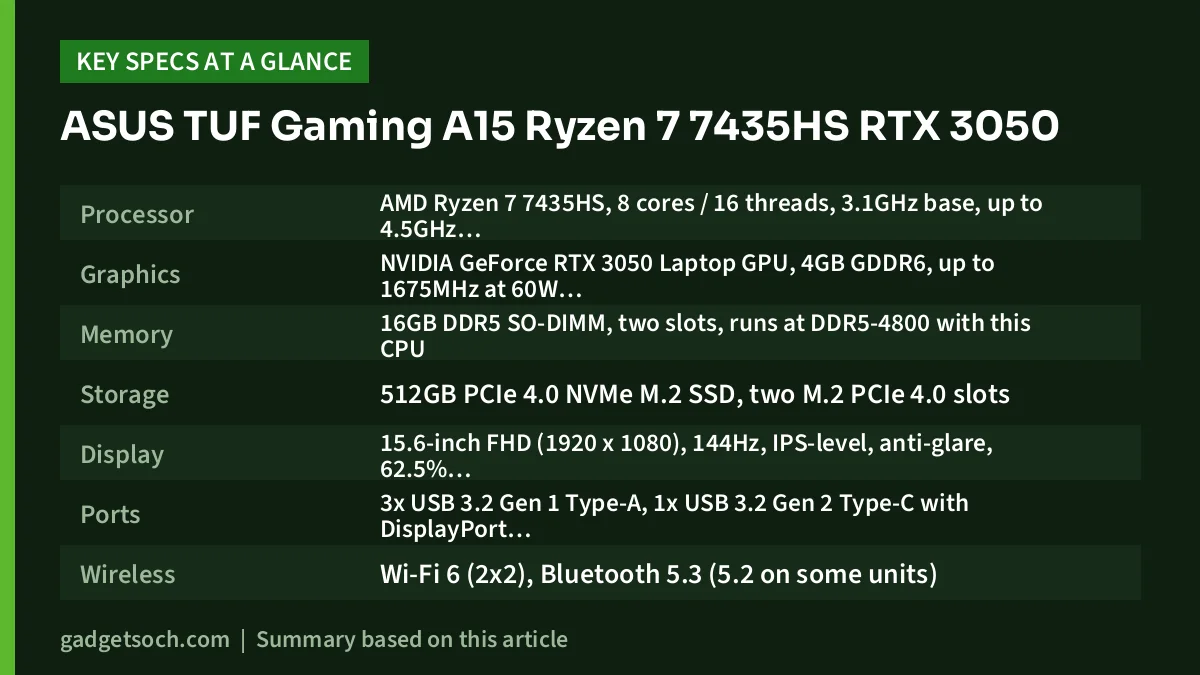
| Component | What this variant has |
|---|---|
| Processor | AMD Ryzen 7 7435HS, 8 cores / 16 threads, 3.1GHz base, up to 4.5GHz, 20MB cache (Zen 3+, 6nm) |
| Graphics | NVIDIA GeForce RTX 3050 Laptop GPU, 4GB GDDR6, up to 1675MHz at 60W, 75W with Dynamic Boost |
| Memory | 16GB DDR5 SO-DIMM, two slots, runs at DDR5-4800 with this CPU |
| Storage | 512GB PCIe 4.0 NVMe M.2 SSD, two M.2 PCIe 4.0 slots |
| Display | 15.6-inch FHD (1920 x 1080), 144Hz, IPS-level, anti-glare, 62.5% sRGB, 45% NTSC, Adaptive-Sync |
| Ports | 3x USB 3.2 Gen 1 Type-A, 1x USB 3.2 Gen 2 Type-C with DisplayPort, HDMI 2.1, RJ45 LAN, 3.5mm combo jack |
| Wireless | Wi-Fi 6 (2×2), Bluetooth 5.3 (5.2 on some units) |
| Keyboard | Backlit chiclet, 1-zone RGB, highlighted WASD keys |
| Webcam and audio | 720p HD camera, two speakers with DTS:X Ultra, AI noise cancellation |
| Battery | 48WHr, 3-cell Li-ion |
| Weight and size | 2.30kg, 35.9 x 25.6 x 2.28-2.45cm |
| Software | Windows 11 Home |
| Colour | Graphite Black |
Check the current price of the ASUS TUF Gaming A15 (Ryzen 7 7435HS, RTX 3050) on Amazon.in
Gaming performance: what a 60W RTX 3050 with 4GB can handle
According to Notebookcheck’s GPU database, the GeForce RTX 3050 Laptop GPU uses NVIDIA’s Ampere GA107 chip with 2,048 CUDA cores and 4GB of GDDR6 memory on a 128-bit bus, and laptop makers can run it anywhere from 35W to 80W. ASUS runs it at up to 60W, with Dynamic Boost adding 15W (75W total) when the processor has power to spare. That places this variant in the upper half of the range, which matters because Notebookcheck warns that low-wattage versions are significantly slower.
In practical terms, Notebookcheck describes the RTX 3050 as best suited to Full HD gaming and notes that its performance is not sufficient for ray tracing in most games. It does support NVIDIA DLSS through its Tensor cores, which can raise frame rates in supported games at a small cost in image quality.
The bigger long-term limit is the 4GB of video memory. Many recent AAA games use more than that at high texture settings, so expect to lower texture quality in newer titles even at 1080p. Lighter competitive games such as Valorant or CS2 ask far less of the graphics chip, and that is where the 144Hz screen helps most.
Gadget Soch could not find a detailed independent lab review of this exact FA506NCR configuration, so this guide does not quote game FPS, temperature or battery figures.
Ryzen 7 7435HS: eight cores, but no integrated graphics
AMD lists the Ryzen 7 7435HS as a Zen 3+ processor made on a 6nm process, with 8 cores, 16 threads, boost speeds up to 4.5GHz and a 45W default power level. ASUS’s product page says the processor can sustain up to 45W while the GPU is busy and up to 65W when working alone. Eight cores comfortably handle gaming with apps open in the background, compiling code or exporting video.
There is a catch that is easy to miss: AMD marks the 7435HS as “Discrete Graphics Card Required”, meaning it has no built-in graphics. The RTX 3050 powers the screen all the time, even when you are only typing notes, and laptops that can hand light work to integrated graphics usually last longer on battery. The chip also lacks an NPU, so it cannot run the on-device Copilot+ AI features of newer processors.
The 144Hz display: smooth motion, limited colour
ASUS specifies a 15.6-inch Full HD IPS-level panel with an anti-glare finish, a 144Hz refresh rate and Adaptive-Sync support. The high refresh rate makes fast games look smoother, and Adaptive-Sync reduces tearing when frame rates dip.
Colour is the weak point. ASUS lists 62.5% sRGB, 45% NTSC and 47.34% Adobe RGB coverage, so colours look less vivid than on 100% sRGB panels. That is fine for games, films and study, but not for paid photo editing or colour grading. ASUS’s spec sheet does not list a brightness figure, so check the rated nits on the listing if you often work near a bright window.
Build, cooling and keyboard
ASUS says the TUF Gaming A15 chassis has passed MIL-STD-810H tests for drops, vibration, humidity and extreme temperatures. That is a manufacturer testing claim, not a guarantee against accidental damage, but it suits a laptop that will be carried around a hostel or campus. For cooling, ASUS describes two 83-blade fans, up to four heat pipes and “Self-Cleaning Cooling 2.0” anti-dust tunnels. Armoury Crate offers Silent, Performance and Turbo modes, and ASUS says the fans can stop completely in Silent mode below 60°C.
The keyboard is a backlit chiclet design with single-zone RGB lighting and highlighted WASD keys, rated by ASUS for more than 20 million presses. The 720p webcam is basic, so frequent video callers may want an external camera.
Memory, storage and upgrade room
ASUS lists two DDR5 SO-DIMM slots and two M.2 PCIe 4.0 SSD slots, and its product page says the bottom panel opens with a standard screwdriver. You can add a second SSD when 512GB fills up, and raise the memory later.
Two caveats. ASUS notes that memory speed is set by the processor, which means DDR5-4800 with the 7435HS. And the listing does not say whether the 16GB is one module or two. Two modules in dual-channel mode generally give the processor more memory bandwidth, so check the product description or Amazon’s questions section if this matters to you.
Battery and charging: set realistic expectations
The 48WHr battery is small for a gaming laptop. ASUS quotes “up to” 13.5 hours of web browsing for the TUF Gaming A15 range but notes that results vary by configuration. Because this variant has no integrated graphics to fall back on, treat that as a best case. Gaming on battery will be short and slower than when plugged in.
ASUS says the laptop can charge to 50% in about 30 minutes when switched off, using the included adapter. ASUS lists both 150W and 180W adapters across the FA506 family, and does not list USB-C charging for this model, so check the box contents on the listing.
Who should buy it, and who should look elsewhere
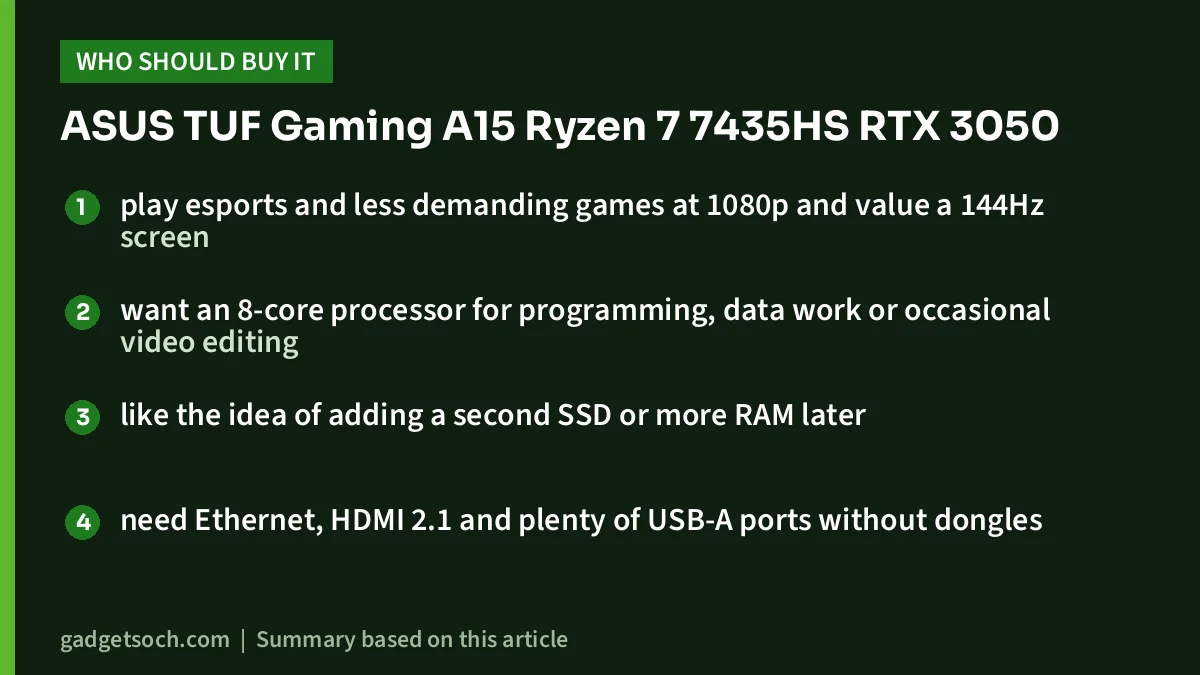
A good fit if you
- play esports and less demanding games at 1080p and value a 144Hz screen
- want an 8-core processor for programming, data work or occasional video editing
- like the idea of adding a second SSD or more RAM later
- need Ethernet, HDMI 2.1 and plenty of USB-A ports without dongles
Look elsewhere if you
- want to play the newest AAA games at high settings or with ray tracing, where 4GB of video memory is a real limit
- need a laptop that lasts a full college day away from a charger
- edit photos or videos for clients and need accurate, wide-gamut colour
- carry your laptop all day and would prefer something under 2kg
Alternatives worth comparing
Lenovo LOQ 15ARP9 (Ryzen 7 7435HS, RTX 4050): uses the same processor but pairs it with an RTX 4050 6GB that Lenovo rates at 105W, along with a 144Hz 100% sRGB display and a 60Wh battery, according to Lenovo’s PSREF sheet. Read our Lenovo LOQ Ryzen 7 RTX 4050 review for the details.
ASUS TUF Gaming A15 FA507NU: a different TUF A15 chassis that Notebookcheck’s spec listing shows with the same Ryzen 7 7435HS, an RTX 4050 6GB, a 90Wh battery and a 2.2kg weight. Its larger battery and newer GPU address the FA506NCR’s two biggest weaknesses.
Before you order: a short checklist
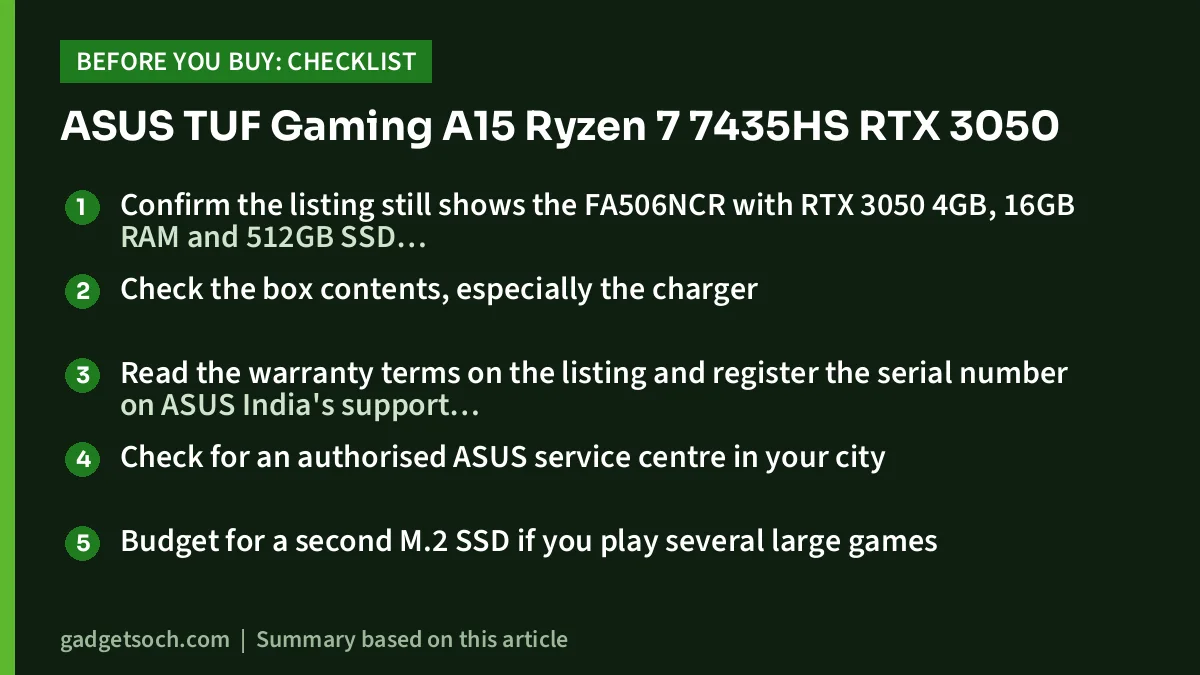
- Confirm the listing still shows the FA506NCR with RTX 3050 4GB, 16GB RAM and 512GB SSD, because similar-looking TUF A15 models ship with RTX 2050 graphics or other processors
- Check the box contents, especially the charger
- Read the warranty terms on the listing and register the serial number on ASUS India’s support site after delivery
- Check for an authorised ASUS service centre in your city
- Budget for a second M.2 SSD if you play several large games
When the details match, you can see the ASUS TUF Gaming A15 FA506NCR (16GB, 512GB, RTX 3050) on Amazon.in.
Frequently asked questions
Is the ASUS TUF A15 with RTX 3050 good for gaming?
Yes, for 1080p gaming at sensible settings. Notebookcheck describes the RTX 3050 as best suited to Full HD gaming, and this variant runs it at 60W (75W with Dynamic Boost), but its 4GB of video memory and limited ray-tracing power hold it back in the newest, most demanding games.
Can I upgrade the RAM and SSD in the TUF A15 FA506NCR?
Yes. ASUS lists two DDR5 SO-DIMM memory slots and two M.2 PCIe 4.0 SSD slots, and the bottom panel opens with a standard screwdriver. Memory runs at DDR5-4800 with the Ryzen 7 7435HS.
Does the Ryzen 7 7435HS have integrated graphics?
No. AMD’s specification page says the 7435HS requires a discrete graphics card, so the RTX 3050 handles all display output. This is one reason battery life is shorter than on laptops that can switch to integrated graphics.
Is the TUF A15 RTX 3050 good for video editing?
It is suitable for 1080p editing and learning tools such as DaVinci Resolve or Premiere Pro, helped by the 8-core CPU and NVIDIA’s video encoder. The 62.5% sRGB screen is not colour-accurate, though, so serious editors should use a calibrated external monitor.
Final word
The ASUS TUF Gaming A15 FA506NCR suits a budget gamer or student who wants a tough, upgradable 15.6-inch laptop with an eight-core Ryzen 7 and a 144Hz screen, with Ethernet and HDMI 2.1 built in. Its limits are a 4GB RTX 3050, short battery life and a screen built for smoothness rather than colour accuracy. If those trade-offs work for you, check the current price of the ASUS TUF A15 Ryzen 7 RTX 3050 on Amazon.in.
Related reading on GadgetSoch: MSI Thin 15 RTX 3050 Review: Core i5-12450H vs i5-13420H, Which to Buy? and Lenovo LOQ i5-12450HX RTX 3050 Review: An Entry-Level Gaming Laptop for Students (LOQ 15IAX9).
Sources
- ASUS India: TUF Gaming A15 (FA506NC, FA506NCR and related models) tech specs
- ASUS India: TUF Gaming A15 product overview
- AMD: Ryzen 7 7435HS specifications
- Notebookcheck: NVIDIA GeForce RTX 3050 Laptop GPU specs
- Notebookcheck: Asus TUF Gaming A15 FA507NU spec listing
- Lenovo PSREF: LOQ 15ARP9 specifications




