
The BOYA BY-M1 is a wired, clip-on omnidirectional condenser lavalier microphone that plugs into a 3.5 mm input and works with smartphones, DSLR and mirrorless cameras, camcorders, audio recorders and PCs. For Indian creators, teachers and interviewers who want clearer voice than a phone or camera’s built-in mic can manage, it remains one of the simplest ways to get the microphone close to the speaker’s mouth. Its main trade-offs are a long fixed cable, a battery-powered camera mode and phone compatibility that depends on whether your phone still has a headphone jack.
In short, the BY-M1 is a sensible first lavalier for talking-head videos, online classes and interviews, if you are fine with a wire and check your phone’s adapter situation first. Skip it if you need wireless freedom or a USB-C plug out of the box.
Note: this article is based on BOYA’s official specifications (checked 17 October 2026) and published listings and reviews. We have not tested the BY-M1 hands-on, so you will not find any first-hand sound impressions here.
Quick verdict
- Best for: beginners recording speech on a camera with a 3.5 mm mic input, or on a phone that has a 3.5 mm headphone jack
- Skip if: you want wireless operation, a direct USB-C or Lightning plug, or you record music and instruments rather than voice
- Key strengths: works with both phones and cameras via one plug and a mode switch, 6 m cable gives room to move, tiny 2.5 g capsule, foam windscreen and 6.3 mm adapter included
- Key limitations: camera mode needs an LR44 button cell, 65 Hz to 18 kHz frequency response is narrower than BOYA’s BY-M1S and BY-M1 Pro II, the long cable can tangle, and phones without a headphone jack need a compatible adapter
BOYA BY-M1 key specifications
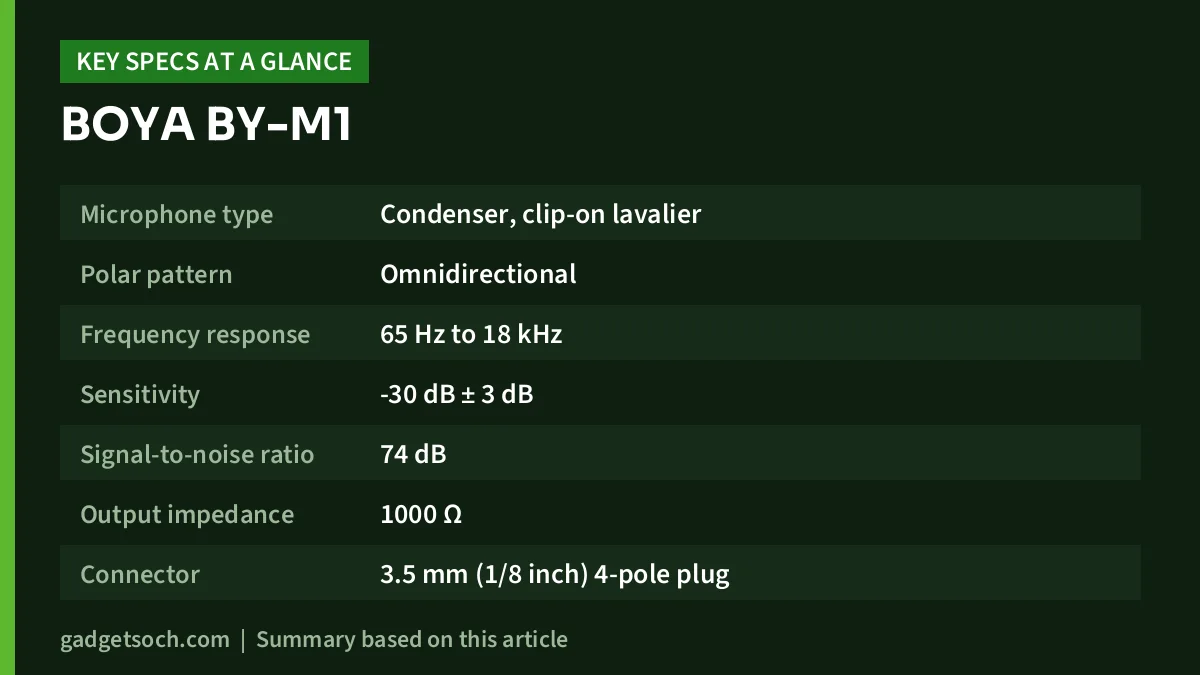
| Specification | BOYA BY-M1 (official) |
|---|---|
| Microphone type | Condenser, clip-on lavalier |
| Polar pattern | Omnidirectional |
| Frequency response | 65 Hz to 18 kHz |
| Sensitivity | -30 dB ± 3 dB |
| Signal-to-noise ratio | 74 dB |
| Output impedance | 1000 Ω |
| Connector | 3.5 mm (1/8 inch) 4-pole plug |
| Cable length | 6 m |
| Capsule size | 18 × 8.3 × 8.3 mm |
| Weight | Microphone 2.5 g, power module 18 g |
| Power | One LR44 button cell (included) for camera mode |
| Listed accessories | Lapel clip, foam windscreen, 3.5 mm to 6.3 mm adapter |
The variant behind our link is the standard BY-M1 sold on Amazon.in as “BOYA By M1 Lavalier Auxiliary Microphone For Smartphones, Canon, Nikon DSLR Cameras And Camcorders”. It is not the BY-M1 Pro, BY-M1S or BY-M1 Pro II, which are separate products with different specifications. Check the current price of the BOYA BY-M1 on Amazon.in.
Why a lavalier mic makes such a big difference
The biggest enemy of clean voice recording is distance. A phone or camera a metre or two away hears the room as much as it hears you: fans, echo and traffic. A lavalier clipped to a shirt sits a hand’s width from the mouth, so the voice arrives much louder relative to everything else. That proximity is why a basic lapel mic like the BY-M1 can sound clearer than a built-in mic.
The BY-M1 is omnidirectional, equally sensitive in all directions. On a lapel that helps, because the voice still reaches the capsule evenly when the head turns. The flip side is that it does not reject background noise, so placement close to the mouth is what does the work.
TRRS vs TRS and the BY-M1’s mode switch explained
This is the part that confuses most buyers, so it is worth slowing down. Both TRS and TRRS are 3.5 mm plugs that look almost identical. The difference is the number of metal contacts, separated by thin plastic rings:
- TRS (3-pole: tip, ring, sleeve): the standard for camera, camcorder and recorder microphone inputs. The microphone signal travels on the tip and ring, with the sleeve as ground.
- TRRS (4-pole: tip, ring, ring, sleeve): the standard for smartphone and laptop headset jacks, where one jack carries stereo headphone audio and a mono microphone signal together.
According to BOYA and retailer listings, the BY-M1 ends in a single gold-plated 4-pole (TRRS) 3.5 mm plug, and its small inline power module carries a two-position switch. Retailer descriptions explain the positions like this: set it to OFF (smartphone) when plugging into a phone, because the phone’s headset jack supplies the small bias voltage the condenser capsule needs, and set it to ON (camera) for DSLRs, mirrorless cameras, camcorders, audio recorders and PCs, where the included LR44 battery powers the mic.
So one microphone covers both worlds without swapping cables. BOYA does not publish a wiring diagram for the switch, so we will not claim how the signal is routed internally. The rule is simple: match the switch to the device. If a camera records silence or very low audio, check that the switch is ON and the battery is fresh. If a phone ignores the mic, check that the switch is OFF.
Switch the module back to OFF after a camera shoot so the LR44 cell is not drained. BOYA’s spec sheet does not quote a battery life figure, so keep a spare LR44 for long recordings.
Using the BY-M1 with phones that have no 3.5 mm jack
Most recent phones, including many Samsung, Motorola, OnePlus and Apple models, have dropped the headphone jack. The BY-M1 can still work with them, but only through an adapter, and this is where many buyers run into trouble.
A USB-C or Lightning to 3.5 mm adapter is not automatically a microphone adapter. Many cheaper adapters are built for headphones only and pass audio out to your ears but ignore the microphone pole of a TRRS plug. Whether a given adapter works is phone-specific: it depends on the adapter’s chip, the phone’s USB audio support and sometimes the recording app. BOYA lists the BY-K9 (USB-C to 3.5 mm TRRS) and BY-K3 (Lightning to 3.5 mm TRRS) as related accessories on its BY-M1 page, but it does not guarantee that they work with every phone, and they are not part of the standard BY-M1 box.
Before ordering, test your existing adapter with any wired headset that has a mic. If the phone picks up the headset mic, that adapter is a good sign for the BY-M1 in OFF mode. If buying a new adapter, look for explicit microphone or TRRS support and reviews for your exact phone model.
Using it with a camera
Plug the BY-M1 into the camera’s 3.5 mm microphone input, switch the module ON and set audio levels manually where possible, since automatic gain can lift hiss during pauses. The 6 m cable lets the camera sit on a tripod several steps away, which suits interviews and classes.
Paired with an entry-level mirrorless camera like the one in our Canon EOS R50 review, a lav is one of the cheapest upgrades for talking-head video, because built-in camera mics sit far from the speaker. The included 6.3 mm adapter also suits mixers and recorders with a 1/4 inch jack.
What the specs mean in practice
Frequency response: 65 Hz to 18 kHz
Speech sits comfortably inside this range, so for vlogs, lectures and interviews it covers what matters. It is narrower than the 50 Hz to 20 kHz BOYA quotes for the BY-M1S and BY-M1 Pro II, which matters mostly for deep voice-overs or instruments.
Signal-to-noise ratio: 74 dB
SNR describes how far the wanted signal sits above the microphone’s own electrical noise, so a higher number means less hiss in quiet passages. The BY-M1’s 74 dB rating is lower than the 78 dB (BY-M1S) and above 78 dB (BY-M1 Pro II) BOYA lists for its newer models, but close placement keeps speech well above the noise floor.
Size, weight and cable
The capsule is just 18 × 8.3 × 8.3 mm and weighs 2.5 g, so it hides easily on a collar. The 6 m cable is generous for camera work but excessive for phone selfies, and because it is fixed, careful coiling and storage help it last.
Who should buy the BOYA BY-M1, and who should skip it
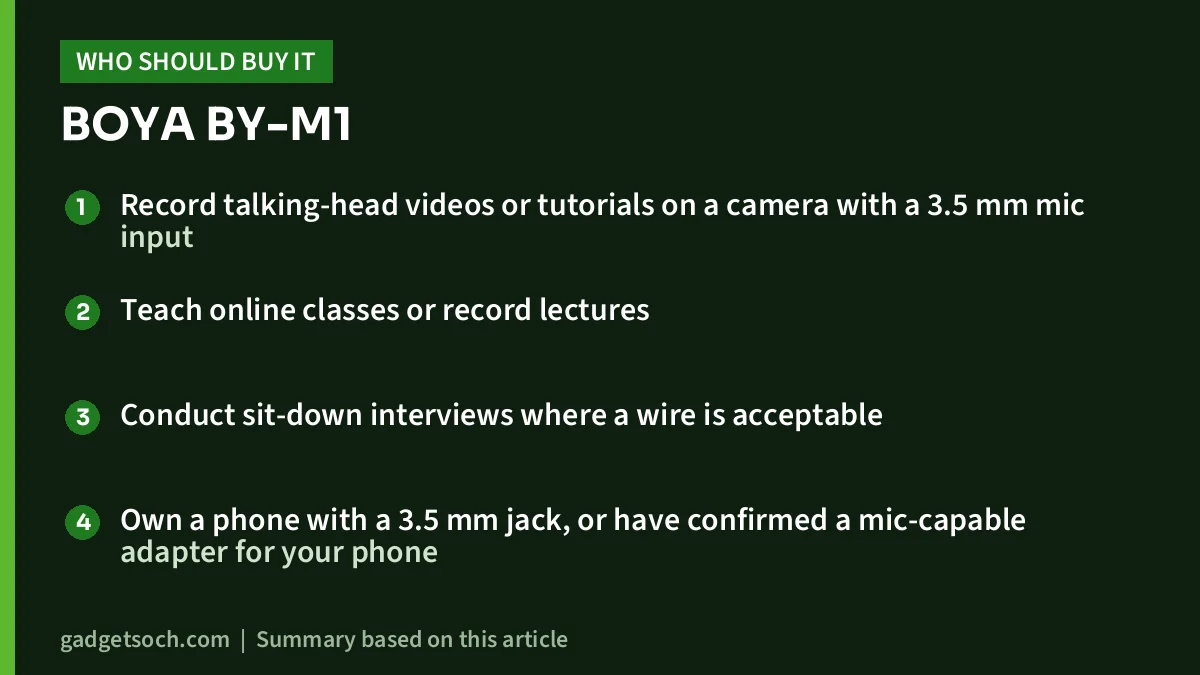
Good fit if you:
- Record talking-head videos or tutorials on a camera with a 3.5 mm mic input
- Teach online classes or record lectures
- Conduct sit-down interviews where a wire is acceptable
- Own a phone with a 3.5 mm jack, or have confirmed a mic-capable adapter for your phone
Look elsewhere if you:
- Need to move freely or shoot at a distance, where wireless makes more sense
- Want a plug-and-play USB-C or Lightning connection
- Dislike managing batteries for camera use
- Need to record two people at once on one device
Alternatives worth comparing
- BOYA BY-M1S: BOYA’s own spec sheet lists a 50 Hz to 20 kHz response, 78 dB SNR, 600 Ω output impedance and a 6 m cable, and it needs no battery for either cameras or phones. A good choice if the LR44 battery is the part that bothers you.
- BOYA BY-M1 Pro II: also rated 50 Hz to 20 kHz with SNR above 78 dB and a 6 m cable, positioned above the BY-M1 in BOYA’s lavalier range for buyers who want better specifications from the same brand.
- RØDE smartLav+: a phone-focused omnidirectional lavalier with a TRRS connector and a 1.2 m Kevlar-reinforced shielded cable, designed for direct smartphone use rather than camera rigs.
What to check before you order
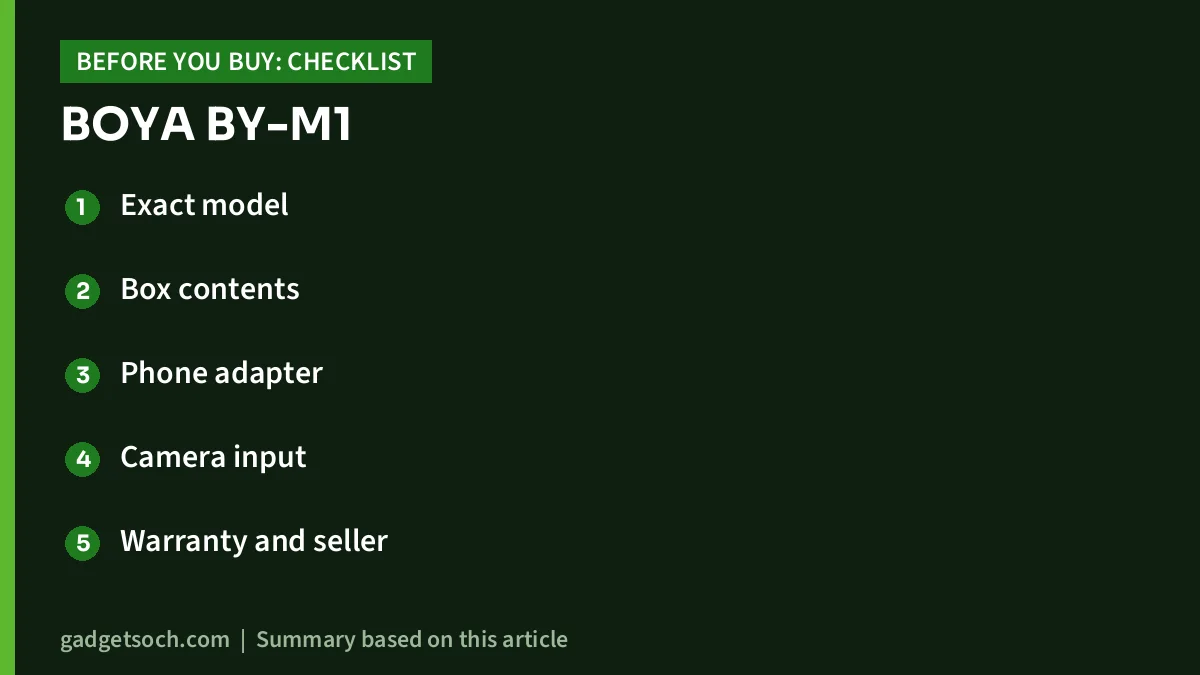
- Exact model: confirm on the listing that it says BY-M1, not BY-M1 Pro, BY-M1S or BY-M1 Pro II, since names are similar and listings are sometimes mixed up.
- Box contents: BOYA lists a lapel clip, foam windscreen and 3.5 mm to 6.3 mm adapter, with an LR44 battery for the BY-M1. Check the Amazon listing for what your seller includes.
- Phone adapter: no USB-C or Lightning adapter is part of the standard kit. If your phone has no headphone jack, confirm a mic-capable TRRS adapter that works with your specific phone.
- Camera input: make sure your camera actually has a 3.5 mm microphone input. Some compact cameras and older entry-level models do not.
- Warranty and seller: BOYA’s global store mentions a 2-year warranty, but terms in India can depend on the importer and seller. Read the warranty section on the listing and buy from a seller you trust.
Once you have those boxes ticked, see the BOYA BY-M1 lavalier mic on Amazon.in and confirm the model name and box contents on the listing before you buy.
Frequently asked questions
Does the BOYA BY-M1 need a battery?
Only for camera mode. For cameras, camcorders, recorders and PCs, the switch goes ON and the included LR44 cell powers the mic. With a smartphone, the switch goes OFF and the phone’s headset jack supplies power.
Will the BY-M1 work with my phone that has only a USB-C port?
It can, but only with a USB-C to 3.5 mm adapter that supports a TRRS microphone signal, and compatibility varies by phone and adapter. Headphone-only adapters often will not pass the mic signal. Test with a wired headset mic first, or buy an adapter that explicitly supports microphones.
Is the BY-M1 TRS or TRRS?
It uses a 4-pole TRRS 3.5 mm plug. The mode switch on the power module, not a change of plug, is what lets it work with both phones and cameras.
Can the BOYA BY-M1 reduce background noise?
No. It is an omnidirectional mic with no noise cancellation. It sounds clearer than a built-in mic mainly because it sits close to your mouth. In noisy places, keep it close and consider recording in a quieter spot.
How long is the cable?
BOYA lists the cable at 6 m, which is long enough to keep a camera on a tripod several steps away from the speaker.
Final word
The BOYA BY-M1 does one job well: putting a microphone close to the speaker’s mouth with very little complexity. Its TRRS plug and mode switch let the same mic serve a camera and a phone, and the 6 m cable suits interviews and classes. Just remember it is wired, needs an LR44 for camera use, and phones without a headphone jack need a mic-capable adapter verified for your model. If those fit your workflow, check the current price of the BOYA BY-M1 on Amazon.in.
Related reading on GadgetSoch: Tygot 7 Feet Tripod Stand Review: An 84-Inch Stand for Phones and Lights, With Caveats and Tygot 10-Inch Ring Light with 7 ft Stand Review: Height, Light and Honest Limits.
Sources
- BOYA official BY-M1 product page (specifications, comparison with BY-M1S and BY-M1 Pro II, listed accessories), checked 17 October 2026
- BOYA official store BY-M1 listing (specifications, package contents, warranty statement), checked 17 October 2026
- Adorama BY-M1 listing (4-pole plug, ON/OFF switch positions for smartphone and camera, box contents), checked 17 October 2026
- RØDE smartLav+ official page (alternative specifications), checked 17 October 2026




