

The Epson EcoTank L3250 is an A4 ink tank printer that prints, scans and copies, and connects over Wi-Fi so phones and laptops can print without a cable. For most Indian homes and students who print school assignments, notes, forms and the occasional photo, it is a sensible low-running-cost choice. Its main compromises are the lack of automatic double-sided printing, no document feeder and no screen.
Epson rates one replacement black ink bottle for up to 4,500 pages and a set of colour bottles for up to 7,500 pages, which is the main reason ink tank printers like this one cost far less per page than cartridge printers. Below, we explain what those numbers mean in practice, how Wi-Fi setup works and where the L3250 falls short.
A note on method: this review is based on Epson’s official specifications and published independent reviews, checked on 17 October 2026. We have not tested the printer ourselves, and we only quote observations that the named reviewer actually published.
The short answer
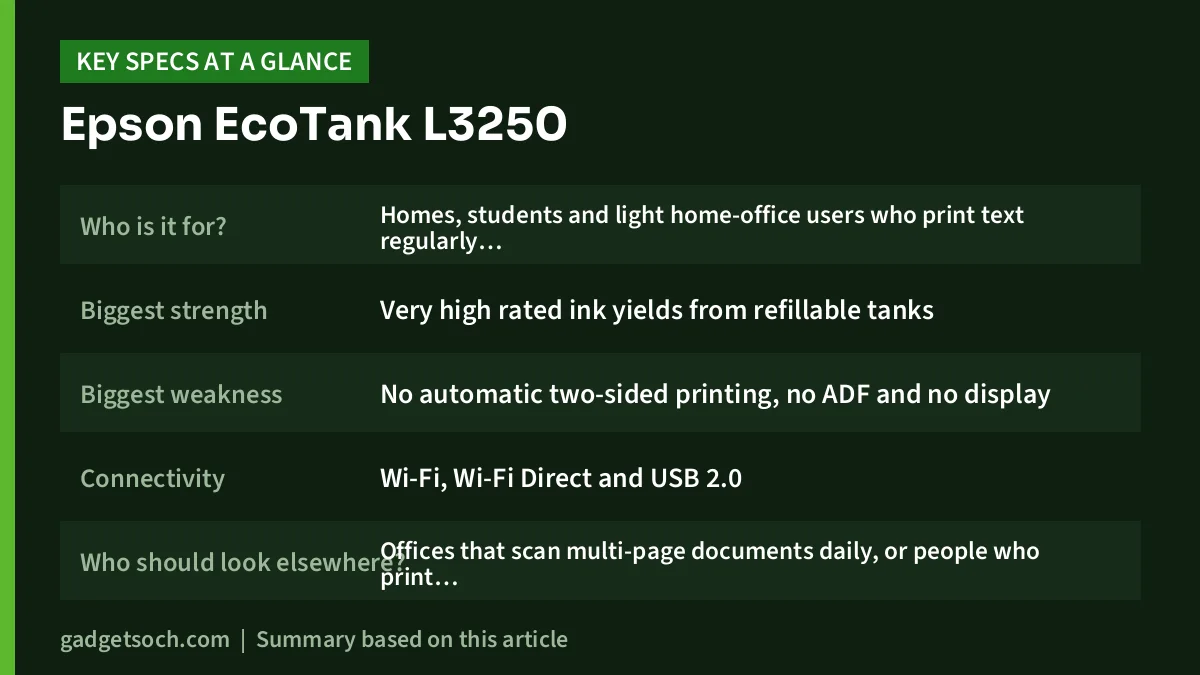
| Question | Answer |
|---|---|
| Who is it for? | Homes, students and light home-office users who print text regularly and photos occasionally |
| Biggest strength | Very high rated ink yields from refillable tanks |
| Biggest weakness | No automatic two-sided printing, no ADF and no display |
| Connectivity | Wi-Fi, Wi-Fi Direct and USB 2.0 |
| Who should look elsewhere? | Offices that scan multi-page documents daily, or people who print only a few pages a month |
The Amazon.in link below opens the listing titled “Epson EcoTank L3250 A4 Wi-Fi All-in-One Ink Tank Printer”. Check that the model name on the page reads L3250 before ordering, because Epson sells several similar-looking EcoTank models. Check the current price of the Epson EcoTank L3250 on Amazon.in.
Epson L3250 specifications at a glance
| Feature | Epson EcoTank L3250 |
|---|---|
| Functions | Print, scan, copy |
| Print technology | Inkjet with refillable ink tanks (4 colours) |
| Maximum print resolution | 5760 x 1440 dpi |
| ISO print speed (A4) | Up to 10.0 ipm black, 5.0 ipm colour |
| Draft print speed (A4) | Up to 33 ppm black, 15 ppm colour |
| Rated ink yield | Black 4,500 pages, colour 7,500 pages (composite) |
| Ink bottles | Epson 003 series |
| Scanner | Flatbed, CIS sensor, 1200 x 2400 dpi optical |
| Copy | Up to 20 copies per job, ISO up to 7.7 ipm black, 3.8 ipm colour |
| Paper input | Up to 100 sheets plain paper or 20 sheets photo paper |
| Borderless printing | Up to 4R (4 x 6 inch) |
| Connectivity | Wi-Fi, Wi-Fi Direct (up to 8 devices), USB 2.0 |
| Mobile apps | Epson Smart Panel, Epson iPrint, Email Print, Remote Print Driver |
| Auto two-sided printing | No |
| Power (printing) | 12 W |
| Dimensions and weight | 375 x 347 x 179 mm, 3.9 kg |
Specifications are from Epson’s official regional product page for the L3250. Epson notes that speeds depend on the document, paper, print mode and connection, so treat them as best-case figures.
Running cost: what the ink yield numbers really mean
Ink yield is the number that matters most on an ink tank printer. Epson’s yields are measured with ISO 24711 and 24712 test patterns, which are standard industry pages with a fixed amount of coverage. A single replacement black bottle is rated for up to 4,500 pages, and the cyan, magenta and yellow bottles together are rated for up to 7,500 colour pages.
To put that in context, a student printing around 300 black-and-white pages a month would, on paper, take about 15 months to use one black bottle. That is simple arithmetic on Epson’s figure, not a test result, and real-world yields vary.
Several things reduce the yield you actually get, and Epson itself lists them:
- Startup ink: the bottles supplied with the printer are partly used to charge the ink system, so they give fewer pages than replacement bottles.
- Your documents: pages with images, dark backgrounds or heavy colour use far more ink than a test page.
- Print settings: high-quality and photo modes use more ink than standard or draft.
- Maintenance: some ink is used for print head cleaning.
- Environment and frequency: Epson says temperature, humidity and how often you print also affect yield.
The practical takeaway: the L3250’s cost per page is low because ink is bought in bottles rather than cartridges. Check current refill prices on Amazon or Epson’s site, and divide by the rated yield if you want a rough per-page figure for your own planning.
One caution comes from Canaltech’s review, published in June 2023. The reviewer advised against the L3250 for people who print very rarely, because ink tank printers can clog when left unused, and fixing that can be expensive. If you print only a handful of pages a month, plan to print something every week or two to keep the nozzles healthy.
Setting it up on Wi-Fi
The L3250 connects to your home router over Wi-Fi, and it also supports Wi-Fi Direct, which lets up to eight devices connect straight to the printer without a router. That is handy in a hostel room or a home where the router is in another room.
Epson’s Smart Panel app is the main tool for setup and printing from a phone. A typical setup looks like this:
- Fill the ink tanks from the supplied bottles, matching each colour to its tank.
- Install Epson Smart Panel on your Android phone or iPhone, or download the driver from Epson’s website for a Windows PC or Mac.
- Follow the app or installer to join the printer to your Wi-Fi network.
- Let the printer finish its initial ink charge before printing.
- Print a nozzle check page to confirm all colours are flowing.
Two points from Canaltech’s review are worth knowing. The printer works on the 2.4GHz Wi-Fi band, which the reviewer said could be a limitation in busy offices with many devices. The reviewer also reported that the Windows driver installation from Epson’s website took a long time on a Windows 11 PC, so allow extra time for the first setup on a computer.
For a single family or student, 2.4GHz is not a problem in practice. Most home routers in India broadcast on 2.4GHz, and the band has better range through walls than 5GHz.
Print, scan and copy in daily use
Printing
The ISO speed of up to 10 pages per minute for black text is enough for school assignments and documents. Draft mode is rated up to 33 pages per minute in black, though draft output is lighter. Canaltech described text quality as good, and said colours on photo prints were accurate, with improved black detail, while noting that inkjet prints can smudge if they get wet soon after printing.
Borderless printing goes up to 4R (4 x 6 inch), so you can print passport-size sheets and small photos at home. For larger photos, the printer adds a small margin. Epson also lists Indian-Legal (215 x 345 mm) and Legal paper sizes, which helps with legal-size forms used in some Indian offices.
Scanning
The scanner is a flatbed with a CIS sensor, rated at 1200 x 2400 dpi optical, and takes up to A4-size originals. That is fine for certificates, ID documents and handwritten notes. Epson rates a black A4 scan at up to 11 seconds and colour at up to 28 seconds.
Copying
Copying works directly from the buttons on top of the printer, with up to 20 copies per job and a maximum copy size of A4. Each page has to be placed on the glass by hand, because there is no document feeder.
The limitations you should know about
- No automatic two-sided printing: Epson’s spec sheet says “No” for automatic duplex. You can still print both sides by flipping the paper and re-feeding it, but it is slower and easier to get wrong.
- No ADF: the scanner is flatbed only. Scanning a 20-page document means placing 20 pages by hand.
- No screen: Canaltech listed the lack of an information display as the main drawback. Most settings and ink-level checks are handled from the app or computer instead.
- Modest paper tray: 100 sheets of plain paper is fine for home use but needs refilling often in a busy office.
- Clogging risk with rare use: as with most ink tank printers, very infrequent use can cause print head problems.
Is the L3250 right for you?
Good fit: families with school-going children, college students, tutors and people working from home who print several pages a week and want low running costs, Wi-Fi printing from phones, and the ability to scan and copy documents.
Not a good fit: small offices that scan or copy multi-page documents every day, anyone who wants automatic double-sided printing to save paper, or people who print only a few pages every couple of months. In those cases, a model with an ADF and duplex, or a laser printer, may suit you better.
Other printers to compare
- Epson EcoTank L4260: Epson’s regional spec page lists automatic two-sided printing up to A4, a 1.44-inch colour LCD screen and Wi-Fi Direct, with ISO speeds of up to 10.5 ipm black and 5.0 ipm colour. It addresses two of the L3250’s main gaps, though it still has a flatbed-only scanner.
- HP Smart Tank 580: HP lists print, scan and copy, Wi-Fi on the 2.4GHz band with Wi-Fi Direct, a 100-sheet tray, a CIS flatbed scanner and ISO speeds of up to 12 ppm black and 5 ppm colour. Like the L3250, it offers only manual two-sided printing.
Before you order

- Confirm the listing says EcoTank L3250, not a different L-series model with a similar name.
- Check what ink bottles come in the box with your unit, and buy genuine Epson 003 refills when you need them.
- Check the warranty terms and the nearest Epson service centre for your city before buying.
- Keep a USB cable handy if you want a wired connection, and check whether one is included.
- Plan where it will sit: Epson lists the size as 375 x 347 x 179 mm, so measure your desk or shelf, leaving space for paper going in and coming out.
- If you print rarely, set a reminder to print a test page regularly.
Once you have checked those points, see the Epson EcoTank L3250 Wi-Fi all-in-one on Amazon.in.
Frequently asked questions
How many pages does the Epson L3250 print from one bottle?
Epson rates a replacement black bottle for up to 4,500 pages and the colour bottles for up to 7,500 pages, measured with ISO test patterns. The bottles in the box give fewer pages because some ink is used for the first charge.
Can the Epson L3250 print on both sides automatically?
No. Epson lists automatic two-sided printing as not supported. You can print both sides manually by re-feeding the paper.
Can I print from my phone?
Yes. The L3250 supports Wi-Fi and Wi-Fi Direct and works with Epson Smart Panel and Epson iPrint on Android and iPhone.
Does it have an automatic document feeder?
No. It has a flatbed scanner only, so multi-page originals must be scanned or copied one page at a time.
Is it good for photo printing?
It handles occasional photo prints, with borderless output up to 4 x 6 inches. Canaltech found colours accurate, but it is a general-purpose printer rather than a dedicated photo model.
Does it work with Windows 11?
Epson’s regional spec page lists Windows versions up to Windows 10 and macOS from 10.6.8, while Canaltech installed it on a Windows 11 PC. Download the latest driver from Epson’s website for your operating system.
Bottom line
The Epson EcoTank L3250 keeps things simple: refillable tanks with high rated yields, Wi-Fi printing from phones and a flatbed scanner for everyday documents. If you can live without automatic duplex, an ADF and a screen, it is an easy recommendation for home and student use in India. Check the current price of the Epson EcoTank L3250 on Amazon.in.
Related reading on GadgetSoch: Logitech MK270r Review: Full-Size Wireless Combo for Everyday Work and Portronics Bubble Keyboard Review: Quiet, Compact and Built for Three Devices.




