The Zebronics War M (sold as the ZEB-War M) is a basic wired gaming mouse with six buttons, four DPI steps from 1,400 to 4,200, a breathing LED and a 1.8-metre braided cable. It is a sensible pick if you want your first “gaming” mouse for casual games, college work and everyday browsing on a tight budget, but it has no companion software, no listed polling rate and no way to set your own DPI values, so competitive shooter players should look higher up the range.
The Amazon.in link in this article is for the Black ZEB-War M, the only colour shown in the listing data we captured. It is a right-handed shape, according to the listing, and the box contains just the mouse.
How this article was put together: it is based on the official Zebronics product page for the Zeb War M and the Amazon.in listing data captured on 17 October 2026, both checked that day. We have not tested the mouse ourselves, and we did not find an independent review of this model, so performance points below are explanations of the specifications rather than test results. Where the Zebronics page and the Amazon.in listing disagree, we point it out.
Quick verdict
- Best for: students, first-time PC gamers and office users who want a slightly more capable mouse than a plain three-button model
- Skip if: you play competitive FPS titles seriously, want RGB control or macros through software, or need a left-handed or ambidextrous shape
- Key strengths: four DPI levels on a dedicated button, forward and back thumb buttons, 1.8m braided cable with a gold-plated USB connector, 3 million click rating for the buttons (official page), 1-year carry-in warranty (listing)
- Key limitations: lowest DPI step is 1,400 with no 800 option, no software or polling-rate information, breathing LED only, sensor type listed differently by Zebronics (optical) and the Amazon.in listing (laser)
Zebronics War M specifications
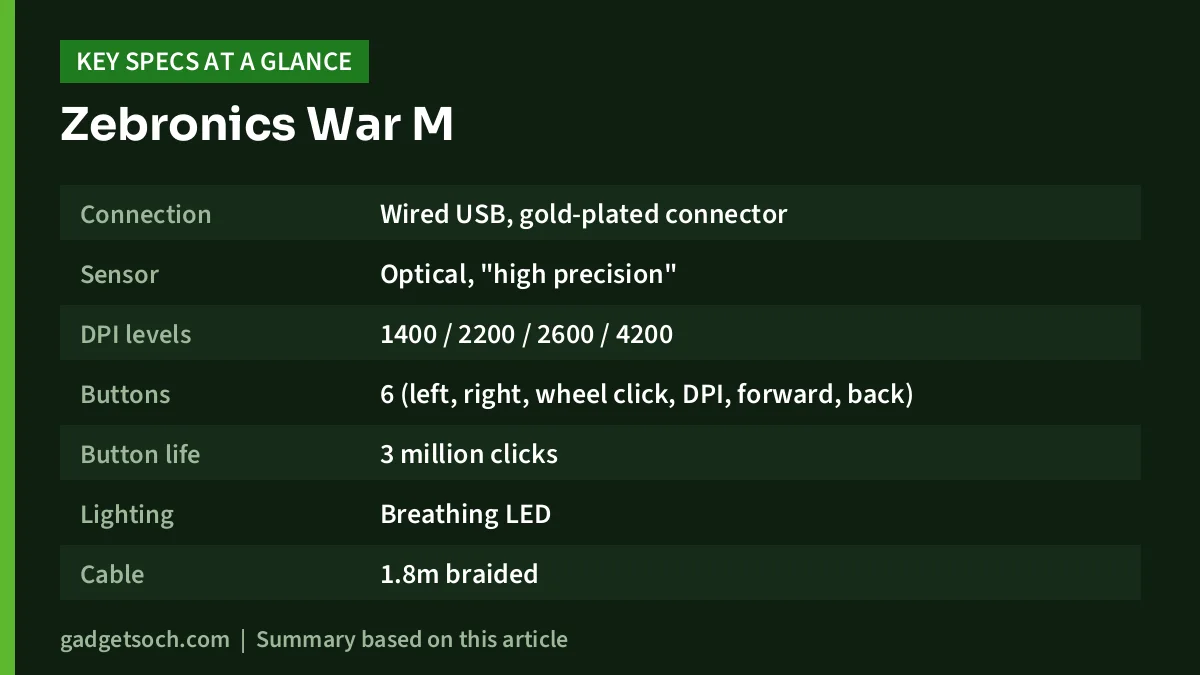
| Specification | Zebronics official page | Amazon.in listing |
|---|---|---|
| Connection | Wired USB, gold-plated connector | Wired, gold-plated USB interface |
| Sensor | Optical, “high precision” | “Laser” in the technical details |
| DPI levels | 1400 / 2200 / 2600 / 4200 | 1400 / 2200 / 2600 / 4200 |
| Buttons | 6 (left, right, wheel click, DPI, forward, back) | 6 |
| Button life | 3 million clicks | Not stated |
| Lighting | Breathing LED | Breathing LED |
| Cable | 1.8m braided | 1.8m braided |
| Size | 6.3 x 11.5 x 3.8 cm (W x D x H) | 11.5 x 6.3 cm |
| Weight | 120g (net) | 120g |
| Power | DC 5V, under 100mA | Corded electric |
| Hand orientation | Not stated | Right-handed |
| In the box | One mouse | Mouse, 1 unit |
| Warranty | Not stated (registration form only) | 1 year, carry-in to service centre |
| Country of origin | China (imported by Zebronics India) | India |
Check the current price of the Zebronics War M (Black) on Amazon.in
Optical or laser? What the sensor difference means
The Zebronics product page describes the War M’s sensor as optical, while the “movement detection” field on the Amazon.in listing says laser. We treat the manufacturer’s page as the more reliable source, but neither source names the sensor chip, so we cannot tell you exactly how it tracks at speed.
Optical sensors read the surface with an LED and work best on a cloth or matte mouse pad. Laser sensors can track on more surfaces, including some glossy ones, but have historically been more prone to small tracking inconsistencies on soft pads. Zebronics says the War M “works on most surfaces”, but a cloth mouse pad is still the safest way to get consistent tracking.
DPI steps: why the 1,400 starting point matters
DPI (dots per inch) controls how far the pointer moves for each inch you move the mouse. The War M has a dedicated DPI button that cycles through four fixed levels: 1,400, 2,200, 2,600 and 4,200. There is no software to set your own values, so these four are what you get.
For desktop use on a Full HD or larger monitor, 1,400 to 2,200 DPI feels quick and comfortable, and the 4,200 step can help on a large or high-resolution screen if you prefer small hand movements. For games, the picture is mixed. Many players of shooters such as Valorant or Counter-Strike 2 use 400 or 800 DPI with a low in-game sensitivity, because it gives finer control when aiming. The War M cannot go that low in hardware, so you would need to reduce the in-game sensitivity setting to compensate. That works, but it is less flexible than software-adjustable DPI.
For casual games, strategy titles, MOBAs and open-world games, the four steps are enough; pick 1,400 or 2,200 and adjust the game’s own sensitivity.
Buttons, shape and comfort
The six buttons are left click, right click, the scroll wheel (which also clicks), the DPI switch, and forward and back buttons on the left side. The side buttons are the most useful addition over a basic office mouse: they speed up web browsing and file navigation, and in many games you can bind them to actions like push-to-talk, reload or a grenade from the game’s own key settings.
Zebronics rates the buttons at 3 million clicks. That figure is a manufacturer rating and is lower than the 10 million or more claimed for many branded gaming mice, so very heavy clickers may wear the switches out sooner. For typical home and study use, it is a reasonable rating for an entry-level mouse.
At 11.5 cm long and 6.3 cm wide, the War M is on the compact side of medium. The listing describes it as an ergonomic, right-handed design. People with larger hands who rest their whole palm on the mouse may find it short; a claw or fingertip grip will usually suit a mouse of this length better. At 120g it is not a lightweight esports mouse, but the weight gives it a steady feel that many casual players and office users prefer.
Cable, connector and lighting
The 1.8-metre braided cable is long enough to reach a tower PC under the desk or a laptop placed to the side. Braiding tends to resist kinks and fraying better than plain rubber, though it can feel a little stiffer at first.
The gold-plated USB connector resists corrosion on the contacts, which is helpful in humid parts of India, but it does not make the mouse faster or more accurate. The connector is described as USB, so laptops with only USB-C ports will need a USB-C to USB-A adapter or hub.
Lighting is a breathing LED, which slowly pulses in a repeating pattern. Neither the listing nor the official page mentions colour choices, an off switch or software control, so assume the effect is fixed.
What is missing
- Polling rate: neither source lists it, so you cannot compare it with mice that state 1000Hz
- Software: no driver or app is mentioned, so there are no macros, custom DPI or lighting controls
- Sensor model: not named, and the two sources disagree on optical versus laser
- Weights or grip options: none
- Operating system support: the official page does not list it; the listing only shows Windows 7 in its operating system field
Who should buy it, and who should skip it
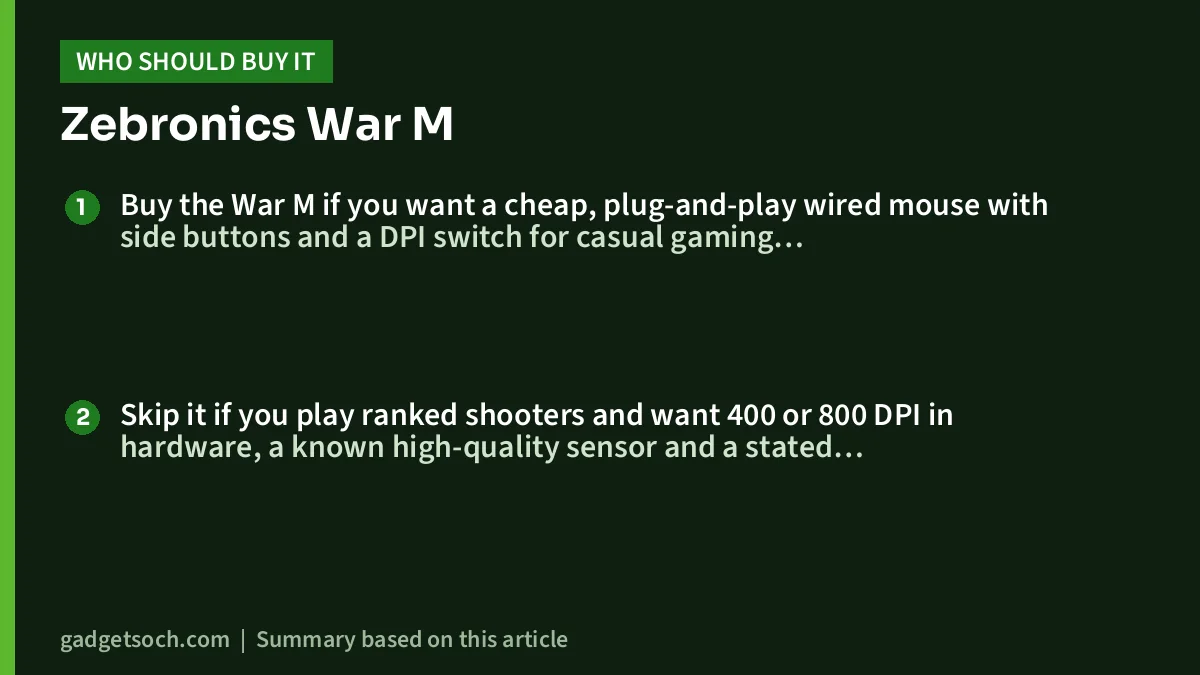
Buy the War M if you want a cheap, plug-and-play wired mouse with side buttons and a DPI switch for casual gaming, studies and office work.
Skip it if you play ranked shooters and want 400 or 800 DPI in hardware, a known high-quality sensor and a stated 1000Hz polling rate. Also skip it if you are left-handed, want software macros, or have large hands and use a palm grip.
Alternatives worth comparing
Logitech G102 Lightsync: according to its Amazon.in listing, it is a wired six-button mouse with an 8,000 DPI optical sensor, up to five DPI settings through Logitech G HUB software, LIGHTSYNC RGB lighting, a weight of 89g and a 2-year limited hardware warranty. It is the more flexible choice if you want software control.
Razer DeathAdder Essential: its Amazon.in listing describes a wired ergonomic mouse with a 6,400 DPI optical sensor, five programmable buttons and mechanical switches rated for 10 million clicks, with a 1-year warranty in India. It suits players who want an established ergonomic shape and higher-rated switches.
Portronics Vader: the Amazon.in listing shows a wired six-button mouse with a thumb rest, RGB effects, DPI steps of 1,000, 1,600, 3,200 and 6,400, a 1.5m cable and a 120g weight. It is a close match to the War M with a lower starting DPI and a thumb rest.
If you are ready to spend much more on a wireless esports mouse, our Logitech G PRO X Superlight 2 review covers a very different, premium class of mouse.
Before you order: a quick checklist
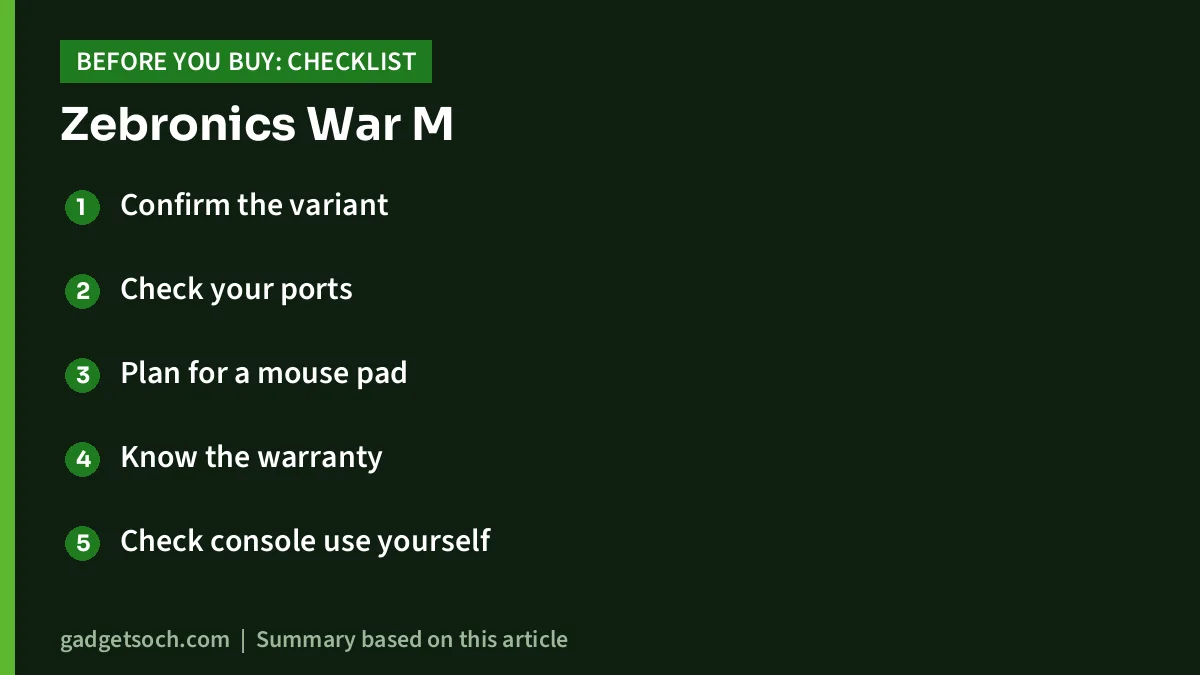
- Confirm the variant: the linked listing is the black ZEB-War M wired mouse; check the title and colour on the page before you pay
- Check your ports: it uses a standard USB plug, so USB-C-only laptops need an adapter
- Plan for a mouse pad: a cloth pad gives more consistent tracking than a bare or glossy desk
- Know the warranty: the listing states a 1-year carry-in warranty at a service centre, so keep the invoice and check where your nearest Zebronics service point is
- Check console use yourself: the listing mentions gaming consoles, but mouse support on consoles depends on the individual game
See the Zebronics War M (Black) on Amazon.in
Setting it up for the best experience
Plug the mouse into a USB port on the PC itself rather than a passive hub if you notice any stutter. Windows normally installs a generic driver automatically. Next, press the DPI button to choose a step, then fine-tune the pointer speed in Windows mouse settings. Many gamers turn off “Enhance pointer precision” in Windows for more consistent aim.
Frequently asked questions
What DPI levels does the Zebronics War M have?
Zebronics lists four levels, 1,400, 2,200, 2,600 and 4,200 DPI, selected with the dedicated DPI button on top of the mouse. There is no software for custom DPI values.
Does the Zebronics War M have RGB lighting?
No. It has a breathing LED effect that pulses slowly. Neither the official page nor the Amazon.in listing mentions RGB colour control or software for lighting.
Is the War M good for FPS games like Valorant?
It will work, but it is not ideal for serious play. The lowest hardware DPI is 1,400, the polling rate is not stated and the sensor is not named, so competitive players are better served by a mouse with a known sensor and lower DPI options.
What is the warranty on the Zebronics War M?
The Amazon.in listing states a 1-year carry-in warranty at a service centre. The Zebronics product page does not list a warranty period but links to a registration form, so keep your invoice and confirm the terms on the listing before buying.
Is the Zebronics War M optical or laser?
The official Zebronics page says optical, while the Amazon.in listing says laser. We go with the manufacturer’s description, but the sensor model itself is not published.
Will it work with a Mac or a USB-C laptop?
Zebronics does not list operating system support on its page, so Mac compatibility is not confirmed. A basic USB mouse usually works without drivers, but USB-C-only laptops will need an adapter.
Final word
The Zebronics War M is a simple wired gaming mouse with six buttons, four DPI steps and a long braided cable, fine for casual play, study and office work. If you want software control, a known sensor or lower DPI for shooters, the alternatives above are a better fit.
Check the current price of the Zebronics War M on Amazon.in
Related reading on GadgetSoch: Portronics Vader Pro Review: 1600 DPI Wireless Mouse With a Thumb Rest, Explained and Ant Esports Dock5 RGB Review: PS5 Stand, Cooler and Dual Charger, With Caveats.
Sources
- Zebronics: Zeb War M product page (checked 17 October 2026)
- Amazon.in listing for ASIN B0D2RHG5TK, title, feature bullets and technical details (captured 17 October 2026)
- Amazon.in listings for the Logitech G102 Lightsync (B08LT9BMPP), Razer DeathAdder Essential (B092R5MCB3) and Portronics Vader (B0CPYLGZTJ), used for the alternatives (captured 17 October 2026)