The Sony DualSense Edge is Sony’s official “pro” controller for the PlayStation 5. It keeps everything the standard DualSense does, including haptic feedback and adaptive triggers, and adds swappable back buttons, changeable stick caps, remappable inputs, adjustable stick and trigger settings, and on-the-fly control profiles. It also works on Windows PCs over USB or Bluetooth.
Is it worth it? For competitive players and anyone who wants to reach more actions without taking thumbs off the sticks, the Edge offers customisation the standard pad simply cannot. For casual players who are happy with the regular DualSense, the extra cost buys features they may never use, and Sony does not publish a battery-life figure to reassure long-session players.
Disclosure on method: this article draws on Sony’s official PlayStation India product page and the Amazon.in listing, checked on 17 October 2026. We have not used the controller ourselves, and we do not quote battery or performance test results.
Quick verdict
- Best for: competitive shooter, fighting and racing players, and anyone who wants back buttons and per-game profiles from an official Sony controller
- Skip if: you play casually, are happy with the standard DualSense, or need a published battery-life figure before buying
- Key strengths: two swappable back buttons in two styles, three sets of stick caps, adjustable stick sensitivity and dead zones, trigger dead zones, profiles switchable without leaving a game, full DualSense haptics and adaptive triggers, carrying case that allows charging, PC support
- Key limitations: no battery-life figure from Sony, replacement stick modules cost extra, some features on PC need USB and game support, function buttons on PC only swap stored profiles
What’s in the box
Sony’s PlayStation India page lists a generous bundle, which is part of what you pay for:
- DualSense Edge wireless controller
- USB braided cable
- 2 standard stick caps
- 2 high dome stick caps
- 2 low dome stick caps
- 2 half dome back buttons
- 2 lever back buttons
- Connector housing
- Carrying case (Sony says it allows USB charging while the controller is stored)
Key features and specifications
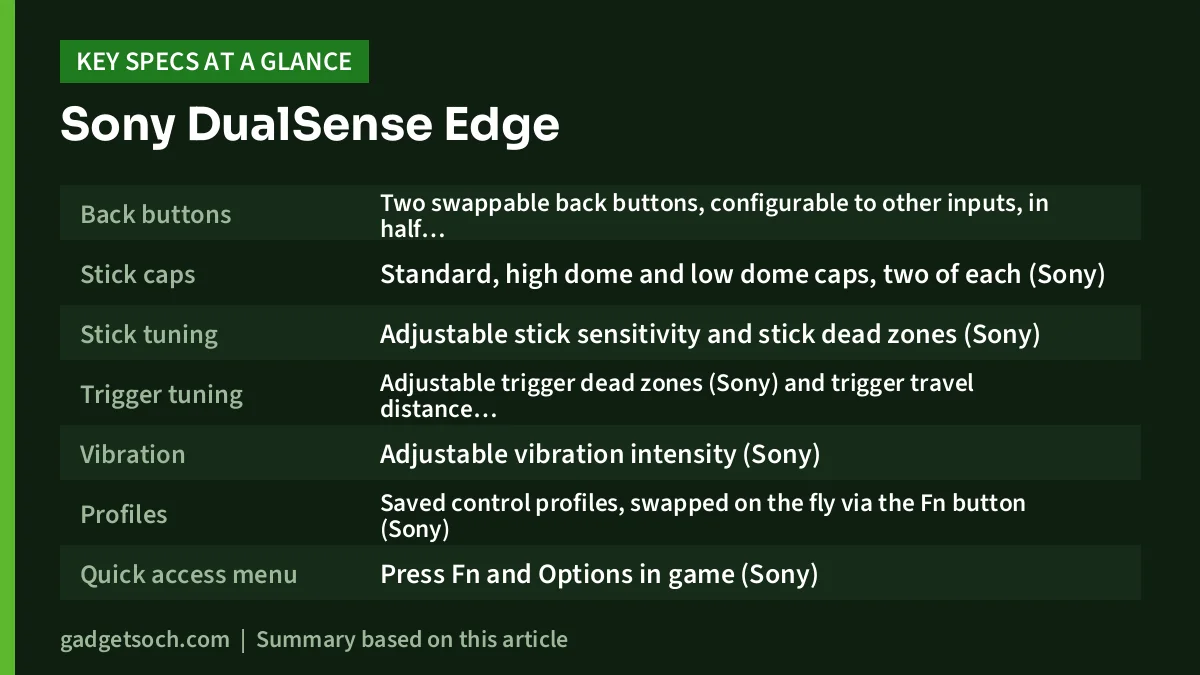
| Feature | DualSense Edge (source) |
|---|---|
| Back buttons | Two swappable back buttons, configurable to other inputs, in half dome and lever styles (Sony box contents, Amazon.in listing) |
| Stick caps | Standard, high dome and low dome caps, two of each (Sony) |
| Stick tuning | Adjustable stick sensitivity and stick dead zones (Sony) |
| Trigger tuning | Adjustable trigger dead zones (Sony) and trigger travel distance (Amazon.in listing) |
| Vibration | Adjustable vibration intensity (Sony) |
| Profiles | Saved control profiles, swapped on the fly via the Fn button (Sony) |
| Quick access menu | Press Fn and Options in game (Sony) |
| DualSense features | Haptic feedback, adaptive triggers, built-in microphone, motion controls in supported titles (Sony) |
| Stick modules | Replacement stick modules available to buy separately (Amazon.in listing) |
| Battery | Lithium-ion, included (Amazon.in listing). No battery-life figure published by Sony |
| Charging | USB braided cable included. Compatible with the DualSense Charging Station, sold separately (Sony) |
| Platforms | PS5, and Windows PC via USB or Bluetooth (Sony) |
| Listing size and weight | 6.9 x 18.8 x 18.9 cm and 500 g (Amazon.in listing, likely the packed size) |
Check the current price of the Sony DualSense Edge on Amazon.in
Back buttons: the main reason to buy it
On a standard controller, pressing face buttons such as jump, reload or crouch means lifting your right thumb off the aiming stick for a moment. The Edge’s two rear buttons sit under your middle fingers and can be mapped to other button inputs, so you can trigger those actions while keeping both thumbs on the sticks. In fast games, that small change is the most practical advantage the Edge has over the regular DualSense.
Sony includes two shapes of back button, half dome and lever, and they are swappable. The Amazon.in listing frames this as choosing an input type that suits your playstyle. Which you prefer is personal, which is why having both in the box matters.
Sticks, caps and replaceable modules
The Edge comes with three styles of stick cap: standard, high dome and low dome. Taller caps give finer movement for the same thumb travel, which some players like for aiming, while lower caps feel quicker. Swapping is a matter of taste, and having all three means you can experiment without buying anything.
The Amazon.in listing also notes that replacement stick modules are available to purchase separately. That is significant for long-term owners. Worn sticks are one reason controllers get retired, and a controller whose stick modules can be swapped is designed to be repaired rather than replaced. The modules are an extra cost, and their availability in India is something to check before you rely on it.
Triggers and stick tuning
Sony’s India page lists adjustable stick sensitivity, stick dead zones, trigger dead zones and vibration intensity. Dead zone settings decide how far you move a stick or trigger before the game registers input; reducing them can make controls feel more responsive, while increasing them can hide small unwanted movements.
The Amazon.in listing adds that you can set the travel distance of the triggers for faster inputs. Shorter trigger travel can help in shooters where you fire repeatedly, while full travel suits racing games that use the trigger as a gradual throttle. Sony’s India page does not describe this feature in detail, so treat the specifics as the listing’s description.
Profiles and the Fn button
All of these settings can be saved as control profiles. According to Sony, you can switch between profiles without leaving your game, and pressing the Fn button together with Options opens a quick access menu in game. In practice this means one profile for shooters, another for racing, and a default layout for everything else, each a button press away.
Profiles are stored on the controller, which matters if you move between a PS5 and a PC: Sony says the PlayStation Accessories app for Windows can update the controller’s firmware and fully edit existing profiles stored on it.
Everything from the standard DualSense
The Edge is not a stripped-down esports pad. Sony lists haptic feedback, adaptive triggers, a built-in microphone and motion controls, all available in supported titles, plus the same comfort as the standard DualSense with slip-resistant inner grips. If you are coming from the regular controller, the core feel and features carry over. For a closer look at the base model, read our Sony DualSense review.
Battery and charging
This is the area where buyers should be cautious. Sony’s India page does not publish a battery-life figure for the DualSense Edge, and the Amazon.in listing only confirms that a lithium-ion battery is included. Battery life has been discussed in press coverage: TheSixthAxis, for example, published an article headlined “DualSense Edge poor battery life is because of a much smaller battery”. We could not access that article’s full text, so we are not quoting any figures from it; check recent independent reviews if long sessions away from a cable matter to you.
Sony does give you charging options. The braided USB cable is included, the carrying case allows USB charging while the controller is stored, and the Edge is compatible with Sony’s DualSense Charging Station, which is sold separately.
Using it on a PC
Sony says the Edge connects to Windows PCs using the included USB cable or Bluetooth. Two footnotes are worth knowing. Haptic feedback and adaptive trigger effects may require a USB connection on PC and are only available when a game supports them. And on PC, the function buttons can only swap between profiles already stored on the controller; editing them requires the PlayStation Accessories app.
Who should buy it, and who should not
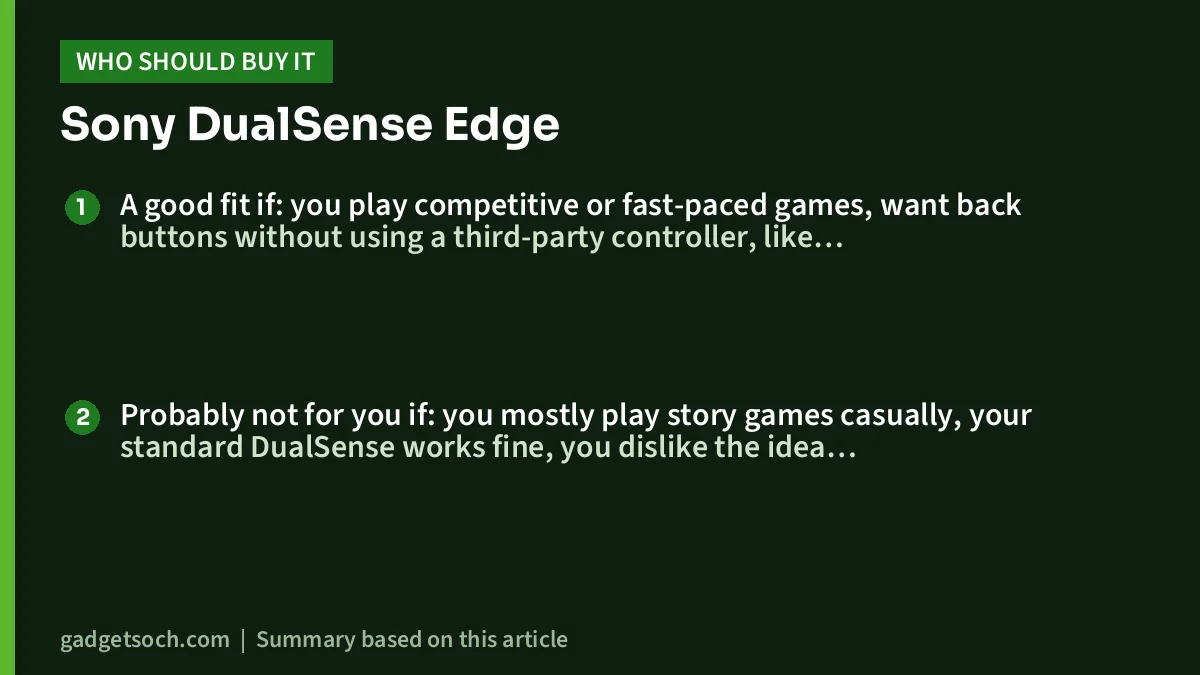
A good fit if: you play competitive or fast-paced games, want back buttons without using a third-party controller, like adjusting sensitivity and dead zones per game, or play on both PS5 and PC and want profiles to travel with the controller.
Probably not for you if: you mostly play story games casually, your standard DualSense works fine, you dislike the idea of paying extra for replaceable stick modules later, or battery life is your top priority and you want an official figure first.
Alternatives worth comparing
- Sony DualSense (standard): keeps haptic feedback, adaptive triggers, the built-in microphone and motion controls that Sony lists for the Edge, but without back buttons, swappable caps, profiles or replaceable stick modules. The sensible choice for most casual players
- Sony DualSense Charging Station: not a controller, but if your real frustration is charging rather than control layout, Sony’s dock charges up to two DualSense or DualSense Edge controllers without the console. Pair it with a standard DualSense for a lower-cost upgrade
- Ant Esports PS5 Powerstrike 5 Controller: a third-party PS5 controller listed on Ant Esports’ official site. Check its official specifications for back buttons, haptics and adaptive trigger support before comparing it with an official Sony pad
Before you order

Confirm the variant
The link on this page goes to the Amazon.in listing titled “Sony DualSense Edge Wireless Controller (PlayStation 5)”. The listing title does not name a colour, so check the images and the seller details to confirm you are getting the genuine Sony DualSense Edge you expect.
Check the box contents on arrival
Use Sony’s list above as a checklist: controller, braided cable, six stick caps, four back buttons, connector housing and carrying case. Missing parts are easier to resolve if you report them quickly.
Warranty and service
Check the warranty terms on the Amazon.in listing and keep your invoice. Ask the seller or Sony India support about the availability of replacement stick modules if long-term repairability is a reason you are buying the Edge.
See the Sony DualSense Edge Wireless Controller on Amazon.in
Frequently asked questions
Does the DualSense Edge work on PC?
Yes. Sony says it connects via the included USB cable or Bluetooth on Windows PCs, with the PlayStation Accessories app for firmware updates and profile editing. Haptics and adaptive triggers on PC may need USB and game support.
Can I replace the sticks if they wear out?
According to the Amazon.in listing, replacement stick modules are available to purchase separately. Check their availability in India before buying.
What is the battery life of the DualSense Edge?
Sony does not publish a battery-life figure on its India page. Check recent independent reviews if this matters to you.
Can I charge it with the DualSense Charging Station?
Yes. Sony’s DualSense Edge page names the DualSense Charging Station, sold separately, as compatible.
How many back buttons does it have?
Two, and Sony includes two styles for each position: half dome and lever.
Bottom line
The Sony DualSense Edge is the most customisable official PS5 controller: back buttons, three cap styles, tunable sticks and triggers, instant profile switching and replaceable stick modules, all without losing haptics or adaptive triggers. Its weak spots are the lack of an official battery-life figure and extra costs for replacement modules. Competitive and enthusiast players get real benefits; casual players are better served by the standard DualSense.
Check the current price of the Sony DualSense Edge on Amazon.in
Related reading on GadgetSoch: Ant Esports GP110 Review: A Simple Wired Gamepad for PC, PS3 and Android, ARcNet APS-4 PS4 Controller Review: A Budget Third-Party Pad, Not a DualShock 4 and Sony PS5 Slim 1TB Review (India): Still Worth Buying Before the 2028 Digital Switch?.
Sources
- PlayStation India: DualSense Edge wireless controller (features, box contents, PC support, charging station compatibility; checked 17 October 2026)
- PlayStation: DualSense Charging Station (alternative facts; checked 17 October 2026)
- TheSixthAxis: “DualSense Edge poor battery life is because of a much smaller battery” (headline only; full text not accessed)
- Ant Esports gaming accessories (Powerstrike 5 listing; checked 17 October 2026)
- Amazon.in listing for ASIN B0BMPLHLZ9 (title, feature bullets, technical details; captured 17 October 2026)