
The Bouncefit D116 (listed on Amazon.in as the “Bouncefit M I D116 Fitness Band Smart Watch”) is a very basic square fitness band that shows step counts, heart rate and phone notifications, and charges by plugging its built-in USB connector straight into a charger or laptop. It cannot make or take calls, has no GPS, and uses a single touch button instead of a full touchscreen. It makes sense only as a simple first tracker, for a child or teenager, or as a cheap notification band; anyone who wants calling, reliable health data or long battery life should look elsewhere.
The exact listing this article links to is the Black version with a black silicone strap. Bouncefit does not appear to publish an official product page we could open, so this article is based on the Amazon.in listing data captured on 17 October 2026, which is seller-provided information, plus general buyer guidance. We have not tested the Bouncefit D116 hands-on, and we found no independent review of this model, so every feature below is the listing’s claim unless stated otherwise.
Quick verdict
- Best for: kids, teenagers and first-time users who want step counts, time and notification alerts on the wrist with no fuss
- Skip if: you want Bluetooth calling, GPS, accurate health readings, a full touchscreen or multi-day battery life you can rely on
- Key strengths: no separate charger needed (built-in USB plug), works with Android and iOS through the FitPro app, light silicone strap, notification alerts for calls, SMS and social apps
- Key limitations: no calling, no GPS, single-touch control only, no published IP or ATM water rating, confusing battery and memory figures on the listing, health readings are not medical-grade
What the Amazon.in listing says: key specifications
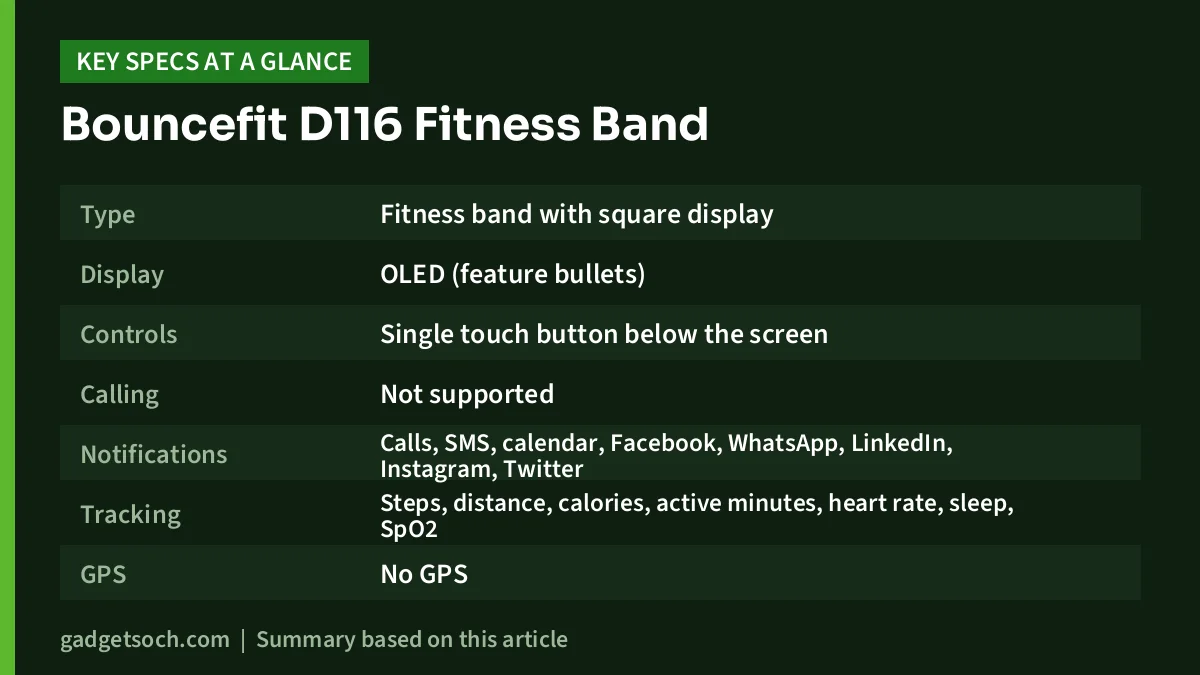
| Item | According to the Amazon.in listing | Comment |
|---|---|---|
| Type | Fitness band with square display | Called a “smart watch” in the title |
| Display | OLED (feature bullets) | No size or resolution given |
| Controls | Single touch button below the screen | “Full screen touch is not available” |
| Calling | Not supported | Call alerts only |
| Notifications | Calls, SMS, calendar, Facebook, WhatsApp, LinkedIn, Instagram, Twitter | Shown on the band |
| Tracking | Steps, distance, calories, active minutes, heart rate, sleep, SpO2 | Also lists “blood pressure monitor” |
| GPS | No GPS | Distance is estimated |
| App | FitPro | Android and iOS |
| Charging | Built-in USB plug, no charger in the box | About 2 hours to charge |
| Battery | Lithium-ion, 150mAh (one field says 100) | Average life field says “1 Days” |
| Water resistance | “Water resistant”, 10 metres depth field | No IP or ATM rating stated |
| Build | Plastic case, silicone strap, hook buckle | |
| Colour on this listing | Black, black strap | Confirm before ordering |
Check the current price of the Bouncefit D116 (Black) on Amazon.in
Read this first: no calling, no full touchscreen
The listing itself is unusually upfront about two things, and they are the two most likely reasons for disappointment. First, it says in capitals that there is no calling feature. The Bouncefit D116 shows that a call is coming in, but you cannot answer it or talk through the band. Many budget smartwatches in India now include Bluetooth calling with a built-in microphone and speaker, so if that is what you want, this is the wrong product.
Second, the screen is not a full touchscreen. The listing describes a “single touch interface”: you tap a circle below the screen to move through the menus. That is simple and hard to trigger by accident, which suits children, but it is slower than swiping and you cannot type, reply to messages or use a dial pad.
Tracking and health features: useful as a nudge, not as medical data
According to the listing, the D116 tracks steps, distance, calories burned and active minutes, with a heart-rate sensor, sleep monitoring, a sedentary reminder and alarms. It lists blood oxygen (SpO2) among the measured metrics and also mentions a “blood pressure monitor”.
For steps and general activity, a band like this can be a helpful daily nudge to move more. Because there is no GPS, distance is estimated from your steps rather than measured, so treat it as approximate, particularly for running.
The health readings need more caution. The listing gives no information on sensor accuracy, and we found no independent testing of this model. Blood pressure in particular normally requires an inflatable cuff; budget wrist bands that claim blood pressure readings should not be used to make any health decision. If you or a family member needs to monitor blood pressure or oxygen levels, use a proper upper-arm BP monitor or a fingertip pulse oximeter and follow a doctor’s advice. Use the Bouncefit D116’s numbers only as rough trends.
Display and design
The feature bullets mention an OLED display, which generally means good contrast for showing the time and simple icons. The listing does not give the display size, resolution or brightness, so we cannot say how readable it is in direct sunlight.
The body is plastic with a black silicone strap and a hook buckle, and the listing describes the shape as square. A light plastic band with a soft strap is comfortable for children and for wearing to bed.
Charging without a charger: how the built-in USB plug works
This is the Bouncefit D116’s most unusual feature. The listing says there is no charger in the box because the band has a built-in USB connector, marked by a yellow strip on the watch head. You plug it directly into any standard USB mobile charger, a laptop or PC, or a power bank. The listing gives a charge time of 2 hours and describes it as quick charge.
In practice, that is convenient: there is no proprietary cable to lose, and any USB-A port at home, at school or at the office can top it up. A few sensible habits will keep it working for longer:
- Make sure the band and connector are completely dry before you plug it in, especially after washing your hands or sweating.
- Use a standard mobile charger or a computer port rather than a high-power fast charger, since the band needs very little power.
- Insert it straight and gently; a bent connector is hard to repair.
- If your charger only has USB Type-C ports, you will need a small Type-C to USB-A adapter, because the listing describes a standard USB connection.
Battery life: the listing is unclear
The listing gives the battery as lithium-ion, with a capacity of 150mAh in one field and a “Battery Power” figure of 100 in another. Its “Battery Average Life” field says “1 Days”. No other battery-life claim appears in the title or the feature bullets.
We cannot tell whether that one-day figure is accurate or a listing error, and there is no independent test to check it against. The safe assumption is that you may need to charge it often, so it suits people who can plug it in at a desk or at bedtime. If long battery life is your priority, a screenless band such as the Pebble Qore 2 (claimed 45 days on Pebble’s official page) is in a very different league.
Water resistance
The listing calls the band “water resistant” and includes a “10 metres” water-resistance depth field, but it does not state an IP rating or an ATM rating. Without one of those, we would treat it as safe for sweat, rain and hand-washing, not for swimming, bathing or hot showers. A band whose charging connector is built into the body is best kept away from soaking water in any case.
Setting it up with the FitPro app
The listing names FitPro as the companion app and says the band works with Android and iOS phones. A typical setup looks like this:
- Charge the band fully before first use.
- Install the FitPro app from the Google Play Store or Apple App Store.
- Turn on Bluetooth and location permission on your phone, then pair the band from inside the app (usually not from the phone’s Bluetooth menu).
- On Android, allow the app notification access and remove it from battery optimisation, or notifications may stop arriving when the app is closed.
- Choose which apps (WhatsApp, SMS, Instagram and so on) should send alerts to the band.
Who should buy it, and who should skip it
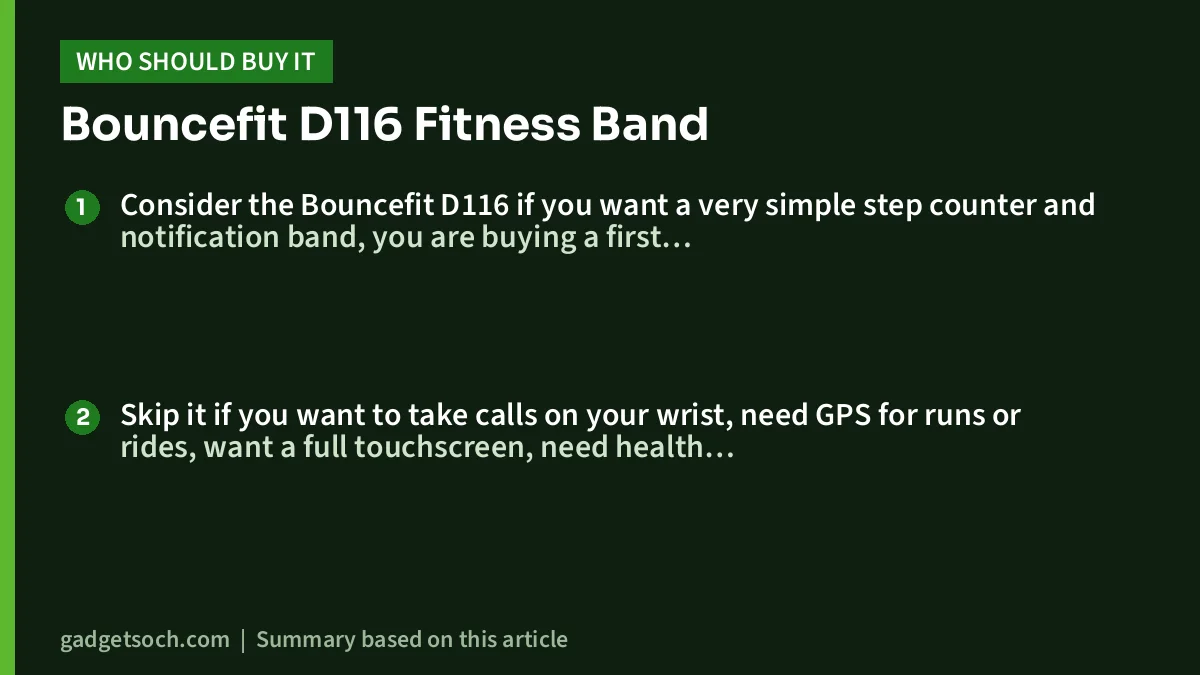
Consider the Bouncefit D116 if you want a very simple step counter and notification band, you are buying a first tracker for a child or teenager, or you like the idea of charging from any USB port without carrying a cable.
Skip it if you want to take calls on your wrist, need GPS for runs or rides, want a full touchscreen, need health readings you can trust, or want a battery that lasts a week or more. You should also skip it if you plan to swim with it, since no IP or ATM rating is given.
Alternatives worth comparing
- Pebble Qore 2: a screenless band with a metal body. Pebble’s official page lists heart rate, SpO2, HRV, body temperature, stress and sleep tracking, a 5ATM rating and a claimed 45-day average battery life. Good if you want long battery life and do not need a screen.
- Noise Pulse 2 Max: a large 1.85-inch smartwatch with Bluetooth calling, IP68 dust and water resistance and a claimed battery life of up to 10 days, per Noise’s specifications.
- Fire-Boltt Phoenix Pro: a round 1.39-inch smartwatch with Bluetooth calling through a built-in microphone and speaker and an IP67 rating.
If wrist calling is what you are after, our guide to the best budget smartwatches with Bluetooth calling compares five options we have covered.
What to check before you order

- Variant: this link is for the Black band with a black strap. Check the colour on the listing before paying.
- Calling: the listing clearly says there is no calling feature; do not order expecting one.
- Charger: none is included. You need a USB-A charger, laptop or power bank.
- Phone compatibility: the band works through the FitPro app; check that the app supports your phone’s Android or iOS version in the app store before ordering.
- Warranty: the listing gives the warranty type only as “Limited”. Check the seller’s warranty and return terms on the listing and keep your invoice.
See the Bouncefit D116 Black fitness band on Amazon.in
Frequently asked questions
Can I take calls on the Bouncefit D116?
No. The Amazon.in listing states there is no calling feature. The band only shows incoming call and message notifications.
How do I charge the Bouncefit D116?
The band has a built-in USB connector, marked by a yellow strip on the watch head, according to the listing. Plug it directly into a USB mobile charger, laptop, PC or power bank. No charger comes in the box.
Which app does the Bouncefit D116 use?
The listing names the FitPro app and says the band works with both Android phones and iPhones.
Can I swim with it?
The listing calls it water resistant but gives no IP or ATM rating, so we would not swim, bathe or shower with it.
Is the blood pressure reading accurate?
There is no published accuracy data for this band. Treat blood pressure, heart rate and SpO2 figures as rough trends only, and use a validated cuff monitor or pulse oximeter for health decisions.
Final word
The Bouncefit D116 is a very basic band: step counting, notification alerts, a single touch button and a clever plug-in charging design. The listing is honest that it has no calling and no full touchscreen, but its battery and water-resistance details are vague. Buy it only if those limits suit a simple, low-stakes use such as a child’s first tracker.
Check the current price of the Bouncefit D116 on Amazon.in
Related reading on GadgetSoch: Noise Pulse 2 Max Review: 1.85-inch Calling Smartwatch, Specs and Limits and Noise Twist Go Review: Round Metal Smartwatch with Bluetooth Calling, Explained.
Sources
- Amazon.in listing for ASIN B0D95TMQ3M (title, feature bullets and technical details), captured 17 October 2026
- Pebble: Qore 2 official product page, checked 17 October 2026 (for the alternative)
- GadgetSoch reviews of the Noise Pulse 2 Max and Fire-Boltt Phoenix Pro (for the alternatives’ specifications)




