The Ant Esports GP130 is a basic wired USB gamepad for Windows PCs, laptops, the PS3 and Android-based TVs and boxes. If you want a simple plug-in controller with dual vibration, two analog sticks and a turbo function, and you do not need wireless play or software customisation, the GP130 covers the essentials. If you want Bluetooth, a rechargeable battery or drift-resistant Hall Effect sticks, look at a wireless model instead.
This review covers the Black wired version sold on Amazon.in under the title “Ant Esports GP130 Wired Gamepad for PC, PS3, Android TV, Laptop”. It is aimed at budget PC players, people who want a second pad for local multiplayer, and anyone who wants to play controller-friendly games on an Android TV.
Please note: this article is based on Ant Esports’ official product page and the Amazon.in listing, both checked on 17 October 2026. It is not based on hands-on testing by gadgetsoch, and we did not find an independent in-depth review of the GP130 to cite, so real-world feel and durability are not covered here.
Quick verdict
- Best for: PC and laptop gamers who want an inexpensive wired controller, and Android TV owners who want to try controller-based games
- Skip if: you need wireless play, a phone clip, Hall Effect sticks or a companion app for remapping
- Key strengths: dual vibration, X-Input and D-Input modes plus an Android mode (per the Amazon.in listing), turbo button, PlayStation-style symmetrical stick layout, 1-year limited warranty from Ant Esports
- Key limitations: wired only, no software support, cable length and supported Windows versions are not stated on the official page or the listing
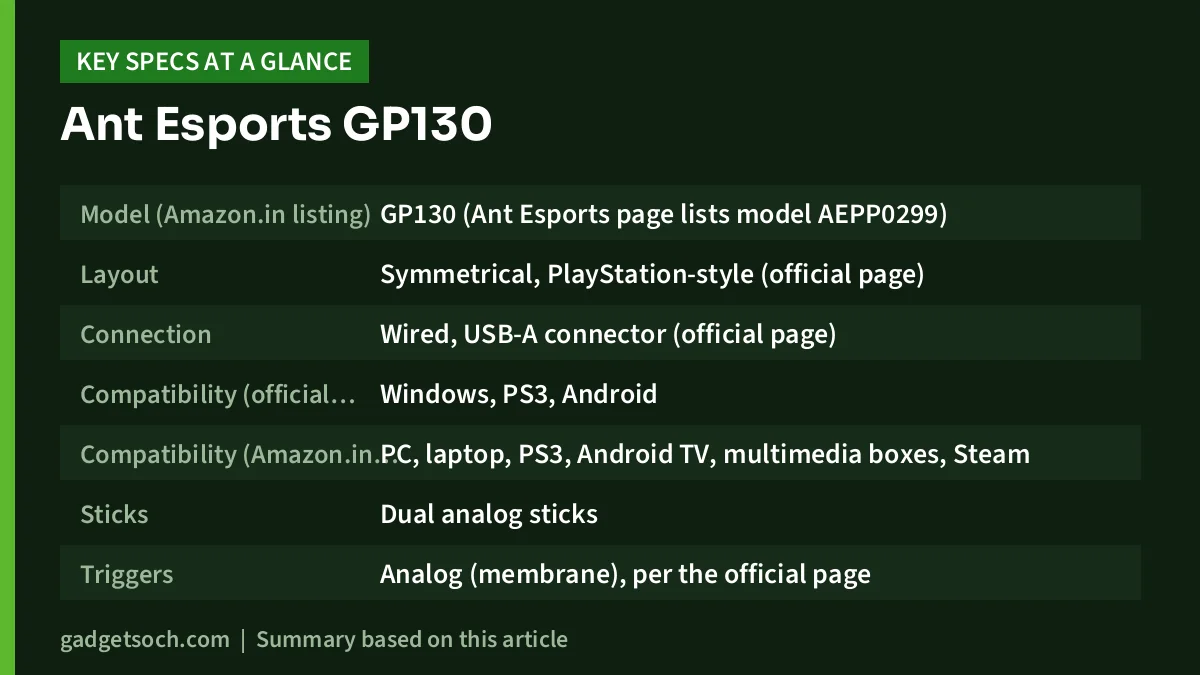
Ant Esports GP130 key specifications
| Specification | Ant Esports GP130 (Black, wired) |
|---|---|
| Model (Amazon.in listing) | GP130 (Ant Esports page lists model AEPP0299) |
| Layout | Symmetrical, PlayStation-style (official page) |
| Connection | Wired, USB-A connector (official page) |
| Compatibility (official page) | Windows, PS3, Android |
| Compatibility (Amazon.in listing) | PC, laptop, PS3, Android TV, multimedia boxes, Steam |
| Sticks | Dual analog sticks |
| Triggers | Analog (membrane), per the official page |
| Buttons | 14 buttons and an 8-way D-pad (Amazon.in listing) |
| Modes | X-Input, D-Input and Android via a mode switch key (Amazon.in listing) |
| Extra functions | Turbo mode (Amazon.in listing) |
| Vibration | Dual vibration |
| Software support | No (official page) |
| Size and weight | 15.5 x 9.8 x 5.8 cm, 189 g (Amazon.in listing) |
| Warranty | 1 year limited (official page) |
Check the current price of the Ant Esports GP130 (Black) on Amazon.in
Design and layout: a PlayStation-style shape
Ant Esports describes the GP130’s layout as “Symmetrical (PS)”. That means the two analog sticks sit side by side at the bottom of the controller, as on a PlayStation DualShock, rather than staggered as on an Xbox pad. Which layout feels better is personal, so think about which controller you have held most.
The official page mentions dedicated ABXY face buttons. That helps on a PC, where most games show Xbox-style A, B, X and Y prompts.
According to the Amazon.in listing, the grips have contoured handles and a textured anti-slip surface, and the controller measures 15.5 x 9.8 x 5.8 cm and weighs 189 g. That is a light controller, which suits younger players and anyone who plays in short sessions, but we cannot comment on how the plastics or buttons feel because we have not handled one.
One inconsistency to be aware of: the official product description mentions an RGB light on/off switch, while the specification table on the same page lists lighting as “NA”. The Amazon.in listing does not mention RGB lighting at all. Do not buy the GP130 for lighting effects, and check the listing photos if this matters to you.
Connection and modes: why X-Input and D-Input matter
The GP130 is wired and plugs into a USB-A port. Being wired has practical advantages: there is no battery to charge or wear out, no pairing, and no wireless interference. The trade-off is that you are tethered, so a short cable can be a problem if your PC sits under a desk or your TV’s USB port is behind the panel. Neither Ant Esports nor the Amazon.in listing states the cable length, so measure the distance from your seat to the USB port and plan for a USB extension cable if needed.
According to the Amazon.in listing, a mode switch key toggles between X-Input, D-Input and Android modes. This is the single most useful feature on a budget PC pad, and it is worth understanding:
- X-Input is the controller standard Microsoft created for the Xbox 360 pad on Windows. Most modern PC games and Steam titles expect it, so this is the mode you will use most of the time.
- D-Input (DirectInput) is an older Windows standard. Some older games, emulators and PS3 setups work with it, and some games only detect a controller in this mode.
- Android mode is for Android TVs and TV boxes, where the pad acts as a standard Android game controller.
If a game does not respond to the controller, the first thing to try is switching modes. On Steam, you can also enable Steam Input in the controller settings, which lets Steam translate the pad’s input for games with poor native support.
Vibration, turbo and triggers
Both the official page and the listing confirm dual vibration. In games that support rumble, this gives a feel for impacts, engine revs and explosions. Vibration only works when the game sends rumble commands and the controller is in a mode the game recognises, which usually means X-Input on a modern PC.
The listing also mentions a turbo mode. Turbo repeats a button press rapidly while you hold it down, which helps in older arcade games, shoot-’em-ups and some fighting games. Most modern games do not need it.
Ant Esports lists the triggers as “Analog (Membrane)”. In practice, whether a game reads a gradual trigger press (useful for throttle and braking in racing games) depends on the game and the input mode. If racing games are your main use, check the product questions on the listing or ask the seller before ordering.
Compatibility: PC, PS3 and Android TV
The official page lists Windows, PS3 and Android. The Amazon.in listing adds laptops, Android TV, multimedia boxes and Steam, and says the pad is plug and play with no driver installation on Android TV. Some practical points:
- Windows PC and laptop: the most common use. Neither source lists which Windows versions are supported, so if you are on an older system, confirm with the seller.
- PS3: listed on both sources. It is a useful spare pad for an old PS3 kept for retro games.
- Android TV and TV boxes: the TV or box needs a USB port that accepts input devices. Many Android TV games and emulators support a standard gamepad.
- PS4, PS5, Xbox and Nintendo Switch: not listed by Ant Esports or the listing. Do not assume it will work on these consoles.
- Phones: the official page says Android, but the GP130 has no phone holder. You would need a USB OTG adapter and a stand, which makes it awkward for mobile gaming.
Who should buy the GP130, and who should skip it
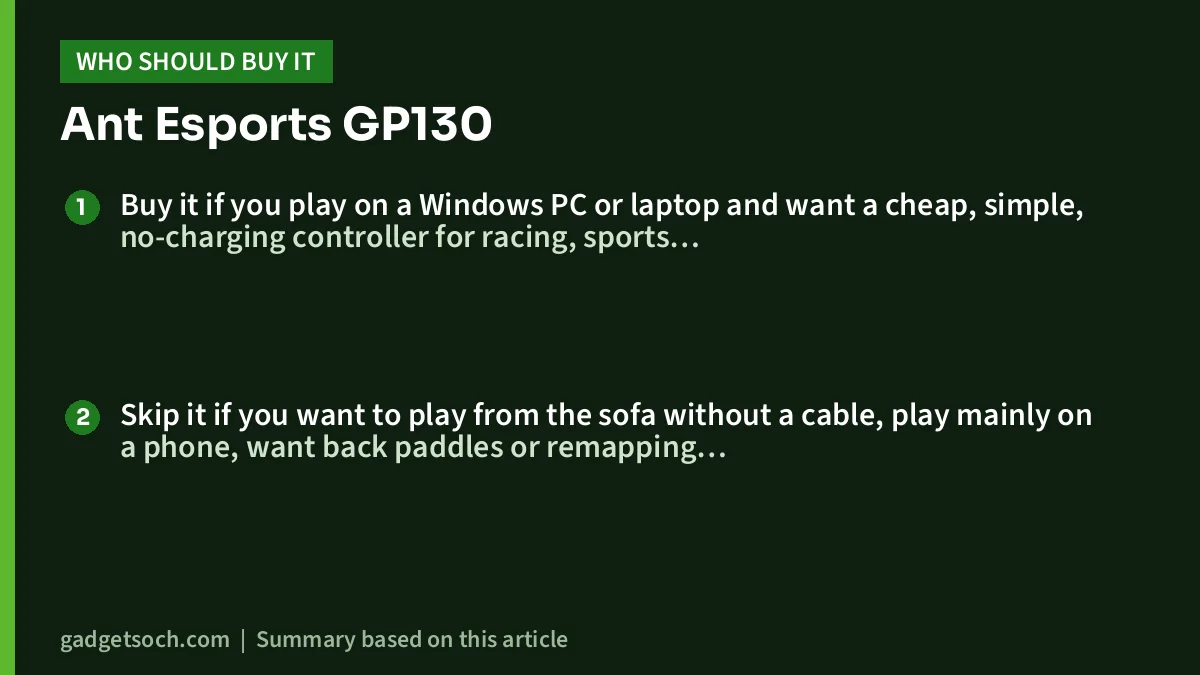
Buy it if you play on a Windows PC or laptop and want a cheap, simple, no-charging controller for racing, sports, platformers or emulated games. It also makes sense as a second pad for split-screen games with a friend, or for an old PS3 or an Android TV.
Skip it if you want to play from the sofa without a cable, play mainly on a phone, want back paddles or remapping software (the official page lists software support as “No”), or care about stick drift over the long term. Budget pads with conventional potentiometer sticks can develop drift with heavy use, which is why Hall Effect controllers have become popular.
Alternatives worth comparing
- Amazon Basics USB Gamepad (ABPC-01): another wired budget pad with turbo, dual vibration and X-Input and D-Input modes. Its Amazon.in listing states a 1-metre cable and lists Windows 7, 8, 8.1 and 10 and PS3 support, so you know the cable length in advance.
- Ant Esports GPL300: Ant Esports’ other wired PC controller. Its official page lists dual vibration and compatibility with Windows 11, 10, 8 and 7, PS3, Android TV boxes and Steam, with a 1-year warranty, so it is the one to check if you want Windows 11 named on the spec sheet.
- Ant Esports Supernova Tri-Mode: if you want to go wireless, Ant Esports’ official page lists Bluetooth plus a 2.4G USB dongle, Hall Effect joysticks, a 1000mAh battery rated for up to 20 hours and support for PC, PS4, PS3, Steam Deck, Android, iOS and Mac.
- Sony DualSense: a much more premium option if you also own a PS5. It works over USB-C or Bluetooth and also supports Windows, macOS, Android and Apple devices, as covered in our Sony DualSense review.
What to check before you order
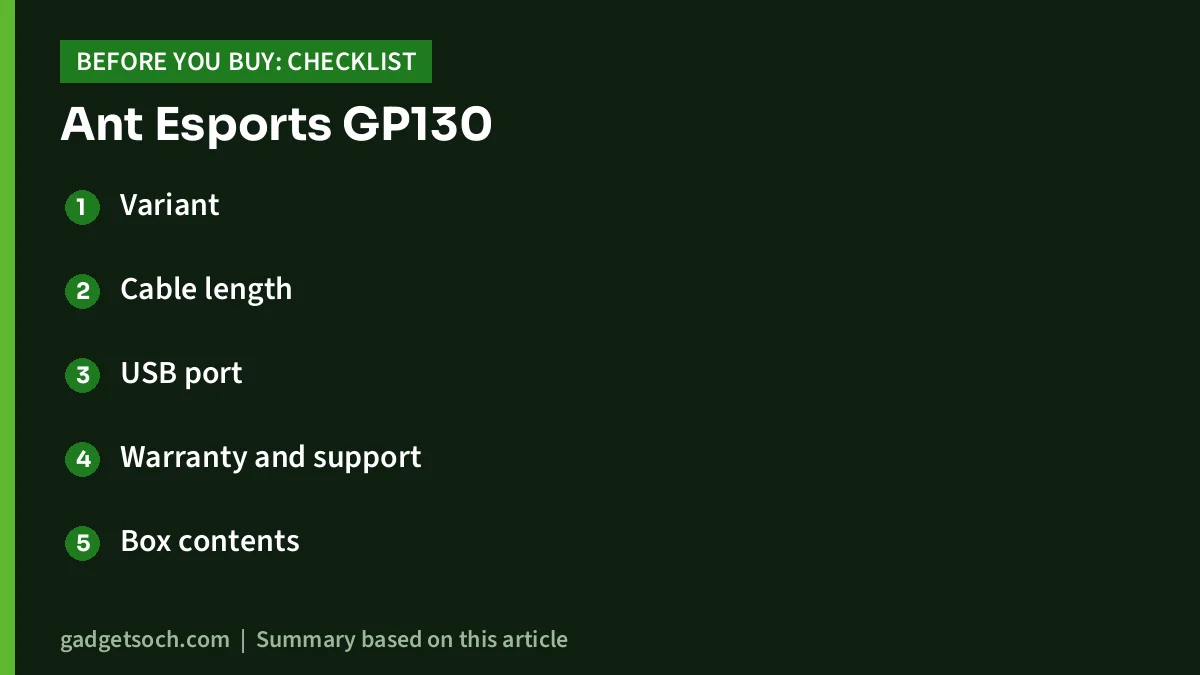
- Variant: the link on this page opens the Black GP130 wired gamepad. Confirm the title and colour on the listing before you pay.
- Cable length: not stated, so measure your setup and keep a USB extension cable in mind.
- USB port: the GP130 uses a USB-A plug. Laptops with only USB-C ports need an adapter.
- Warranty and support: Ant Esports states a 1-year limited warranty. Keep the invoice, and check the seller name on the listing so a warranty claim is straightforward.
- Box contents: neither source lists the box contents, so do not expect extras such as an adapter.
See the Ant Esports GP130 Black wired gamepad on Amazon.in
How to set up the GP130 on a Windows PC
Plug the controller into a USB-A port and wait a few seconds for Windows to detect it. Open a game that supports controllers. If nothing happens, press the mode switch key to change to X-Input and try again. In Steam, go to Settings, then Controller, and check whether the pad appears. You can turn on Steam Input for generic gamepads there and test buttons and sticks before you play.
Frequently asked questions
Does the Ant Esports GP130 work on Windows 11?
Ant Esports’ page lists “Windows” without naming versions, and the Amazon.in listing mentions Windows and Steam. Neither source specifically names Windows 11. Most X-Input pads are recognised by current Windows versions, but if this is critical for you, confirm with the seller or Ant Esports support.
Is the GP130 wireless?
No. The GP130 is a wired controller with a USB-A connector. It has no Bluetooth and no battery.
Does the GP130 work on PS4 or PS5?
PS4 and PS5 are not listed by Ant Esports or the Amazon.in listing. Only PS3 is listed among PlayStation consoles.
Can I use the GP130 with an Android phone?
Ant Esports lists Android compatibility, and the listing mentions an Android mode, but the GP130 has no phone clip. You would need a USB OTG adapter and a phone stand. A controller designed for phones is more convenient for mobile gaming.
Final verdict
The Ant Esports GP130 is a straightforward wired controller: a PlayStation-style layout, dual vibration, a turbo button and X-Input, D-Input and Android modes according to the listing, backed by a 1-year limited warranty. It is a sensible pick for budget PC gaming, emulators, a spare PS3 pad or an Android TV, as long as you accept the cable and the lack of software. Gaps in the published information, such as cable length and named Windows versions, are worth checking before you buy.
Check the current price of the Ant Esports GP130 on Amazon.in
Related reading on GadgetSoch: Kreo Surge XB Review: Tri-Mode Hall Effect Controller for PC and Android, Explained and Kreo Mirage Review: Hall Effect Wireless Controller for PC, Mobile and PS4.
Sources
- Ant Esports GP130 Wired Gamepad – Black, official product page (checked 17 October 2026)
- Amazon.in listing for the Ant Esports GP130 Wired Gamepad, ASIN B0FGCMF7GN (checked 17 October 2026)
- Ant Esports GPL300 Wired PC Controller, official product page (checked 17 October 2026)
- Ant Esports Supernova Tri-Mode Wireless Gamepad, official product page (checked 17 October 2026)
- Amazon.in listing for the Amazon Basics USB Gamepad, ASIN B0FDR9KH87 (checked 17 October 2026)